CS Login
CS Login
Description
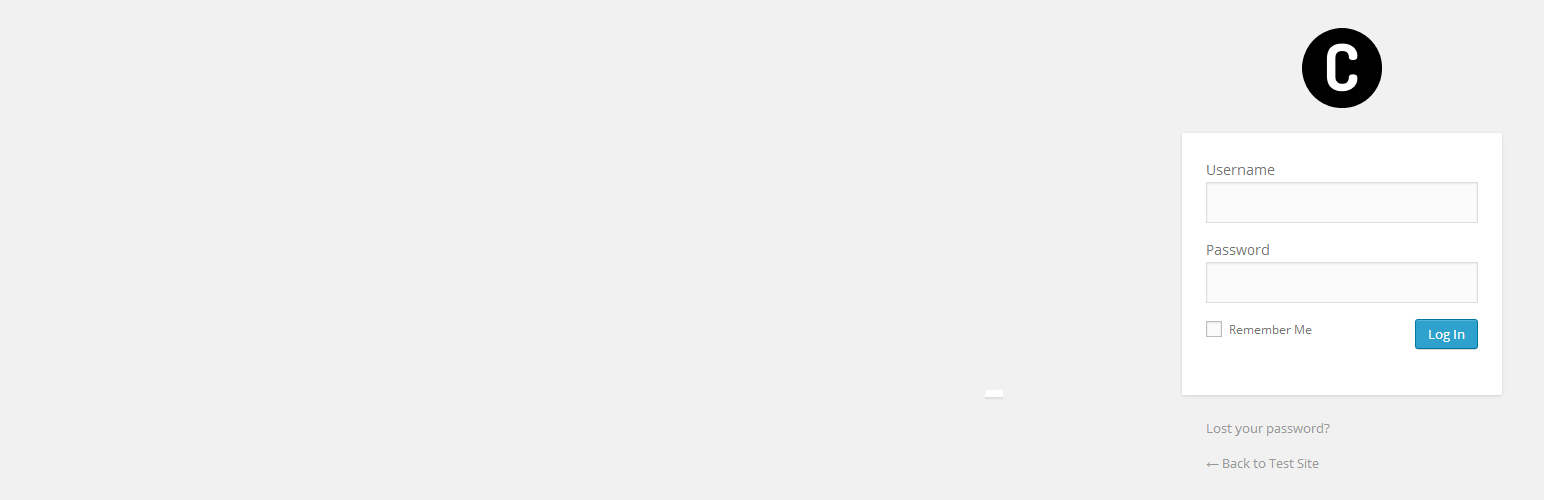
A plugin that allows the user to change the logo of the login screen easily from the admin panel. At the bottom of the Settings -> General page you will find a
Login Logo section with a upload button and a width textbox. You can change the login logo from there. The WordPress way.
Installation
Upload the cs-login plugin to your blog, Activate it.
1, 2: You’re done!
Screenshots

How the configuration Setings->general Page looks with the plugin options.

How it looks in the admin.
Faq
How to configure?
In General Settings, under general, at the very bottom, you have 1 upload button for the image. Once you save settings the image placed there will replace the login wp logo.
Reviews
Changelog
0.5
- First Version 0.5 upload
- Settings Upload & height Fields
0.5.1
*Removed the height textbox, it is now done automaticaly from the image size