CT Commerce Lite PayPal

CT Commerce Lite PayPal
Description
Accept PayPal payments with CT Commerce Lite ecommerce platform.
To get your PayPal Client ID, follow these steps:
1.  Log in to your PayPal Developer account at developer.paypal.com.
2.  Go to the Dashboard.
3.  Under My Apps & Credentials, click on Create App.
4.  Name your app and select a sandbox or live environment.
5.  After creating the app, you will see your Client ID and Client Secret.
Integrations
- Addon uses Paypal script to load paypal functionalities from https://www.paypal.com/sdk/js
Installation
This section describes how to install the plugin and get it working.
e.g.
- Upload the plugin files to the
/wp-content/plugins/ctcl-paypaldirectory, or install the plugin through the WordPress plugins screen directly. - Activate the plugin through the ‘Plugins’ screen in WordPress
- Setting section will be available under Billing Tab of CTC Lite Admin panel
- Fill the applicable fields
Screenshots
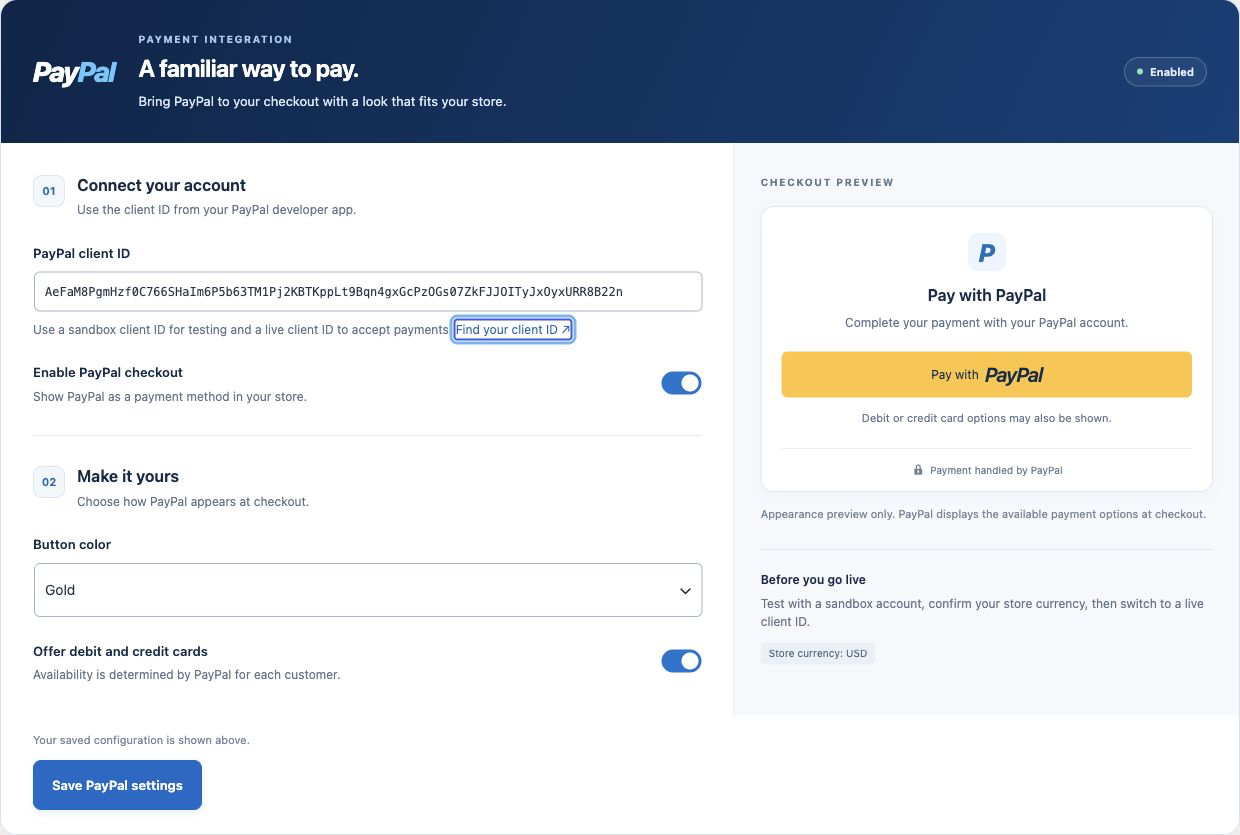
PayPal settings with account setup, checkout controls, and a live button appearance preview.
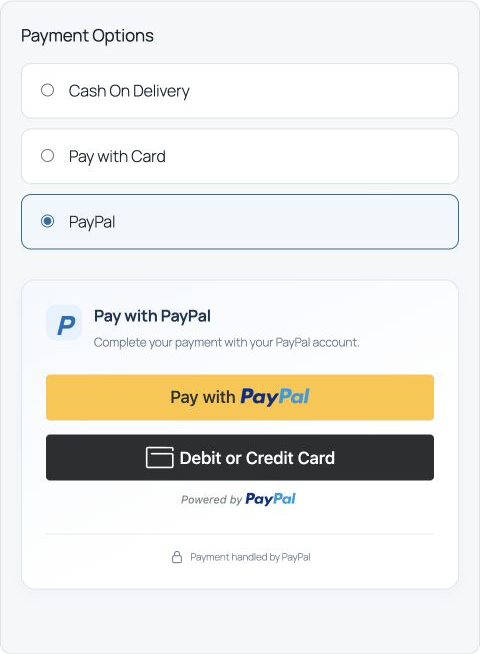
Desktop checkout with PayPal and debit or credit card payment options.
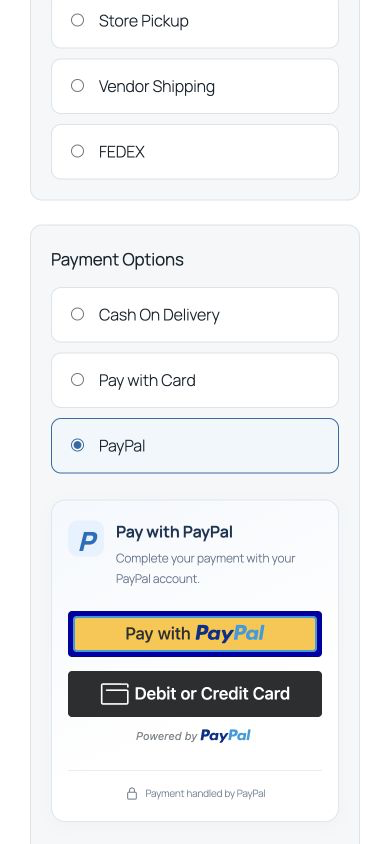
Responsive PayPal checkout on a mobile screen.
Reviews
Changelog
1.2.0
- Redesigned PayPal settings with account guidance, accessible switches, status, and a live appearance preview.
- Skip duplicate shipping address collection in PayPal; use the address collected by CT Commerce Lite.
- Added a responsive checkout card, loading, cancellation, and payment error messages.
- Fixed missing error display and blocked unpaid submission when PayPal is already selected.
- Validate checkout fields and totals before opening PayPal; submit only after a completed capture.
- Sanitize saved values, escape settings output, and preserve configuration during deactivation.
- Initialize after dependency plugins and translations are available.
- Added a Settings link and versioned local assets.
=1.0.0=
*First Stable version