Currency Converter Calculator
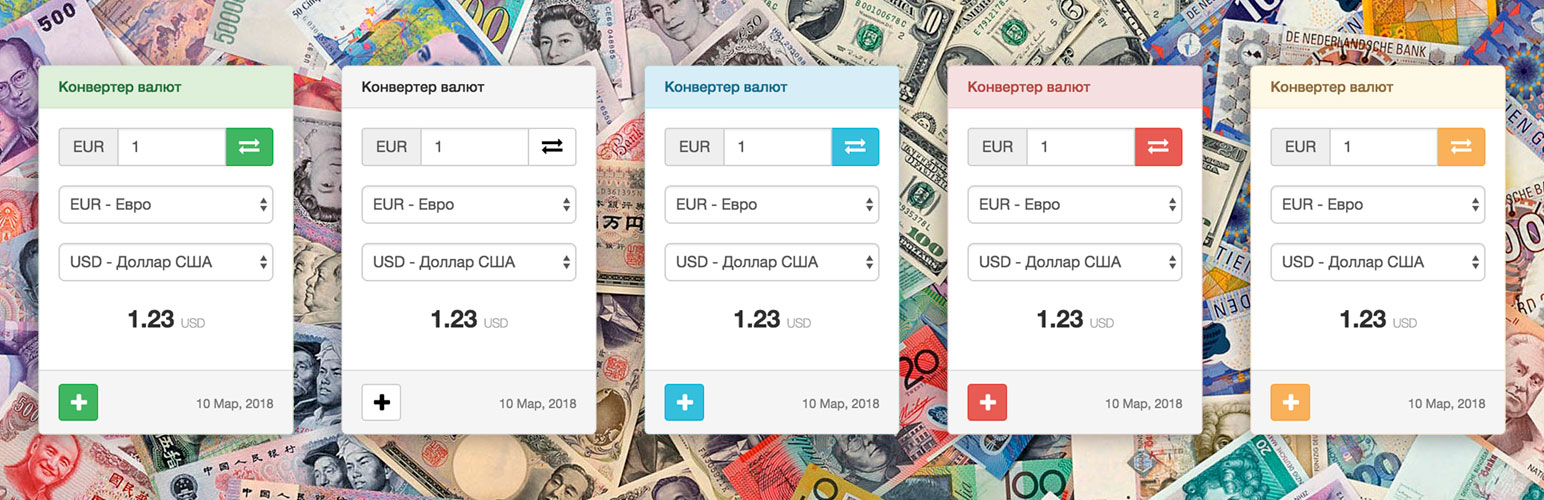
Currency Converter Calculator
Description
Currency Converter Calculator helps visitors convert prices and amounts without leaving your page.
Add live currency conversion to pricing pages, tourism and travel guides, news websites, finance articles, business pages, and sidebars with a shortcode or classic widget.
Visitors get instant currency context in the place where they are already reading, shopping, comparing, or planning.
Site owners get a lightweight setup: no API key, no local rate database, and no exchange-rate processing load on WordPress.
⭐ What makes it useful
- 🌍 190+ currencies and assets, including popular cryptocurrencies and metals.
- 💱 Live currency conversion directly inside posts, pages, sidebars, and footers.
- 🧩 Add the converter with a shortcode, the Shortcode block, or a classic WordPress widget.
- ⚡ No API key, local exchange-rate database, or exchange-rate processing load on your WordPress site.
- 📱 Responsive layout for desktop and mobile visitors.
- 🎨 Color themes, background color, large mode, and corner style options.
- 🌐 Multilingual widget labels for international audiences.
- 🕒 Time zone setting for the displayed update date.
- 🔒 SSL-ready CurrencyRate.Today service URLs.
🎯 Where it works best
- Pricing pages where visitors need to understand a price in their own currency.
- Tourism and travel websites where readers estimate trip costs.
- News websites that cover markets, business, inflation, travel, or international stories.
- Finance blogs that need a simple converter next to rate commentary.
- Business and service pages for international customers.
- Multilingual sites that need converter labels in the visitor’s language.
👀 Demos
- Official demo: Currency Converter Widget
- Product demo: Currency Converter Calculator
🚀 Quick start
- Install and activate Currency Converter Calculator.
- Paste the shortcode into a post, page, or Shortcode block.
- Choose the source currency, target currency, language, theme, background, and layout.
- Optionally add the classic widget to a sidebar or footer.
Important: this plugin provides a classic WP_Widget.
On modern WordPress installations with the block-based widget screen, install and activate Classic Widgets to manage the widget in Appearance > Widgets.
Shortcodes work without Classic Widgets.
🧩 Shortcode examples
Pricing converter example:
[ccc_currency_converter_calculator lg="en" tz="0" fm="EUR" to="USD" st="info" bg="FFFFFF" lr="1" rd="0" size_width="100%"][/ccc_currency_converter_calculator]
Travel converter example:
[ccc_currency_converter_calculator lg="en" tz="0" fm="USD" to="EUR" st="success" bg="FFFFFF" lr="0" rd="0" size_width="100%"][/ccc_currency_converter_calculator]
🔧 Shortcode attributes
lg– language. Supported values:en,ru,it,fr,es,de,cn,pt,ja,id,hi.tz– time zone offset.fm– source currency code, for exampleEUR.to– target currency code, for exampleUSD.st– theme. Supported values:primary,info,danger,warning,gray,success.bg– widget background color when rounded corners are enabled, for exampleFFFFFF.lr– large widget mode. Use1to enable it or0to disable it.rd– straight corners. Use1for straight corners or0for rounded corners.size_width– widget width, for example100%.
Currency codes are listed at https://currencyrate.today/different-currencies.
Donations
Official website and data source: CurrencyRate.Today
You may also like these plugins:
Installation
From your WordPress dashboard
- Go to Plugins > Add New.
- Search for “Currency Converter Calculator”.
- Install and activate the plugin.
- Add the shortcode to a page or post, or add the classic widget under Appearance > Widgets.
From WordPress.org
- Download Currency Converter Calculator.
- Upload the
currency-converter-calculatorfolder to/wp-content/plugins/. - Activate the plugin from Plugins > Installed Plugins.
- Add the shortcode to a page or post, or add the classic widget under Appearance > Widgets.
Classic widget setup
- Install and activate the Classic Widgets plugin if your site uses the block-based widget screen.
- Go to Appearance > Widgets.
- Add “Currency Converter Calculator” to a widget area.
- Choose currencies, language, theme, and display options, then save.
Screenshots
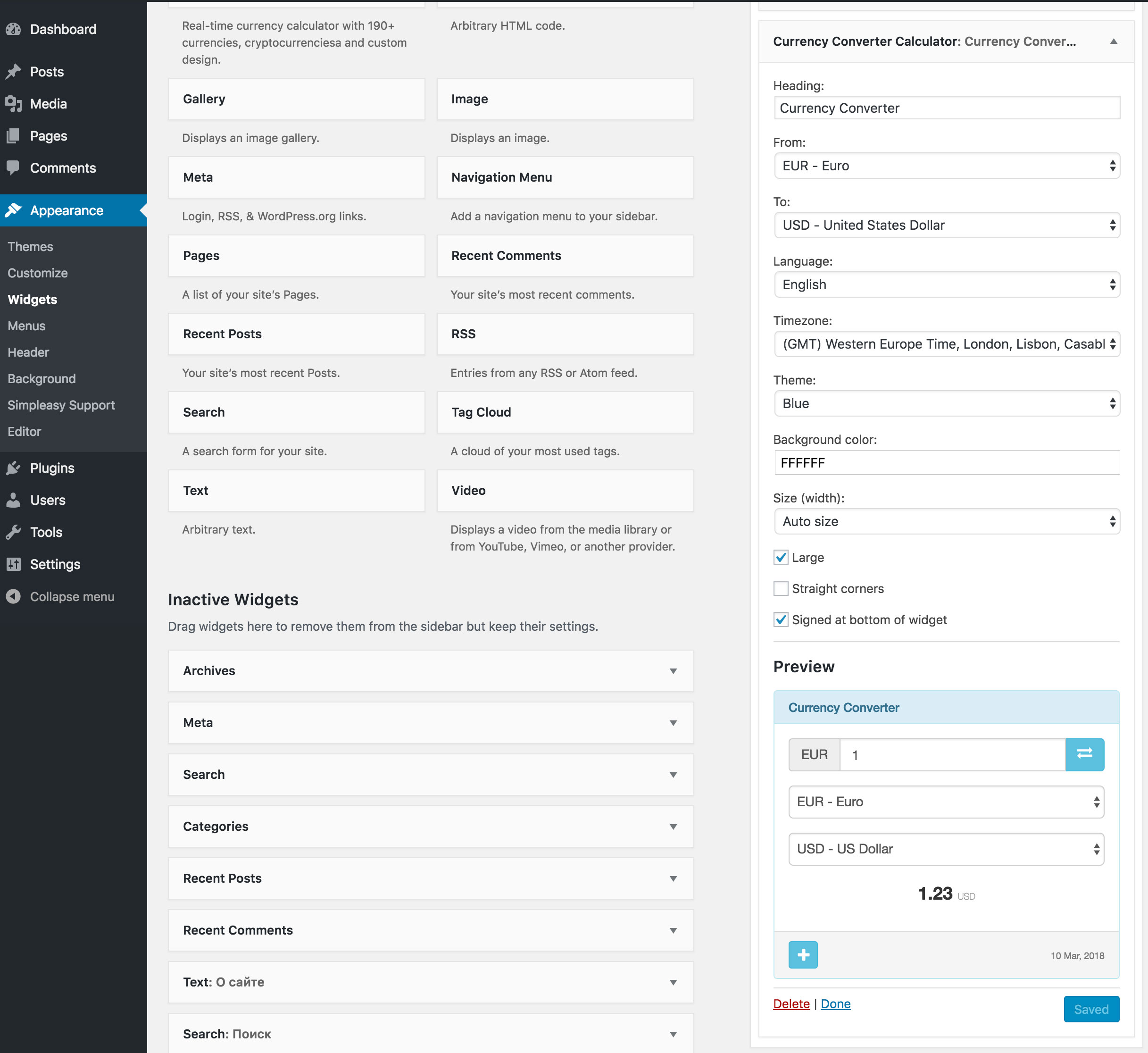
screenshot-1.jpg: Widget settings.
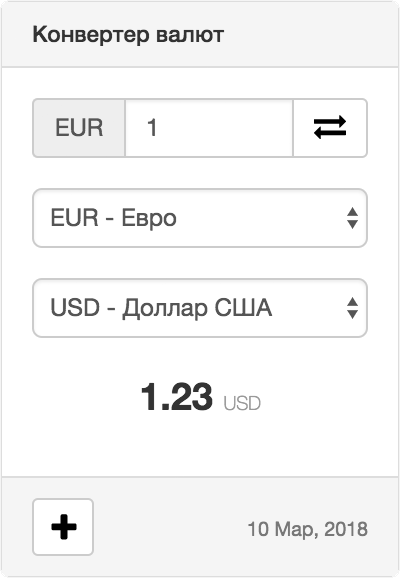
screenshot-2.png: Gray theme.

screenshot-3.png: Red theme.
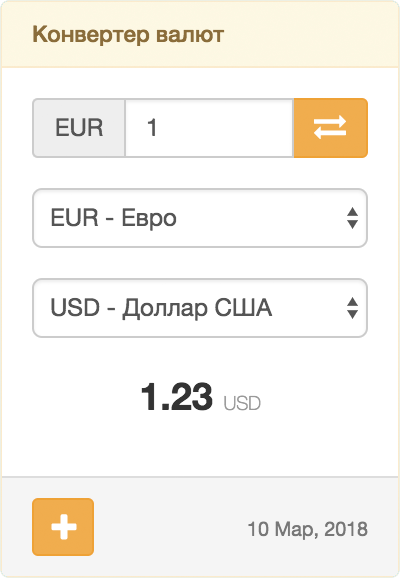
screenshot-4.png: Yellow theme.
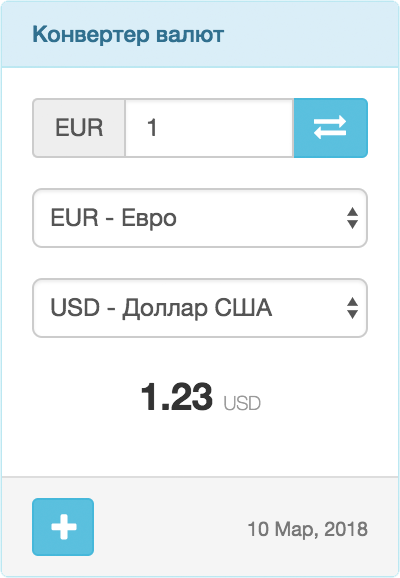
screenshot-5.png: Blue theme.

screenshot-6.png: Dark blue theme.
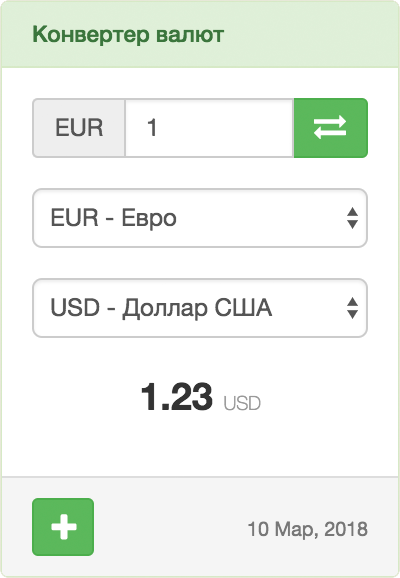
screenshot-7.png: Green theme.
Faq
Use a shortcode or paste it into a Shortcode block:
[ccc_currency_converter_calculator lg="en" tz="0" fm="EUR" to="USD" st="info" bg="FFFFFF" lr="1" rd="0" size_width="100%"][/ccc_currency_converter_calculator]
Yes. Add “Currency Converter Calculator” under Appearance > Widgets.
If your WordPress site uses the block-based widget screen, install and activate Classic Widgets first.
No. The converter is embedded directly on your page, post, sidebar, or footer.
No. Exchange-rate lookup and display are handled by the embedded CurrencyRate.Today service, so you do not need an API key or local rate database.
Yes. You can choose the source currency, target currency, language, time zone, color theme, background, size mode, corner style, and width.
The main attributes are lg, tz, fm, to, st, bg, lr, rd, and size_width.
See the shortcode attributes section above for the full list.
Yes. The plugin embeds an iframe from CurrencyRate.Today.
When a page containing the converter is viewed, the visitor’s browser requests https://currencyrate.today/load-converter.
The request includes display settings such as source currency, target currency, language, theme, time zone, background color, and widget size.
These values come from the shortcode or widget settings.
The plugin does not send WordPress usernames, passwords, admin settings, or private site data to the service.
Service provider: CurrencyRate.Today
- Service website: https://currencyrate.today/
- Privacy policy: https://currencyrate.today/page/privacy
- Disclaimer: https://currencyrate.today/page/disclaimer
No. The plugin currently supports shortcodes and classic widgets. In the block editor, use a Shortcode block.
Reviews
works well stable
By 
works well, stable and fast, so fart is the best plugin we have so far
Thanks for excellent work
By 
It helps me a lot, thanks for your widget. I hope they continue to update and improve it.
Helpful Authors, Effective Plugin
By 
Excluse some currency
By 
Useful widget
By 
Language?
By 
Pretty, but . . .
By 
Changelog
1.4.4
- Synchronized translation template (POT) version metadata with the release.
1.4.3
- Verified compatibility with WordPress 7.1.
- Fixed color picker (jscolor) initialization in the block-based widgets editor: the picker now initializes when the color field is focused.
1.4.2
- Verified WordPress 7 compatibility with Classic Widgets.
- Improved PHP 8.x runtime safety for shortcode and classic widget handling.
- Cleaned up plugin metadata, readme wording, and installation instructions.
1.4.1
- Minor bug fixed.
1.4.0
- Fixed security bugs.
- Minor bug fixed.
- Added language POT file.
1.3.2
- Fixed security bugs.
- Minor bug fixed.
1.3.1
- Added Binance Coin.
- Minor bug fixed.
1.3.0
- Minor bug fixed.
- Added accessibility improvements.
1.2.2
- Important fix.
- Minor fix.
1.2.0
- Minor bug fixed.
1.1.0
- Added new languages: Portuguese, Japanese, Bahasa Indonesia, and Hindi.
1.0.2
- Minor bug fixed.
1.0.1
- Fixed generated shortcode parameters with empty values.
1.0.0
- First release.