CurrencyRate.Today – Currency Blocks and Widgets
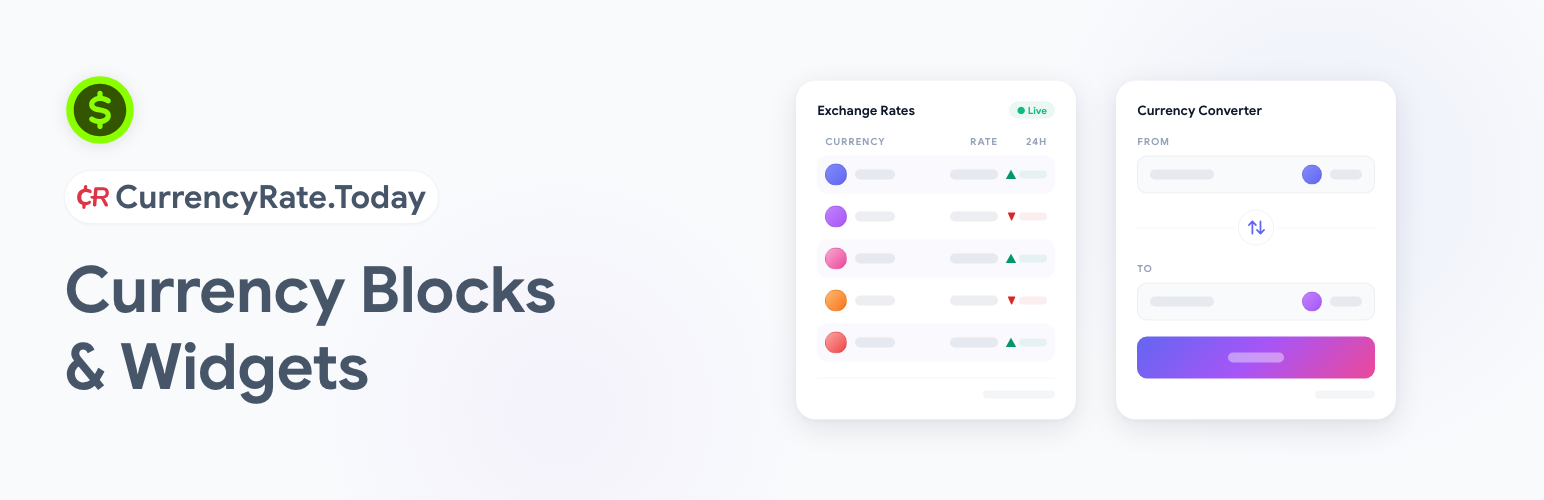
CurrencyRate.Today – Currency Blocks and Widgets
Description
Helps visitors check live exchange rates and convert 180+ currencies with flexible tools built for real-world websites. You can assign a different data source to each widget, use multiple providers across the same site, refresh rates as often as every 15 minutes, and even display your own custom rates for exchange services, banks, or financial platforms. The plugin includes Gutenberg support, shortcode integration, flexible display settings, optional call-to-action buttons, and ExchangeRateSpecification JSON-LD structured data for better SEO visibility and AI-friendly structured data.
Features:
- 🌍 Use a different data source for each widget or block
- 🔀 Run multiple rate providers on one site at the same time
- 🏦 Choose trusted sources like ECB and other supported providers
- ⚡ Refresh rates every 15 minutes for near real-time updates
- 🧩 Add widgets fast with Gutenberg blocks or classic shortcodes
- 💱 Convert 180+ currencies with broad global coverage
- 🎛 Control the look and feel with flexible display settings
- 🚩 Show currency flags and visual indicators where needed
- 📈 Display 24-hour change and percentage movement
- 📦 Use compact mode for cleaner, space-saving layouts
- 🎯 Add custom CTA buttons with your own links or actions
- 🛠 Connect your own data source for custom exchange-rate feeds
- 💼 Set your own rates for exchange services, banks, or financial platforms
- 🔎 Add ExchangeRateSpecification JSON-LD for stronger SEO signals
Perfect For:
- ✈️ Travel and booking websites
- 💱 Currency exchange services
- 🏦 Banks and finance platforms
- 💸 Money transfer and remittance sites
- 🛒 Global e-commerce projects
- 🌐 International business websites
Installation
- Upload the plugin to
/wp-content/plugins/currencyrate-today-currency-blocksor install it through the Plugins screen in WordPress. - Activate the plugin.
- Open the plugin settings page and configure your sources, refresh interval, and display options.
- Add the Exchange Rates or Currency Converter block in Gutenberg, or use the built-in shortcode generator.
Screenshots

Exchange Rates block in the Gutenberg editor.

Currency Converter block in the Gutenberg editor.
Faq
No API key is required for the standard built-in proxy service or standard built-in sources. Some third-party or custom sources may require their own credentials.
CurrencyRate.Today has been providing currency tools since 2014. We currently offer 8 free plugins in the WordPress directory, with positive user ratings and feedback. Our support team responds quickly, usually within 24 hours. All of our plugins are completely free to use. Try our plugin and discover a free solution that offers the features, usability, and responsive support many users normally expect from paid plugins.
Yes. Both Exchange Rates and Currency Converter are native Gutenberg blocks.
Yes. The plugin includes a built-in shortcode generator in the settings page.
Yes. Each block or shortcode can use its own configured source.
Yes. You can configure custom rates for exchange websites, banks, and other financial services.
The CRToday Currency Proxy refreshes its cached snapshots approximately every 5 minutes. The plugin requests refreshed data based on its own cache settings, with a minimum refresh interval of 15 minutes.
Yes. The plugin can retrieve exchange-rate data from remote providers when a site owner enables and configures a source that uses external data.
No. The plugin does not include analytics or visitor tracking by default.
This plugin can connect to remote exchange-rate services when a site owner enables and configures a source that uses external data.
Supported services may include:
CRToday Currency Proxy: https://crtoday.fex.to/
CurrencyRate.Today: https://currencyrate.today/
No account or API key is required for the standard built-in proxy service.
Third-party or custom sources may have their own authentication requirements.
Requests may be made:
when a block or shortcode is rendered and the plugin cache is missing or expired;
when a manual refresh is triggered in the plugin settings.
The plugin refresh interval is configurable, with a minimum interval of 15 minutes.
The plugin does not intentionally send personal data.
Standard HTTP GET requests are made to public JSON endpoints. Depending on the selected source and settings, requests may include parameters such as:
source;
base currency;
quote currency;
market mode.
As with any normal web request, the site server IP address and standard request headers may be visible to the service provider.
The plugin receives exchange-rate JSON snapshots, which may include:
base currency;
rates map;
selected source;
source timestamp.
The CRToday Currency Proxy refreshes its own cached snapshots approximately every 5 minutes. The plugin itself requests refreshed data according to its own cache settings, with a minimum interval of 15 minutes.
For the CRToday Currency Proxy, see:
Terms of Service: https://crtoday.fex.to/terms.html
Data Disclaimer: https://crtoday.fex.to/disclaimer.html
Yes. The full uncompressed source code is bundled with the plugin. You can review, study, and modify it directly.
The compiled JavaScript files in the build/ directory are generated from the TypeScript source code included in the src/ directory of this plugin.
You will need:
Node.js 18 or later
npm (included with Node.js)
Open a terminal in the plugin directory.
Run npm install to install the dependencies.
Run npm run build to compile the production assets into the build/ directory.
Yes. Run npm run start to start the development watcher with live rebuilds.
src/ — TypeScript source files (blocks, frontend scripts, utilities)
build/ — compiled production JavaScript and CSS generated by the build step
webpack.config.js — Webpack configuration extending @wordpress/scripts
package.json — npm dependencies and build scripts
@wordpress/scripts — WordPress build toolchain (Webpack, Babel, PostCSS)
TypeScript — typed JavaScript superset
big.js — arbitrary-precision decimal arithmetic
Donate link: https://currencyrate.today/
Reviews
Changelog
0.2.0
- Minor bug fixes in Currency Converter behavior
- Improved keyboard focus handling in converter currency dropdown search
- Small visual polish update for converter fields and currency selector button
0.1.1
- Shortcode generator fixes and UI improvements
0.1.0
- Initial public release
- Exchange Rates and Currency Converter Gutenberg blocks
- Shortcode support and built-in shortcode generator
- Multiple source support
- Custom rate support
- Optional CTA buttons
- ExchangeRateSpecification JSON-LD output