Custom Login Page by SeedProd

Custom Login Page by SeedProd
Description
Create a custom login in page in minutes with the Custom Login Page plugin by SeedProd.
Free Version Features
- Realtime Customizer Editor
- Custom logo
- Custom Background Image
- Custom Background Color
- Custom Button Color
- Custom Text Color
- Custom Typography Font and Size
- Add you own Custom CSS
Pro Version Features
- All the Free Features Plus…
- Custom Logo Link
- Custom Logo Alt Text
- Above and Below Form Message
- Background Overlay and Dimming
- Background Slideshow
- Background Video
- Make the Login Form Transparent or Colorize
- Custom Login Form Page Position
- More Color Options
- Google Fonts Support
- Ability to add Social Profiles
- Google Recaptcha Support
-
Support
Installation
Using The WordPress Dashboard
- Navigate to the ‘Add New’ in the plugins dashboard
- Search for ‘Custom Login Page by SeedProd’
- Click ‘Install Now’
- Activate the plugin on the Plugin dashboard
Uploading in WordPress Dashboard
- Navigate to the ‘Add New’ in the plugins dashboard
- Navigate to the ‘Upload’ area
- Select
custom-login-page-wp.zipfrom your computer - Click ‘Install Now’
- Activate the plugin in the Plugin dashboard
Using FTP
- Download
custom-login-page-wp.zip - Extract the
custom-login-page-wpdirectory to your computer - Upload the
custom-login-page-wpdirectory to the/wp-content/plugins/directory - Activate the plugin in the Plugin’s dashboard
Screenshots
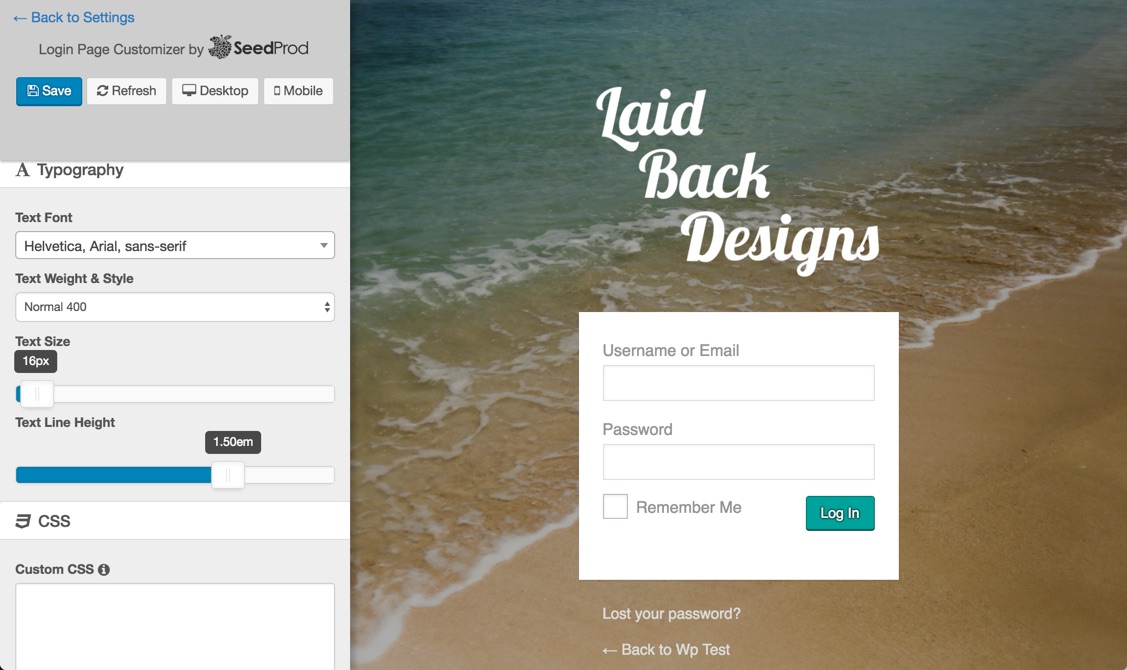
Custom Login Page Example
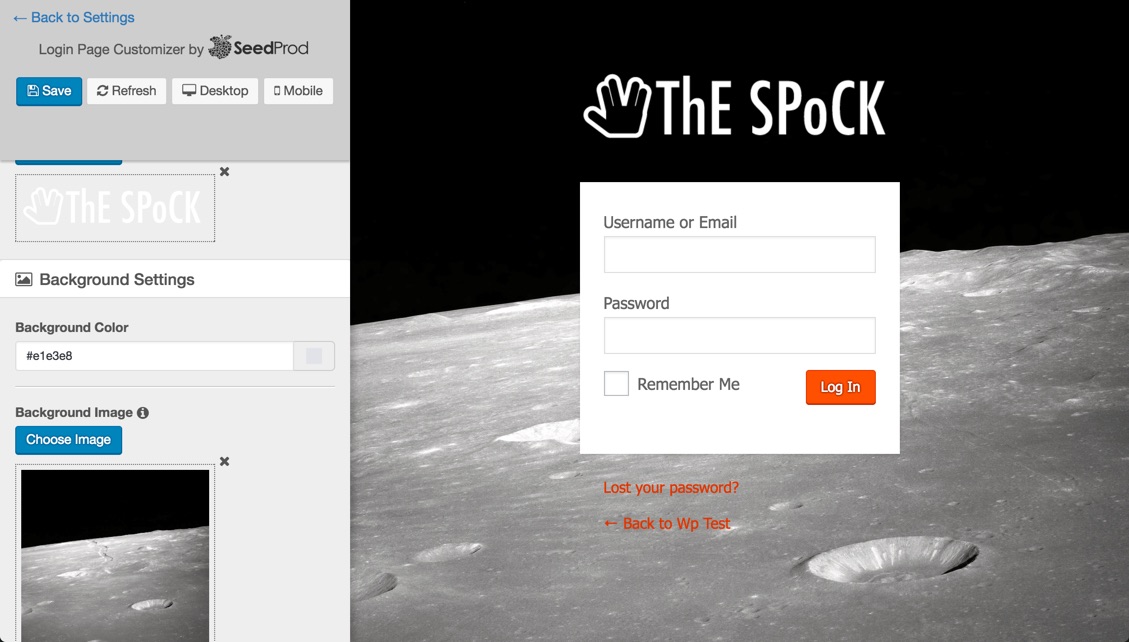
Custom Login Page Example

Custom Login Page Example
Faq
Installation Instructions
Using The WordPress Dashboard
- Navigate to the ‘Add New’ in the plugins dashboard
- Search for ‘Custom Login Page by SeedProd’
- Click ‘Install Now’
- Activate the plugin on the Plugin dashboard
Uploading in WordPress Dashboard
- Navigate to the ‘Add New’ in the plugins dashboard
- Navigate to the ‘Upload’ area
- Select
custom-login-page-wp.zipfrom your computer - Click ‘Install Now’
- Activate the plugin in the Plugin dashboard
Using FTP
- Download
custom-login-page-wp.zip - Extract the
custom-login-page-wpdirectory to your computer - Upload the
custom-login-page-wpdirectory to the/wp-content/plugins/directory - Activate the plugin in the Plugin’s dashboard
What can I do with this plugin?
You can customize the logo, background image, fonts and colors of the WordPress login page.
Reviews
Straight forward and useful
By 
Too bad SeedProd is no longer maintaining this simple and useful plugin. It has worked great for me for years, and currently have WP 6.1.1 and LoginPage is still working fine.
Quick & slick to use
By 
Simple and Fast
By 
Best Login page styler plugin
By 
really nice plugin
By 
I'm the author of this plugin...
By 
OK, I'm biased but I think it the best plugin for customizing the WordPress login page. I made it super simple and updates are in realtime. Would love any feedback. Cheers
Changelog
1.0.3
- Fixed issue where custom css was not displaying.
1.0.2
- Fixed broken password reset link
1.0.1
- Added Upgrade Link
1.0.0
- Initial Release