Custom Option Page for ACF
Custom Option Page for ACF
Description
The ACF Custom Option Page plugin allows you to create custom option pages using Advanced Custom Fields (ACF). This plugin enhances your WordPress admin interface by providing a seamless way to manage options with ACF’s powerful field management system.
Installation
- Upload the
custom-option-page-for-acffolder to the/wp-content/plugins/directory. - Activate the plugin through the ‘Plugins’ menu in WordPress.
- Ensure the Advanced Custom Fields (ACF) plugin is installed and activated, as this plugin is dependent on it.
Usage Example:
This plugin saves values in the WordPress options table using the format copacf_options_FIELD_NAME.
To retrieve an option value on the frontend, use WordPress’s native get_option() function:
get_option('copacf_options_FIELD_NAME')
Replace FIELD_NAME with the actual name of your ACF field.
You can also use the helper function:
copacf_get_option('FIELD_NAME')
Link field example:
$link = get_option('copacf_options_my_link');
// Returns: array( 'title' => '...', 'url' => '...', 'target' => '...' )
Image field example:
Image values respect your ACF field “Return Format” setting (Image Array, Image URL, or Image ID).
$image = get_option('copacf_options_my_image');
Screenshots
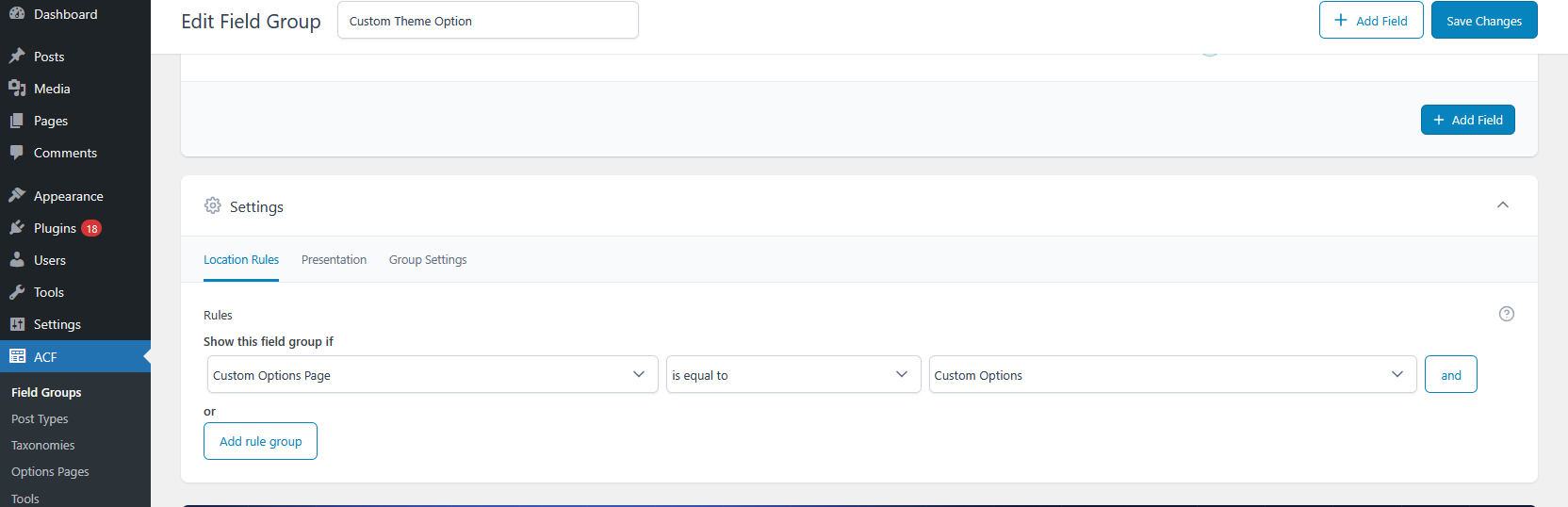
The custom option page interface showing the main settings panel.
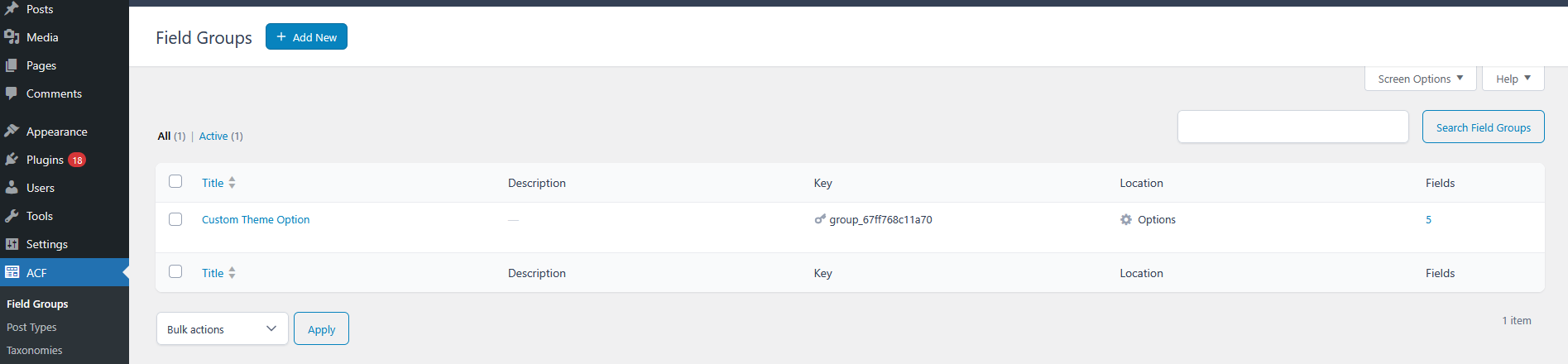
Example of field management with ACF integration, displaying various field types.
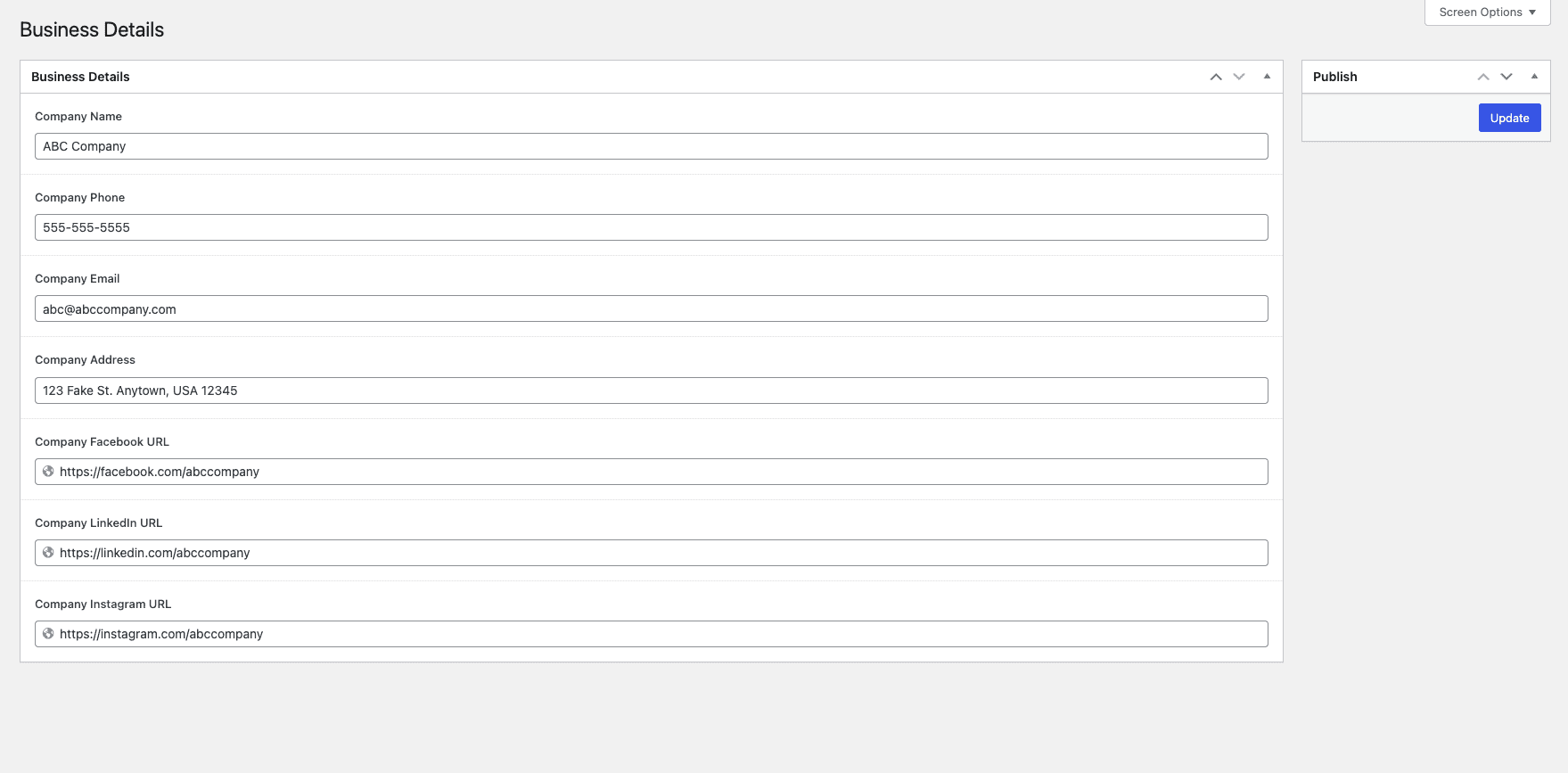
Example of ACF Option Page.
Faq
Yes, this plugin requires the Advanced Custom Fields (ACF) plugin to be installed and activated.
Yes, tested up to WordPress 7.0. Always check the ‘Tested up to’ value for the latest compatibility.
Reviews
Very Useful and Reliable Plugin
By 
The Custom Option Page for ACF works flawlessly. I’ve used it on multiple client projects and never had an issue. The support and documentation are also great.
Very useful plugin
By 
Well done for creating the plugin. Very useful.
Best Plugin for Creating ACF Option Pages Easily
By 
This plugin is awesome! It’s very user-friendly and makes it super easy to create and manage custom option pages using ACF. The best part is that it works without ACF Pro. If you want to save time and avoid writing extra code, this plugin is perfect. Highly recommended!
Changelog
1.3
- Fixed Link field saving empty values.
- Fixed Image field to respect ACF return format (Array, URL, or ID).
- Added copacf_get_option() helper function.
1.2
- fixes some minor changes
1.1
- fixes some minor changes
1.0
- Initial Release