Custom Post Type UI
Custom Post Type UI
Description
Custom Post Type UI provides an easy-to-use interface for registering and managing custom post types and taxonomies for your website.
Custom Post Type UI Extended
CPTUI helps create custom content types, but displaying that content can be a whole new challenge. Custom Post Type UI Extended was created to help with displaying your crafted content. View our Layouts page to see available layout examples with Custom Post Type UI Extended.
Plugin development
Custom Post Type UI development is managed on GitHub, with official releases published on WordPress.org. The GitHub repo can be found at https://github.com/WebDevStudios/custom-post-type-ui. Please use the WordPress.org support tab for potential bugs, issues, or enhancement ideas.
Installation
Admin Installer via search
- Visit the Add New plugin screen and search for “custom post type ui”.
- Click the “Install Now” button.
- Activate the plugin.
- Navigate to the “CPTUI” Menu.
Admin Installer via zip
- Visit the Add New plugin screen and click the “Upload Plugin” button.
- Click the “Browse…” button and select zip file from your computer.
- Click “Install Now” button.
- Once done uploading, activate Custom Post Type UI.
Manual
- Upload the Custom Post Type UI folder to the plugins directory in your WordPress installation.
- Activate the plugin.
- Navigate to the “CPTUI” Menu.
That’s it! Now you can easily start creating custom post types and taxonomies in WordPress.
Screenshots

Add new post type screen and tab.

Add new taxonomy screen and tab.
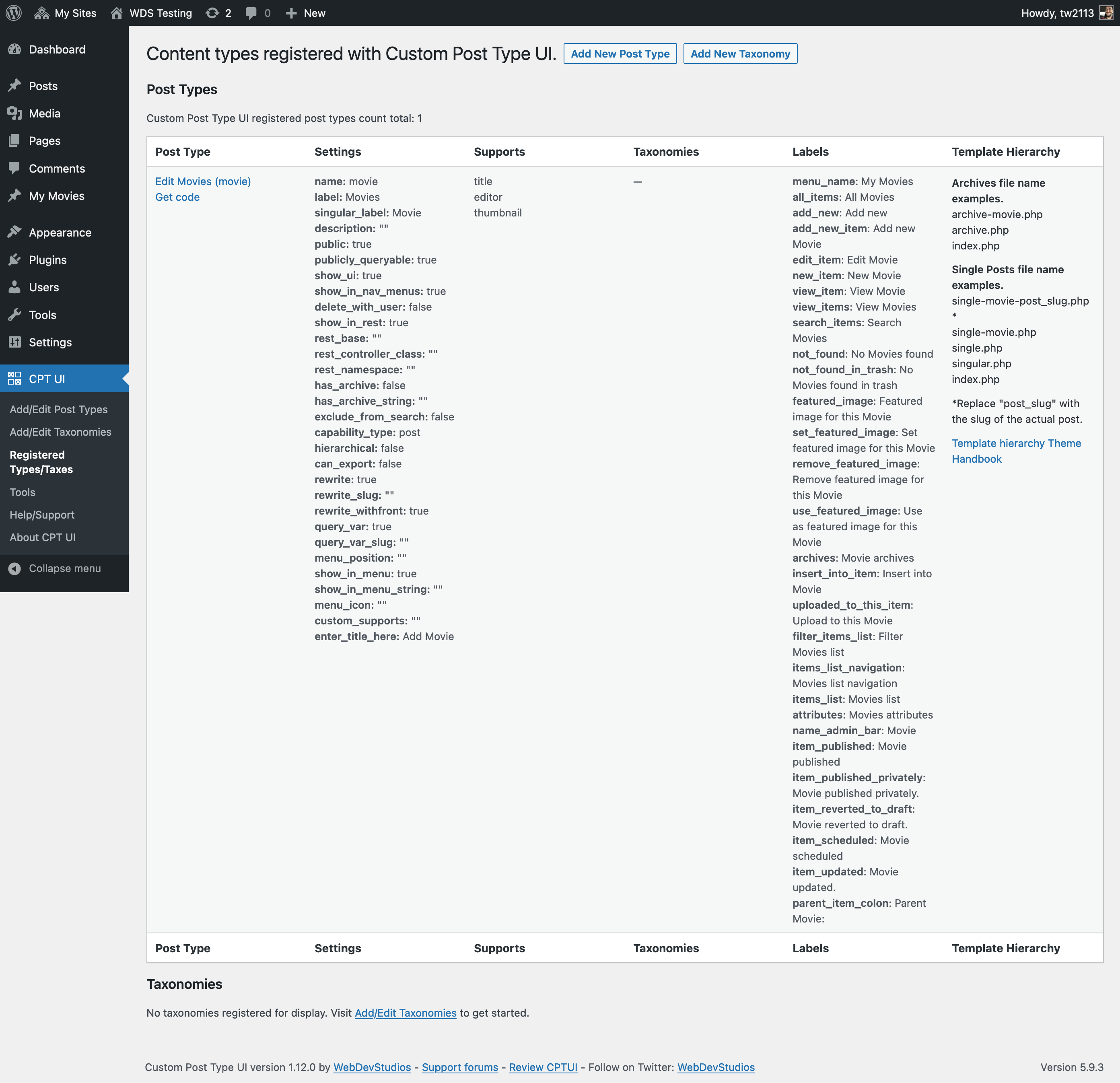
Registered post types and taxonomies from CPTUI
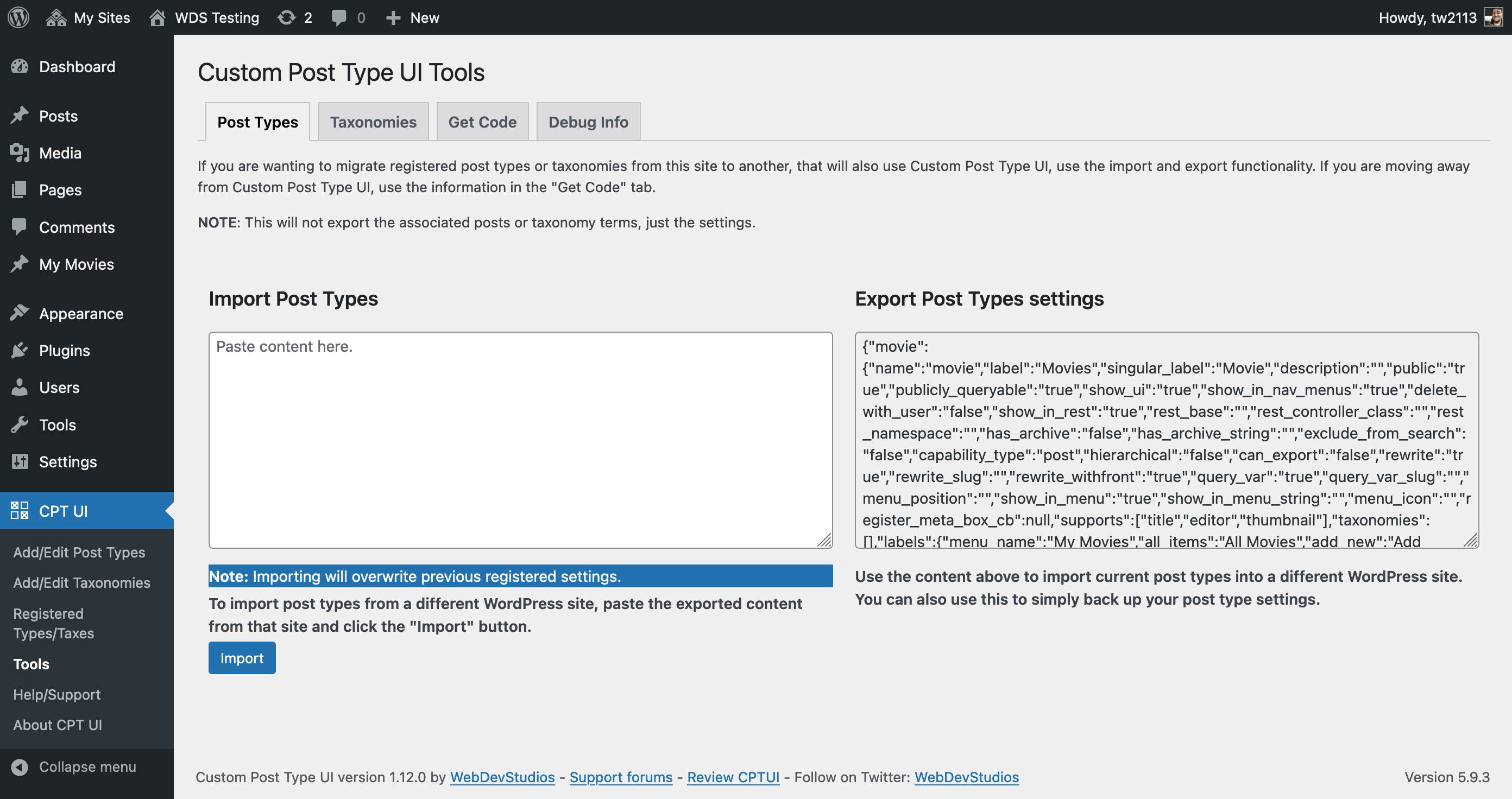
Tools screen.
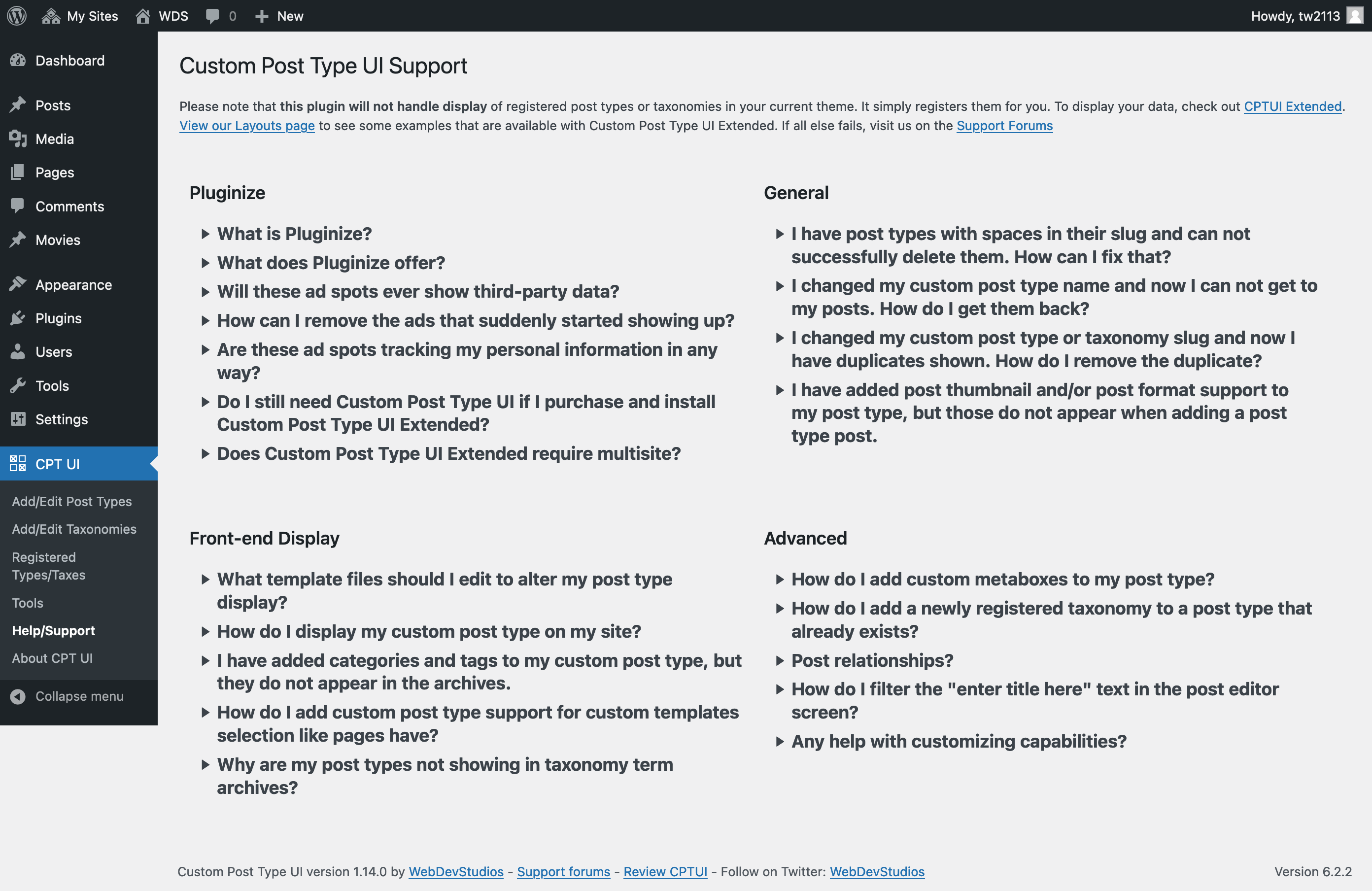
Help/support screen.
Faq
Please see https://docs.pluginize.com/tutorials/custom-post-type-ui/
Reviews
Essential tool! Now perfectly translated into Persian
By 
CPT UI is the standard for managing post types in WordPress. It allows developers to extend WordPress capabilities without writing complex code.
To help the Persian community, I have translated 100% of the plugin and Readme.
As the PTE for this locale, I focused on using standard WordPress terminology (e.g., correct translation for "Slug", "Taxonomy", "Hierarchical") to ensure the interface is intuitive for Iranian developers.
Thanks for this great plugin!
Best regards,
@saeidafshari
ترجمه فارسی این افزونه محبوب به صورت ۱۰۰٪ کامل شد. تلاش کردم در ترجمه اصطلاحات فنی مثل (نامک، طبقهبندی و…) از استانداردهای رسمی وردپرس استفاده کنم تا رابط کاربری برای همکاران عزیز روان و قابلفهم باشد.
No-nonsense tool to manage CPTs and Taxonomies
By 
For the development of a new site, I have been using a combination of CPT UI and ACF. I have specifically chosen CPT UI for the management of Custom Post Types and Taxonomies whilst using ACF for the fields. I have tried out the ACF CPT and Taxonomy functionality and I like the user interface (to see a list of the created staff in a simple way etc) of ACF more, but I chose CPT UI because it is proven with years and it is portable. I did not want to get locked into ACF for everyhing.
Really really really bad
By 
Bad, really bad, really bad, WordPress is used by millions of people who have no idea how to program, but with this plugin you have to edit PHP… no, no, useless garbage. You can't display the types of content you've created, you can't do anything but act like an idiot for a while, until you get tired and delete it.
Love this Plugin!
By 
The Custom Post Type UI plugin is a wonderful asset to the web builders wishing to add custom post types to their websites! I highly recommend!
Reliable Plugin
By 
The Custom Post Type UI plugin is reliable and is constantly updated. The User Interface means I do not have to write PHP everytime I need to edit a Post Type.
Easy to use
By 
I use this plugin whenever I need to register custom post types or custom taxonomies. It is very easy to use.
Essential plugin
By 
Couldn't live without it.
Useless after ACF update
By 
Advanced Custom Fields do the same better and have much prettier design
Mysterious plugin
By 
I did not have any real issues with this plugin until it decided to create an additional and new plugin without my knowledge or consent. When I tried to talk to the developer about this, they simply didn't care or want to get to the bottom of how and why this happened.
Got to the bottom of the mystery, it's just a shame I had to deal with someone that refuses to be help and was rude about it first
Works like a charm
By 
Plugin works as described, does the work well and support is fast. The team deserves 5 stars!
Changelog
1.18.3 – 2026-01-08
- Fixed: Remove double escaping in tools section, for some output.
- Added: Dismissable upsell notifications for CPTUI-Extended.
1.18.2 – 2025-12-05
- Fixed: Security issue around Get Code functionality.
- Fixed: Potential security issue around post type descriptions.
- Updated: various internationalization details.
1.18.1 – 2025-11-20
- Fixed: Potential authorization access issues around content type modification.
- Fixed: JS issue regarding warning user when changing content type slugs.
- Updated: Revised “new tab” and ‘rel=”noopener”‘ link behavior and attributes.
- Updated: Cleaned up CPTUI About screen.
1.18.0 – 2025-07-29
- Added: “template_name” label support.
- Fixed: Typo in “games” Dashicon classname.
- Updated: CPTUI “ad” graphics. Added ThemeSwitcher Pro.
- Updated: touched up some label usage for post type registration screen.
1.17.3 – 2025-04-21
- Fixed: PHP notices around foreach loops in cptui_post_thumbnail_theme_support().
- Fixed: PHP notices around empty variable values with get code section.
- Fixed: PHP notices around false values with taxonomy listings with post type registration.
- Updated: Confirmed compatibility with WordPress 6.8
1.17.2 – 2024-11-19
- Fixed: PHP warnings around empty description variables from tools page.
- Updated: Confirmed compatibility with WordPress 6.7
1.17.1 – 2024-06-27
- Fixed: Missed re-showing of autolabel fill links for js enabled browsers.
1.17.0 – 2024-06-17
- Added: “sidebars” as a reserved slug for post types.
- Added: Blueprint for trying Custom Post Type UI on wordpress.org before installation.
- Updated: Reworked javascript files to be more modular with the build process.
1.16.0 – 2024-04-08
- Added: Added a wpml-config.xml file.
- Updated: Added “search_terms” to disallowed taxonomy list.
- Updated: Began converting our javascript away from jQuery dependency.
- Updated: tested up to WP 6.5
1.15.1 – 2023-11-08
- Fixed: Fixed up some Right-to-Left language styling issues.
- Fixed: Fixing forgot to update about page and some PHP constants for CPTUI version.
1.15.0 – 2023-11-06
- Added: Checkbox to indicate you intend to migrate a post type into CPTUI in event of matching slugs. Props @ramsesdelr
- Added: “item_trashed” post type label support from WordPress 6.3
- Updated: confirmed compatibility with WordPress 6.4.
- Updated: PHP8 compatibility.
- Updated: Minimum WordPress version to version 6.3, minimum PHP version to 7.4.
1.14.0 – 2023-08-07
- Added: “Scroll to top” links in CPTUI pages. Props @aslamatwebdevstudios
- Added: Remembers toggled states for CPTUI settings panels. Props @aslamatwebdevstudios and @ramsesdelr
- Updated: Notes about slugs for both post types and taxonomies.
- Updated: Support/FAQ section with more accurate links.