Custom Post Types Bubbles
Custom Post Types Bubbles
Description
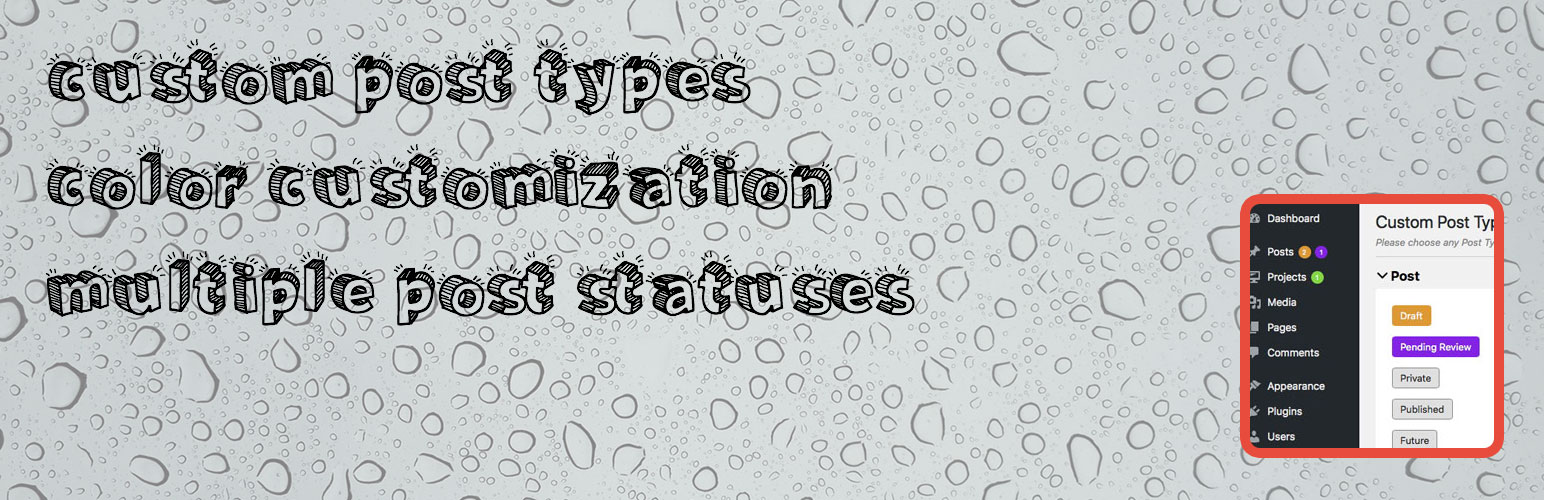
Version 2.0 Completeley revamped. Newer interfaces and more options. Now you have the ability to choose different color for different post type for different status.
Easily add notifications bubble with counters in Post Types to display either pending or draft posts.
Custom Post Types Bubbles will add a native notification bubble, the same that WordPress uses to notify you for updates. The administrator can specify for which Post Types he want counter bubbles and also which will be the Post Status (Pending or Draft) to check in order to calculate the count number.
Installation
WordPress Dashboard;
- Plugins > Add New
- Search Custom Post Types Bubbles
- Install
- Activate
Upload via FTP;
- Unzip the file cpt_bubbles.zip
- Upload the folder custom-post-types-bubbles in wp-content/plugins directory
- Go to your admin area Plugins and activate
Screenshots

Custom Post Types Bubbles Dashboard
Reviews
Awesome
By 
This plugin save lots of work for me, thank you sir hope to see it develop even more .
Good plugin, but
By 
still works
By 
Great Plugin
By 
Easy to use, works great!