Custom Styled WP Login Page
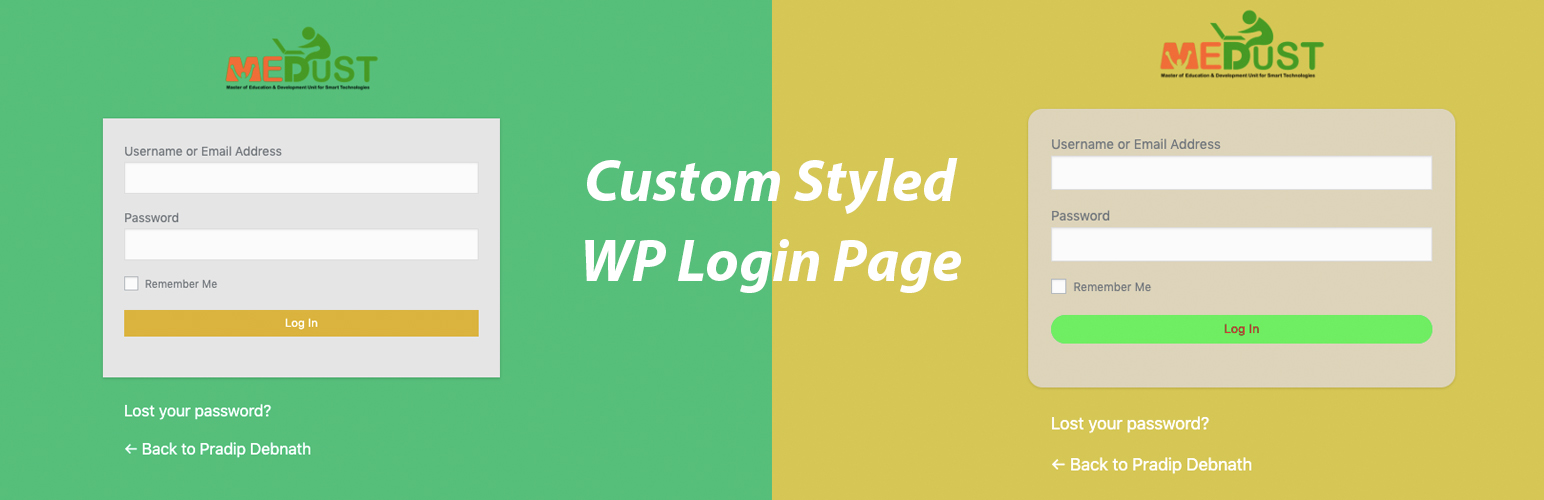
Custom Styled WP Login Page
Description
Custom Styled WP Login Page gives you ability to change the looks of the WordPress admin login page. You can use your own brand logo instead of the logo of WordPress. This is simplest yet effective plugin on the marketplace to make your website feel more near to you and reflect your choice.
Here are few benefits of using this plugin:
- Simple to setup & within 2 minutes you can customize login page.
- Use your brand logo on WP admin
- It let you change logo anchor tag value to your website url.
- Change all background colors & text colors
Installation
- Upload the mt-custom-login.zip file to the
/wp-content/plugins/directory, or install Custom Styled WP Login Page through the WordPress plugins screen directly. - Activate the Custom Styled WP Login Page through the ‘Plugins’ screen in WordPress
- Navigate to
Settings -> Login Page Settingsmenu to setup the plugin.
Screenshots

Login Page Example #1

Login Page Example #2

Login Page Example #3

Settings page
Faq
How long it will take setup?
Just 2 minutes. You need to just choose color values and some other design related values and upload logo to change the login page to reflect you brand identity.
What is the best fit size for logo?
Logo image should be in rectangle shape for perfect match. The resolution is 200×80 pixels or in that similar ratio.
Reviews
Changelog
1.0
- Initial release