Custom Tabs for Products WooCommerce
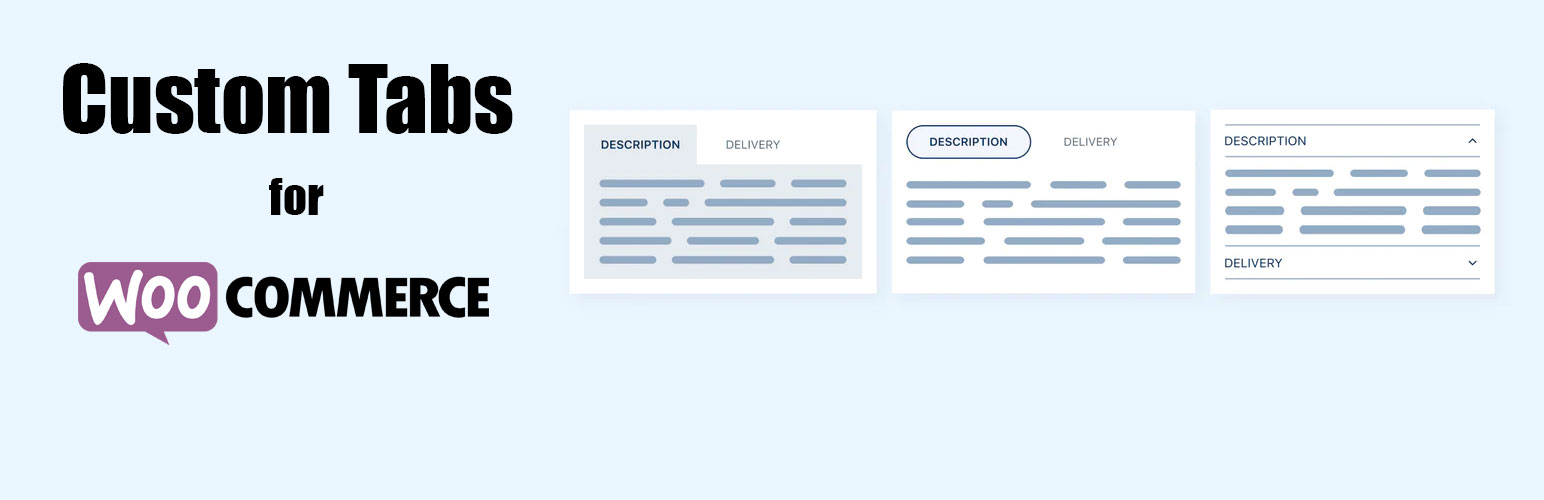
Custom Tabs for Products WooCommerce
Description
Custom Product Tabs for individual product or all products or products in special category
Features
- Easy tab content handling
- Native WordPress Wysiwyg editor for editing custom content
- Tab page positioning (priority)
- Hide empty tabs
- Default Tab for all Product.
Pro Features
- Unlimited Tabs
- Custom tabs for products in special category
- Custom default woocommerce’s tabs like Description, Review…
Installation
- Upload the plugin folder to your /wp-content/plugins/ folder.
- Go to the Plugins page and activate the plugin.
Screenshots
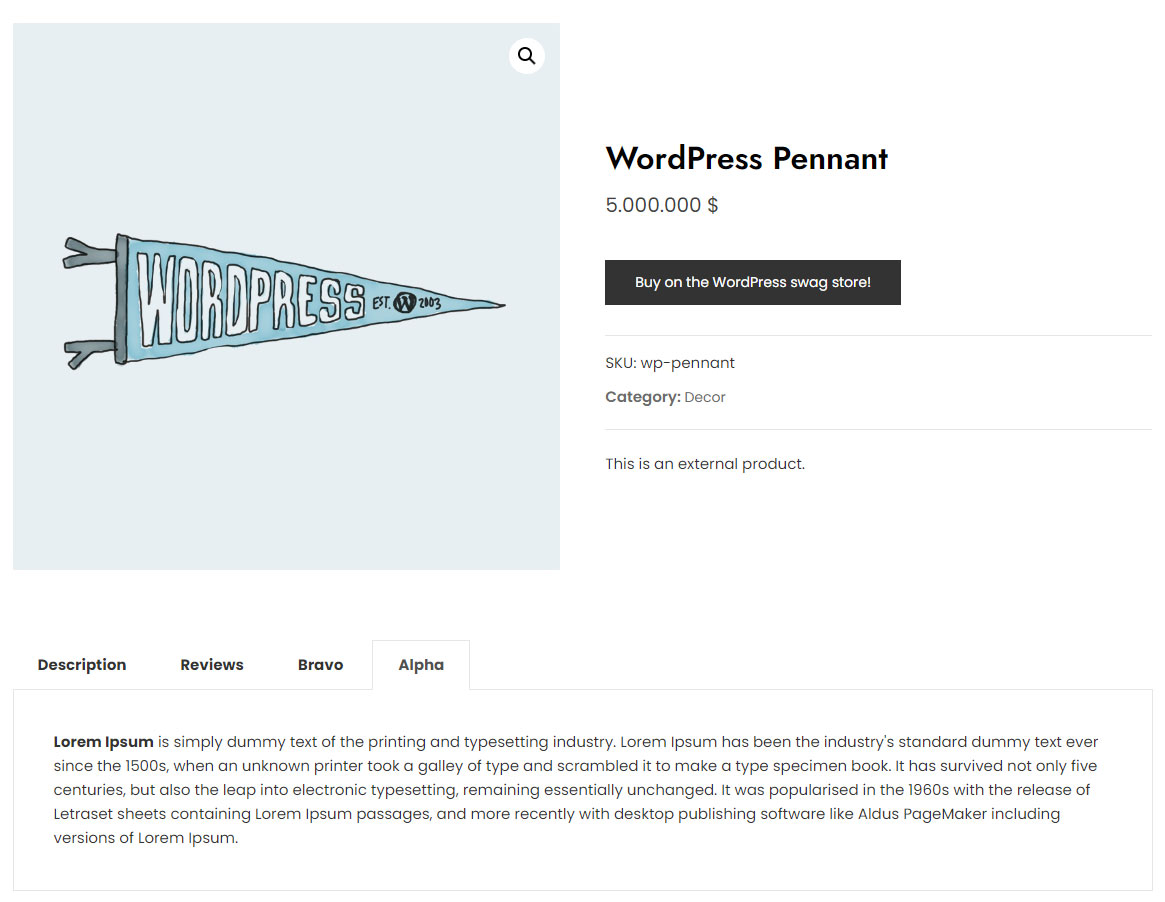
Product Tabs Front-end

Product Tabs Admin

Default tabs for all products.
Faq
Answer to the question
Simply deactivate and delete the plugin.
Reviews
Changelog
1.0.0
- Plugin released.