Custom Validation for CF7
Custom Validation for CF7
Description
Custom Validation for CF7 adds powerful validation features to Contact Form 7 forms.
It allows you to:
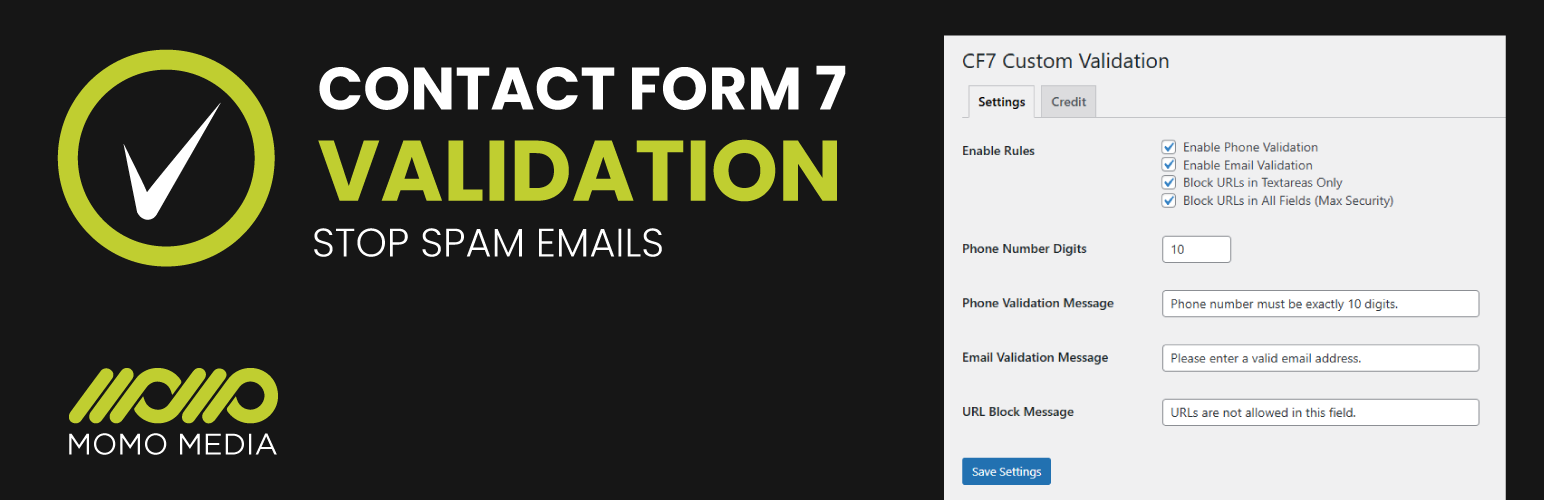
* Block URLs in messages or all fields
* Validate phone numbers by exact digit count
* Validate email addresses with admin-defined messages
* Configure messages and rules via a simple admin interface
This plugin is ideal for preventing spam and enforcing strict form input standards on your WordPress site.
Credit
Developed by MOMO Media. Contact us for custom development or support.
License
This plugin is licensed under the GPLv2 (or later). See the License URI above.
Installation
- Upload the plugin files to the
/wp-content/plugins/custom-validation-for-cf7directory, or install the plugin via the WordPress Plugins screen directly. - Activate the plugin through the ‘Plugins’ screen in WordPress.
- Navigate to the Custom Validation for CF7 admin menu to configure phone, email, and URL validation rules.
- Save your settings and your forms will automatically use the validation rules.
Faq
Yes, it hooks into Contact Form 7’s validation filters and applies to all forms on your site.
Yes, there is an option to block URLs in textareas only or in all fields (max security).
Absolutely. All error messages for phone, email, and URL validation can be customised from the settings page.
Reviews
Changelog
1.9
- Now all fields blocked for url and spammy characters
1.9
- Now all fields blocked for url
1.8
- logic is now corrected
1.7
- Stable release
- Security enhancements applied
1.6
- Plugin stable release
- Admin interface improvements
- Enhanced URL blocking functionality
1.5
- Minor bug fixes
- Improved phone validation
1.4
- Initial public release
- Phone, email, and URL validation functionality