Customizer Backup & Reset
Customizer Backup & Reset
Description
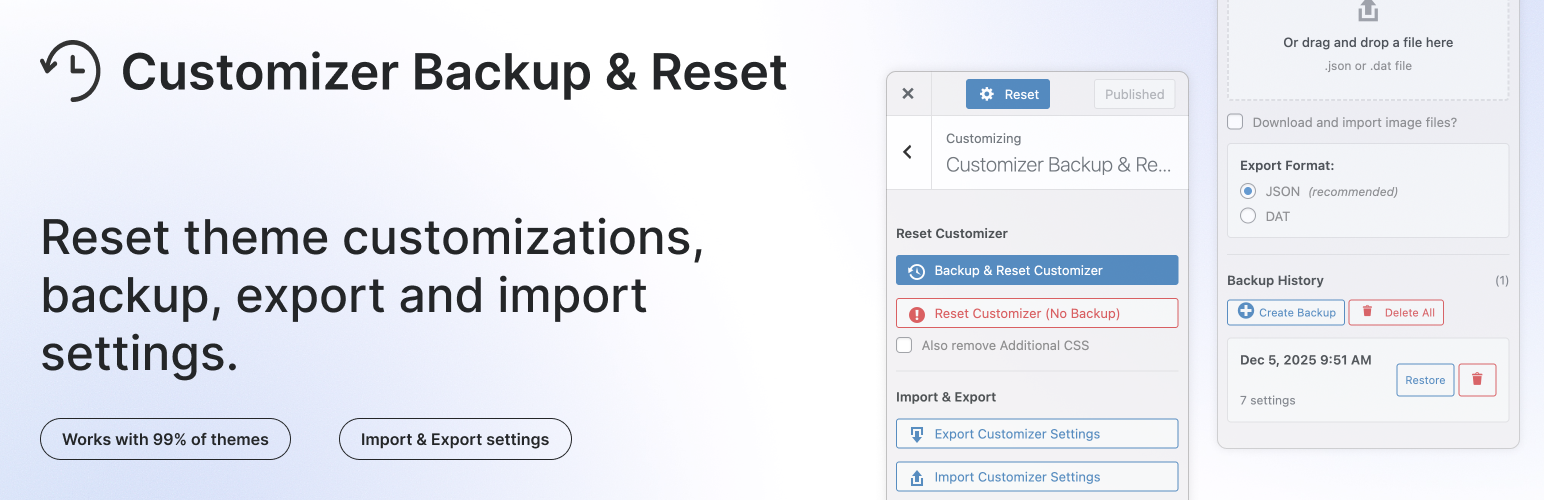
Reset theme customizations made via WordPress Customizer with enhanced safety features. Works with 99% of themes, including WPZOOM themes and popular themes like Inspiro, Divi, Astra, GeneratePress.
This plugin removes all theme modifications that are registered via Customizer API, with the added safety of backup, export, and import capabilities.
Works with themes that use theme_mod and Customizer option settings for storing modifications.
Please keep in mind that some themes uses different method to save customizer settings, let us know if this plugin isn’t compatible with your theme.
📌 What’s new in version 2.0.?
- NEW: Redesigned UI & New Customizer Section
- NEW: Import/Export Settings – Dual format support (JSON and DAT)
- NEW: Additional CSS Support – Optional reset checkbox and included in all exports
- NEW: Backup & Reset – Automatically create a backup before resetting (5 rotating backups)
- NEW: Backup History – View and restore from the last 5 backups
- NEW: GeneratePress Theme compatibility – Including dynamic CSS cache clearing
- Improved UX with customizer section panel and inline notifications
- Added translation support
Get Involved
Looking to contribute code to this plugin? Go ahead and fork the repository over at GitHub.
🙌 FOLLOW US
- 🐦 X
- 📘 Facebook Group
Screenshots
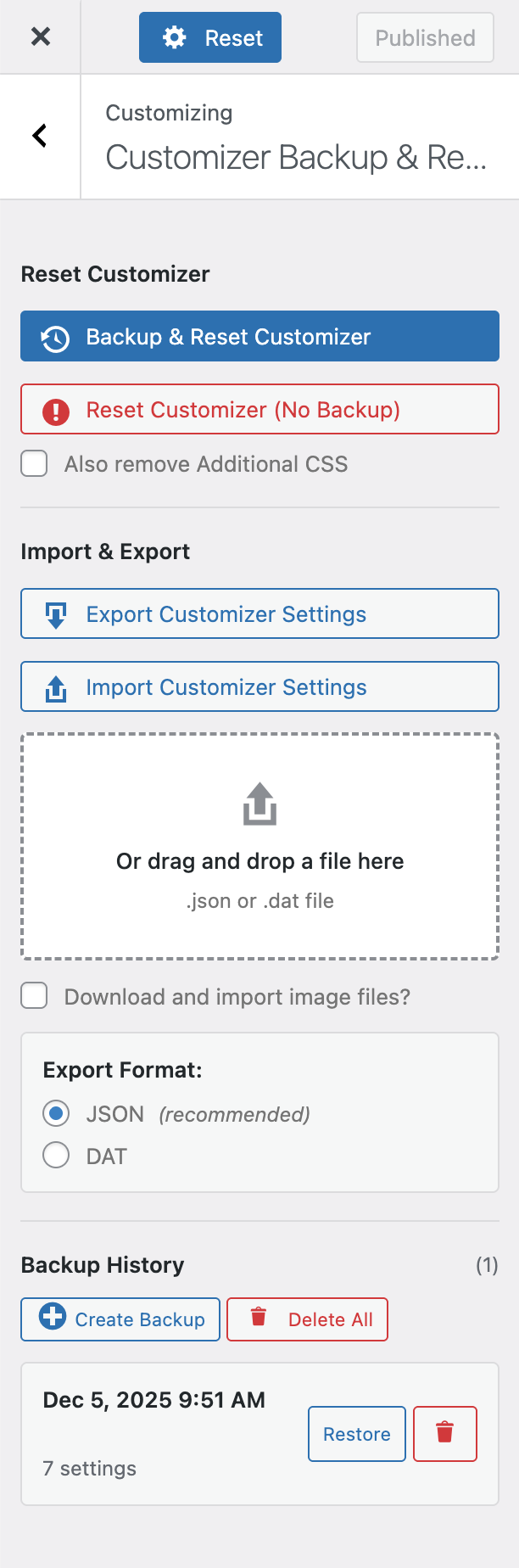
Reset along with Save button in WordPress Customizer panel.
Faq
Theme settings saved via the Customizer API are reset, including:
theme_modsettings- Option-based Customizer settings (for themes like Astra and GeneratePress)
- Setting is not registered correctly via Customizer API
- Setting is stored outside the Customizer API (theme panel/framework options)
Yes, if you use “Backup & Reset”! The plugin now offers a backup feature that stores your settings for 30 days. Use the “Backup & Reset” button to automatically create a backup before resetting.
If you use the regular “Reset” button without backup, the action is irreversible and you’ll need to redo all modifications from scratch.
This handy plugin is brought to you by the team at WPZOOM.
https://www.wpzoom.com
Reviews
Broke my website
By 
I use a very basic theme (GeneratePress) with a few customizer settings. I decided to use this plugin in order to find out if a CSS color problem came from Customizer settings. I made a backup and press the reset button… my problem was still there, so I press the button to restore the backup… nothing, it didn't restore my settings… I lost all of them… now i'm stuck with a broken website that I have to start all over again.
doesn't work with Divi
By 
Works great. No set-up required.
By 
Must have for theme development and testing
By 
Didn't work with Hueman Pro Theme
By 
Worked as advertised
By 
Does nothing
By 
LIFE SAVER!!! THANK YOU!!!
By 
Can't open
By 
Does what it says
By 
Exactly what I needed. Thank you 🙂
Changelog
2.2.0
- Improved backup/export/import compatibility for option-based Customizer settings (Astra, GeneratePress, and similar themes)
- Fixed restore/import behavior for nested option arrays so backed up settings are restored more reliably
- Updated JSON export data handling to better reflect Customizer option settings
2.1.0
- NEW: Clean up inactive theme mods – Detects and removes old customizer settings from previously active themes that can cause colors, fonts, and other options to reappear when switching themes
- NEW: WPZOOM theme compatibility – Resets shared wpzoom_* customizer options that persist across WPZOOM theme switches (Theme Options panel settings are preserved)
- Improved reset to remove all stale theme_mods including those from demo imports, while preserving menus, widgets, logo, and sidebars
- Compatibility with WordPress 7.0
2.0.3
- NEW: Added “Create Backup” button to save backups without resetting
- Fixed multisite compatibility
2.0.2
- Minor bug fix in WP 6.9
2.0.1
- Minor bug fix
2.0.0
- NEW: Redesigned UI with new customizer section panel
- NEW: Import/Export – Dual format support (JSON recommended, DAT for compatibility)
- NEW: Additional CSS Reset – Optional checkbox to reset Additional CSS along with theme modifications
- NEW: Backup System – 5 rotating backups stored for 30 days via transients
- Add compatibility with GeneratePress theme
- Add translation loading support
1.1.1
- Add compatibility with Astra Theme
1.1.0
- Refactor code to use PHP Namespaces
- Add compatibility with Divi Theme Customizer settings
- Add PHP Docblocks for all functions
- Add automatic deploy to wordpress.org with GitHub Action
- Add PHP matrix test with GitHub Action
- Add CONTRIBUTING.md
- Add LICENSE.md
- Add README.md
- Add support for WordPress Coding Standards
- Add support for PHPstan
- Add icon image 128 and 256 for wordpress.org
- Add GitHub templates for bug, features, and questions
- Add support for Composer
1.0.1
- Minor cleanup
1.0
- Initial Release