Cybo Advanced Field Engine
Cybo Advanced Field Engine
Description
Cybo Advanced Field Engine (CAFE) adds custom fields to WordPress with a visual field builder and a small, predictable PHP API:
echo esc_html( cafe_get_field( 'hero_title' ) );
Fast by design
- Values are stored in CAFE’s own typed tables, not in wp_postmeta.
- All values of a post, term or user load with one query and are cached.
- Repeating content and galleries are stored as rows, never as serialized arrays.
Everything you need to build content
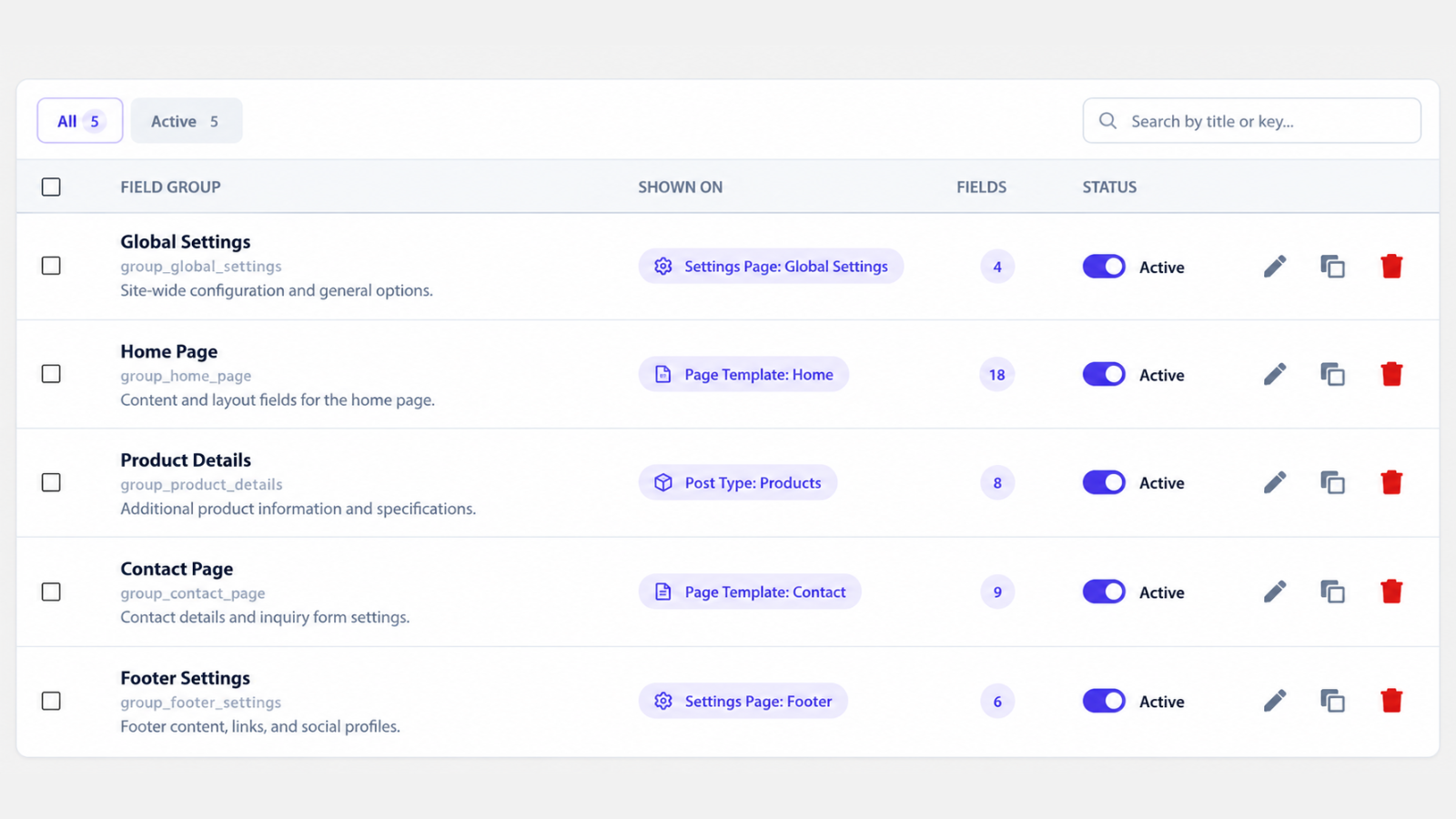
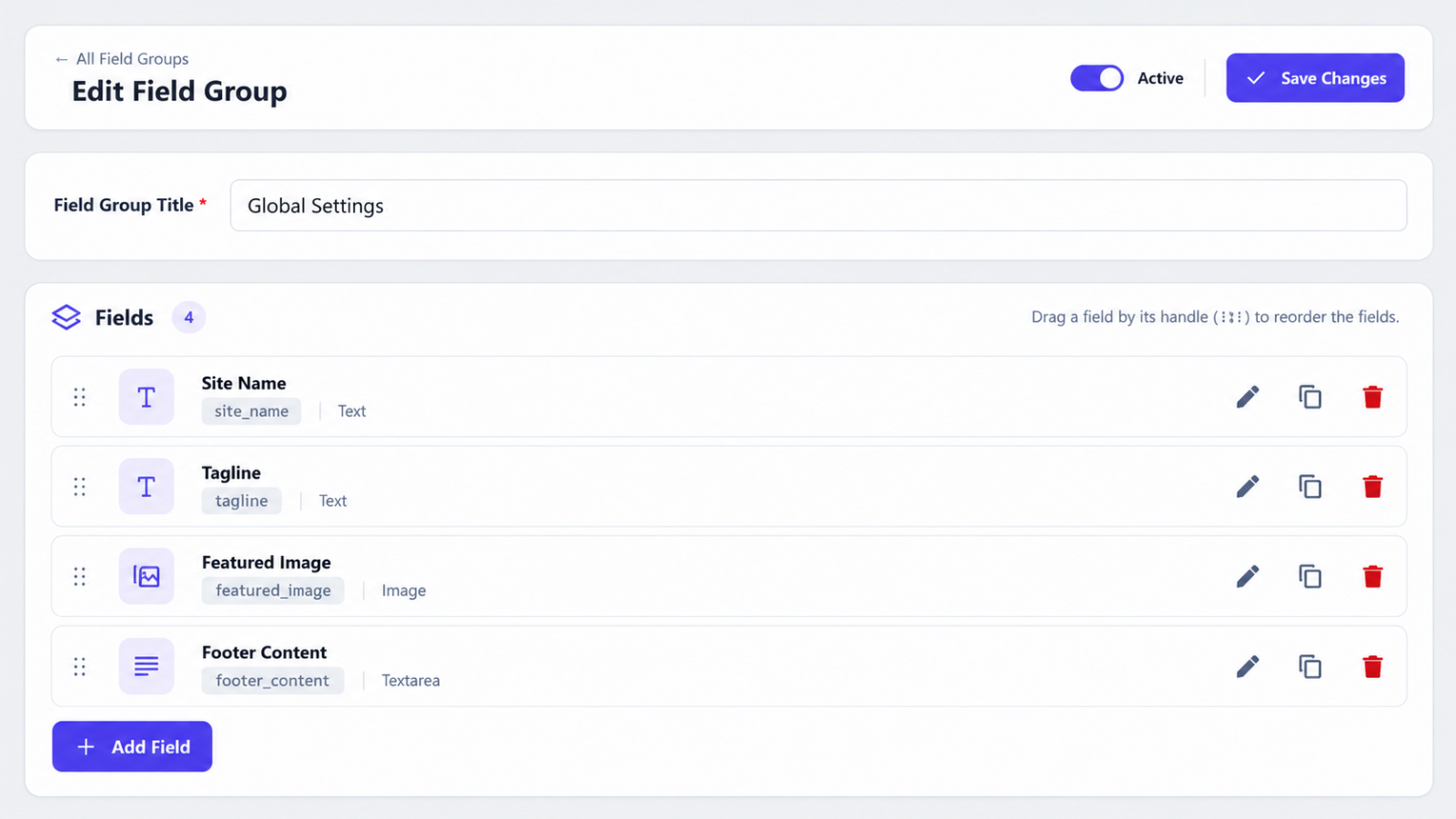
- A visual field builder with drag and drop, tabs, field widths and location rules.
- Text, choice, date, media, reference and layout fields, including repeating Collections and flexible Section Builders.
- Fields for posts, pages, custom post types, terms, users and Settings Pages.
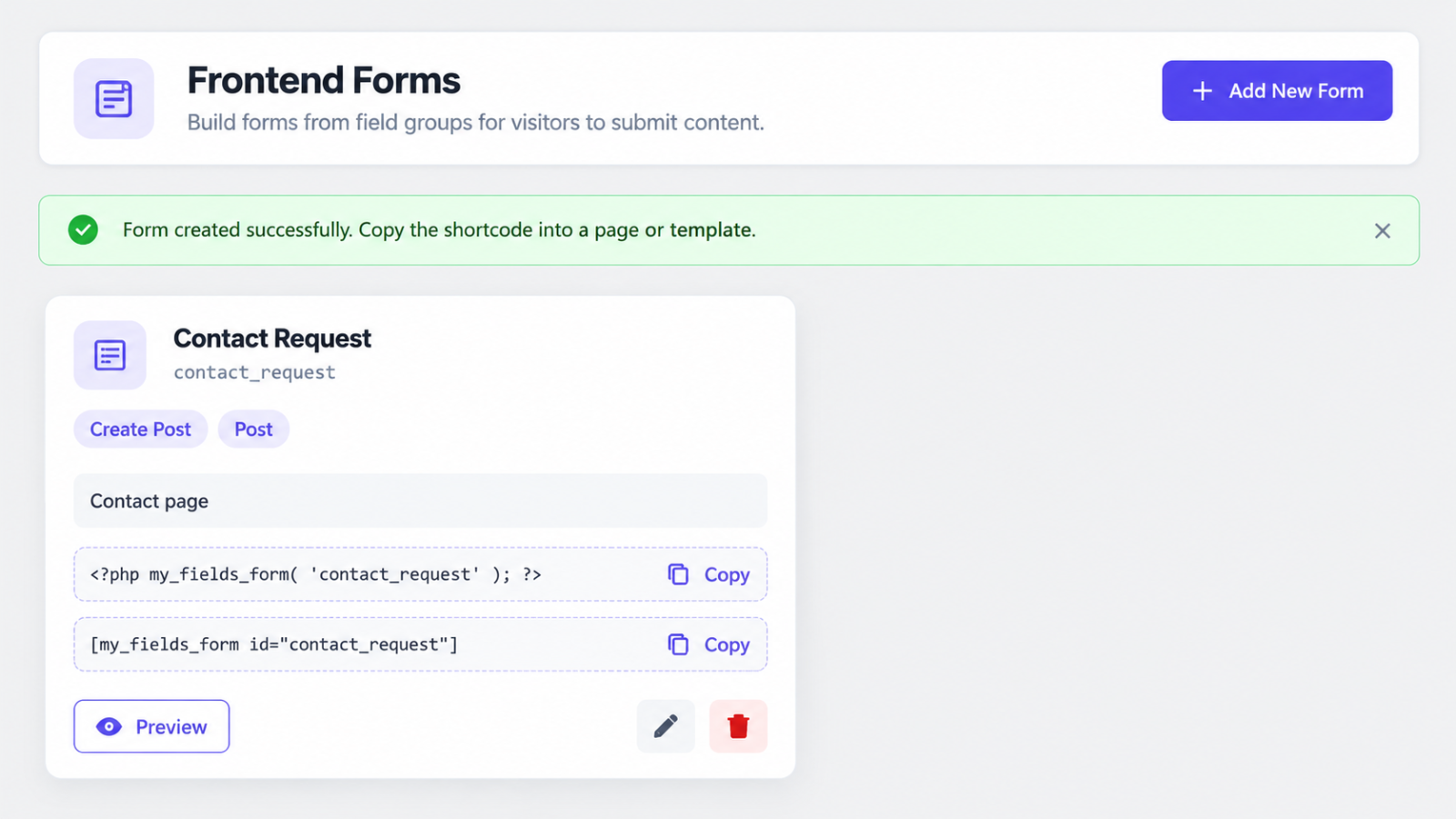
- Front-end forms built from your field groups.
- Import and export of field groups.
- Appearance settings to match your brand: colors, corners, spacing and tab styles.
Works with your site
- Translation ready.
- Optional compatibility with WPML, Elementor and Gravity Forms.
- Uninstalling keeps your data unless you choose to delete it.
External services
CAFE connects to outside services only for the features below, and only when they are used.
Feedback to CyboWeb Technologies (optional)
Five days after installation, CAFE shows administrators a small notice on CAFE’s own admin pages (never on the Dashboard or other screens) asking for a rating; it can be dismissed or postponed. When you deactivate CAFE from its own Deactivate link, an optional form asks for the reason; you can skip it. Nothing is sent unless you fill in one of these forms and press Send.
What is sent to www.cybowebtechnologies.com: the rating or deactivation reason, an optional category, your optional comment, your email address only if you enter it, whether you agreed to receive product news (a separate, unchecked box), the CAFE version and a random one-time form ID that prevents duplicates. Your site address, user names, the site’s admin email address and other plugins are never sent. Showing, postponing or dismissing the notice is not reported.
Comments and email addresses are kept for at most 24 months and deleted on request. Feedback is provided to CyboWeb Technologies: Privacy Policy.
Google Maps
Google Map fields can show a map to pick a place. This only happens after an administrator enters a Google Maps API key in CAFE Settings. While an editor uses a Google Map field, the browser loads the Google Maps JavaScript API from maps.googleapis.com and sends it the API key, the place searched for and the map position. Without a key, editors type the address and coordinates and nothing is sent.
Google Maps is provided by Google: Terms of Service, Privacy Policy.
oEmbed (video and embed fields)
Video and oEmbed fields use the oEmbed support built into WordPress. When an editor saves a URL (for example a YouTube or Vimeo link), WordPress asks that provider for the embed code and sends it the URL. The provider is the site the URL points to, under that site’s own terms and privacy policy, for example YouTube: Terms of Service, Privacy Policy.
Source code
The scripts and styles in assets/build are compiled with @wordpress/scripts from the readable sources in assets/src, which are included in the plugin.
Installation
- In wp-admin go to Plugins Add New, search for “Cybo Advanced Field Engine” and click Install Now. Or upload the plugin zip via Plugins Add New Upload Plugin.
- Activate the plugin. On multisite, network-activate it to use it on every site.
- Go to CAFE Field Groups to create your first field group.
Screenshots

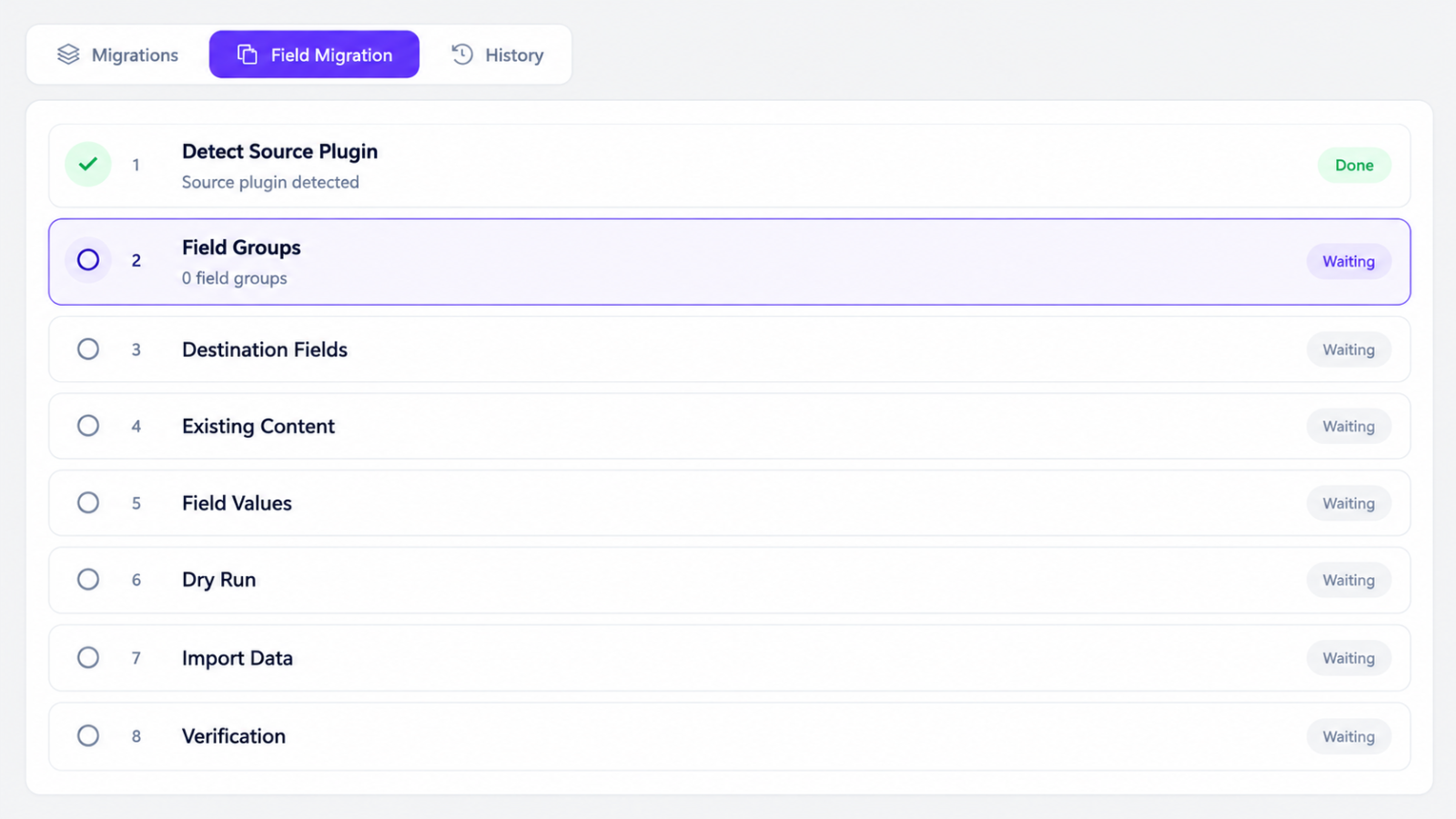

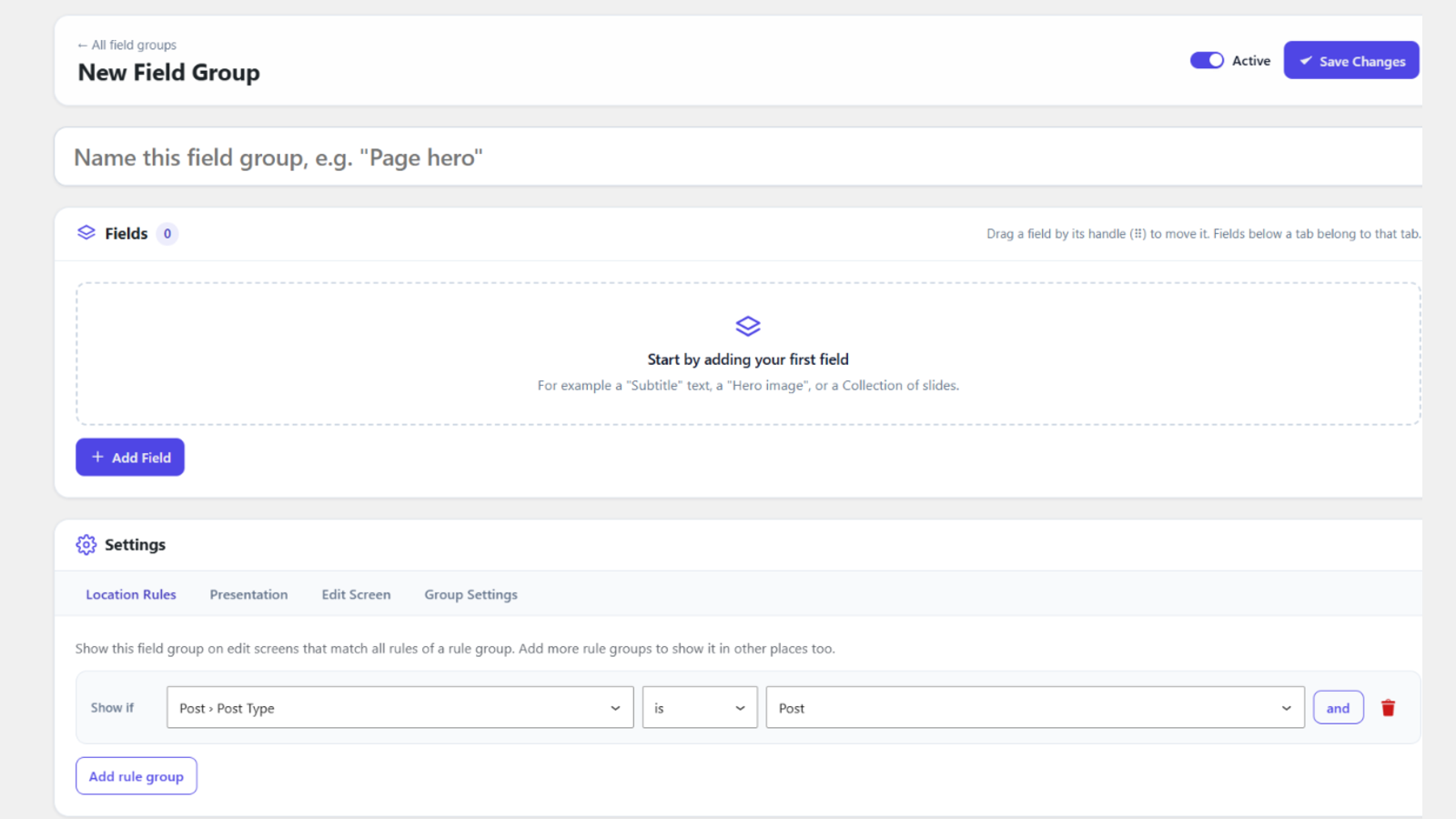
Faq
No. CAFE stores values in its own tables with typed columns and indexes.
No, not by default. Turn on “Delete data on uninstall” in CAFE Settings first if deleting the plugin should remove CAFE’s tables and options.
No. The plugin contains compiled scripts and styles.
Reviews
Changelog
1.0.2
- Every form submit checks its nonce first and stops when it is missing or invalid, before any other input is read. The “Add a Field Group for this page” link of a Settings Page now carries a nonce too.
1.0.1
- The rating notice only shows on CAFE’s own pages, and CAFE no longer hides other plugins’ notices on its pages (opt in with the cafe_hide_admin_notices filter).
- The ACF code step lists the changes to make but no longer edits theme or plugin files.
- CAFE no longer deactivates Advanced Field Core itself; it asks you to.
- Edit screen and Gravity Forms editor styles and scripts are enqueued.
- Submitted field values are sanitized for their field type as soon as they are read.
- All rendered forms and admin markup are escaped with wp_kses() where they are printed (new cafe_allowed_html filter for custom field types).
1.0.0
- First stable release.
- More database queries are prepared where they run, and the ACF import query now escapes its table and column names too. Stored data and behavior are unchanged.
0.16.0
- First release on WordPress.org.
- Optional rating and deactivation feedback for CyboWeb Technologies (only sent when you press Send).