DataFast

DataFast
Description
DataFast helps you understand which marketing channels are bringing you customers and revenue. Install our lightweight tracking script and start making data-driven marketing decisions.
Key Features
- Pageview Tracking – Automatically track every page view on your site
- Visitor & Session Analytics – Understand visitor behavior and session patterns
- WooCommerce Integration – Track e-commerce events including add to cart, checkout initiation, and purchases
- Attribution Tracking – See which marketing channels drive conversions
- Privacy-Focused – Lightweight script with minimal performance impact
- Easy Setup – Just add your Website ID and start tracking
WooCommerce Features
When WooCommerce is active, DataFast automatically tracks:
- Add to cart events with product details
- Cart removal events
- Checkout initiation
- Order completion with revenue data
- Product information including names, prices, and images
Connect your WooCommerce store from your DataFast dashboard for advanced features like revenue attribution and ROAS (Return on Ad Spend) tracking.
How It Works
- Start your free trial at datafa.st
- Create a website in your dashboard
- Copy your Website ID
- Install this plugin and enter your Website ID
- Start tracking immediately!
Privacy & Performance
DataFast is designed with privacy and performance in mind:
- Lightweight tracking script (~15KB)
- No impact on page load times
- GDPR-friendly analytics
- Data is stored securely
Service & Data Usage
DataFast is a Software as a Service (SaaS) analytics platform. When you configure this plugin with your Website ID, it sends analytics and e-commerce event data to DataFast servers so you can view reports and insights in your DataFast dashboard.
Data Collection:
This plugin collects and transmits the following data to DataFast servers:
* Pageview data (URLs, page titles, referrer information, UTM parameters)
* Anonymous visitor and session identifiers (stored in cookies)
* WooCommerce order data (order totals, product information, order IDs)
* E-commerce events (add to cart, checkout initiation, purchases)
* Product information (names, prices, images, quantities)
Important: This plugin does not collect or transmit payment card numbers or sensitive payment information. All payment processing remains with your payment gateway.
Legal Documents:
By using this plugin, you agree to DataFast’s terms and policies:
* Terms of Service
* Privacy Policy
* Data Processing Addendum (DPA)
For complete details on data collection, storage, and usage, please review these documents.
Support
Need help? Visit our documentation or contact support.
Installation
Automatic Installation
- Log in to your WordPress admin panel
- Navigate to Plugins > Add New
- Search for “DataFast”
- Click “Install Now” and then “Activate”
- Go to Settings > DataFast
- Enter your Website ID from your DataFast dashboard
- Click “Save Settings”
Manual Installation
- Download the plugin ZIP file
- Log in to your WordPress admin panel
- Navigate to Plugins > Add New > Upload Plugin
- Choose the ZIP file and click “Install Now”
- Click “Activate Plugin”
- Go to Settings > DataFast
- Enter your Website ID from your DataFast dashboard
- Click “Save Settings”
Getting Your Website ID
- Go to datafa.st/dashboard
- Create a new website or select an existing one
- Copy your Website ID (starts with
dfid_) - Paste it into the plugin settings
Screenshots
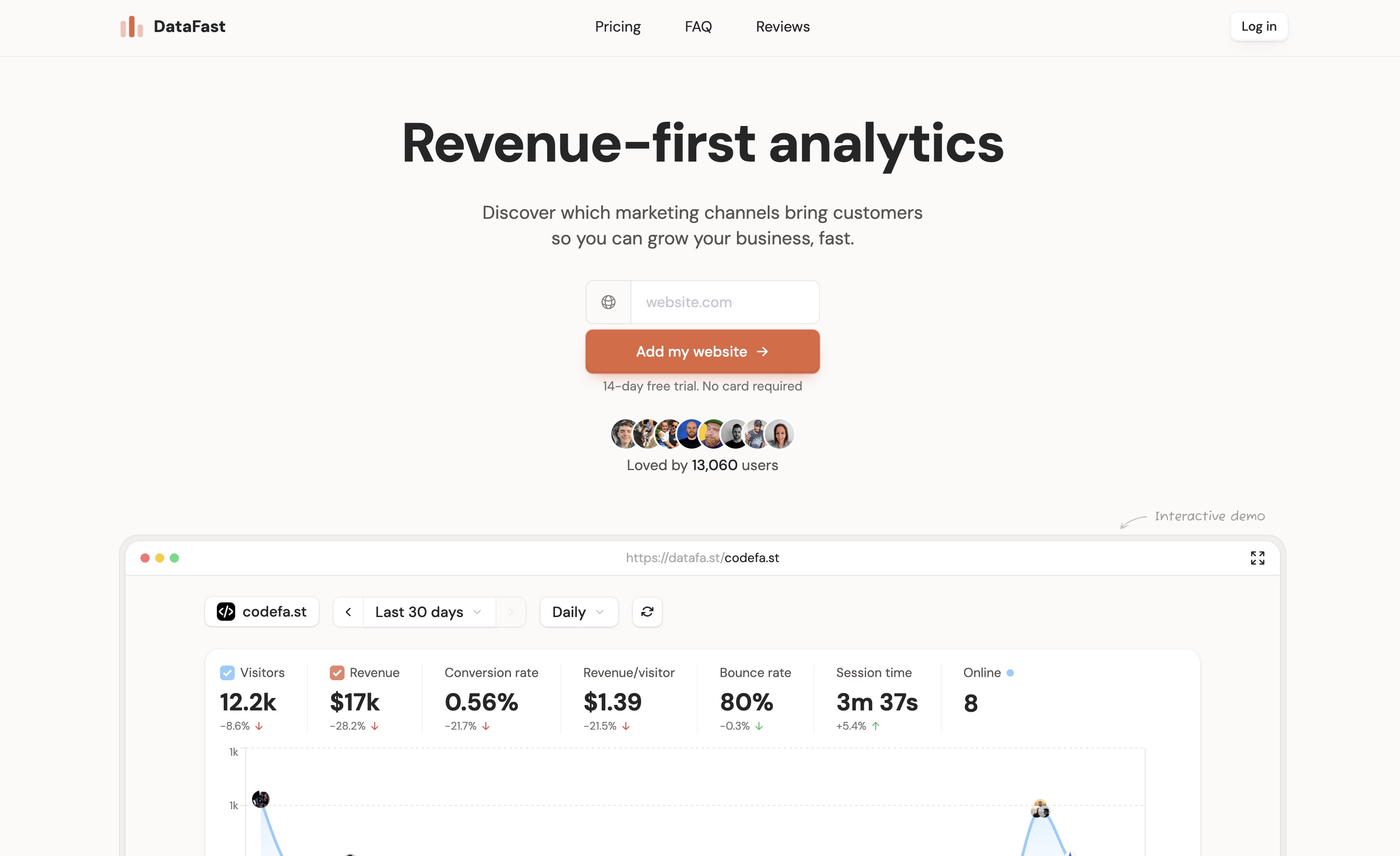
DataFast Homepage
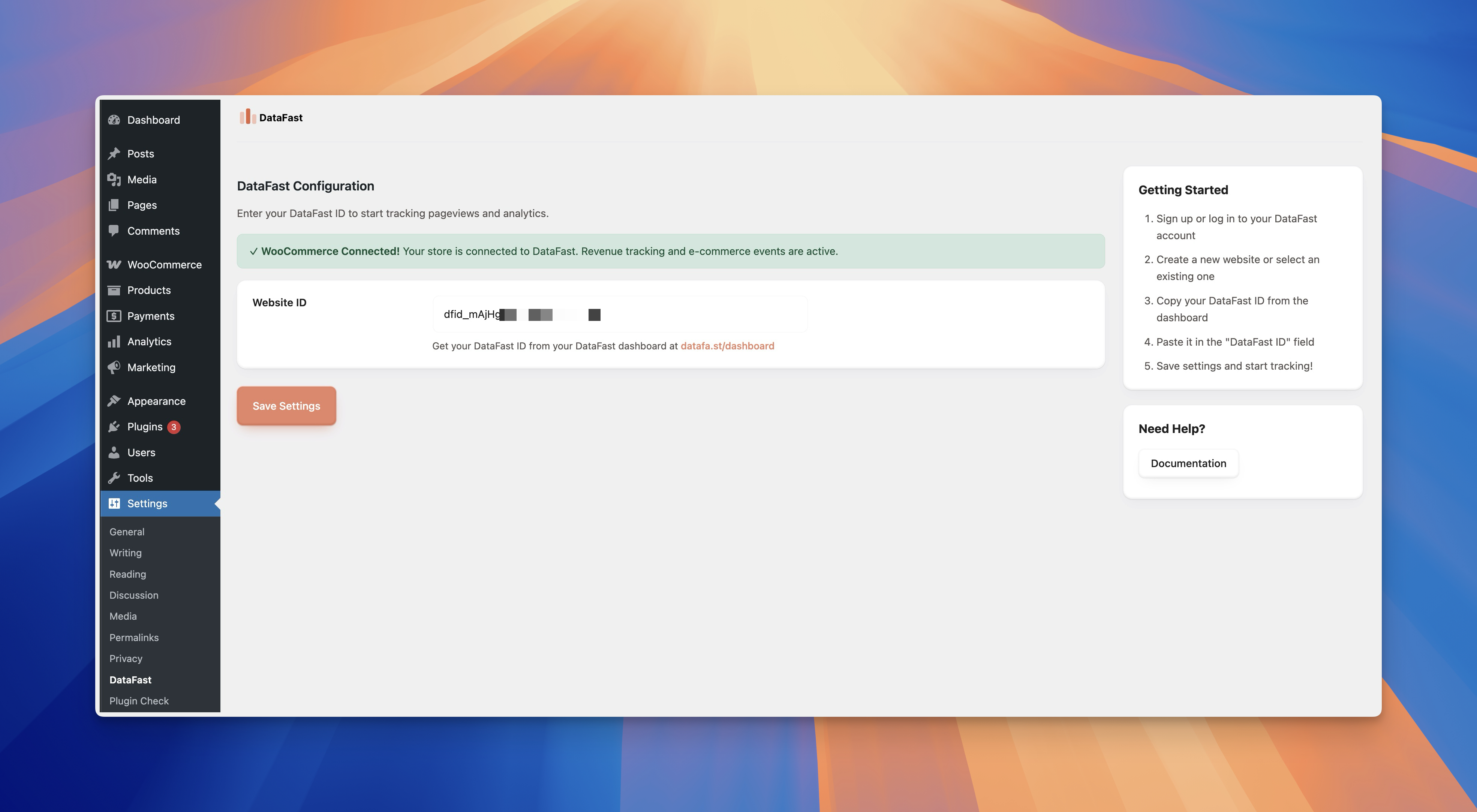
DataFast WordPress Plugin Settings
Faq
Yes, you need a DataFast account to use this plugin. Start your free trial at datafa.st.
DataFast offers a free trial so you can test all features. After the trial, you’ll need a paid subscription. Visit our pricing page for current plans.
Yes! DataFast automatically detects WooCommerce and tracks e-commerce events. For advanced features like revenue attribution, connect your store from your DataFast dashboard.
No. DataFast uses a lightweight tracking script that loads asynchronously and has minimal impact on page load times.
DataFast is designed with privacy in mind. However, GDPR compliance depends on how you use the data. Consult with a legal professional for specific compliance requirements.
- Log in to your DataFast dashboard
- Select your website
- Click “Connect WooCommerce”
- Follow the authorization flow
- Your store will be connected using WordPress Application Passwords
All analytics data is securely stored on DataFast servers and accessible through your dashboard.
Custom event tracking will be available in future versions. Stay tuned!
Simply deactivate or uninstall the plugin. To permanently remove all data, go to Settings > DataFast and clear your Website ID, then uninstall the plugin.
Reviews
Changelog
1.0.0
- Initial release
- Automatic pageview tracking
- WooCommerce integration for e-commerce events
- Add to cart tracking
- Checkout initiation tracking
- Order completion tracking with visitor attribution
- REST API for secure WooCommerce store connection
- Application Password authentication support
- WordPress 5.6+ compatibility
- HPOS (High-Performance Order Storage) compatible