Debug Bar Slow Actions
Debug Bar Slow Actions
Description
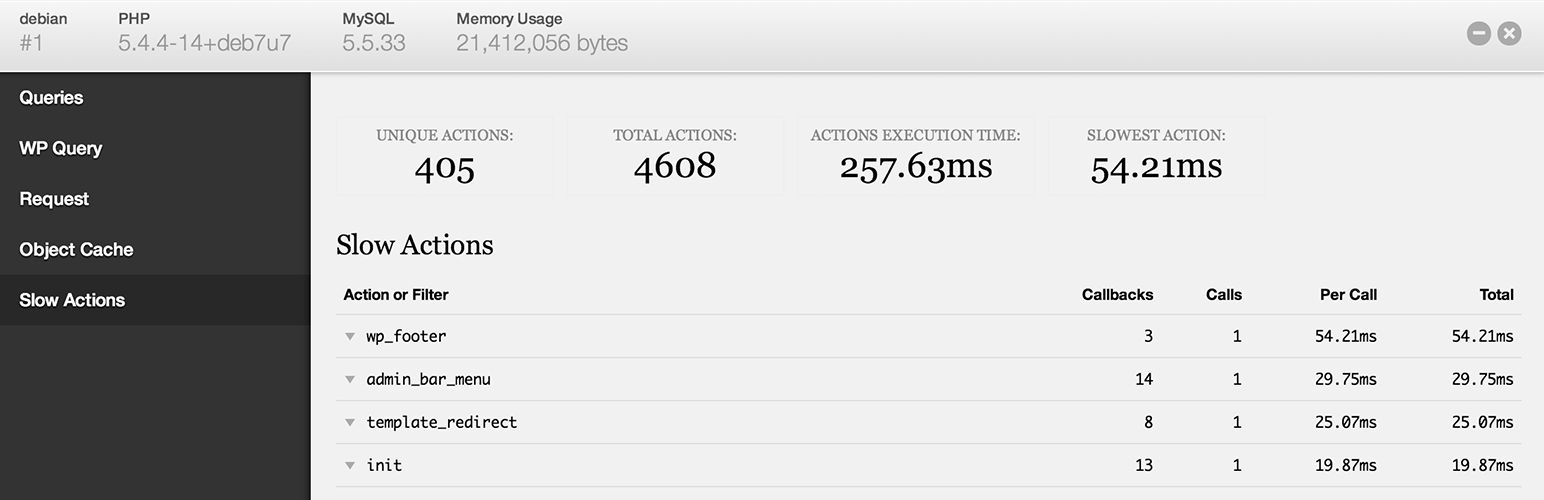
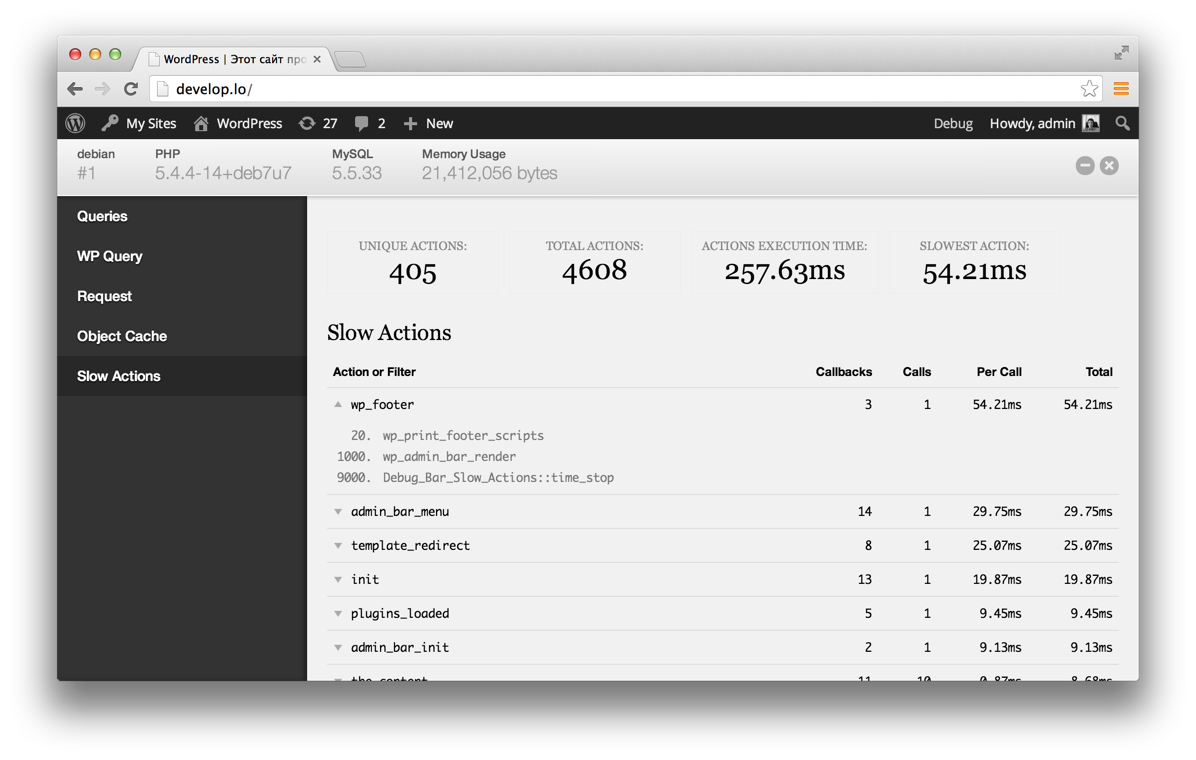
This plugin lists the top 100 slowest actions and filters during a page request in WordPress. It helps you figure out performance bottlenecks in themes and plugins.
Requires Debug Bar.
Current limitations:
- Does not time nested actions and filters due to a core bug
- Does not time actions and filters before plugins_loaded or muplugins_loaded if placed in mu-plugins
- Does not time actions and callbacks after wp_footer at priority 1000
Screenshots
Screenshot
Reviews
Useful!
By 
Some code was slowing my site, and I was unable to pinpoint the culprit with other tools such as Query Monitor. Thanks to this extension I have been able to identify the problem and solve it.
Plugins works well with WP 6.1
Thanks!
Indispensable!
By 
Very helpful (in 2021 as well)
By 
Great!
By 
MUST-HAVE for every developer.
By 
many thanks to author. Excellent plugin!
One of the best "Debug Bar" add-ons ever developed
By 
This is the perfect add-on for the "Debug Bar" plugin.
It helped me to discover why my admin pages were taking 10.5 seconds to load. The plugin showed me that the action "admin_menu" was taking 10.5 seconds to be executed. Investigating all occurences of the string "admin_menu" in my theme code, I found an external request to a web site which is not on-line anymore and, cancelling it, my pages now load in 1.5 seconds.
Nice!
By 
Nice Work!
Changelog
0.8.4
- Fix typo in count() usage, props @josephscott
0.8.3
- Fix undefined variable notice
0.8.2
- Fix a couple warnings/notices
0.8.1
- Add support for closure/anonymous functions
- Show all callbacks hooked to each priority
- Fix minor styles
0.8
- Code cleanup
- Use wp_footer for output instead of output buffering
- Show callbacks hooked to each action
0.7
- First version