Default Image Assistant

Default Image Assistant
Description
Default Image Assistant allows you to assign a default featured image for each public post type in WordPress.
If a post has no featured image set, the plugin automatically loads the default image you assigned.
Perfect for:
* Blogs that require a fallback image
* Custom post type archives
* Editorial workflows
* Sites with large content teams
Features:
* Visual Media Library selector for each post type
* Clean and modern card-style admin UI
* One-click remove default image
* No front-end bloat—only loads when needed
* Works with all themes (including block themes)
Installation
- Upload the plugin folder to
/wp-content/plugins/default-image-assistant/ - Activate the plugin through the Plugins menu in WordPress
- Go to Settings Default Image Assistant
- For each post type:
- Click Select Image
- Choose an image from the Media Library
- Save your settings
Your default images will now be used automatically whenever a post does not have a featured image.
Screenshots
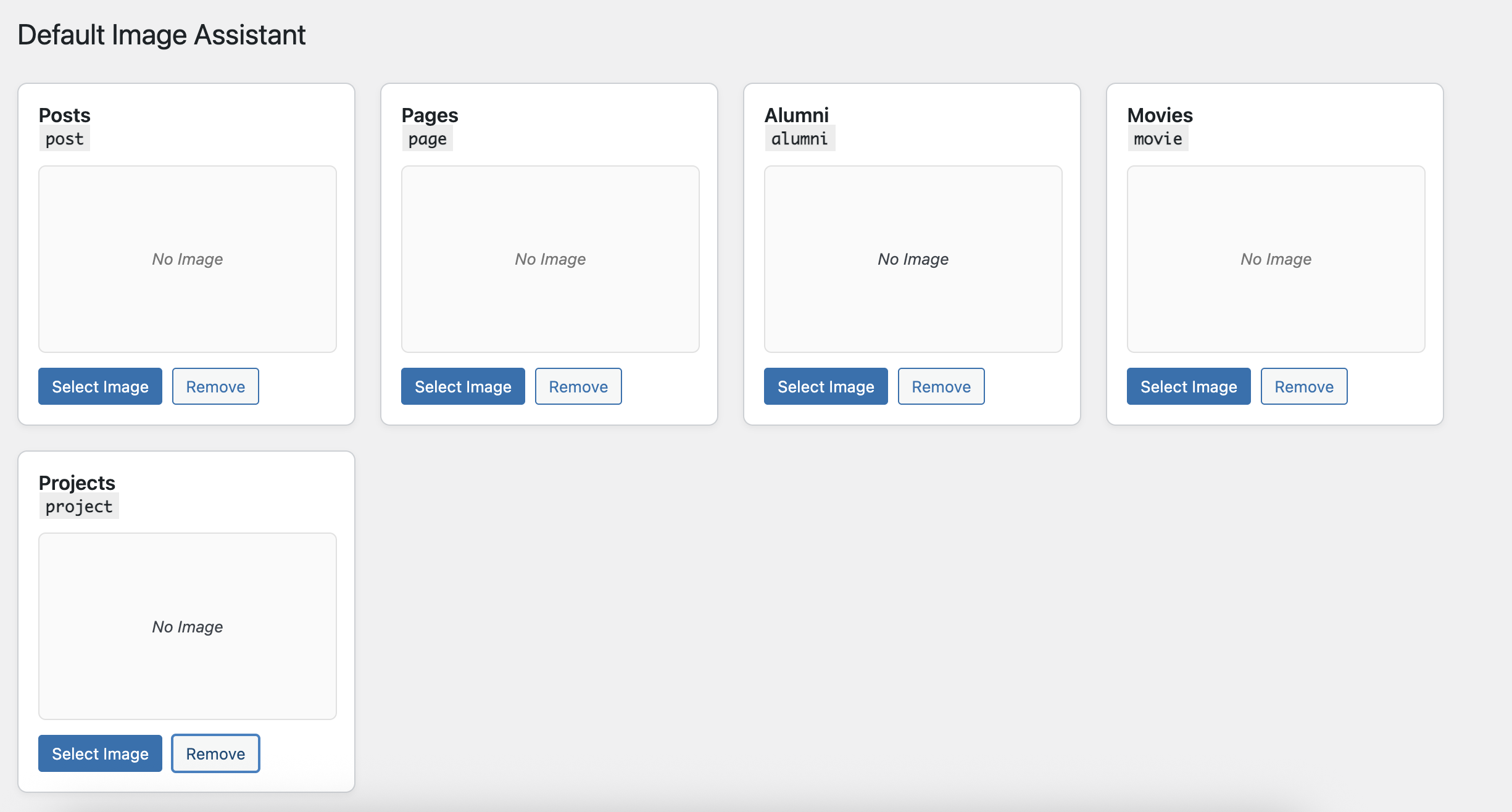
Admin settings page listing all post types
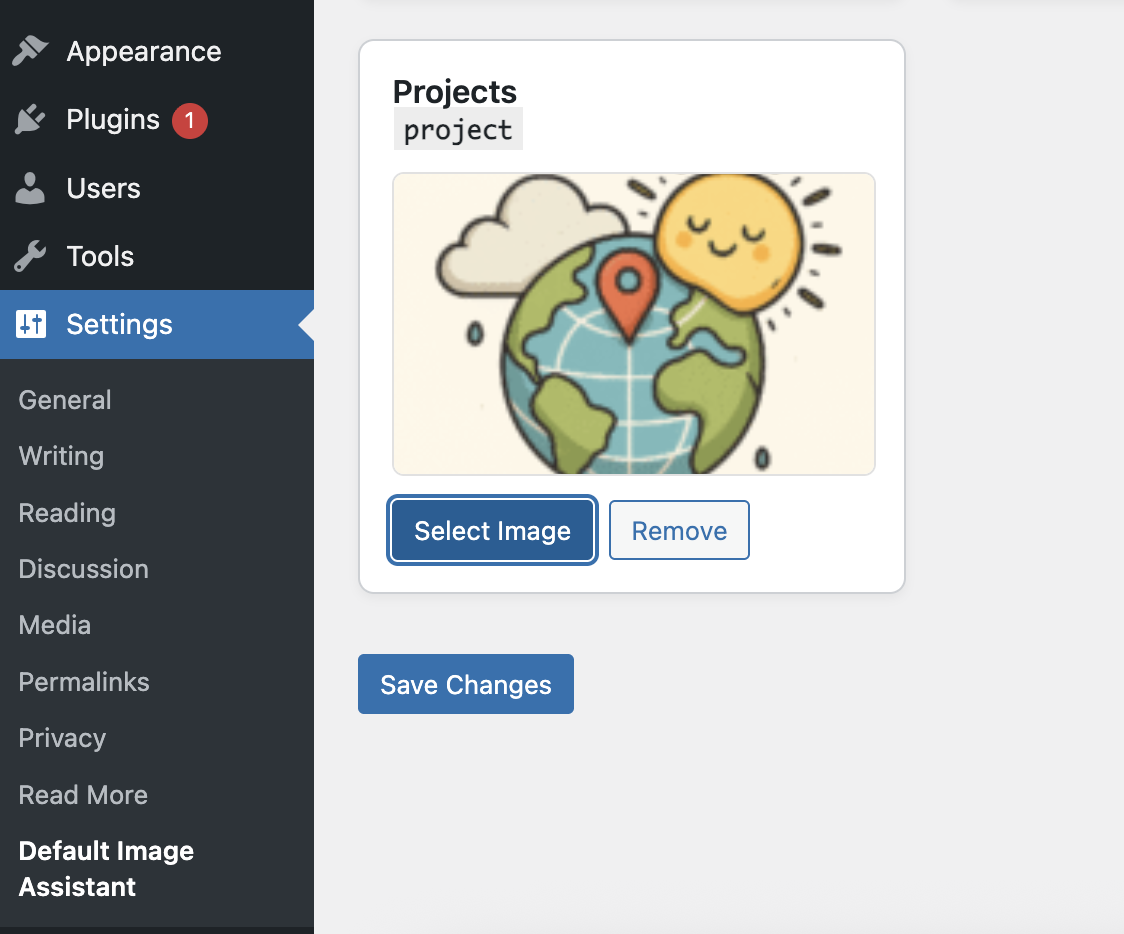
Image preview panel with Select / Remove buttons
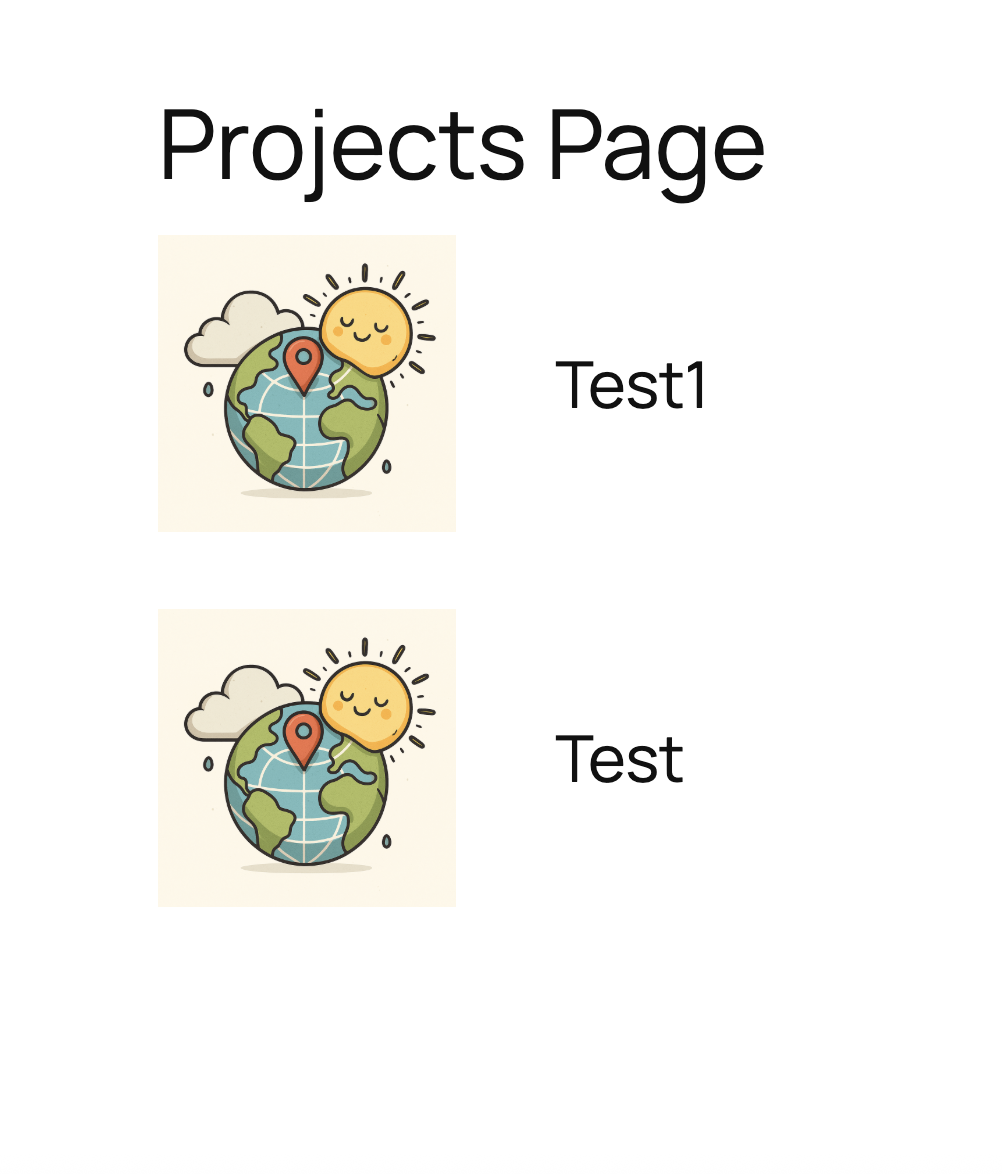
Default image applied automatically to posts without a featured image
Faq
No. If a post already has its own featured image, the plugin does nothing.
No. It only uses wp_get_attachment_image() and lightweight filters.
No front-end scripts or styles are loaded.
Yes. Any public post type registered via plugins or themes is supported.
Yes. It works regardless of theme type.
Reviews
Changelog
1.0
- Initial release
- Added media selector UI
- Added per-post-type default image storage
- Added front-end featured image fallback logic