Default Post Sort
Default Post Sort
Description
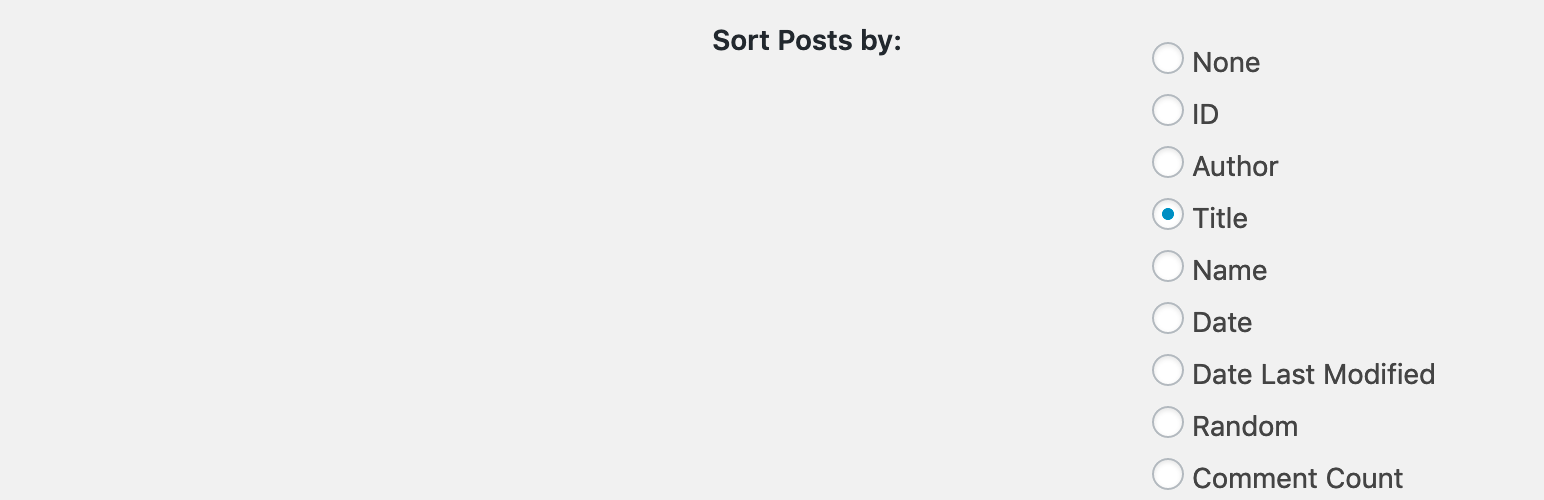
Provides a user interface under the Reading Settings page for choosing what post element to orderby. Also allows the site owner to chose ASCending or DESCending.
NOTE: Does not allow for arbitrary ordering via drag and drop. This is a simple setting.
Usage
Once it’s installed, go to Settings -> Reading section, scroll to the bottom, and choose an orderby and order option.
Installation
- Upload the
/default-post-sort/folder to the/wp-content/plugins/directory - Activate the plugin through the ‘Plugins’ menu in WordPress
- Visit Settings -> Reading in the admin and choose how you would like your posts sorted.
Screenshots

Showing the UI in the Settings -> Reading section
Reviews
Simple and straightforward. Great plugin.
By 
I'm glad I came across this plugin. It does exactly what the title says and nothing more which is what I want in a plugin.
Changelog
1.0
- Initial release