Delete Duplicate Data
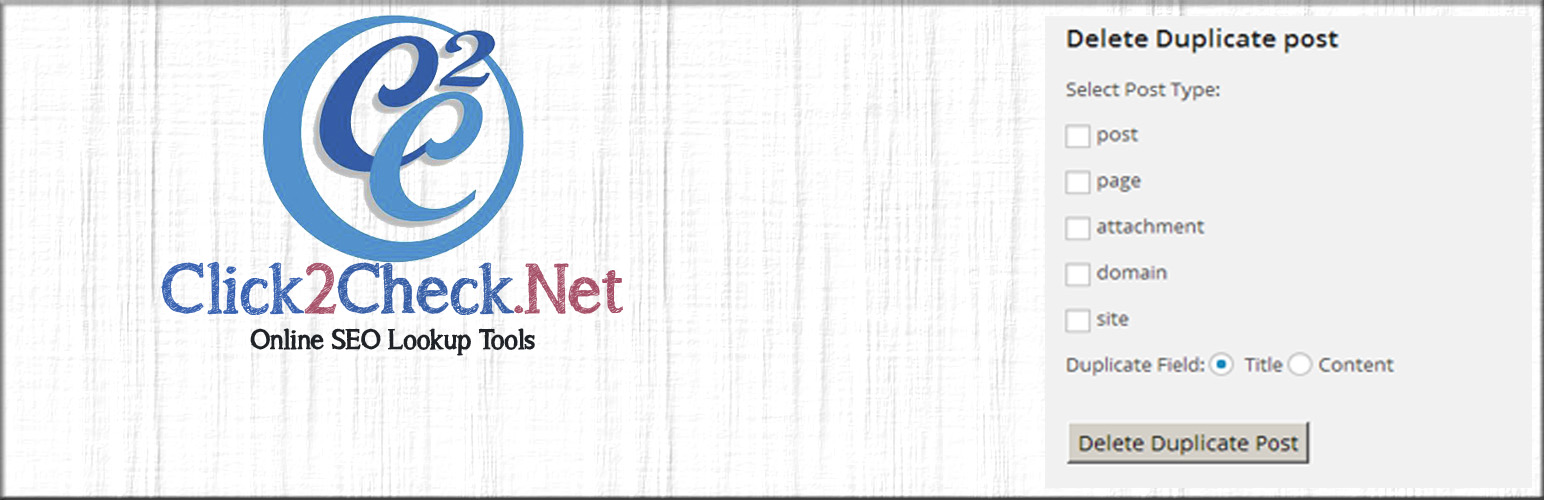
Delete Duplicate Data
Description
Delete Duplicate Post, Page, Attachment and Custom Post by just one Click.
You can delete following duplicate data.
- Post
- Page
- Custom Post
- Attachment
- Category
- Taxonomy
- Custom Category
You can delete duplicate data Permanently or move to trash.
In Future We Will Add Schedule Deletion that can be very usefully with auto blogging.
Installation
- Upload
plugin-name.phpto the/wp-content/plugins/directory - Activate the plugin through the ‘Plugins’ menu in WordPress
Screenshots

Delete Duplicate post, page, custom post option page.

Delete Duplicate Category, Custom Category, Taxonomy.
Faq
Can I undo after delete post?
No
Reviews
Didn't work
By 
I selected the options to delete duplicate posts by title. Ran more than once. Did not delete.
Changelog
1.4
- New User Interface and Desing.
1.3
- Fixed Delete Permanent problem.
1.2
- Option added for Move To Trash or Delete Permanently.
1.1
- Delete Duplicate Category,Custom Category and Taxonomy.
1.0
- Delete Duplicate Post, Page and Custom Post type.