Delivery pickup reminder email for Woocommerce
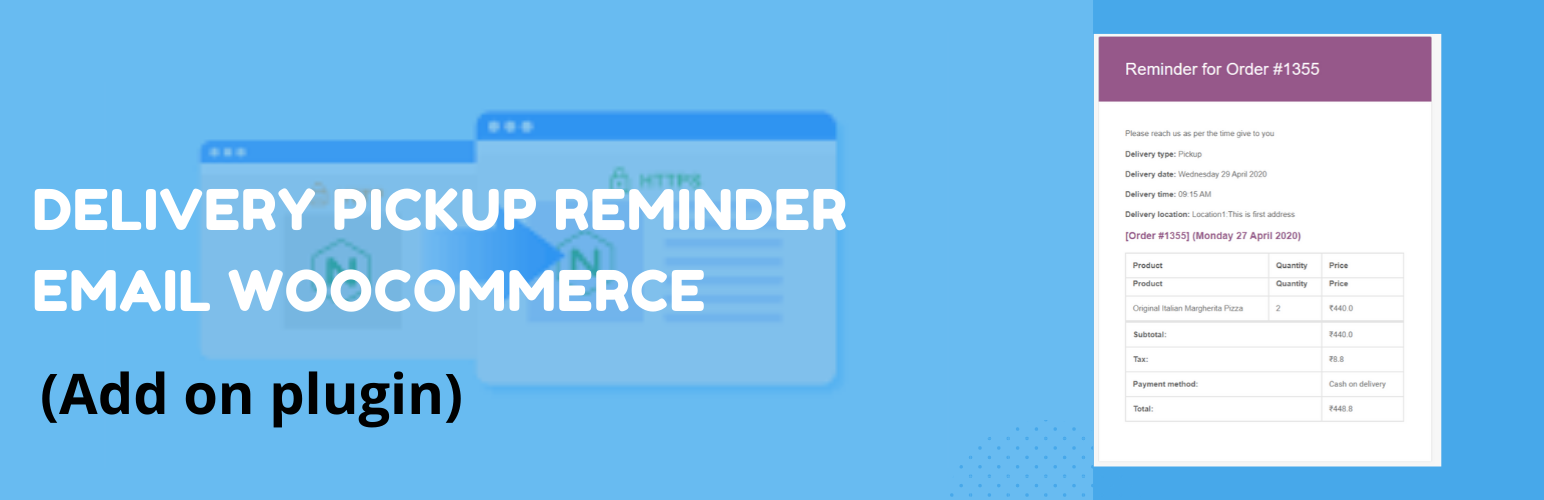
Delivery pickup reminder email for Woocommerce
Description
This is an add-on plugin for the order delivery date and time plugin. It automatically sends a reminder email to your customer regarding upcoming delivery or pickup for their order. You can configure in the plugin how much time before a reminder email should be sent.
E.g.: If the user places a pickup order for 25th April 2020, 3:00 PM
and you have set the reminder time to be 30 min,
then the customer will receive a reminder email on 25th April 2020, 2:30 PM.
Sending of the emails is handled by the WordPress Cron, so there can be a delay in sending emails if your website does not have any visitors at that time. We recommend setting up a system Cron job in your hosting, so Cron can run even when you don’t have any traffic on the site.
- You can set how much time before a reminder should be sent
- Subject of the email sent
- Email header text
- Email message part
- Send reminder email to the admin and staff so they can prepare the order ahead of time
- Set a different trigger time for the admin reminder email (pro)
- Set different subject/header/message for the admin email (pro)
Screenshots


Faq
The email sending process can only be done if there was someone on your site at the time when the email was supposed to be sent. If you have low traffic on your site, then emails will get delayed. This can be fixed easily by setting up a cron job on your server (your hosting company can help you with this). Here is a guide that explains how it is done.
If you have low traffic, then your email will not be sent on time. You need to create a cron job that will keep pinging your site at set intervals, and your WordPress will be able to send reminder emails even when there are no visitors on your site.
Yes.
You can do that in the pro version.
You can do that in the pro version.
Yes, you can do that in the pro version.
You can do that in the pro version. It allows you to set reminder emails to customers for pickup orders only (you can select the order type from the settings for which to send the reminder email). You can set different order types for the admin reminder email and customer reminder email.
Yes, the Free version and PRO version are both HPOS compatible.
In the pro version, you can configure to send 3 reminder emails to the customer before the order date and time. E.g.: The first reminder will be sent 10 hours before the pickup time, the second will be sent 6 hours before, and the last will be sent 30 minutes before the pickup time.
Reviews
plugin to remind your customer of upcoming delivery or pickup
By 