Demfilz Studio Core

Demfilz Studio Core
Description
Demfilz Studio Core adds the content features used by the Demfilz Studio theme. It works with any theme.
- Portfolio post type with Project Categories and a Project Details box (client, year, project URL).
- Services post type with an icon picker for service cards.
- Contact form: honeypot, minimum fill time and a per-IP rate limit; submissions are emailed to your chosen recipient and stored in the dashboard under Form Entries. No email address is ever printed on the page.
- [dstudio_button] shortcode for call to action buttons in any post or page:
[dstudio_button text="Get a Quote" url="/contact/" style="solid" size="large" icon="arrow-right"].
Pairs with the free Demfilz Studio theme, which provides the portfolio grids, service cards, contact page template and button styling. With other themes the post types and form still work; presentation is up to the theme.
Installation
- Install and activate the plugin.
- If you use the Demfilz Studio theme, its Contact Page template picks the form up automatically. With other themes, call
dstudio_contact_form()in a template. - Add content under Portfolio and Services in the dashboard.
- Set the recipient address under Appearance > Customize > Theme Options > Contact Page (Demfilz Studio theme), or leave it empty to use the site admin email.
Screenshots
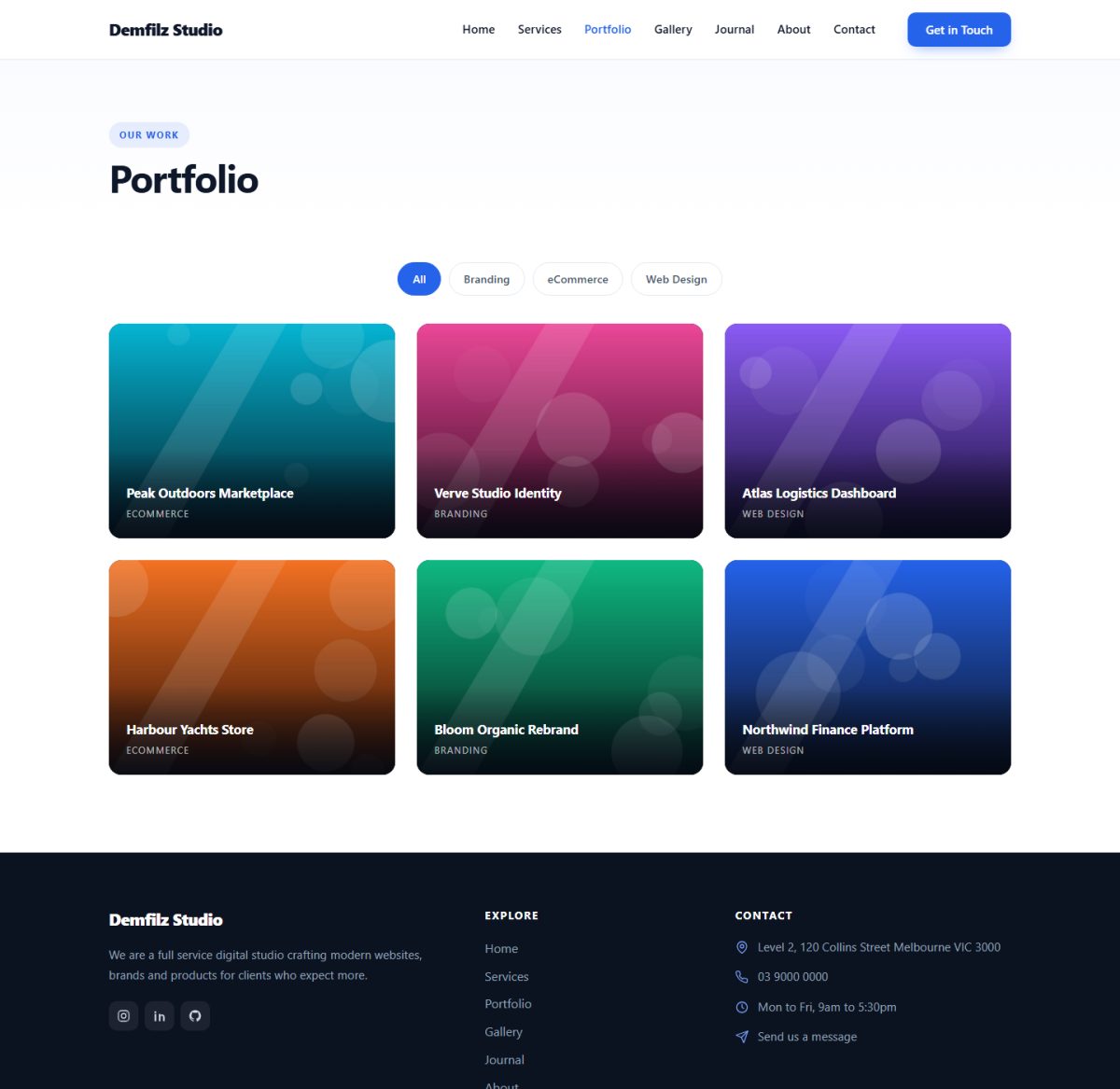
The Portfolio post type rendered by the free Demfilz Studio theme, with instant category filtering.
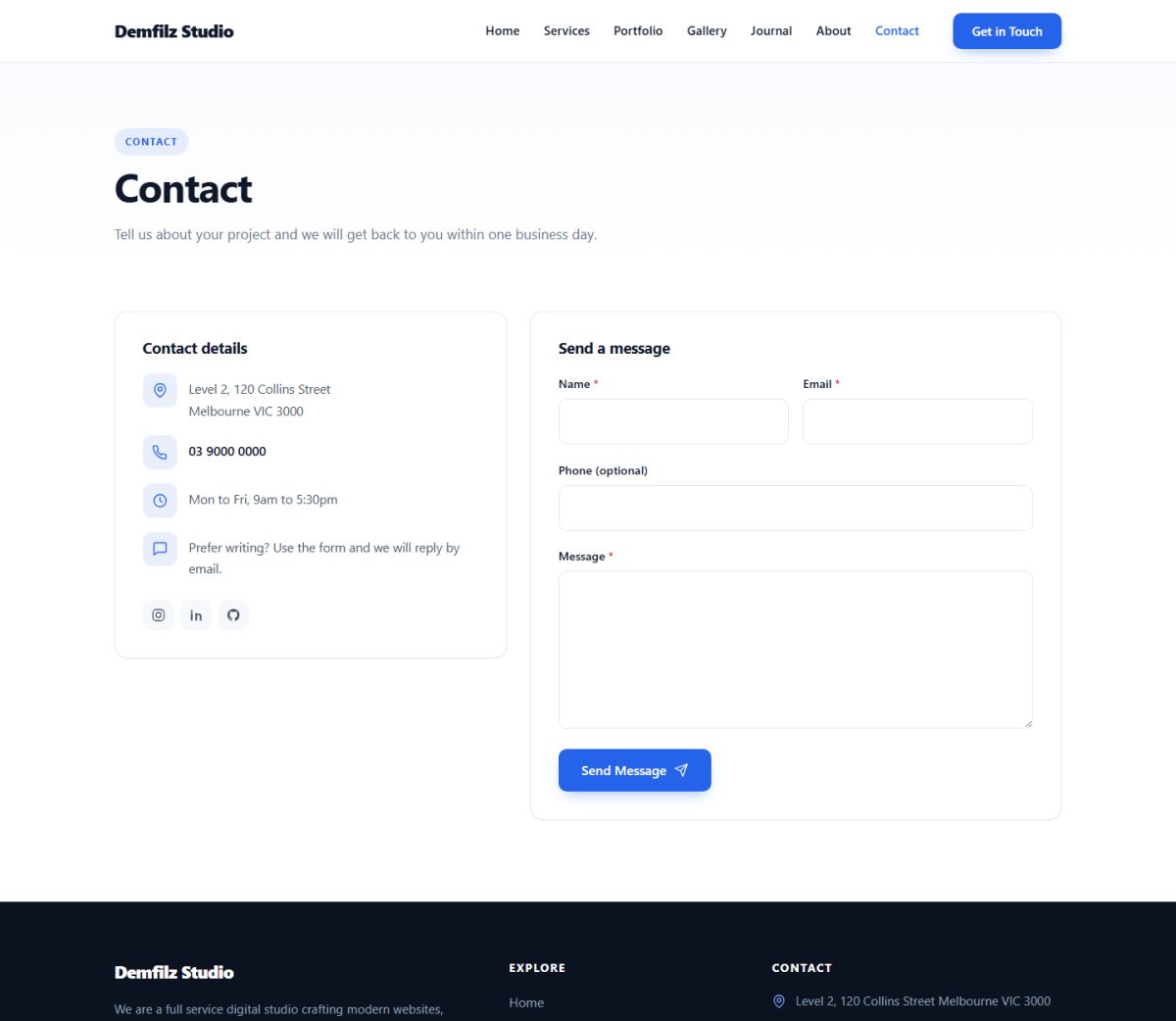
The spam-protected contact form and contact details panel on the theme's Contact Page template.

The Demfilz Studio theme front page with services and portfolio sections powered by this plugin.
Faq
They are emailed to the configured recipient and stored under Form Entries in the dashboard.
Each submission stores the name, email, optional phone, message, the sender’s IP address and browser user agent. Entries are private posts visible only in the dashboard; delete them at any time from Form Entries.
Yes. Post types, meta boxes, the form handler and the shortcode all work with any theme. The Demfilz Studio theme adds the matching templates and styling.
Reviews
Changelog
1.0.0
- Initial release.