DevBrothers Admin Panel
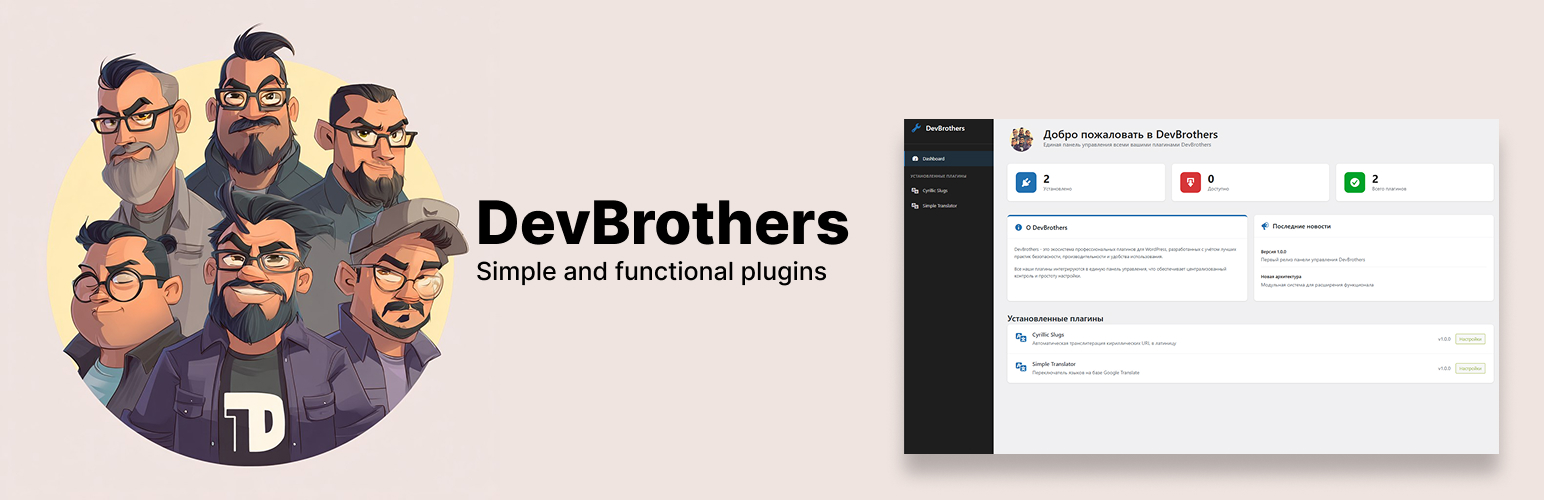
DevBrothers Admin Panel
Description
DevBrothers Admin Panel is a base plugin for managing the DevBrothers plugin ecosystem. It provides:
- Single access point to all DevBrothers plugins
- Beautiful and intuitive interface
- Centralized settings management
- Information dashboard with statistics
- Automatic integration with other DevBrothers plugins
Installation
- Upload the
devbrothers-admin-panelfolder to the/wp-content/plugins/directory - Activate the plugin through the ‘Plugins’ menu in WordPress
- Go to the ‘DevBrothers’ menu to access the admin panel
Screenshots

Main Dashboard page with statistics and available plugins

Plugin settings page with category anchors

DevBrothers left navigation menu
Faq
This plugin creates a centralized admin panel for all DevBrothers plugins, simplifying navigation and configuration.
Yes, all DevBrothers plugins require DevBrothers Admin Panel to be installed for proper operation. The plugin automatically detects and integrates installed DevBrothers plugins.
Current plugins in the DevBrothers ecosystem:
– DevBrothers Cyrillic URL – automatic transliteration of Cyrillic URLs
– DevBrothers Simple Translator – instant website translation via Google Translate
– Other plugins in development
Reviews
Changelog
1.0.2
- Re-release with corrected SVN tag format
- No code changes from 1.0.1
1.0.1
- Updated code for WordPress 7.0 compatibility
- Security and performance improvements
1.0.0
- Initial release
- Basic plugin registration system
- Interface with three-level navigation
- Dashboard with information blocks
- Settings pages with category anchors