DevBrothers Cyrillic URL
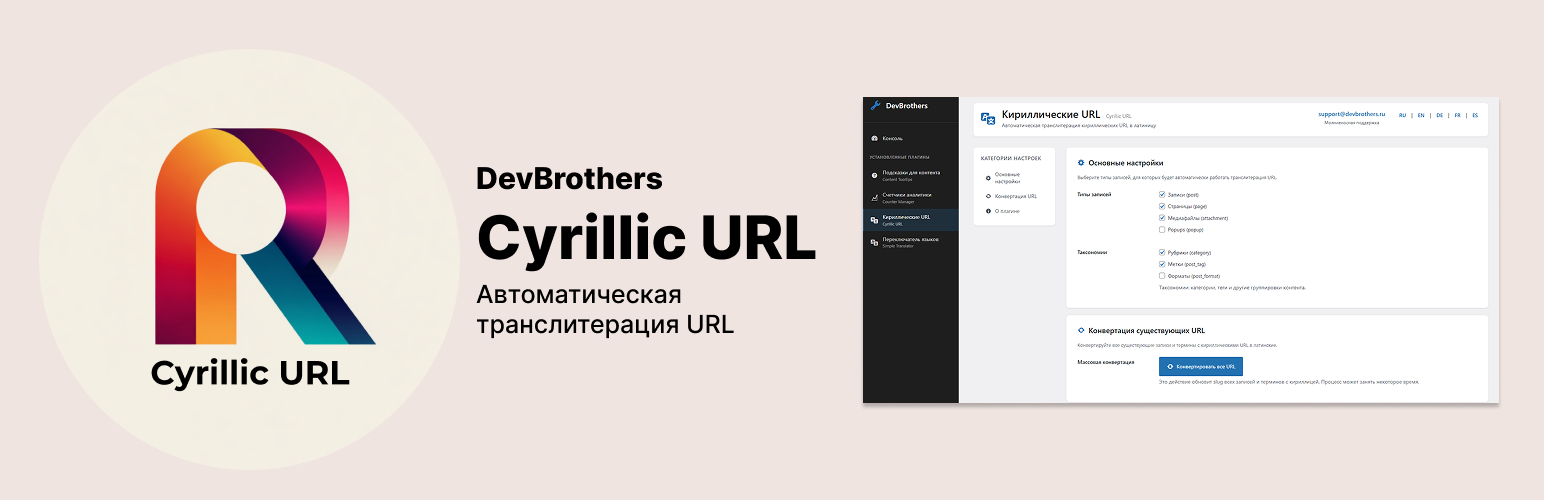
DevBrothers Cyrillic URL
Description
DevBrothers Cyrillic URL automatically converts Cyrillic characters in URLs (slugs) to Latin letters according to the international ISO 9 standard.
Key Features
- Automatic transliteration when creating posts, pages, categories, and products
- ISO 9 standard – international standard for Cyrillic transliteration
- Flexible settings – choose post types for automatic conversion
- WooCommerce support – works with products and categories
- Bulk conversion – update existing URLs with one click
- DevBrothers integration – unified admin panel
- Custom Post Types support – automatic detection of custom types
- Security – nonces, sanitization, escaping
Transliteration Examples
новая-записьnovaya-zapisкатегория-блогаkategoriya-blogaтовар-интернет-магазинаtovar-internet-magazina
Who is this plugin for?
- Website owners with Russian content
- WooCommerce stores with Russian products
- Blogs and news portals
- Corporate websites
- Any projects requiring readable Latin URLs
Dependencies
This plugin requires DevBrothers Admin Panel to be installed.
DevBrothers Integration
The plugin is fully integrated into DevBrothers Admin Panel and accessible through the unified admin interface:
* Centralized settings
* Unified interface style
* Quick navigation between plugins
* Settings categories with anchors
Installation
Automatic Installation
- Install DevBrothers Admin Panel (base plugin)
- Go to ‘Plugins’ ‘Add New’
- Search for ‘DevBrothers Cyrillic URL’
- Click ‘Install’
- Activate the plugin
Manual Installation
- Install DevBrothers Admin Panel
- Upload the
devbrothers-cyrillic-urlfolder to/wp-content/plugins/ - Activate the plugin through the ‘Plugins’ menu
- Go to ‘DevBrothers’ ‘Cyrillic URL’ to configure
After Activation
- Open DevBrothers Cyrillic URL
- Select post types for automatic transliteration
- (Optional) Run bulk conversion of existing URLs
- Done! New posts will be automatically transliterated
Screenshots

Main settings page - post type selection

Bulk URL conversion with progress bar

Integration in DevBrothers Admin Panel
Faq
Yes, this is the base plugin that provides a unified admin panel for all DevBrothers plugins.
The plugin uses the international ISO 9 standard for Cyrillic transliteration.
Yes! The plugin automatically detects WooCommerce post types (products, categories) and allows you to enable transliteration for them.
Yes, in the “URL Conversion” section there is a button for bulk conversion of all existing posts and terms.
Yes, but it is recommended to make a database backup before bulk conversion.
Yes, the plugin automatically detects all registered post types and allows you to select them in settings.
The current version uses standard ISO 9 rules. The ability to customize is planned for future versions.
No, transliteration only occurs when saving a post and does not affect site performance.
Reviews
Changelog
1.0.0
- Initial release
- Automatic transliteration according to ISO 9 standard
- Support for all post types
- WooCommerce support
- Bulk conversion of existing URLs
- Integration with DevBrothers Admin Panel
- Flexible settings
- Taxonomy support