Digital Edition
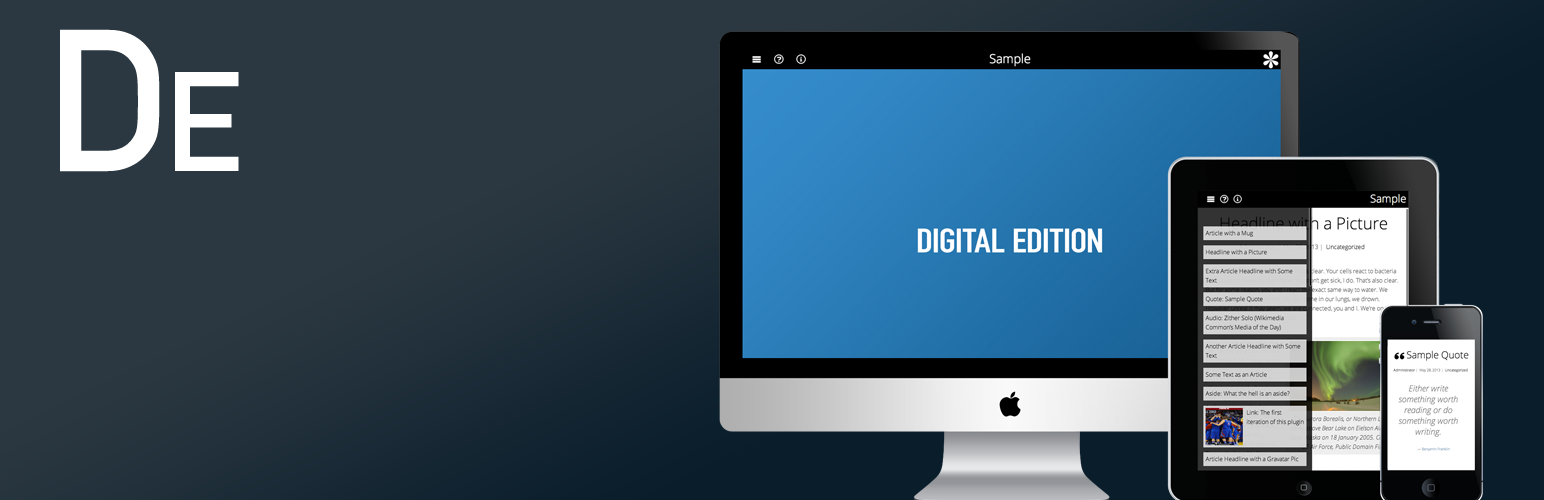
Digital Edition
Description
Create an impressive collection of articles and multimedia or rebundle old content for round-up editions. Create a new edition and tag posts appropriately from the Dashboard. Posts that have a post format are supported and recommended, but not required.
Optionally allows for three full-page advertisements (appearing between every eight content items) and three small logos (with links) at a prominent display.
- Sample
- More documentation and how-to guide
- Follow me on Twitter
Licenses
- Custom Font Awesome build licensed under SIL OFL 1.1
- Owl Carousel licensed under the MIT License (Expat)
- Code licensed under GPLv2
Installation
- Upload
digital-editionto the/wp-content/plugins/directory. - Activate the plugin through the ‘Plugins’ menu in WordPress.
- Add a new digital edition and check the digital edition category at the right. Any post tagged in the checked digital edition categories will be pulled in.
Screenshots

Mobile view with navigation

Regular post

Splash/Intro screen

Edit screen
Reviews
Changelog
0.2.2
- Hide summary, splash, intro, anchor and colophon if empty (added per user-requested feature)
- Add password protection to the whole edition per user-reported bug
- Hide password-protected posts that appear within the edition from general display and from navigation bar (can’t include form because it will post password to the digital edition, not the included posts)
0.2.1
- Add anchor and colophon to menu
- Add data-page attribute to anchor and colophon to work with page history
0.2
- Replace iScroll with Owl Carousel (more stable, faster)
- Page history
- Arrow key navigation
- Removed Foundation; general CSS clean up
- Better display of full screen images
- Better HTML markup with fewer tags and more attributes (i.e. language )
0.1.1
- Add screenshots for plugin directory thanks mac2net
- Remove “© Copyright {YEAR} {BLOG NAME}” from short summary bubble
- Add animation to navigation panel
- Add checkbox option to push content with the navigation panel discussion
- Add some tags to the WP plugin page
- Wrap error text to prepare for localization (still to do)
- Change v0.1 tag on SVN to 0.1
0.1
- Initial