Dima Take Action

Dima Take Action
Description
Adds a beautiful, customizable take action banner containe a promotion or a news to the top or the bottom of your WordPress site.
Banner that is dismissable and dismiss is saved by cookie.
Features
- Display a message with a button (optional).
- Background Image, Gradient color, RGBa Color.
- Colors are fully customizable.
- Position the bar on top or bottom.
- Set any height you want.
- Display a close button for the visitor.
- Cookie Bar.
- Floating Button.
- Responsive.
Installation
- Click Plugins/Add New from the WordPress admin panel
- Search for “DIMA Take Action” and install
-or-
- Download the .zip package
- Unzip into the subdirectory ‘dima-tke-action‘ within your local WordPress plugins directory
- Refresh plugin page and activate plugin
- Configure plugin using settings link under plugin ‘DIMA Take Action‘
Screenshots

Page Shows Banner at the top and Float Call To Action Button.

Page Shows Banner at Bottom.
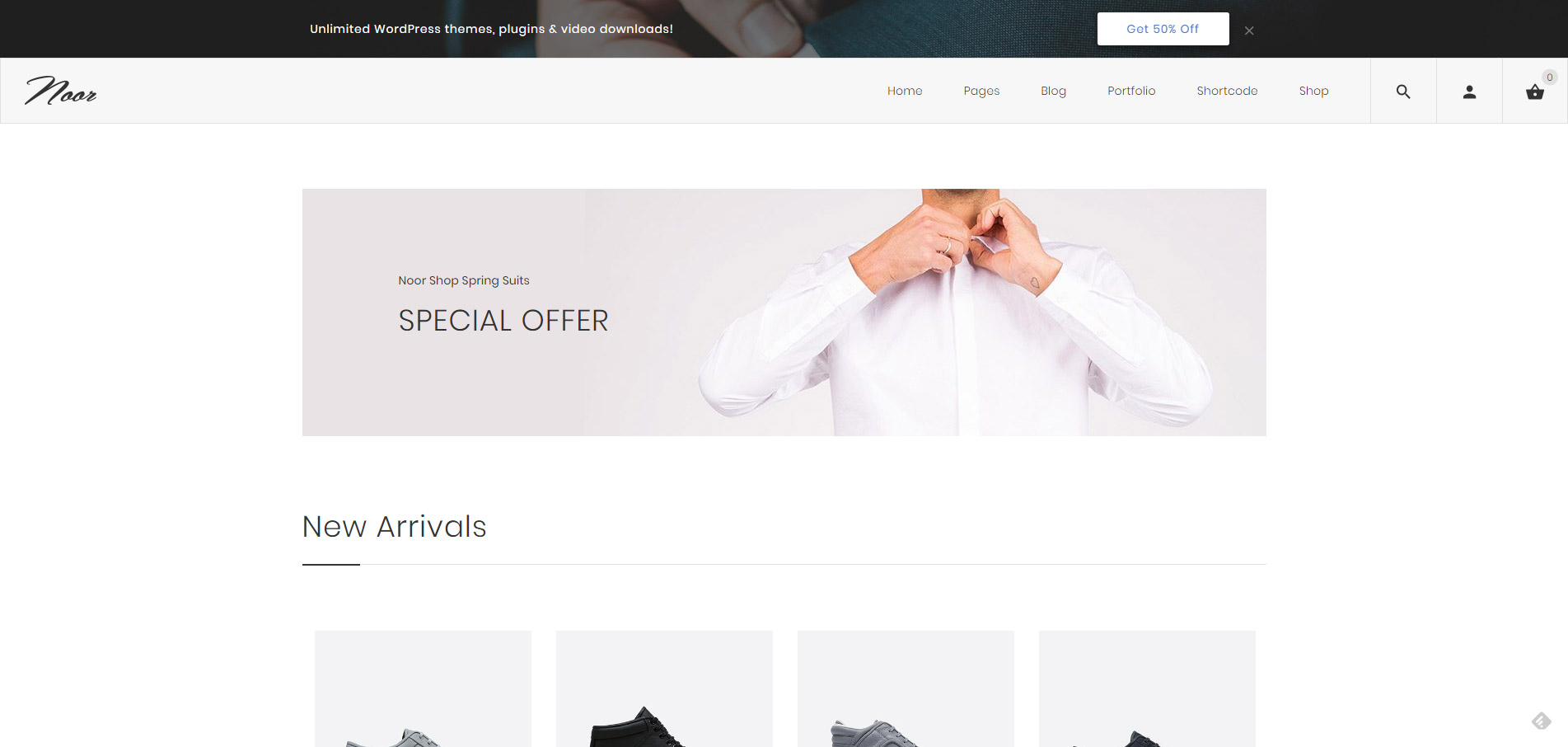
Page Shows Banner at the top with Background Image.

Responsive Banner

Admin Page

Admin Page 2
Faq
Installation Instructions
- Click Plugins/Add New from the WordPress admin panel
- Search for “DIMA Take Action” and install
-or-
- Download the .zip package
- Unzip into the subdirectory ‘dima-tke-action‘ within your local WordPress plugins directory
- Refresh plugin page and activate plugin
- Configure plugin using settings link under plugin ‘DIMA Take Action‘
Reviews
Changelog
1.0.5
* Add: New Option gives the user the ability to open links in a new window.
* Fix small bugs.
1.0
- Initial release