Display Blog Time
Display Blog Time
Description
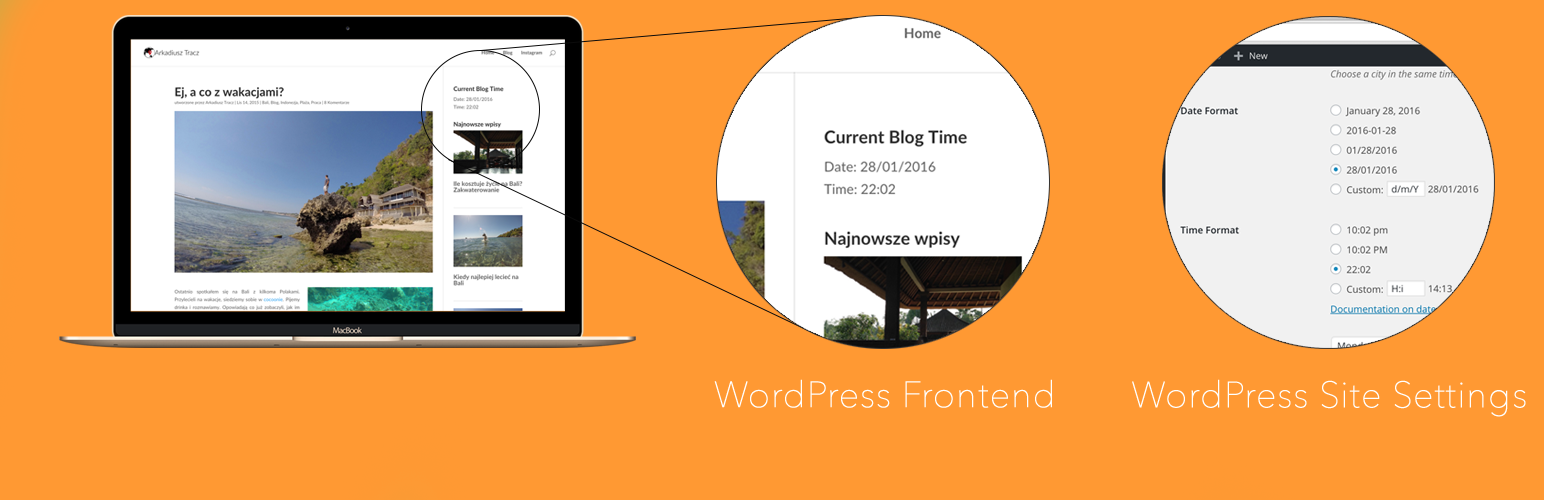
It’s a widget which displays the current blog time and date. In the format set in your WordPress site’s settings.
Installation
From your WordPress dashboard
- Visit “Plugins > Add New”
- Search for “Display Blog Time”
- Press Install
- Activate the plugin
- You will now find the widget in Appearance > Widgets
From WordPress.org
- Download Display Blog Time
- Navigate to the Admin area of your site.
- Go to Plugins > “Add New”.
- Select “Upload Plugin”.
- Select the ZIP installation file of Display Blog Time.
- Activate the plugin
- You will now find the widget in Appearance > Widgets
Screenshots


Faq
Does it automatically refresh with ajax magic?
Not yet. It’s still a beta. Will be added in future versions.
Reviews
Changelog
0.9 BETA
- Initial release