DJ Player
DJ Player
Description
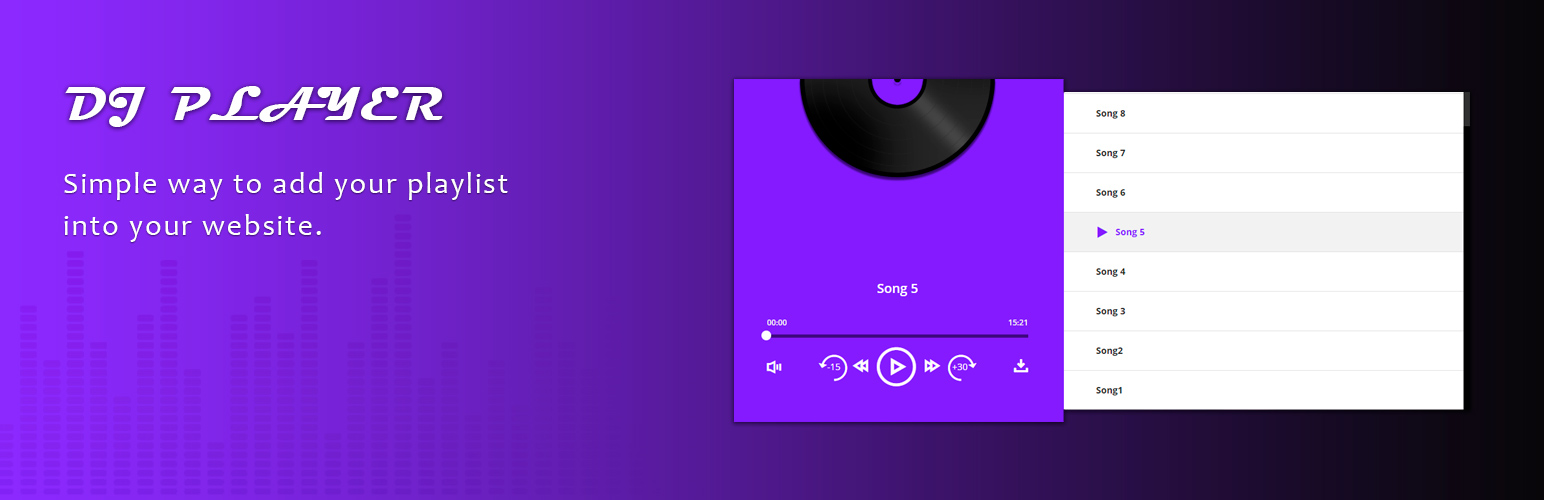
This is a fully responsive music player with tracklist. It’s supported many audio formats(mp3, ogg, mpeg) and others. Also you can add a file as from mediafiles and as external link. The tracklist can include unlimited number of tracks.
Documentation
Player shortcode [djpr-player]
Player settings you can find on the page in admin panel “DJ Player”
Installation
Installing “DJ Player” can be done either by searching for “DJ Player” via the “Plugins > Add New” screen in your WordPress dashboard, or by using the following steps:
- Download the plugin via WordPress.org
- Upload the ZIP file through the ‘Plugins > Add New > Upload’ screen in your WordPress dashboard
- Activate the plugin through the ‘Plugins’ menu in WordPress
Screenshots
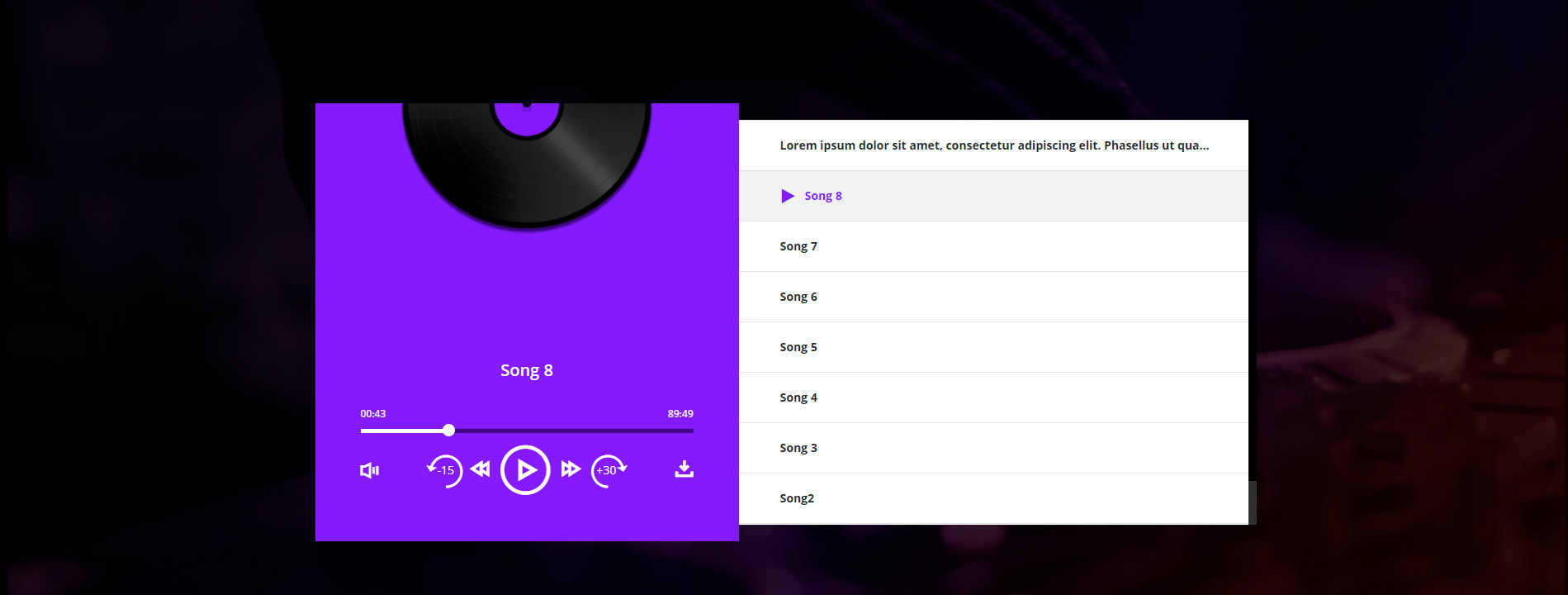
"DJ Player" on the site.

Fully responsive.

In admin panel.

In admin panel.

"DJ Player" settings.
Faq
Installation Instructions
Installing “DJ Player” can be done either by searching for “DJ Player” via the “Plugins > Add New” screen in your WordPress dashboard, or by using the following steps:
- Download the plugin via WordPress.org
- Upload the ZIP file through the ‘Plugins > Add New > Upload’ screen in your WordPress dashboard
- Activate the plugin through the ‘Plugins’ menu in WordPress
Reviews
Great choose
By 
Changelog
1.0
DJ Player