Download List Block with Icons
Download List Block with Icons
Description
Use a Gutenberg Block to manage a download list with file type specific icons. No configuration is necessary. The Block can be used immediately after installation.
Features
- Choose files from media library
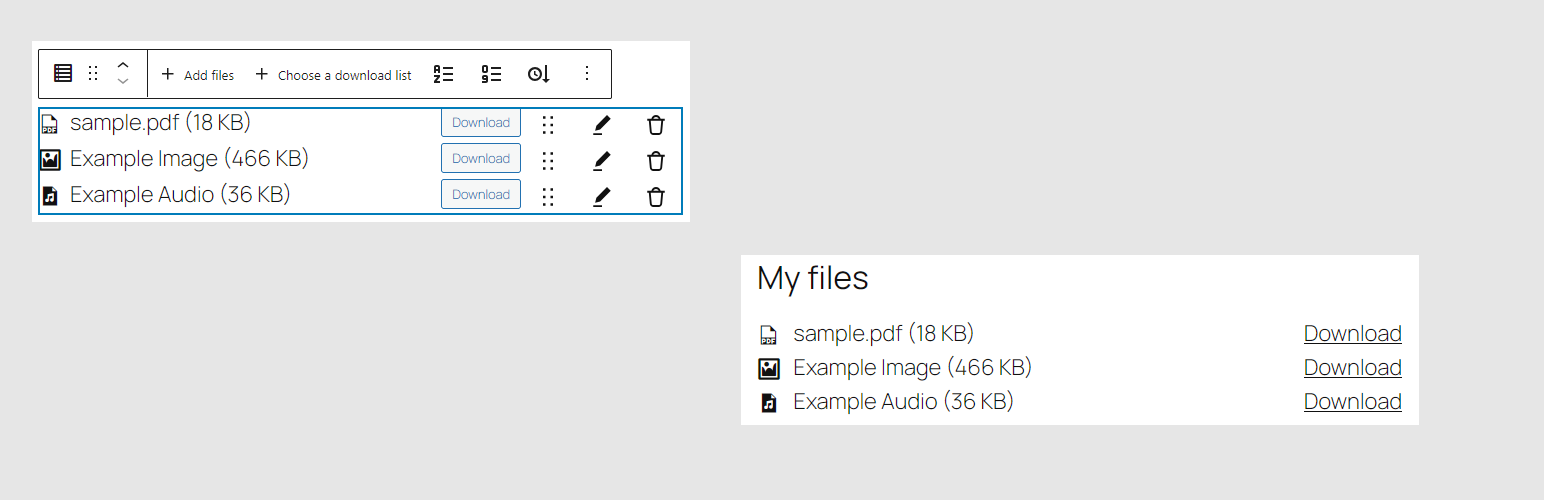
- Output chosen files as list with file-type-specific icon, download-link, title, size and description from media library
- Ships with multiple iconsets (Bootstrap-Icons, Dashicons, FontAweSome-Icons, Themify-Icons)
- Drag & Drop sorting for the list
- Remove files from list
Supports
- Display of file size, description and icon can be switched on and off
- Choose what link should be published: direct link or attachment page
- Choose an iconset for each Block; manage custom icons in unlimited lists
- Usage of multiple hooks to change or add icons to shipped iconsets
- Sort list by title or filesize with one click
- The Block can be used in widgets
- Set colors, typography and borders for each Block
- Use External files in media library if you want to link to external files
The development repository is on GitHub.
Installation
- Upload “download-list-block-with-icons” to the “/wp-content/plugins/” directory.
- Activate the plugin through the “Plugins” menu in WordPress.
- Add the Download List Block to the post or page where you want to show the download list. Choose the file(s) you wish to present.
Screenshots
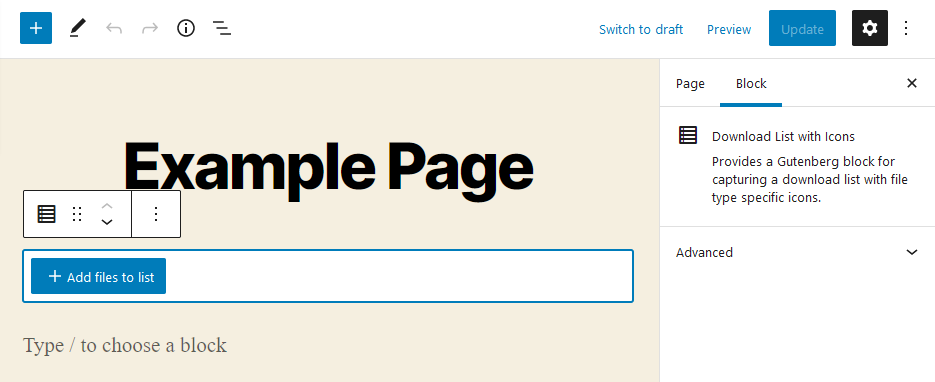
After adding the Block you have to choose the files.

After adding files to the Block they will be listed.
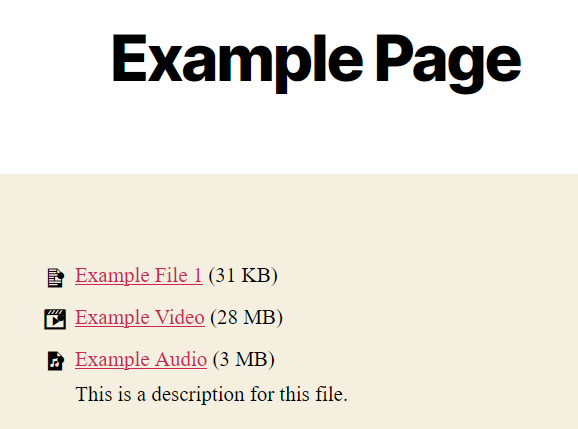
The files will be listed in the frontend.
Faq
The description stored at the file in the Media Library itself is used as the description. You can edit it in 2 ways:
- Open the file in the Media Library for editing. There you will find the field “Description”. Enter the desired description here.
- Or open this editing mask via the pencil at the file in the block you have created.
You can also add a custom title and description for each file used only by the Block of this plugin.
No, there are no restrictions.
The block can basically be used in any theme that supports Gutenberg blocks. If this is the case for your theme, you have to ask your theme developer.
Yes, you can manage your custom iconsets in WordPress-backend.
The file will probably have a file type that does not follow the WordPress standard and is therefore not included in our plugin. You have 2 options:
- Use the iconset specific hook “downloadlist_*_icons” to add the list of icons. Check beforehand with the developer of your chosen icon set if the icon you want is included there.
- Use another icon set, which supports the file type if necessary.
No. The plugin is intended solely for the Gutenberg editor and will not be extended to other PageBuilders.
Reviews
Finally, an accessibility plugin for downloadable files
By 
It's very useful that it's easy to use and compatible with Gutenberg. I searched everywhere and was starting to despair. So thank you to @threadi for this great work.
I've suggested translations for the French version. I m waiting for their validation. I really need a French version for next month 🙂
Great Gutenberg Plugin, Great Support
By 
Perfect plugin for adding a download link list. I am already using it on a couple of websites. Also, the developer goes above and beyond. Give it a try!
Nice and simple
By 
A useful and free plugin to easily manage file lists.
Great plugin for Gutenberg and files
By 
I was looking for a plugin that would allow me to show the size of the files I wanted to share with the community as well as the extension and icons to show for each individual file. With this plugin I found everything. Good integration with Gutenberg. This plugin replaces Gutenberg's insufficient native "file block" and extends its capabilities.
Please, increase the possibility to select file's icons
Easy to use document listing block
By 
This Gutenberg block plugin makes it very easy to add a list of downloads anywhere on the page. You can select the files from the media manager and choose whether to show the description, size, etc. And they can be bullets or numbered.
My page builder often conflicts with 3rd party blocks, but this one worked perfectly. It looks very elegant, and it will be easy for my clients to use.
Originally I had a conflict, but support fixed it immediately - very responsive development team!
Easy to use
By 
Very useful plugin and responsive developer
By 
Changelog
4.1.3
- Optimized capability checks
- Optimized sanitization of entered data
- Updated dependencies
- Fixed error if custom icon is added without a selected file type
- Removed now unsued function to dismiss a notices, now handled by easy-transients-for-wordpress