Easy Accessibility
Easy Accessibility
Description
Easy Accessibility plugin allows you to display a accessibility tool on your WordPress website. This plugin creates a more accessible browsing experience for your site users. It helps with increasing compliance with WCAG 2.1, ATAG 2.0, European EN 301 549, ADA, & Section 508 requirements.
Disclaimer
Easy Accessibility plugin is not intended to provide guarantee of making your site compatible with any accessibility guidelines.
Some features may conflict with your active theme or another plugin.
Installation
You can install the Plugin in two ways.
WordPress interface installation
- Go to plugins in the WordPress admin and click on “Add new”.
- In the Search box enter “Easy Accessibility” and press Enter.
- Click on “Install” to install the plugin.
- Activate the plugin.
Manual installation
- Download and upload the plugin files to the /wp-content/plugins/easy-accessibility directory from the WordPress plugin repository.
- Activate the plugin through the “Plugins” screen in WordPress admin area.
Screenshots
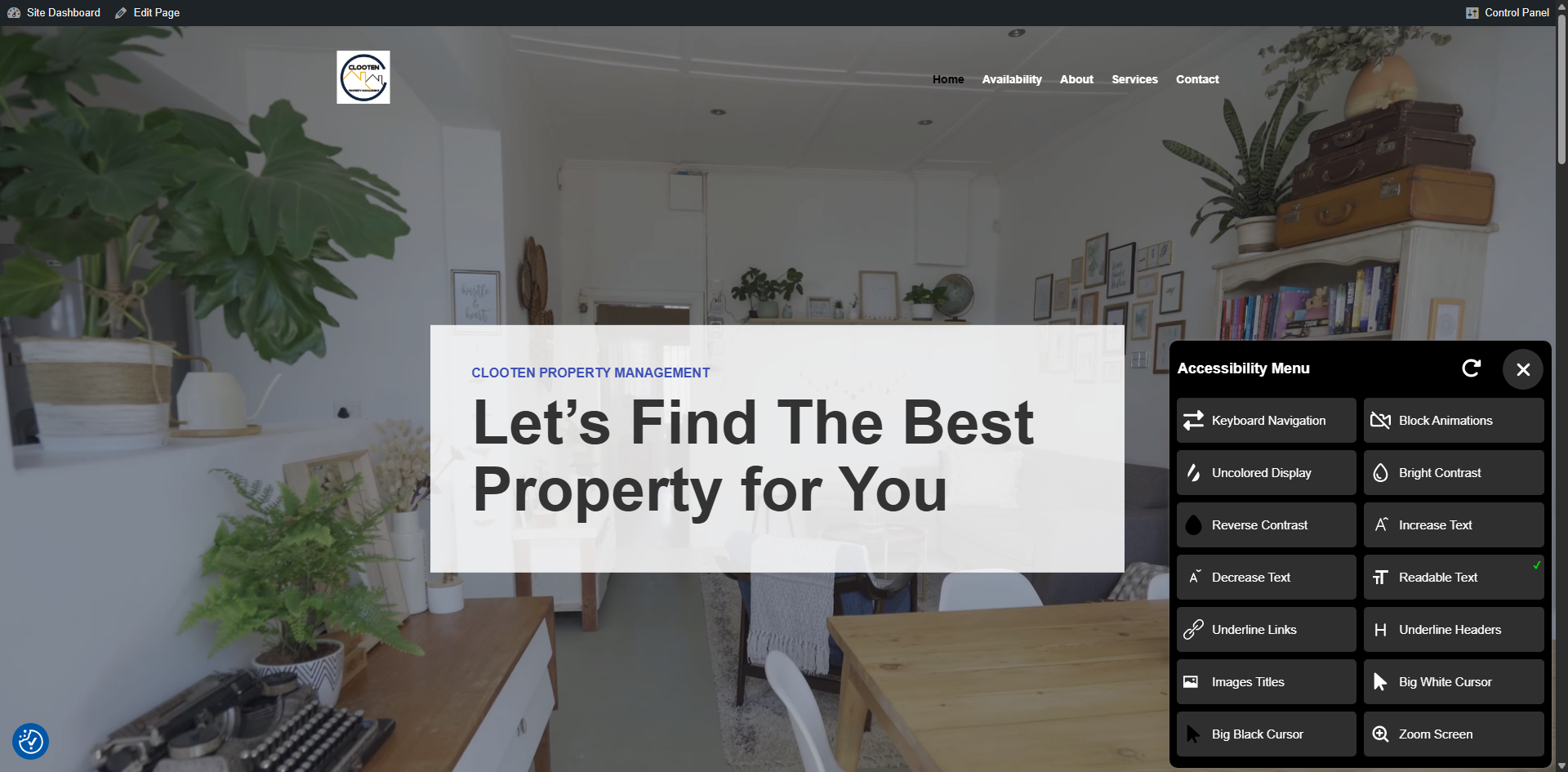
Accessibility Tool - Readable Text
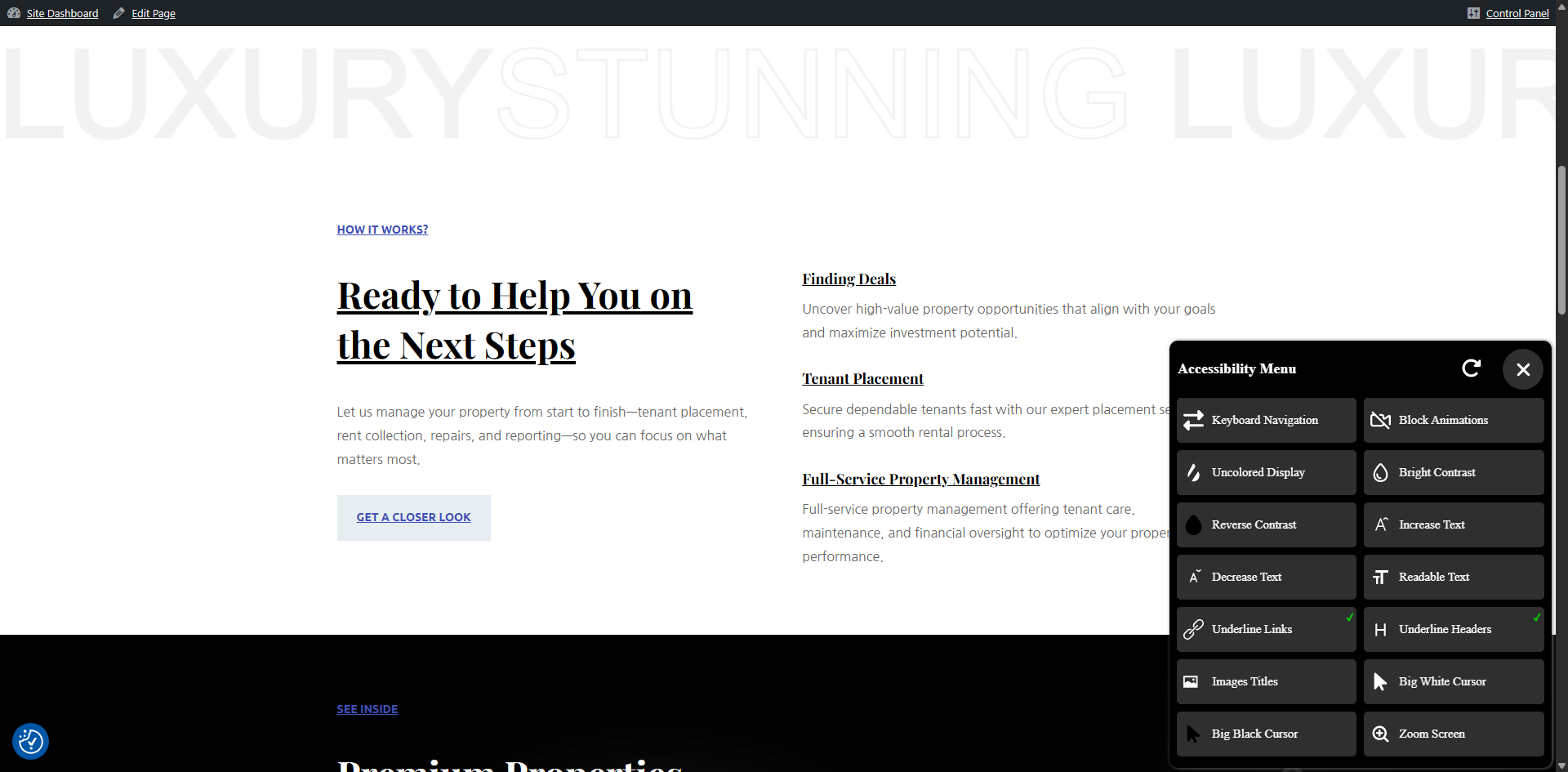
Underline Links and Headings
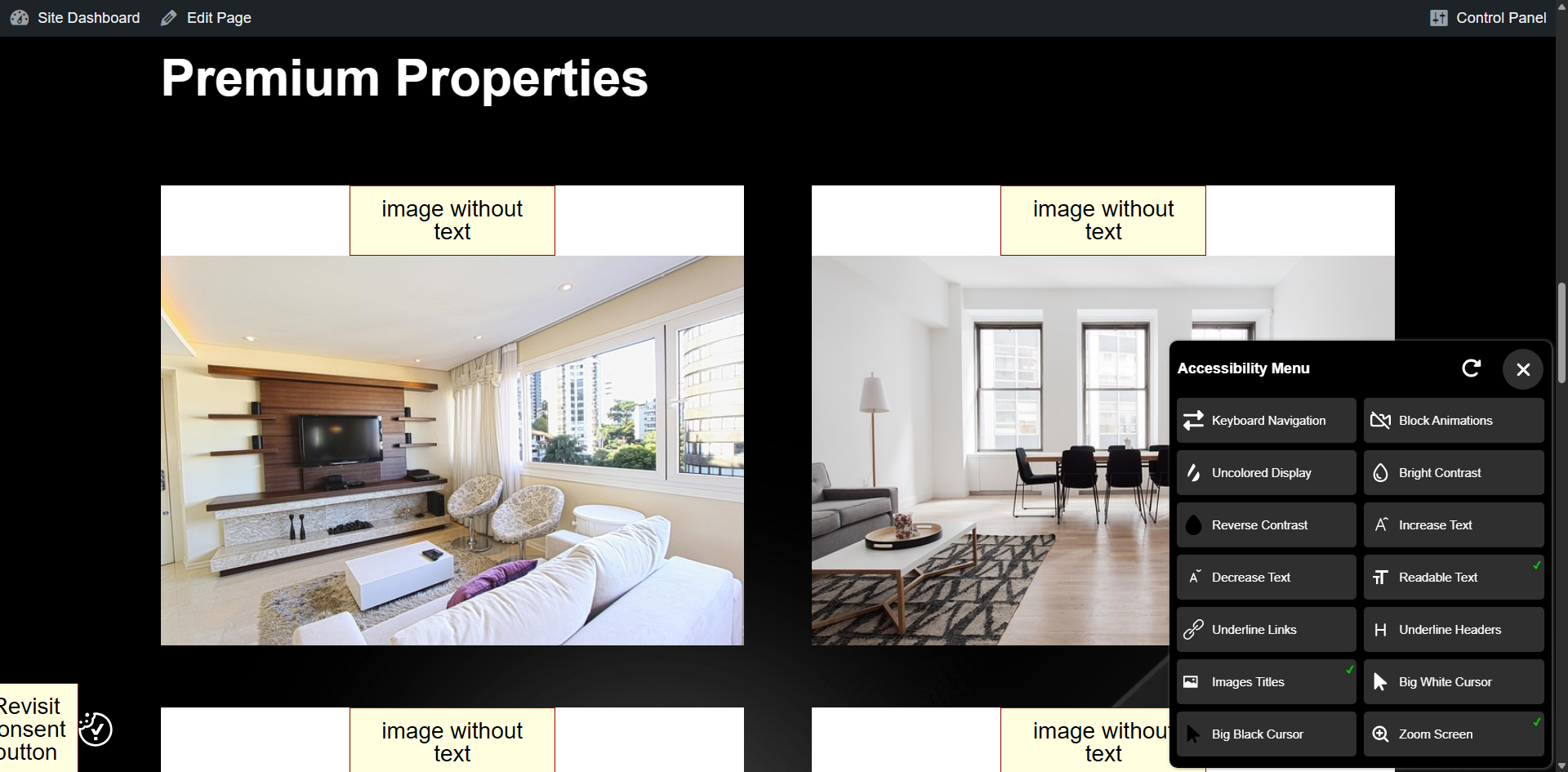
Image Titles and Readable Text
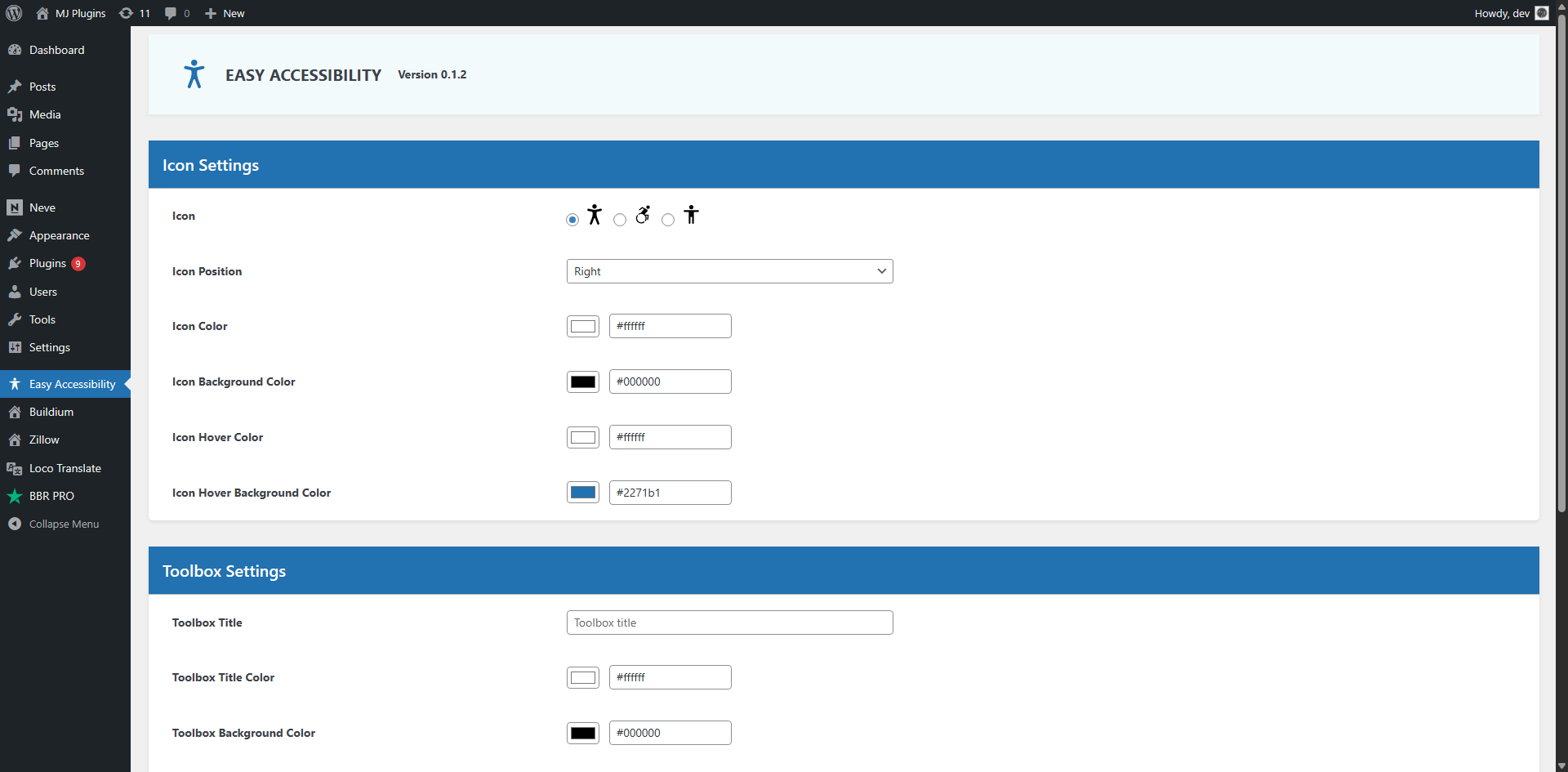
Accessibility Icon Options
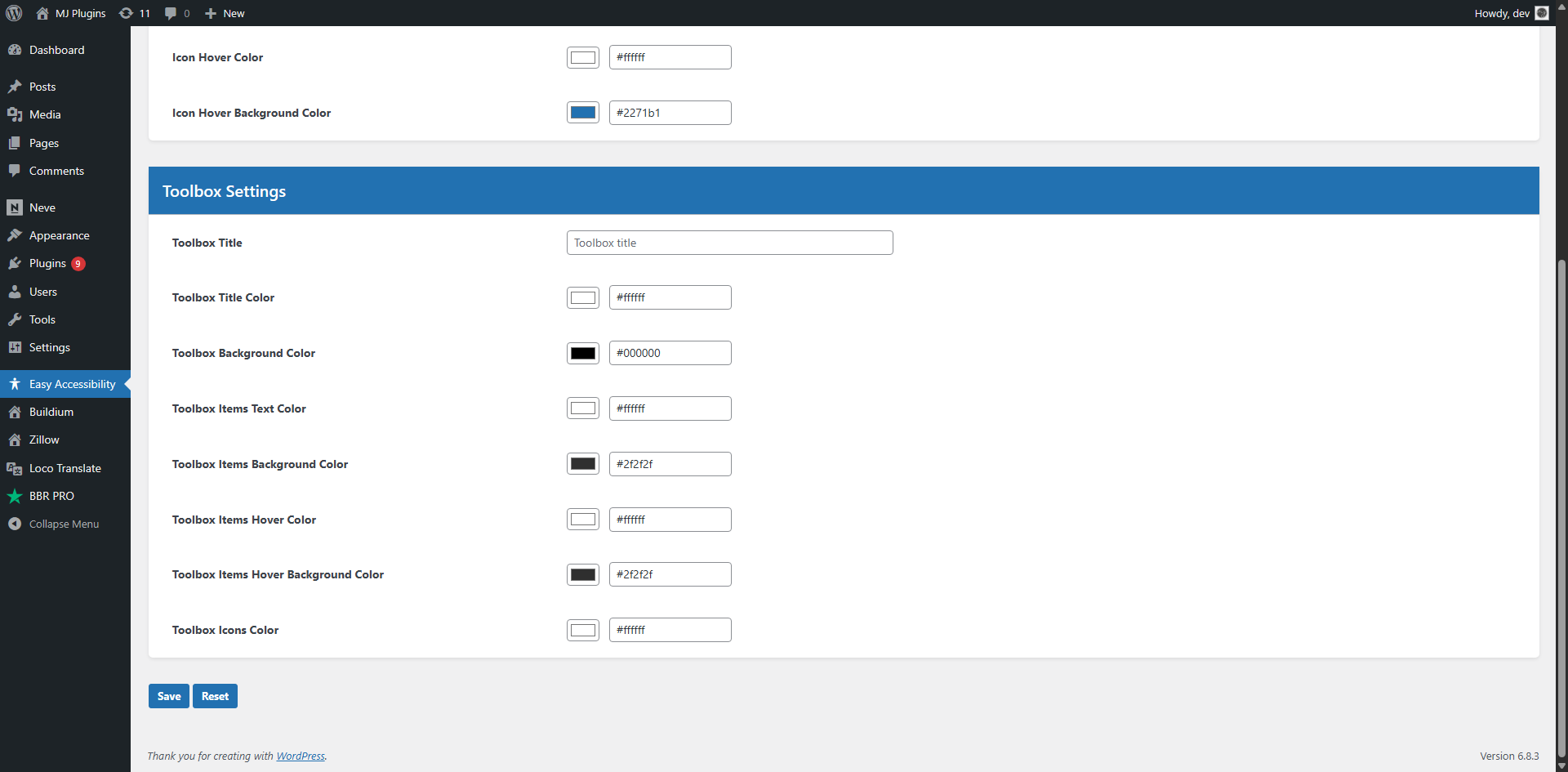
Accessibility Toolbox Options
Faq
Install and configure Easy Accessibility plugin on your WordPress website and the toolbar should appear automatically.
There is no settings page. You simply install and activate the plugin. The toolbar should appear on the frontend.
Reviews
Changelog
0.1.2
- 2025-11-07
- Improved design.
- Added customization options in WP admin area.
0.1.1
- 2024-07-20
- Updated js files and other fixes.
0.1.0
- 2024-06-10
- Initial version.