Easy Currency Converter Plugin
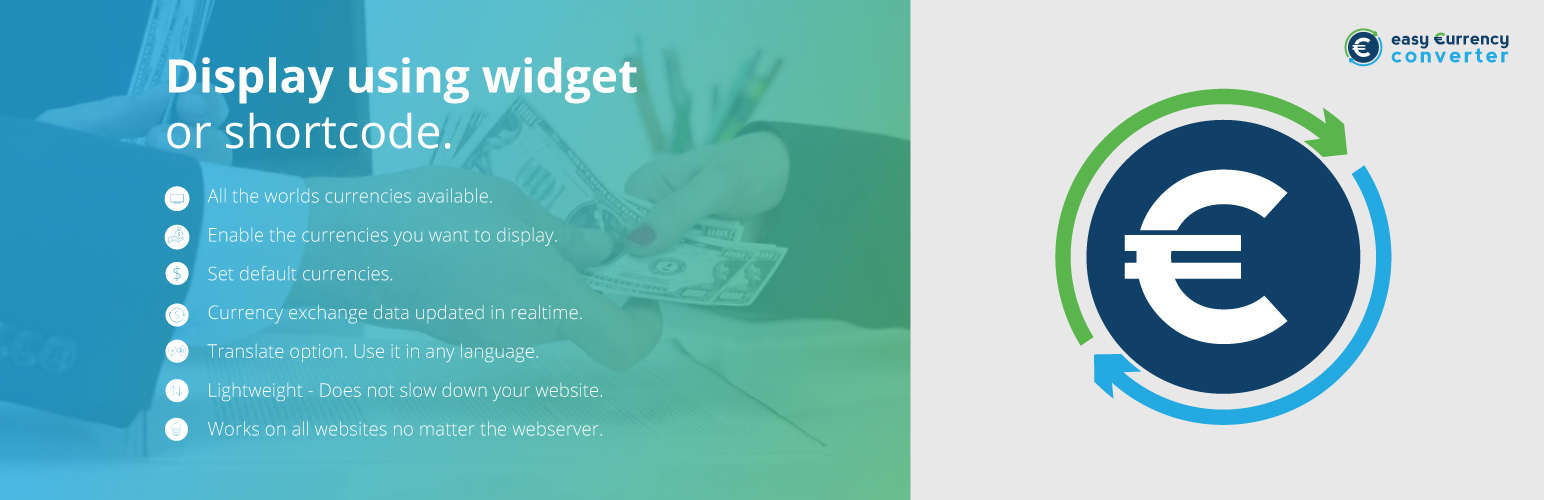
Easy Currency Converter Plugin
Description
Easy Currency Converter is a WordPress plugin: simply add the plugin to your site, customize it, and it’s ready to go! Utilizing a live currency conversion API, Easy Currency Converter takes any number inputted and outputs it in the requested currency. This is particularly useful with websites that cater to a global market, especially when working with the United States, Europe, Canada, Australia, and Japan. These major markets for online shopping have currencies that are wildly different.
Installation
This section describes how to install the plugin and get it working.
1. Download and install the plugin from WordPress dashboard. You can also upload the entire “ECC Easy Currency Converter” folder to the /wp-content/plugins/ directory
1. Activate the plugin through the ‘Plugins’ menu in WordPress
1. Go to the new Custom Post Type created in the left end menu Converter to start creating your first currency converter.
Screenshots

The newly created converter post type page

Select the layout 1 or 3 for a 1 to 1 conversion

Select the layout 2 or 4 for a 1 to many conversion

The newly created converters automatically generate a shortcake

Use it as a VC Block or as a normal shortcode

Use as many converters as you want in the same page
Faq
Can I use multiple converters on the same page
Yes.
Can convert to multiple currencies at the same time
Yes, you can convert to as many currencies you want at the same time
Does this plugin convert a value in real time
Yes, all the conversions are done on the fly, just start typing the value and you will see the converted values coming up
Does this plugin support Visual Composer WP Backery
Yes, it will create a custom VC Block to add converters to your content
Does this plugin support Gutenberg
Yes, there’s a specific Gutenberg Block ready to be used in your new Gutenberg Editor
Reviews
Reduce our effort
By 
Kudos to the developer
By 
Powerful
By 
Just GREAT !
By 
Amazing user - interface
By 
Amazingly useful and versatile
By 
Great and simple
By 
Easy to manage
By 
Solved my problem
By 
Very effective plugin.
By 
Changelog
1.5.2
Extend compatibility to WordPress 5.5
1.5.1
Extend compatibility to WordPress 5.3.2
1.5.0
Extend compatibility to WordPress 5.3.0
1.4.0
Extend compatibility to WordPress 5.2.2