Easy Footer Menu
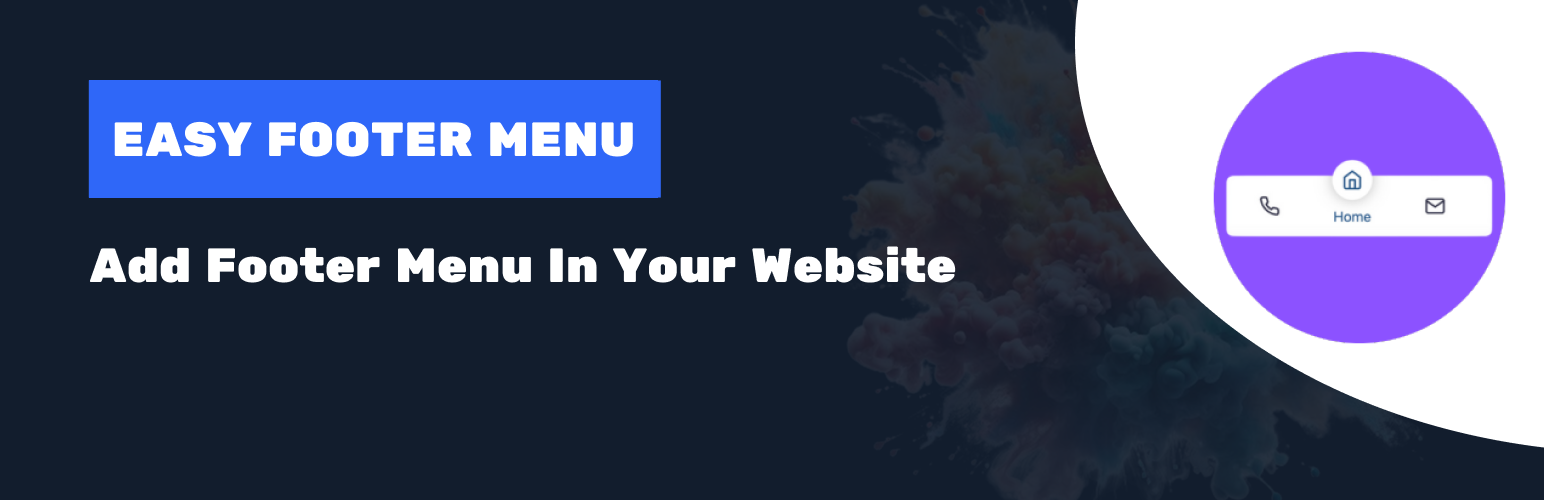
Easy Footer Menu
Description
Easy Footer Menu allows you to add a fully customizable footer navigation menu to your WordPress site. Enhance your website’s usability by providing visitors with easy access to important links and pages directly from the footer. This plugin is perfect for improving site navigation and user experience.
Features:
– Create and manage multiple footer menus.
– Customizable settings for menu text, links, and icons.
– Responsive design ensures the menu looks great on all devices.
– Option to add icons to menu items.
– Works with all WordPress themes.
– Support for custom CSS for advanced styling.
Acknowledgments
Special thanks to the contributors of the WordPress community for their continuous support and inspiration.
This plugin uses icons from Feather. We would like to extend our gratitude to the Feather Icons project and its contributors for providing such a valuable resource.
License
This plugin is licensed under the GPLv2 or later. See the GNU General Public License for more details.
Installation
Plugin Installation Method:
- Go to the WordPress dashboard.
- Navigate to Plugins > Add New.
- Type “Easy Footer Menu” in the search box.
- Click on the “Install” button.
- After installing the plugin, Activate it.
Installation via Zip file:
- Download the Easy Footer Menu plugin zip file from WordPress.
- Go to the site Dashboard > Plugins > Add New > Upload Plugin.
- Select the
easy-footer-menu.zipfile and proceed to install. - Activate Easy Footer Menu.
Plugin Configuration:
- Go to the site Dashboard > Settings > Easy Footer Menu.
- Create and customize your footer menus.
- Configure any additional settings as needed.
Screenshots

Footer Menu Settings - Create and customize your footer menus.
Faq
- After activating the plugin, go to Settings > Easy Footer Menu Settings. You can create and customize your footer menus there.
- The appearance of the footer menu can be customized through the plugin settings. You can change the menu text, links, and add icons to menu items.
- While the plugin is designed to work with most WordPress themes, some custom themes may require additional styling adjustments.
Reviews
Changelog
1.0.0
- Initial release of Easy Footer Menu plugin.