Easy Popup Lightbox Maker
Easy Popup Lightbox Maker
Description
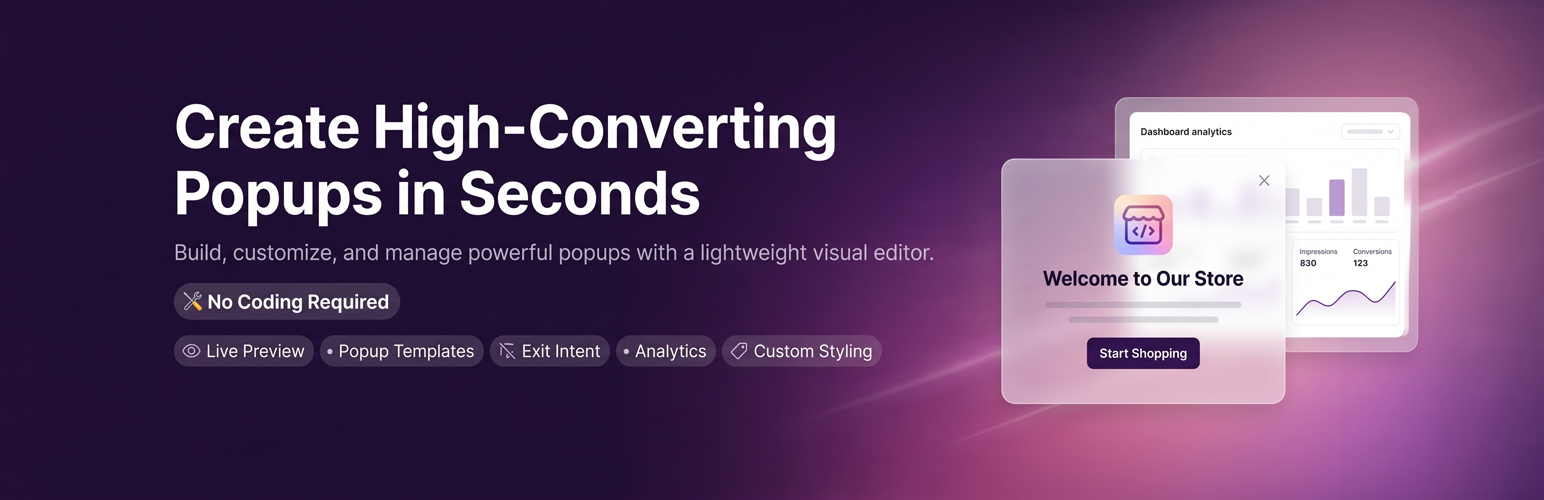
Easy Popup Lightbox Maker is a modern WordPress plugin for creating and managing popup experiences using a visual editor with live preview. 🎨
It provides flexible trigger conditions ⚙️, multiple layout options 📐, and built-in templates 🖼️ to help you display announcements 📢, collect user input ✉️, or highlight important content 💡 in a structured and user-friendly way.
The plugin also includes an analytics system 📊 to help you understand how your popups perform.
Features
- 🖌️ Visual popup editor with live preview
- ⚙️ Multiple trigger types:
- ⏱️ Auto delay
- 🖱️ Scroll percentage
- 🚪 Exit intent
- 📍 Multiple popup positions:
- 🎯 Center
- ️ Top / Bottom
- ️ Screen corners
- 🎬 Smooth animations:
- 🌫️ Fade in
- ️ Slide up / down
- 🔍 Zoom in
- 🖼️ Built-in templates for common use cases
- 📊 Analytics dashboard (impressions, views, conversions)
- 🧩 Shortcode support:
[eplmkr_popup id="X"] - 💻 JavaScript API:
window.eplmkrPopup.open(id)window.eplmkrPopup.close(id)
- 🛡️ Session-based deduplication
- 📱 Fully responsive design
- 🍪 GDPR-friendly (includes cookie consent template)
Templates Included
- ✉️ Newsletter Signup
- 👋 Welcome Message
- 🏷️ Discount Coupon
- 🚪 Exit Intent
- 📽️ Video Lightbox
- 🍪 Cookie Consent
- 📢 Announcement Bar
- 🖼️ Image Lightbox
Installation
- 📥 Upload the plugin files to the
/wp-content/plugins/easy-popup-lightbox-maker/directory, or install via the WordPress plugin screen. - 🔌 Activate the plugin through the ‘Plugins’ screen in WordPress.
- 🧹 Clear your cache if you are using a caching plugin.
- ⚙️ Configure popups from the plugin menu in the WordPress admin area.
Screenshots

Main dashboard - built-in dashboard that tracks impressions, views, and conversions

Template selection screen - Built-in templates for common use cases

Popups list page - Create and manage multiple popups independently

Visual editor interface with live preview - Visual popup editor with live preview

The Video Popup - Beautiful Video Popups. Zero coding required.

The Countdown Popup - High-Converting Countdown Timers.

The Lead Gen / Discount Popup - Sleek Lead Generation & Opt-in Forms

The Social Follow Popup - Grow Your Social Audience in Style.

The Product Showcase Popup - Premium Product Showcases.

The Privacy/Cookie Popup - Elegant, Non-Intrusive Privacy Banners.
Faq
Yes, you can create and manage multiple popups independently.
You can use the shortcode [eplmkr_popup id="X"] or the JavaScript API.
Yes, it includes a built-in dashboard that tracks impressions, views, and conversions.
Yes, all popups are designed to work across desktop and mobile devices.
Reviews
Malaware
By 
Nice idea - some work needed - but a lot of potential
By 
Recommended
By 
Changelog
3.3
- Changed: Checking with the last version of wordpress, Version: 7.0
3.2
- Feature: Added frequency controls to enable/disable guest session deduplication (remember visitor)
- Feature: Added behavior control to allow administrators to bypass session limits for easier previewing/testing
- Feature: Added explanatory descriptions for trigger types within the popup editor UI
- Feature: Upgraded the
[eplmkr_popup]shortcode to support rendering a trigger button (button_textparameter) - Feature: Added one-click copyable shortcode chips for standard and button formats to the editor view
- Added relative dashcons (WordPress native admin icons) to all elements across the plugin’s admin pages that have the eplmkr-card__title class.
- Fix: Prevented tracking failures and missing localization when popups are loaded via shortcode
- Fix: Ensured frontend scripts are correctly loaded by fully initialising the assets handler
- Fix: Corrected CSS override mechanisms to properly execute popup display functions when triggered
- Fix: Corrected the styling of the live preview close icon and trigger button within the popup editor
3.1
- Complete rewrite with new Ethereal Editor
- New Lumina Dashboard design system
- REST API with
eplmkr/v1namespace - Analytics system with batched event tracking
- Auto-save (every 2 minutes)
- Multiple trigger types
- Template system
- Shortcode and JavaScript API support
- All AJAX handlers secured with nonce verification (
wp_verify_nonce()and internal validation) - Sanitization improvements across all request inputs
- REST controller uses
WP_REST_RequestAPI - Improved handling of request data and admin routing
2.0
- Fixed issues in
add_submenu_page - Fixed issues in date checking function
- Improved redirection after saving settings
- Fixed background and styling issues
- Fixed YouTube popup behavior (video stops on close)
- Added shortcode copy button
- Improved multiple shortcode execution
- Added popup status toggle
- CSS improvements
1.9
- Compatibility check with WordPress 6.1
1.8
- Maintenance updates
1.7
- Maintenance updates
- CSS improvements
1.6
- CSS improvements
1.5
- Fixed plugin bootstrap issue
1.4
- Added admin notice
1.3
- PHP 7.x compatibility improvements
- Minor text fixes
1.2
- Removed ads
1.1
- Initial release