Easy Product Delivery Date
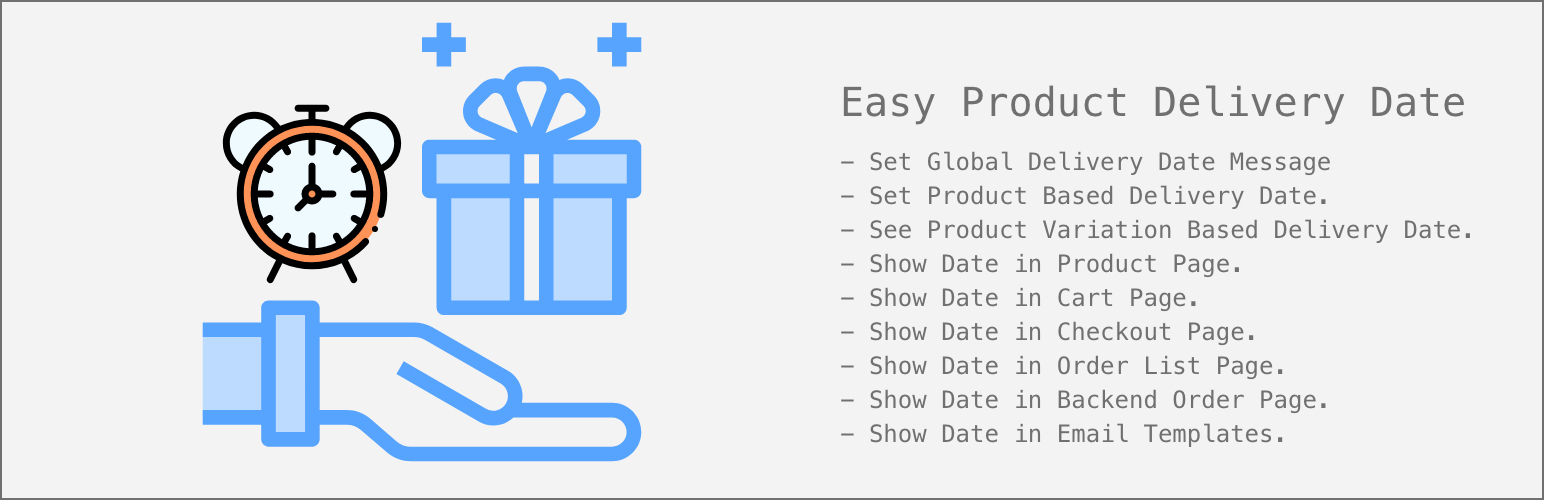
Easy Product Delivery Date
Description
A plugin to show product delivery estimated day & date in product page, cart page, checkout page, order confirmation page, admin order list and in the order email templates.
Features
- Ability to set global delivery date message from settings page.
- Ability to set product wise delivery date.
- Ability to set product variation wise delivery date.
- Delivery date to show in product page.
- Delivery date to show in cart page.
- Delivery date to show in checkout page.
- Delivery date to show in order confirmation page.
- Delivery date to show in admin order list page.
- Delivery date to show in email templates.
- Ability to set weekends.
- Ability to adjust delivery date message position.
- Ability to add custom CSS styles.
Installation
This section describes how to install the plugin and get it working.
e.g.
- Upload the plugin files to the
/wp-content/plugins/easy-product-delivery-datedirectory, or install the plugin through the WordPress plugins screen directly. - Activate the plugin through the ‘Plugins’ screen in WordPress
- Use the Settings->Plugin Name screen to configure the plugin
- (Make your instructions match the desired user flow for activating and installing your plugin. Include any steps that might be needed for explanatory purposes)
Screenshots

Admin Panel Settings Page.

Options in Simple Product Page.

Options in Variable Product Page.

Options under each variation.

Display Date on Product Page.

Display Date on Product Variation Page.
Reviews
Changelog
Release Version – 1.0.0
- Initial release.