eCheckpoint

eCheckpoint
Description
eCheckpoint provides comprehensive compliance verification for firearms, ammunition, magazines, and knives eCommerce. It validates customer eligibility based on federal, state, and local regulations before and after order placement.
Key Features:
- Pre-Order Compliance Checks – Validates customer eligibility before checkout completion
- Post-Order Verification – Continues compliance monitoring after order placement
- Address Validation – Automatic address verification and correction
- Regional Restrictions – Enforces state and local sales restrictions
- FFL Dealer Integration – Google Maps-powered FFL dealer selection for firearm transfers
- Customer Type Support – Supports B2C (consumer), B2B (business), and B2G (government) transactions
- Dual Checkout Support – Works with both Classic and Block checkout
WooCommerce Blocks Compatible
eCheckpoint fully supports WooCommerce’s new Block-based checkout, providing the same robust compliance verification in both Classic and Block checkout experiences.
Customizable Messaging
Configure customer-facing compliance messages directly from the WordPress admin:
- Blocked Products message
- FFL Required message
- Additional Information Required message
Installation
- Upload the
echeckpointfolder to the/wp-content/plugins/directory - Activate the plugin through the ‘Plugins’ menu in WordPress
- Navigate to WooCommerce > eCheckpoint to configure your API settings
- Configure your eCheckpoint API credentials
- Set up Google Maps API key for FFL dealer mapping (optional)
Screenshots

Compliance notice displayed during checkout
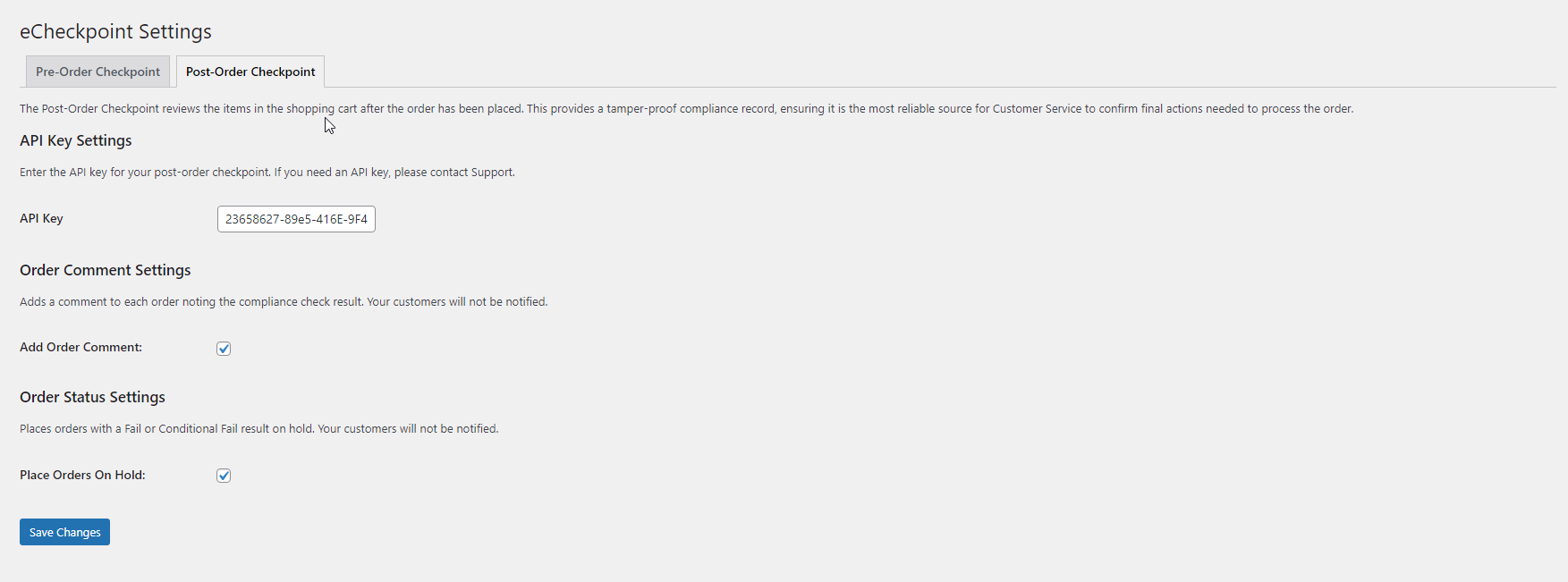
FFL dealer selection map
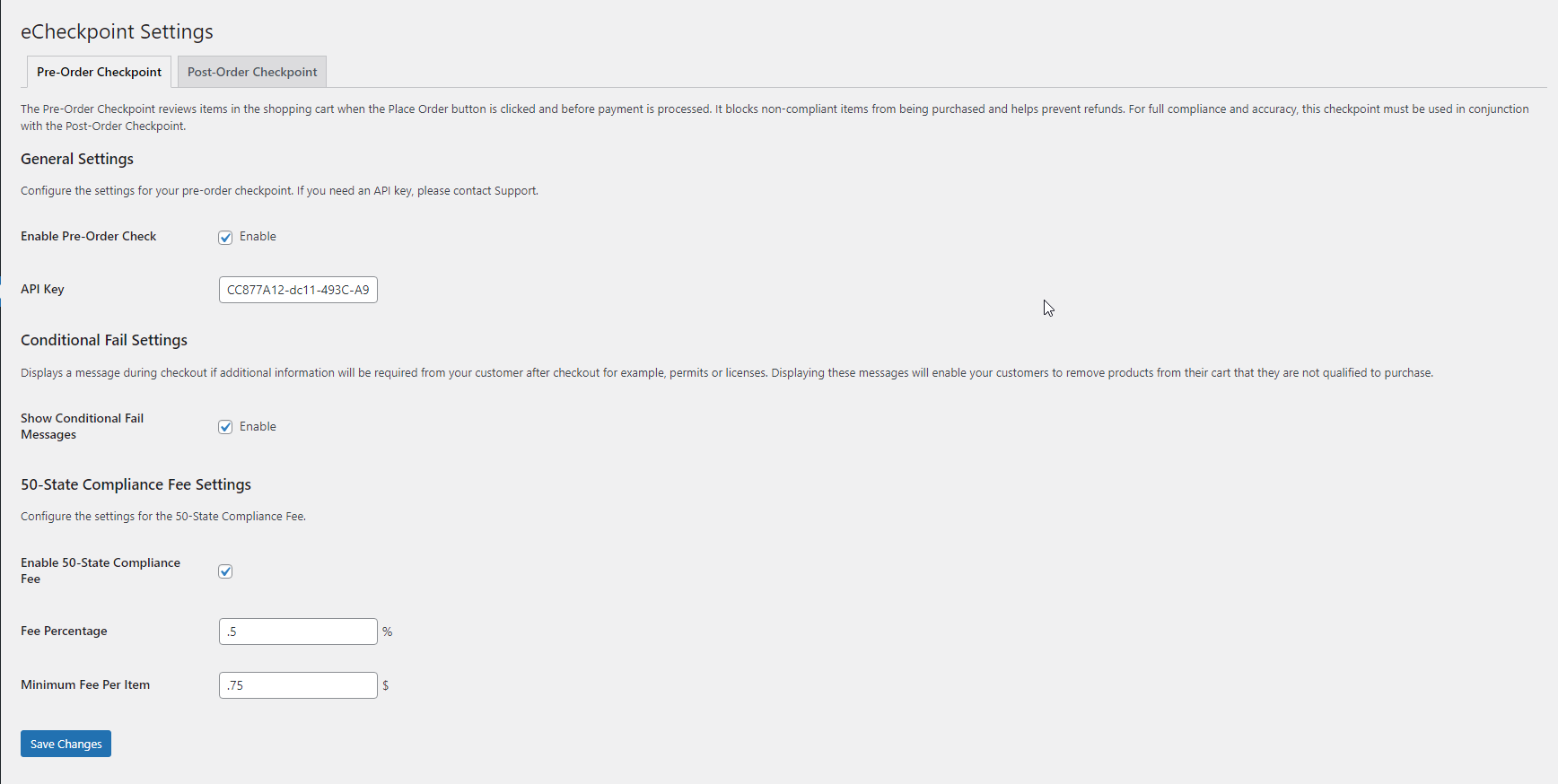
Admin settings page


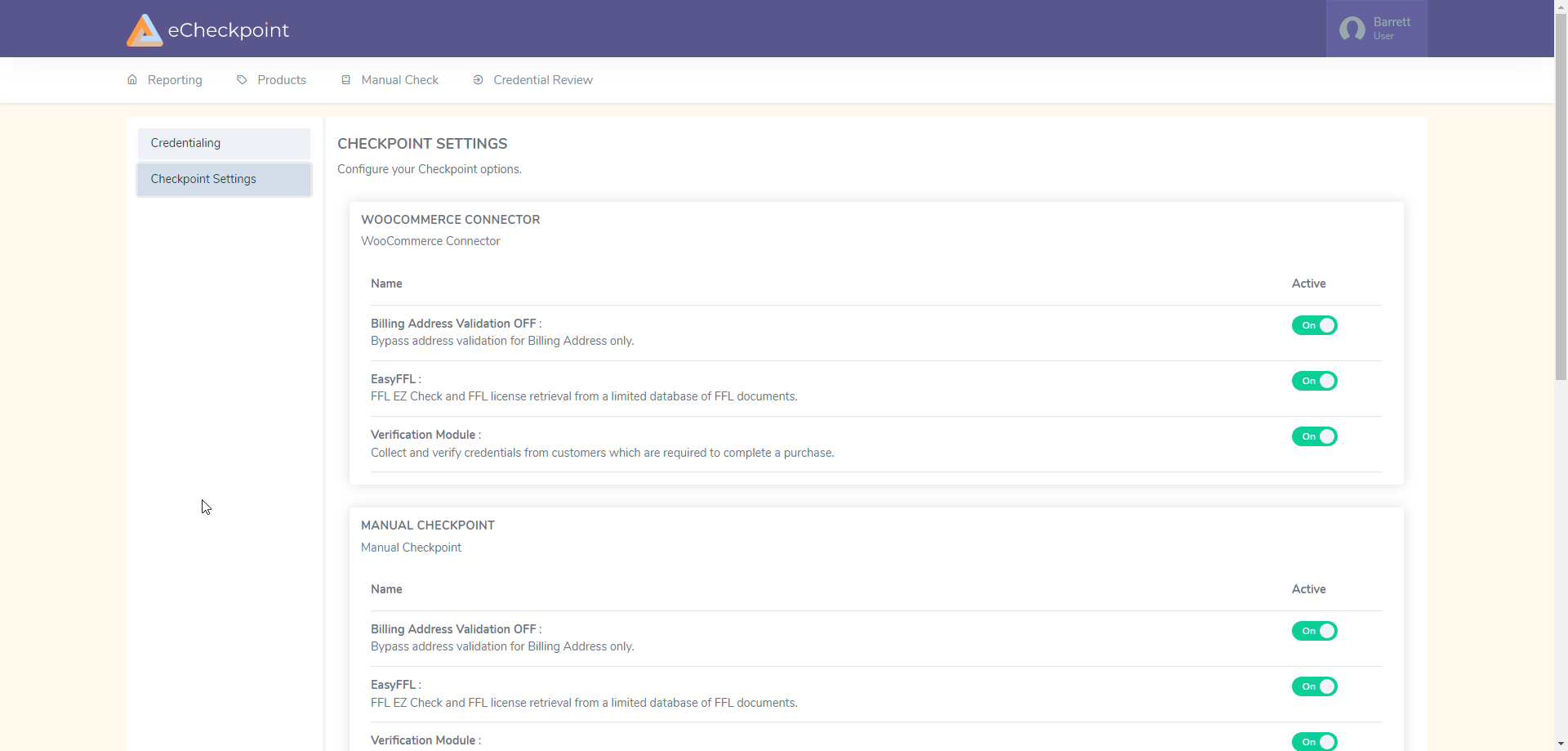
Faq
eCheckpoint is a compliance verification service that helps firearms retailers ensure their sales comply with federal, state, and local regulations.
Yes, eCheckpoint fully supports both Classic WooCommerce checkout and the new Block-based checkout.
eCheckpoint supports B2C (Business to Consumer), B2B (Business to Business), and B2G (Business to Government) transaction types.
When a product requires transfer through a Federal Firearms License holder, customers can select from nearby FFL dealers displayed on an integrated Google Maps interface.
Reviews
Changelog
3.1.1
- Updated post-order check to better handle excluded states
3.1.0
- Fixed styling conflicts with other WooCommerce plugins
- Improved checkout compatibility
3.0.0
- Added admin-configurable Blocked Products checkout message
- Added admin-configurable FFL Required checkout message
- Added admin-configurable Additional Information Required checkout message
- Added Block checkout shipping address change detection for compliance rechecks
- Improved product list display in compliance notices (comma-delimited format)
- Consolidated message system with centralized PHP helper methods
- Fixed notice styling alignment in Block checkout
2.0.0
- Added full WooCommerce Blocks checkout support
- React-based checkout integration
- Improved FFL dealer map integration
- Enhanced customer type selection
1.0.0
- Initial release
- Classic WooCommerce checkout support
- Pre-order and post-order compliance checks
- Address validation
- Regional restrictions enforcement
- FFL dealer selection