EcoMate – Ecommerce Toolkit for Bangladesh
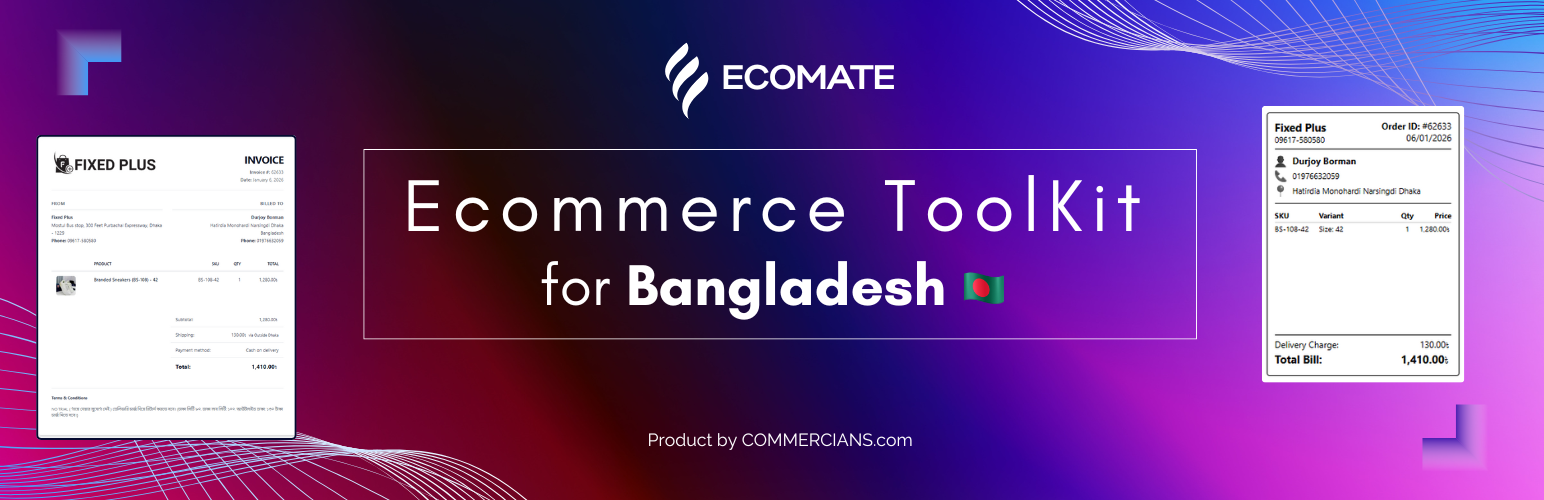
EcoMate – Ecommerce Toolkit for Bangladesh
Description
EcoMate is designed specifically for Bangladeshi e-commerce businesses using WooCommerce. It simplifies your order fulfillment process by providing easy-to-use tools for printing invoices and shipping labels (stickers) directly from your WooCommerce dashboard.
Key Features
- Print Invoices: Generate clean, professional invoices for your orders.
- Print Shipping Stickers: Create shipping labels/stickers for your packages.
- Bulk Actions: Print invoices or stickers for multiple orders at once from the order list.
- Admin Dashboard Integration: Seamlessly integrated into the WooCommerce order list and order details pages.
- Customizable: Add your business logo, name, address, phone number, and terms & conditions via the settings page.
This plugin is lightweight and focused on speed, ensuring it doesn’t slow down your site.
Learn more: WordPress.org plugin page
Installation
- Upload the plugin files to the
/wp-content/plugins/ecomate-ecommerce-toolkit-for-bangladeshdirectory, or install the plugin through the WordPress plugins screen directly. - Activate the plugin through the ‘Plugins’ screen in WordPress.
- Go to WooCommerce > EcoMate Settings to configure your business details.
- You will now see “Print Invoice” and “Print Sticker” buttons in your WooCommerce order list and order details pages.
Screenshots

WooCommerce Menu: EcoMate settings under WooCommerce.

Settings Page: Configure your business information.

Order List Actions: Print invoices and stickers from the order list.

Bulk Actions: Bulk print invoices or stickers from the order list.

Invoice Preview: A clean, professional invoice layout.

Invoice Print: Browser print dialog for invoices.

Sticker Preview: Shipping sticker layout for packages.

Sticker Print: Browser print dialog for stickers.
Faq
Yes, it is designed to work with any standard WooCommerce theme.
Currently, you can customize the business details (logo, address, etc.). The layout is fixed for simplicity and reliability.
Reviews
Changelog
1.0.0
- Initial release.