Checkfield: Checkout Field Editor & Manager for WooCommerce
Checkfield: Checkout Field Editor & Manager for WooCommerce
Description
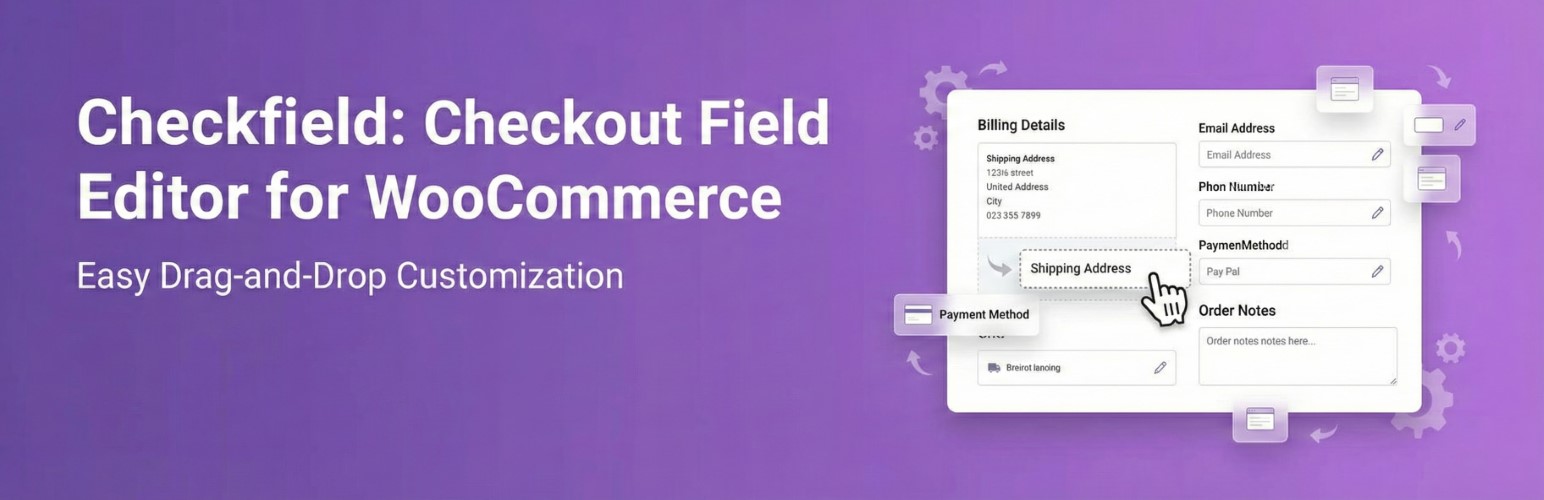
Checkout Field Editor & Manager for WooCommerce gives store owners a dedicated workspace to create expressive checkout experiences without code. Add unlimited fields to the billing, shipping, order notes, or custom hook positions, arrange them with drag-and-drop, and reveal them only when granular conditions are met. Every value is validated, stored on the order, and surfaced across admin screens, emails, the thank you page, and My Account views.
- Unlimited text, textarea, select, radio, checkbox, date, time, and number fields.
- Custom sections before/after billing, shipping, and order notes blocks.
- Conditional logic powered by field values, shipping methods, countries, states, products, categories, and user roles.
- JSON import/export, inline duplication, bulk required toggles, and sortable lists.
- Dedicated order meta box and template-ready output on thank you and customer emails.
Installation
- Upload the plugin folder to /wp-content/plugins/ or install from the Plugins screen.
- Activate the plugin through the Plugins ? Installed Plugins screen.
- Make sure WooCommerce is active. A notice will appear if it is missing.
- Navigate to WooCommerce ? Checkout Fields to manage your field sets.
Faq
Reserved WooCommerce keys are blocked inside the UI to keep built-in billing/shipping fields safe. Developers can filter the ckfe_settings payload to extend or override fields programmatically.
Use the Export JSON button on the admin page. The JSON file can be imported on another site with the Import button.
Reviews
Changelog
1.0.1
- Initial release.