Ecommerce Menu – WooCommerce Widget
Ecommerce Menu – WooCommerce Widget
Description
The best way to improve the Experience of e-commerce users is to focus on their needs.
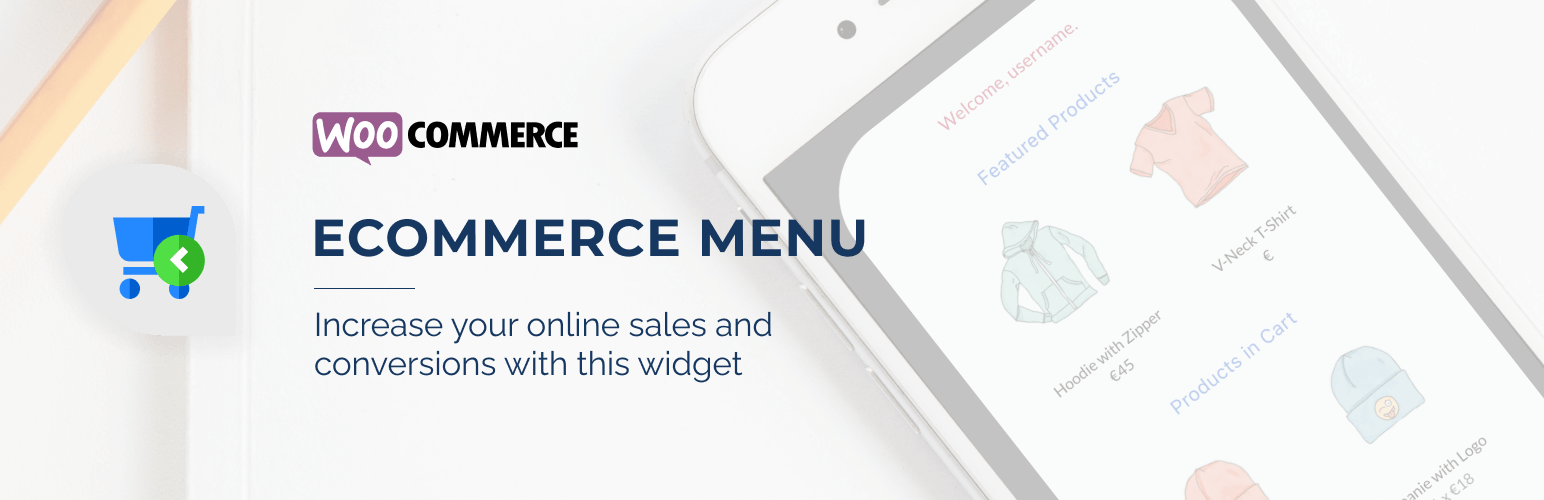
With Ecommerce Menu, is possible to group all the links and important content from an E-commerce environment. With this plugin, you can show:
This plugin is a WooCommerce extension, WooCommerce is a required plugin for the extension works.
- A Welcome Message
- Featured Products (defined on wp-admin)
- Products in Cart (or a message if the Cart is empty)
- Cart Totals
- Checkout Call-to-action
- Cart and My Account Links
Installation
- Upload
ecommerce-menufolder to the/wp-content/plugins/directory - Activate the plugin through the ‘Plugins’ menu in WordPress
- Go to WP-admin->Ecommerce Menu and find the settings panel
Screenshots

Ecommerce menu opened (default styles)

Settings 01

Settings 02

Settings 03
Faq
Not yet.
Reviews
Changelog
0.1
- First stable version (not 1.0 yet)