Eighties bbPress
Eighties bbPress
Description
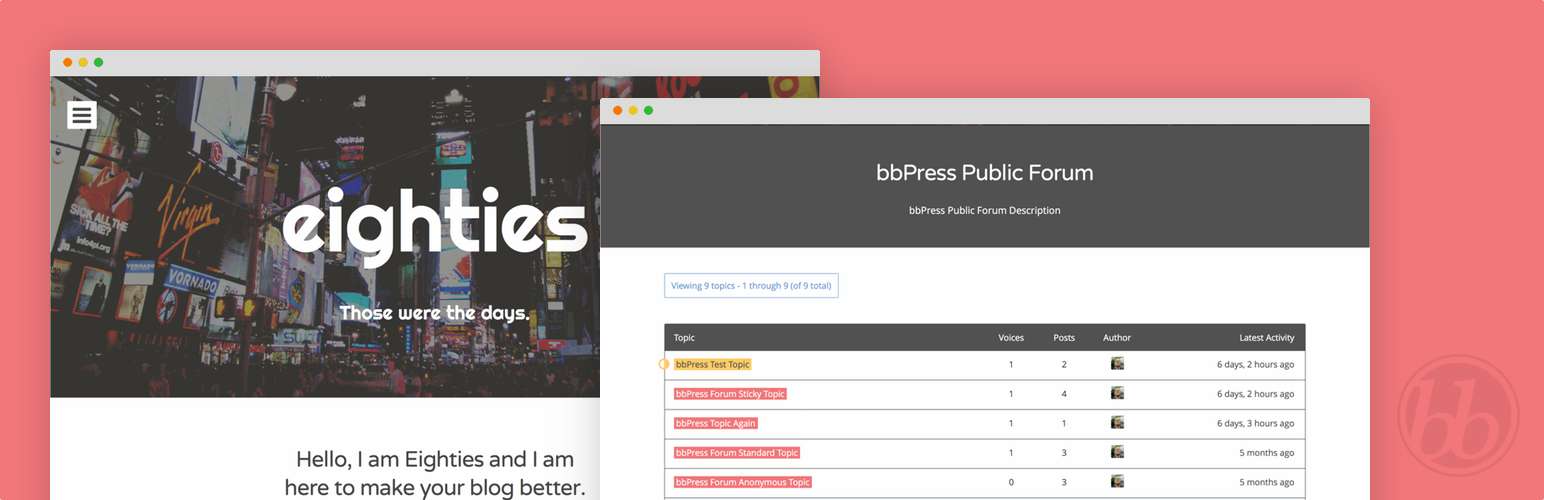
An add-on for the Eighties WordPress theme that adds bbPress integration. More specifically, this addon adds custom bbPress styles and templates for the theme.
Installation
By default the Eighties bbPress add-on just works. All you need to do in order to begin using it is activate the add-on and the Eighties theme.
Using The WordPress Dashboard (Recommended)
- Navigate to Plugins Add New from within the WordPress Dashboard.
- Search for
eighties bbpress. - Click Install Now on Eighties bbPress by Justin Kopepasah
- Activate the plugin.
Uploading in WordPress Dashboard
- Navigate to Plugins Add New from within the WordPress Dashboard.
- Click on the Upload link underneath the Install Plugins page title.
- Click the Browse… button and choose
eighties-bbpress.zipin its download location on your computer. - Click the Install Now button.
- Activate the plugin.
Using FTP (Not Recommended)
- Download
eighties-bbpress.zip. - Extract the
eighties-bbpressdirectory to your computer. - Upload the
eighties-bbpressdirectory to your/#CONTENT#/plugins/directory. - Navigate to Plugins Installed Plugins and activate the plugin.
Screenshots

The new forums page.

Forum topics.

User subscription page.
Faq
See the Eighties Add-on bbPress on Github for more information.
Reviews
Changelog
1.0.0
- Initial release version.