Embed Block for Figma
Embed Block for Figma
Description
- Embed a Figma file using a block in the WordPress editor.
- Paste a Figma URL on a new line in the Block Editor to automatically convert it to a Figma Embed block.
- Block settings allow for altering margins of rendered Figma file embed
Getting Started
Once the plugin is installed and activated, you should see a new Figma Embed block. Insert this block into your content and enter the URL of the Figma file you want to embed.
Assuming it’s a valid URL, the block will automatically fetch the Figma file and display it in the editor. Once saved, this will also display on the front-end.
Screenshots
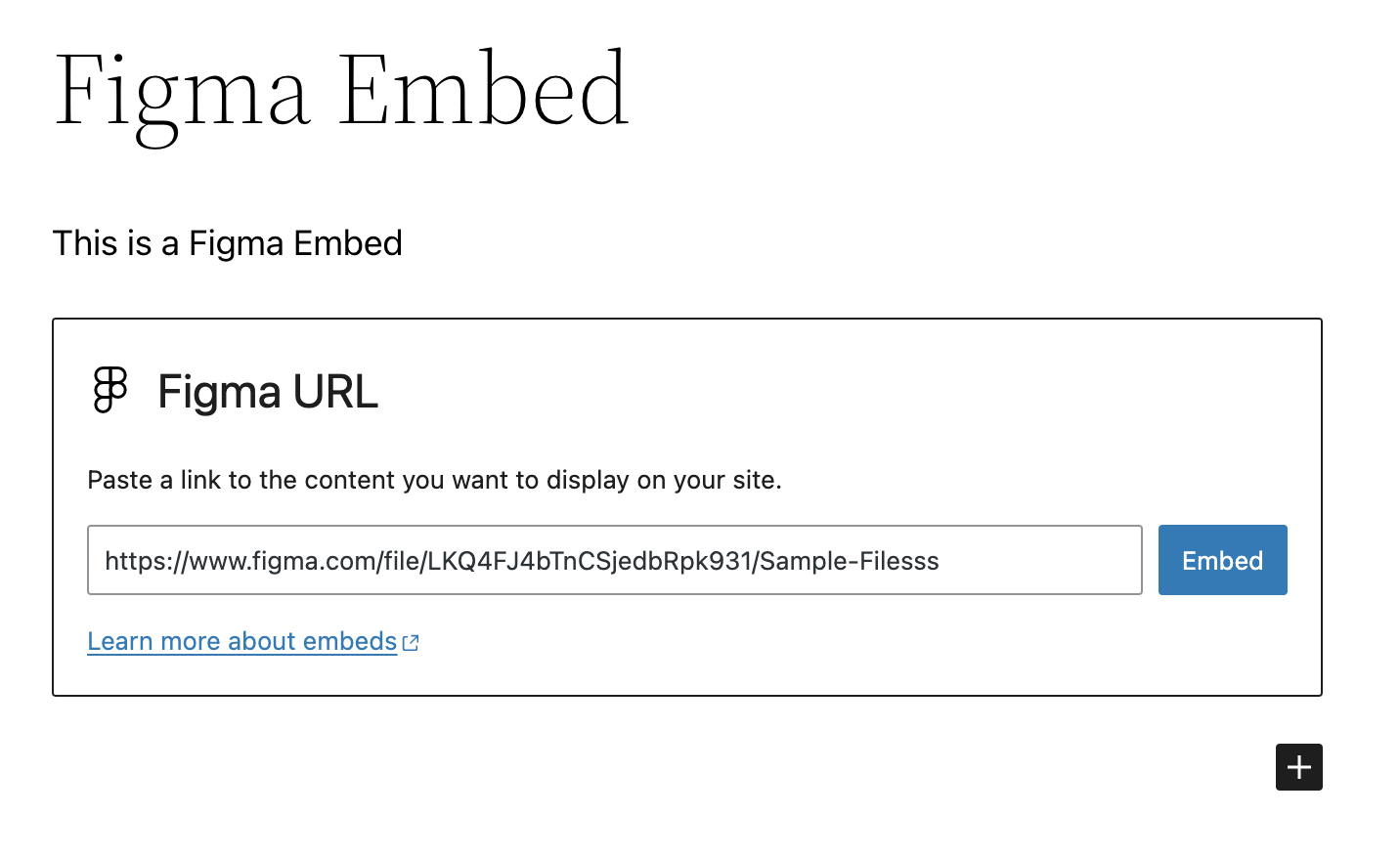
The Figma Embed block with sample URL pre-embed.

The rendered Figma Embed block in the editor / admin.
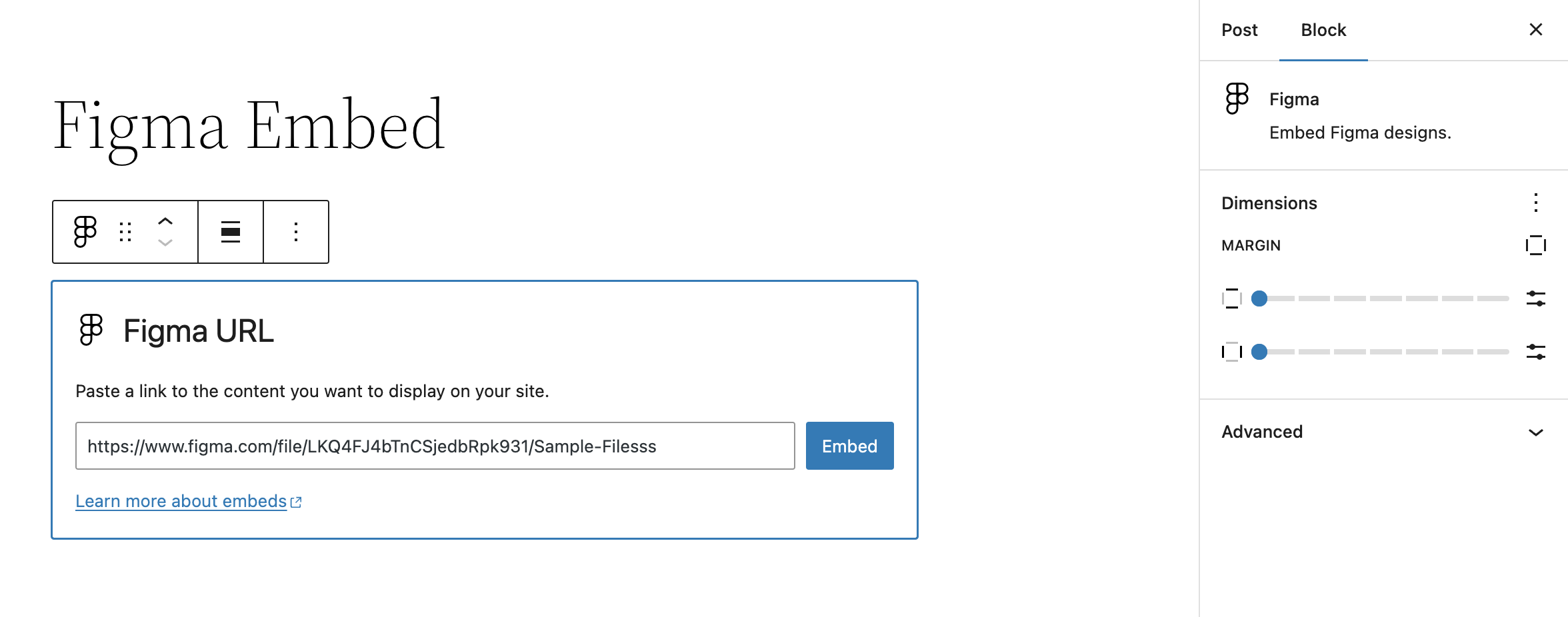
The Figma Embed block settings prior to rendering in the editor / admin.

Front-end rendering of the Figma Embed block.
Reviews
Changelog
0.4.0 – 2025-05-19
Note that this release bumps the WordPress minimum version from 6.4 to 6.6.
- Changed: Bump WordPress “tested up to” version 6.8 (props @thrijith, @jeffpaul via #42, #43, #48, #49).
- Changed: Bump WordPress “requires at least” version 6.6 (props @thrijith, @jeffpaul via #42, #43, #48, #49).
- Changed: Bump Support Level from
BetatoStable(props @jeffpaul, @dkotter via #52). - Security: Bump
expressfrom 4.21.1 to 4.21.2 (props @dependabot, @dkotter via #47). - Security: Bump
body-parserfrom 1.20.2 to 1.20.3 (props @dependabot, @iamdharmesh via #38). - Security: Bump
http-proxy-middlewarefrom 2.0.7 to 2.0.9 andtar-fsfrom 2.1.1 to 3.0.8 (props @dependabot, @dkotter via #53).
0.3.1 – 2024-09-05
Initial plugin release on WordPress.org 🎉
0.3.0 – 2024-08-29
- Added: WordPress.org Playground preview (props @thrijith, @dkotter, @jeffpaul via #29).
- Changed: Updated plugin name from “Figma Block” to “Embed Block for Figma” (props @thrijith, @dkotter, @jeffpaul via #28, #31).
- Security: Bump
webpackfrom 5.90.3 to 5.94.0 (props @dependabot, @dkotter via #30).
0.2.0 – 2024-07-11
Initial public plugin release. 🎉
- Changed: Bump WordPress “tested up to” version 6.6 (props @psorensen, @jeffpaul via #21).
- Changed: Updated documentation (props @jeffpaul via #17).
- Security: Bump
bracesfrom 3.0.2 to 3.0.3 (props @dependabot, @psorensen via #15). - Security: Bump
wsfrom 7.5.9 to 7.5.10 (props @dependabot, @psorensen via #15).
0.1.0 – 2024-06-25
- Initial private plugin release.