Embed Block for GitHub
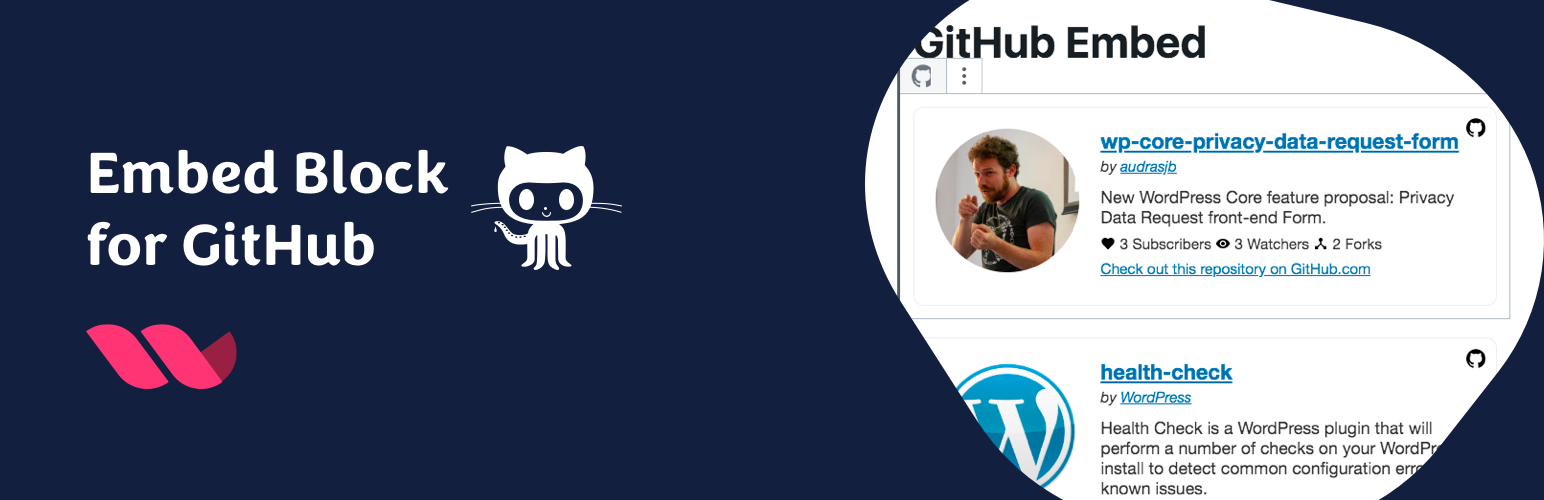
Embed Block for GitHub
Description
This plugin adds a GitHub Repository Embed Block to the Block Editor.
It is developed on GitHub. Contributions welcome!
Special thanks:
– @pedro-mendonca for i18n/l10n fixes and portuguese translation.
– @vsc55 for Dark Mode Enhancement, full code refresh and spanish translation.
Installation
- Install the plugin and activate.
- Go to the editor and choose GitHub Repo block.
- Add the URL of the repository and see the magic happen.
Screenshots

Easy to use!

Insert GiHub Repo Block.

Embed your GitHub Repositories in your Post content.

Integrates well with your theme stylesheet.
Reviews
Does exactly what it says on the tin
By 
Works exactly as described, even has a dark theme! Love it. Thank you!
Nice for Desktop, not so for mobile
By 
It looks great for desktop apps, but terrible on mobile. The text carries on past the page whilst the box resizes.
It is not responsive
By 
Nice job
By 
Good idea
By 
Changelog
0.3
- Code refresh and dark mode support. Props @vsc55: https://github.com/audrasjb/embed-block-for-github/pull/2
- Added @pedromendonca and @vsc55 as plugin contributor for their multiple contributions ♥️
0.2
- Localization/internationalization fixes. Props @pedro-mendoza: https://github.com/audrasjb/embed-block-for-github/pull/1
0.1.1
- Small fixes
0.1
- Plugin initial commit. Works fine 🙂