Ernest AI Support

Ernest AI Support
Description
Ernest is an AI support agent that answers your customers’ questions around the clock. This plugin adds the Ernest chat widget to your site — paste your workspace slug from the Ernest dashboard and the widget appears on your storefront.
Ernest learns from your website content and answers questions about your products, shipping, returns, and policies. On WooCommerce stores, connecting your store from the Ernest dashboard additionally lets Ernest look up order status and help customers manage their orders.
Features:
- 24/7 AI chat widget that answers customer questions instantly
- Trained on your own website content and policies
- WooCommerce order lookup and management (via the Ernest dashboard connection)
- Customizable appearance — color, position, greeting, and suggested questions are configured in the Ernest dashboard, no re-embed needed
- Lightweight: one deferred script, isolated from your theme’s CSS
External Services
This plugin relies on Ernest, a third-party service operated at heyernest.ai. It is required for the plugin to function — the plugin is a thin integration and does not work without it.
- The chat widget script is loaded from heyernest.ai on your site’s public pages whenever a workspace slug is configured. On each such page load, the visitor’s browser contacts heyernest.ai to fetch the widget and its configuration; like any web request, this sends standard request data such as the visitor’s IP address and user agent.
- When a visitor uses the chat widget, their messages (and the workspace slug identifying your account) are sent to Ernest’s service to generate support replies.
- No data is sent to Ernest while no workspace slug is configured.
Ernest’s terms of service: https://heyernest.ai/terms
Ernest’s privacy policy: https://heyernest.ai/privacy
Installation
- Sign up for a free Ernest account at heyernest.ai and copy your workspace slug from Settings.
- Install and activate this plugin.
- Go to Settings Ernest in your WordPress admin and paste your workspace slug.
- The chat widget now appears on your storefront.
- (WooCommerce stores) To enable order lookup and management, connect your store from the Ernest dashboard settings page.
Screenshots
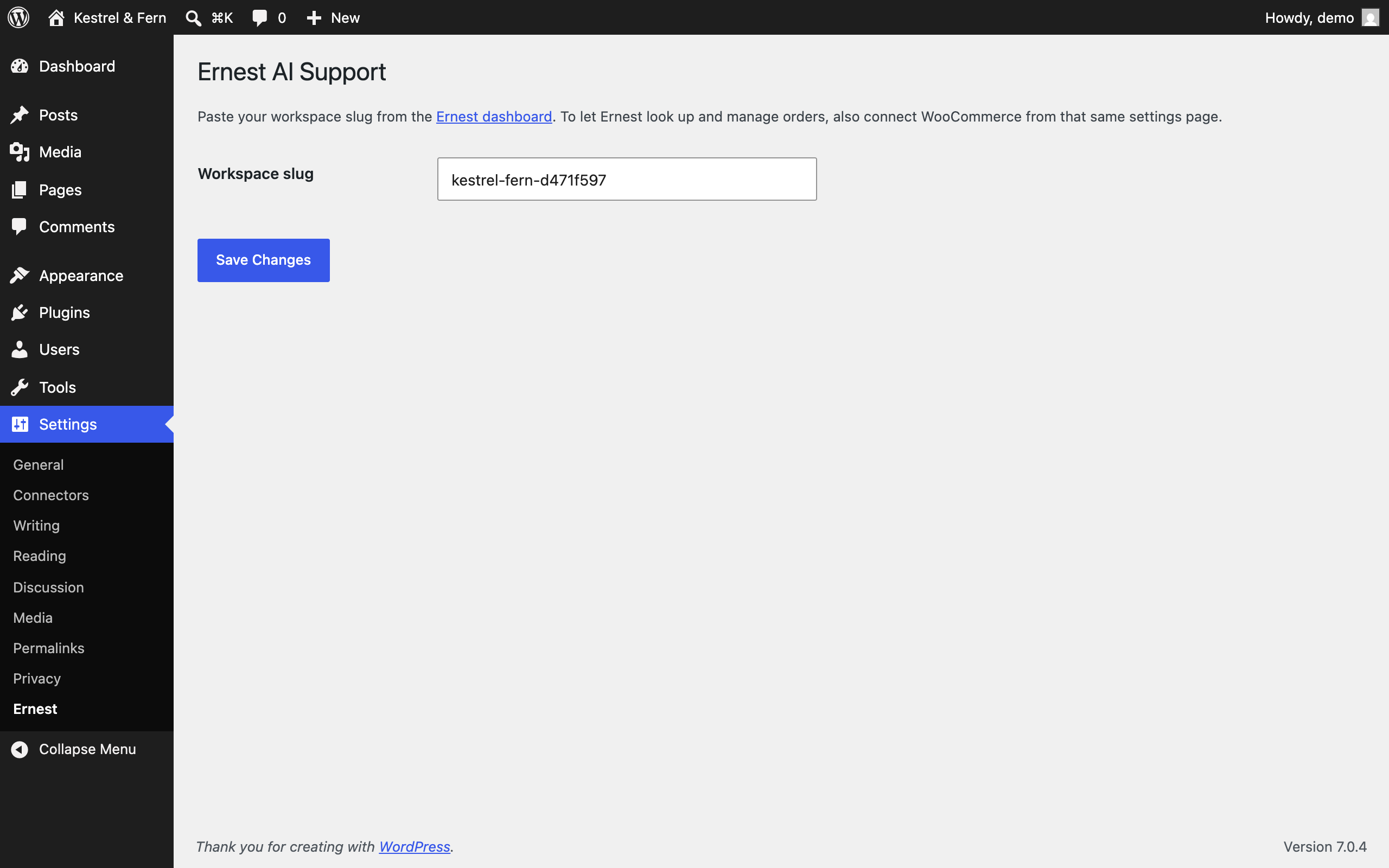
Settings → Ernest: paste your workspace slug and the widget goes live.
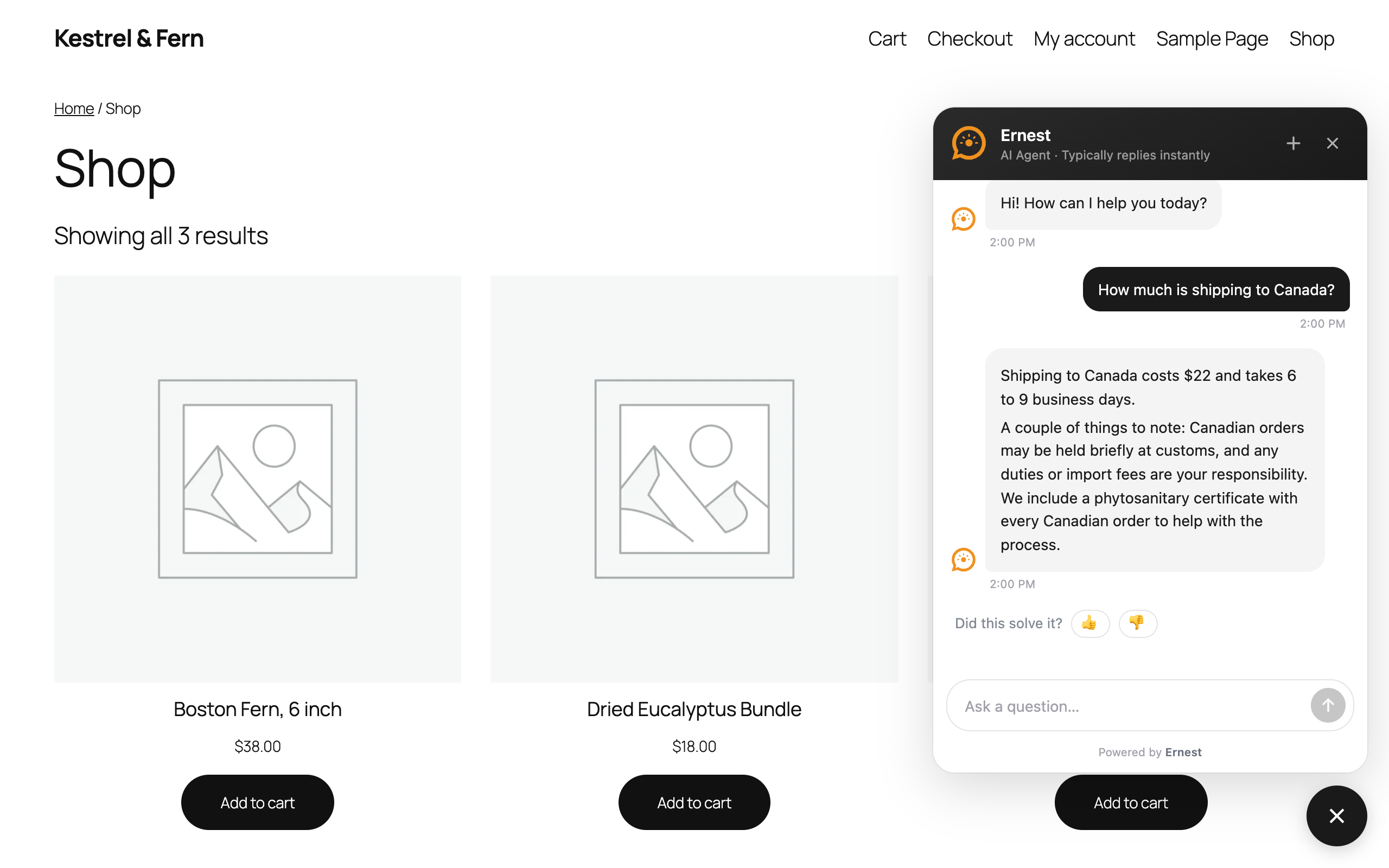
The Ernest chat widget answering a customer on a storefront.
Faq
Yes. The plugin only embeds the Ernest widget — the AI itself runs on Ernest’s service. A free tier is available at heyernest.ai.
Yes. The chat widget works on any WordPress site. WooCommerce enables order features (order status lookup and order management), which are set up via the separate connection in the Ernest dashboard.
In the Ernest dashboard at heyernest.ai. Color, position, greeting, and suggested questions update live — no changes needed on your WordPress site.
Check the Allowed Domains list in your Ernest dashboard under Settings Widget. If that list is empty, the widget works on any site and this isn’t the cause. If you have added domains — for example when you also run the widget on a Shopify store — your WordPress site’s domain must be in the list too, or visitors can open the chat but their messages are rejected. Add the domain exactly as it appears in your browser’s address bar, without https://, and add both example.com and www.example.com if your site answers on both.
Nothing until a workspace slug is configured. After that, each page load fetches the widget and its configuration from heyernest.ai (sending standard request data such as the visitor’s IP address), and visitor chat messages are sent to Ernest’s service to generate replies. See the External Services section above and Ernest’s privacy policy.
Reviews
Changelog
1.0.0
- Initial release: settings page for the workspace slug, widget embed on the storefront, clean uninstall.