EslamDev Floating Contact Buttons
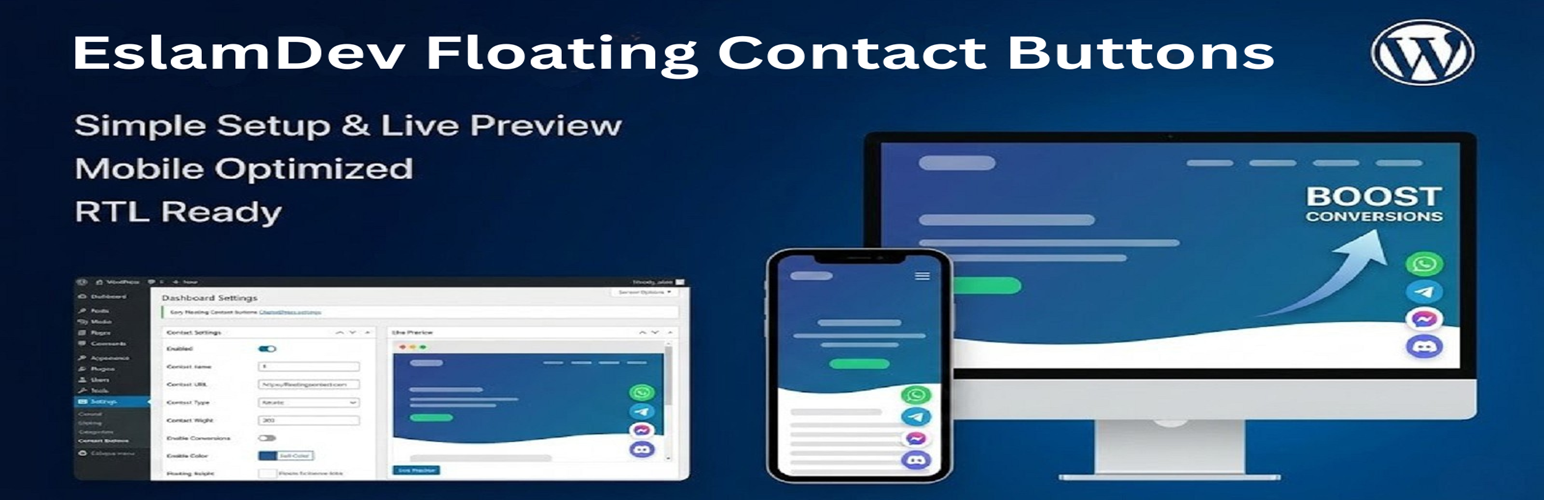
EslamDev Floating Contact Buttons
Description
EslamDev Floating Contact Buttons is a simple yet powerful plugin that adds beautiful floating contact buttons to your WordPress website. Allow your visitors to contact you instantly through their favorite messaging platforms.
Features
- WhatsApp Integration – Opens chat directly with your number
- Telegram Support – Links to your Telegram profile
- Discord Integration – Invite link to your server
- Facebook Messenger – Direct chat with your page
- Beautiful Design – Modern, sleek floating buttons
- Fully Customizable – Position, size, and colors
- RTL Support – Works perfectly with Arabic, Hebrew, and other RTL languages
- Mobile Responsive – Looks great on all devices
- Lightweight – No external dependencies, minimal footprint
- Accessibility Ready – Full keyboard navigation and ARIA support
Why Choose This Plugin?
- Simple Setup – Configure everything from a single settings page
- No Bloat – Does one thing and does it well
- Performance Focused – Minimal CSS/JS, no external requests
- Secure – Built following WordPress security best practices
- Translation Ready – Fully internationalized
Pro Tips
- Enter your WhatsApp number with country code (e.g., +1234567890)
- Use your Telegram username without the @ symbol
Installation
- Upload the plugin files to the
/wp-content/plugins/eslamdev-floating-contact-buttonsdirectory, or install the plugin through the WordPress plugins screen. - Activate the plugin through the ‘Plugins’ screen in WordPress.
- Go to Settings EslamDev Buttons to configure the plugin.
- Enter your contact information for each platform you want to display.
- Customize the appearance to match your website’s design.
- Save your settings and check your website!
Screenshots

Floating buttons on the frontend
Faq
Go to Settings EslamDev Buttons and enter your phone number with the country code (e.g., +1234567890). Don’t include any spaces or dashes.
Yes! Simply leave the field empty for any button you don’t want to display. Only buttons with values will appear on your website.
Absolutely! The plugin fully supports RTL (right-to-left) languages like Arabic, Hebrew, and Persian.
Yes, you can choose to display buttons on the left or right side of the screen from the settings page.
Yes! The buttons are fully responsive and will adjust their size on mobile devices for the best user experience.
No. The plugin is extremely lightweight with minimal CSS and JavaScript. It doesn’t load any external resources.
Reviews
Changelog
1.0.0
- Initial release
- WhatsApp, Telegram, Discord, Facebook Messenger support
- Customizable position and colors
- RTL support
- Mobile responsive design