Escape Room Booking Pro

Escape Room Booking Pro
Description
Ettrick Escape Room Booking gives escape room venues everything they need to take bookings and collect payments directly from their own WordPress website — no monthly SaaS fees, no commissions on bookings.
Free Version Features
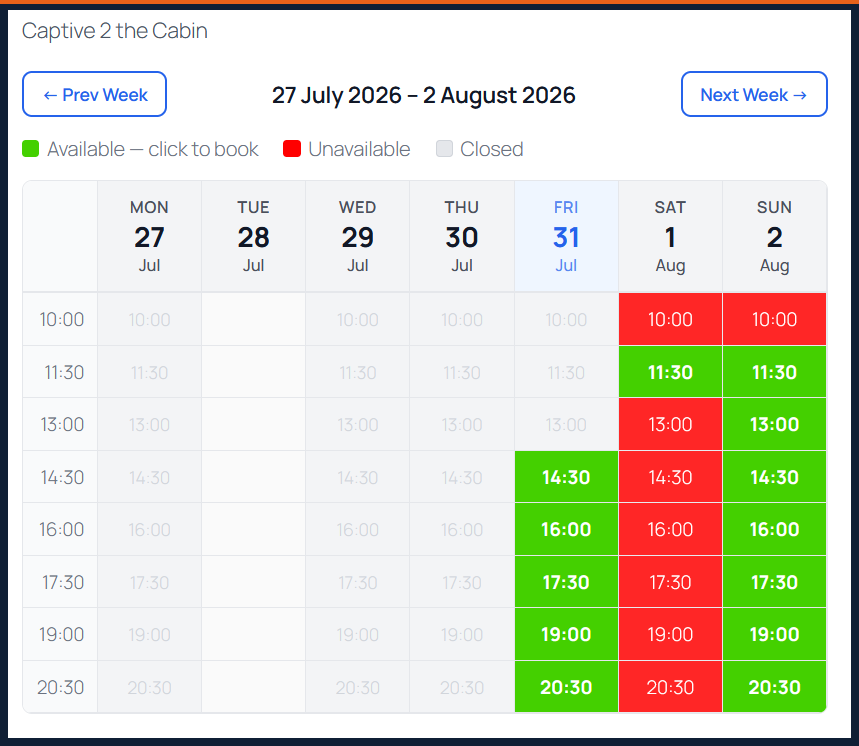
- Weekly availability calendar — clean, mobile-friendly calendar showing available and booked slots with week navigation
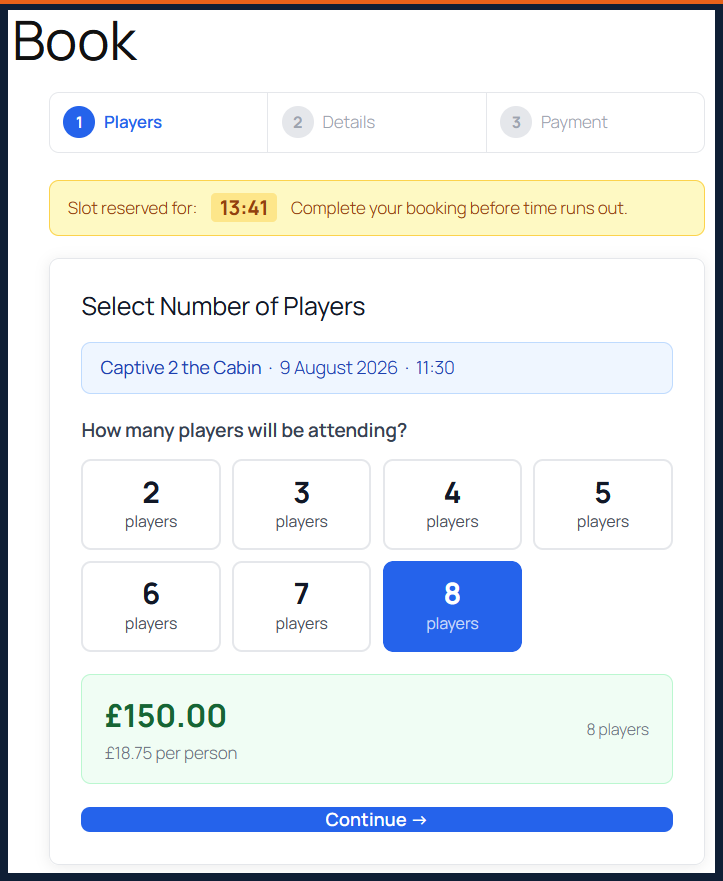
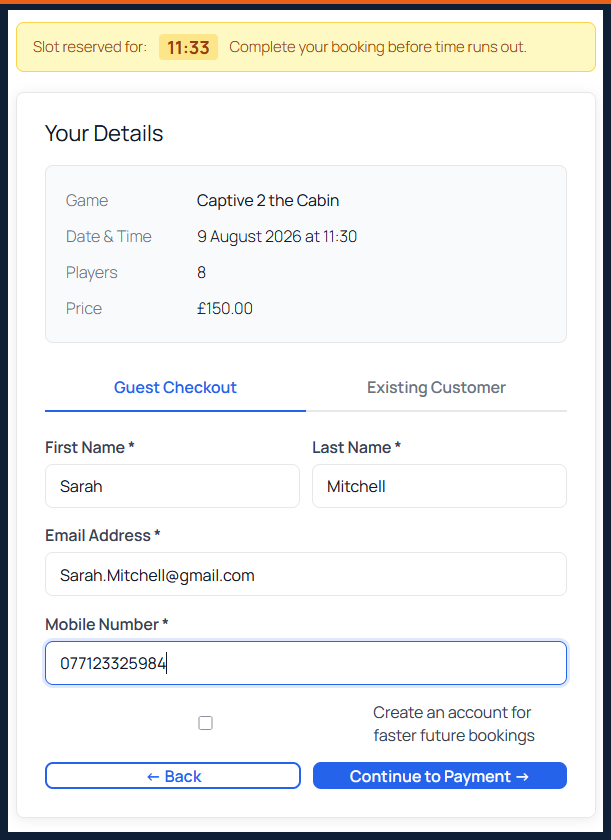
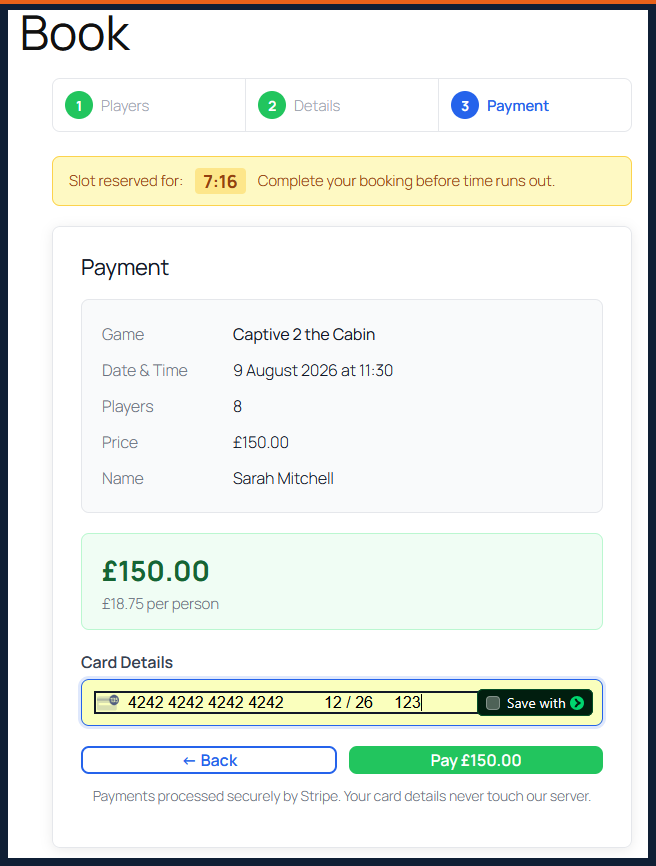
- 3-step booking flow — player selection with live price updates, Stripe payment, instant confirmation
- Stripe payments — secure card payments with webhook confirmation; bookings only confirmed when payment is received
- Slot holds — customer’s slot is held for 15 minutes while they pay, preventing double-bookings
- Per-player pricing — set different prices for each player count per game
- Automated emails — confirmation, change and cancellation emails to customer and admin
- Manage booking page — customers can view, change player count, or cancel via a secure link in their email
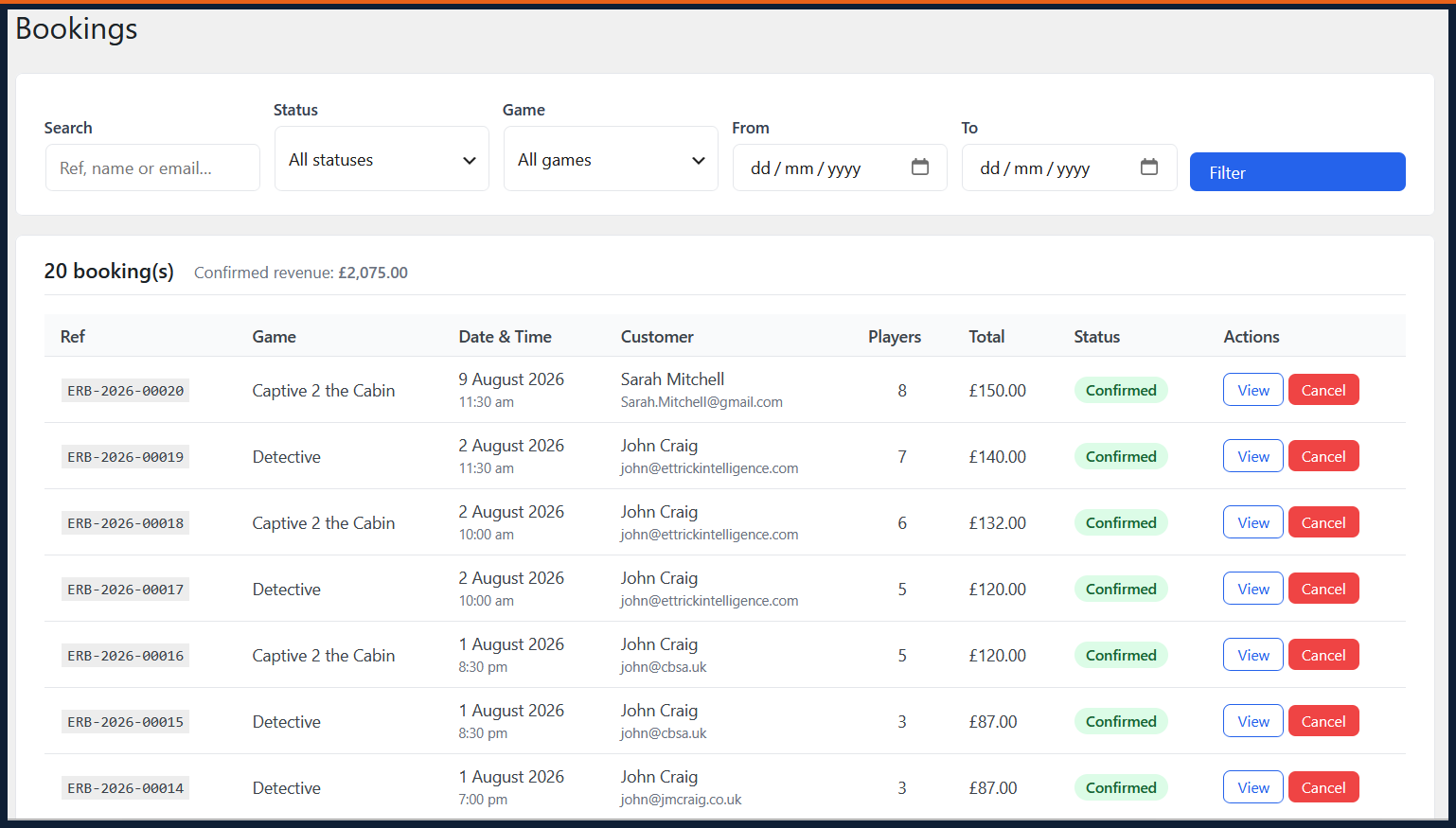
- Admin bookings screen — view, search and cancel bookings
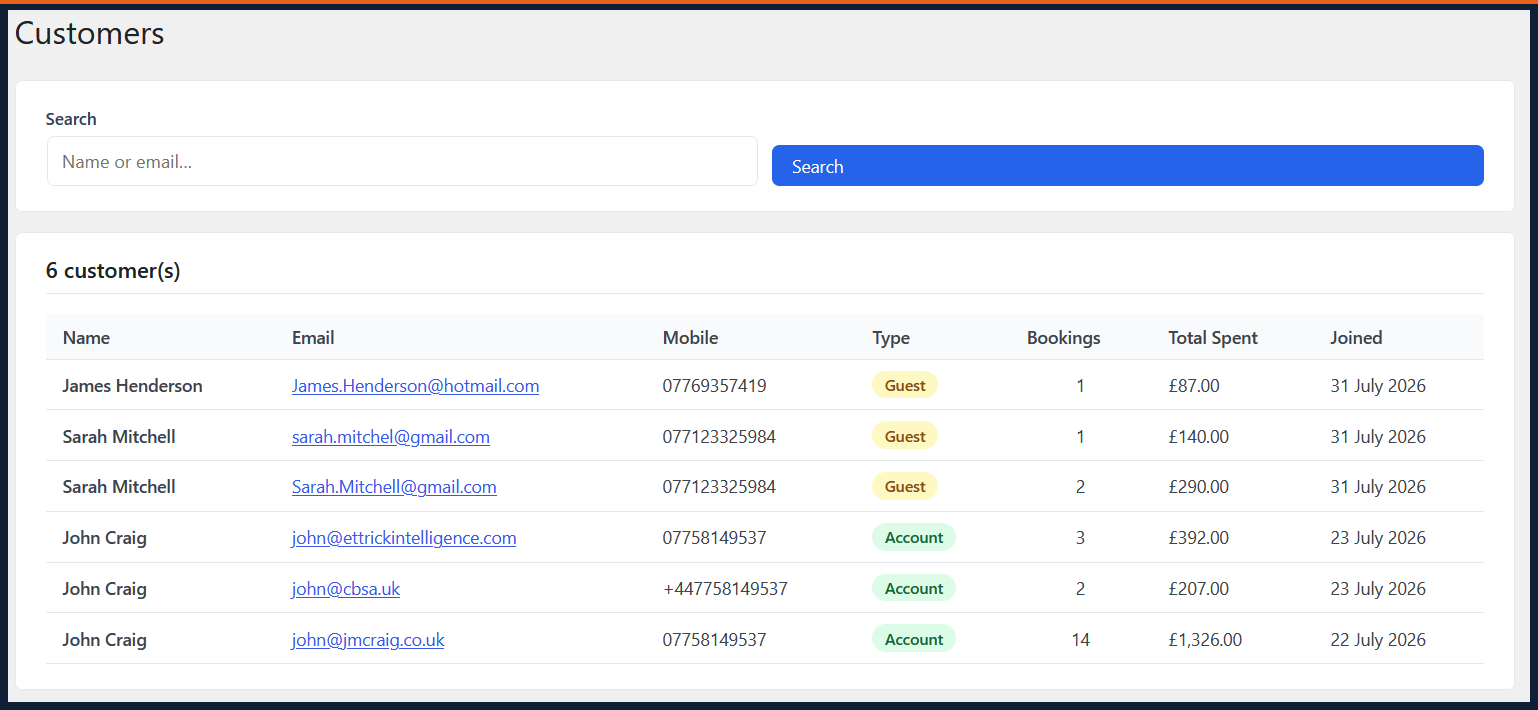
- Admin customers screen — view all customers with booking history
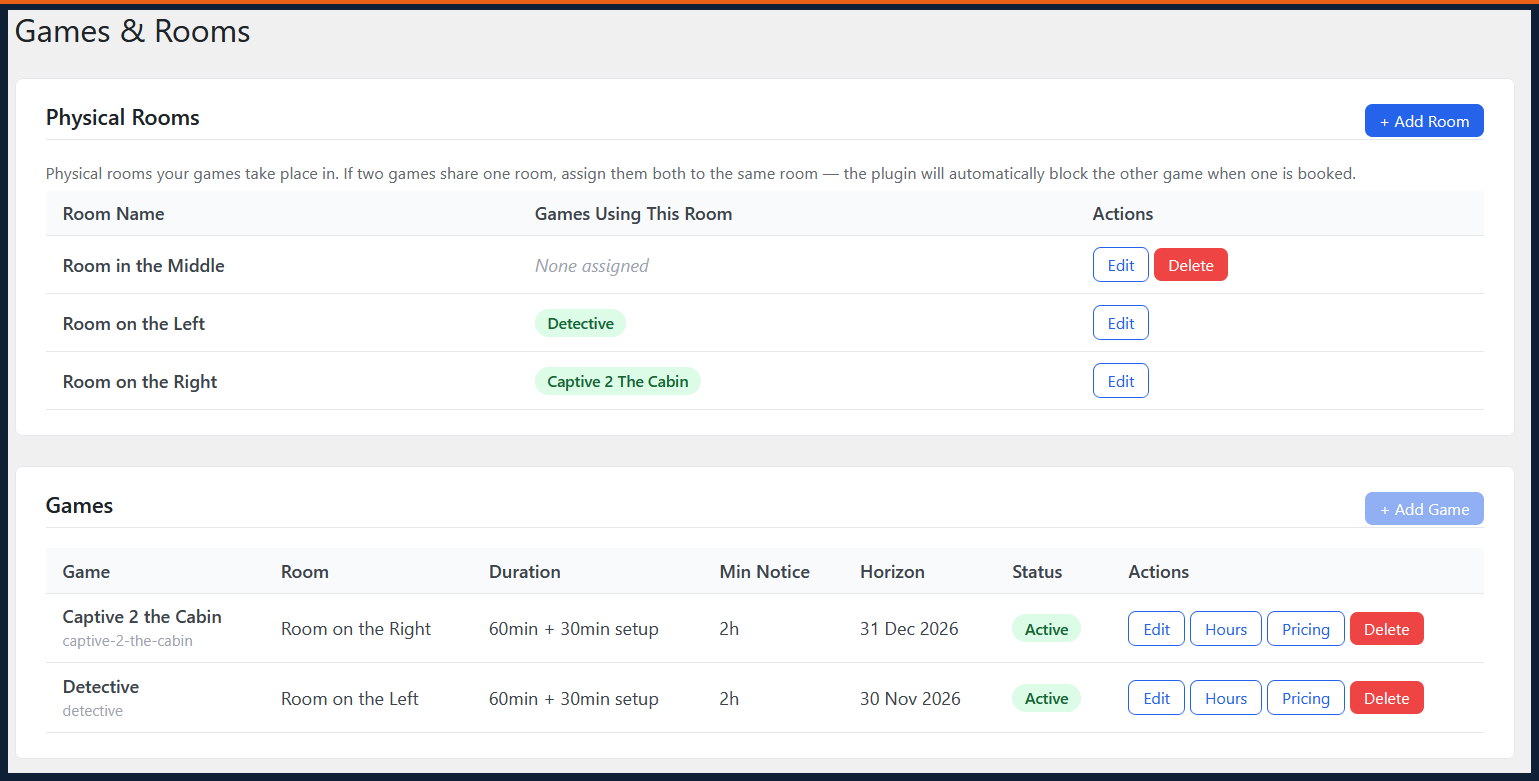
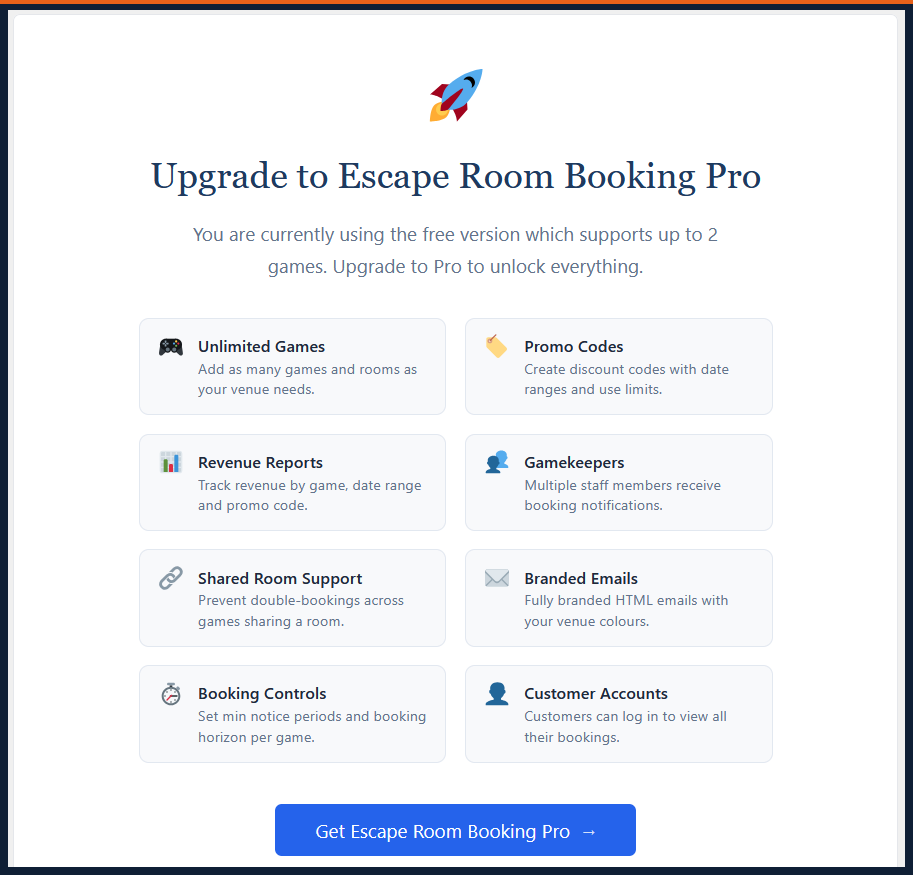
- Up to 2 games supported in the free version
- Note: shared room double-booking prevention requires Pro — in the free version, two games assigned to the same room can both be booked in the same slot
Pro Version
Escape Room Booking Pro adds:
- Unlimited games and rooms
- Shared room double-booking prevention — two games can share a physical room and the plugin prevents double-bookings automatically
- Any currency supported by Stripe — configured in plugin settings
- Colour-coded calendar slots — red for unavailable, green for available
- Promo codes and discount codes — fixed amount or percentage, with optional expiry dates and usage limits
- Flexible booking reports — filter by date range, game or status; revenue and player count summaries
- Gamekeepers — add and manage staff members, each with a private smartphone-friendly portal requiring no WordPress login
- Per-gamekeeper iCal feed — instant calendar sync with Google Calendar, Apple Calendar, Outlook and any iCal-compatible app
- Admin iCal feed — covers all bookings across all games
- Block and unblock individual time slots directly from the gamekeeper portal on any device
- Customer account page — returning customers log in to see their full booking history and manage any booking; includes a secure password reset flow with no WordPress account required
- Branded HTML emails with your venue colours
- Booking horizon and minimum notice period controls
- Priority support
Installation
- Upload the plugin folder to
/wp-content/plugins/or install via the WordPress plugin screen. - Activate the plugin through the Plugins screen in WordPress.
- Go to Escape Room Booking Settings to connect your Stripe account and configure your booking page URLs.
- Add the
[eerb_booking]shortcode to a page for the customer-facing booking calendar. - For Pro: go to Escape Room Booking Licence and enter your licence key from your purchase confirmation email.
- For Pro: optionally add
[eerb_account]to a page for the customer account portal.
Full documentation is available at escaperoombookingpro.com/documentation.
Screenshots
Customer-facing booking calendar with colour-coded availability
Multi-step booking flow
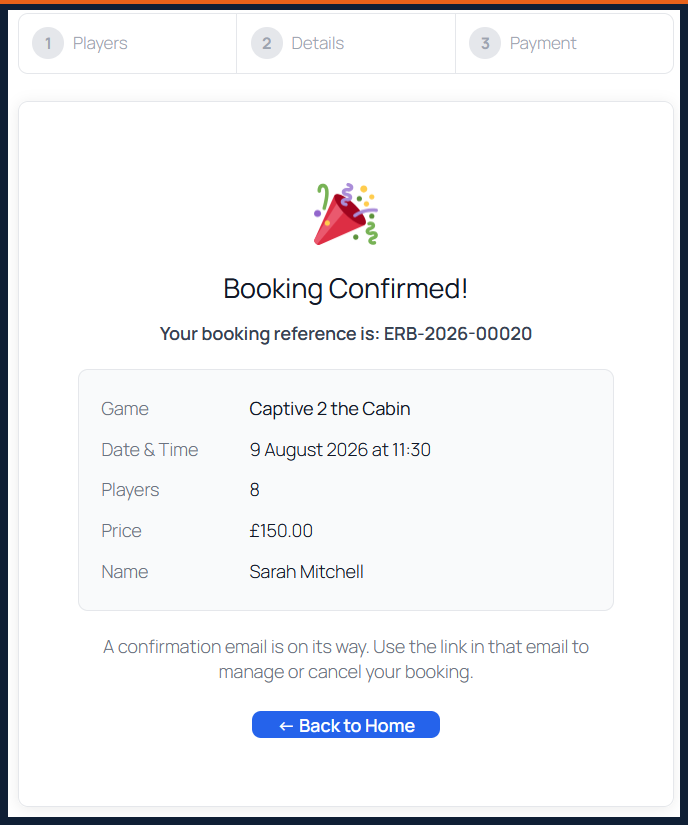
Booking confirmation screen with manage link
Customer manage booking page
Gamekeeper portal (smartphone view)
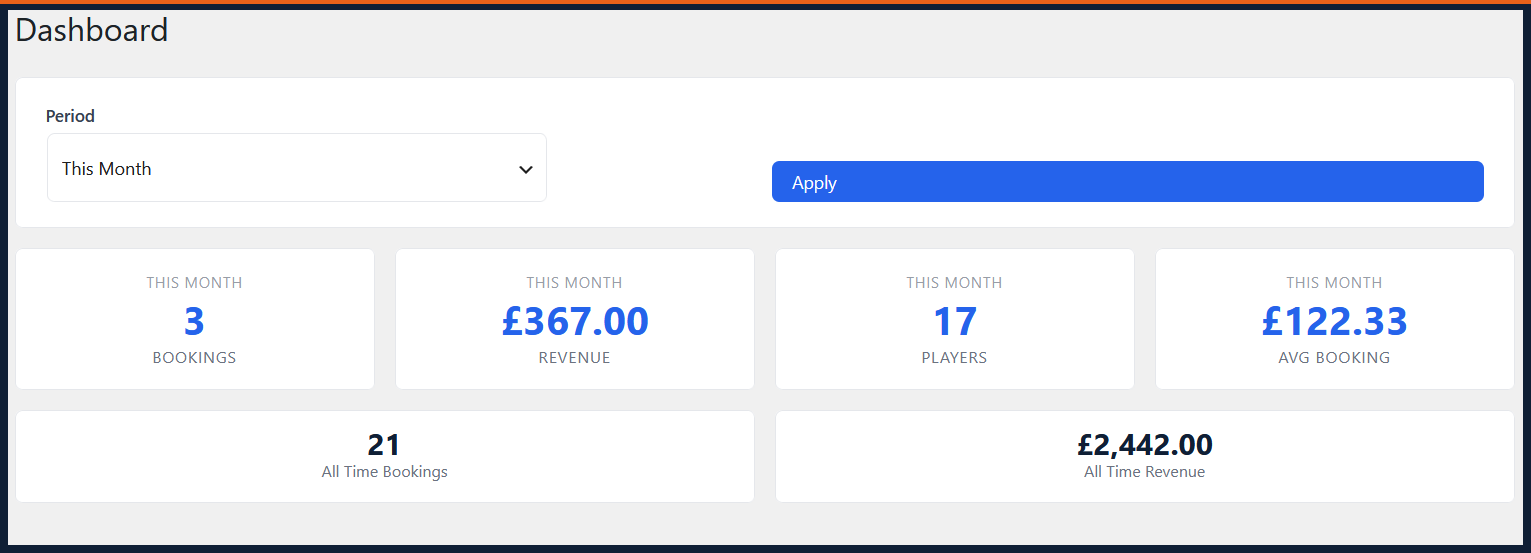
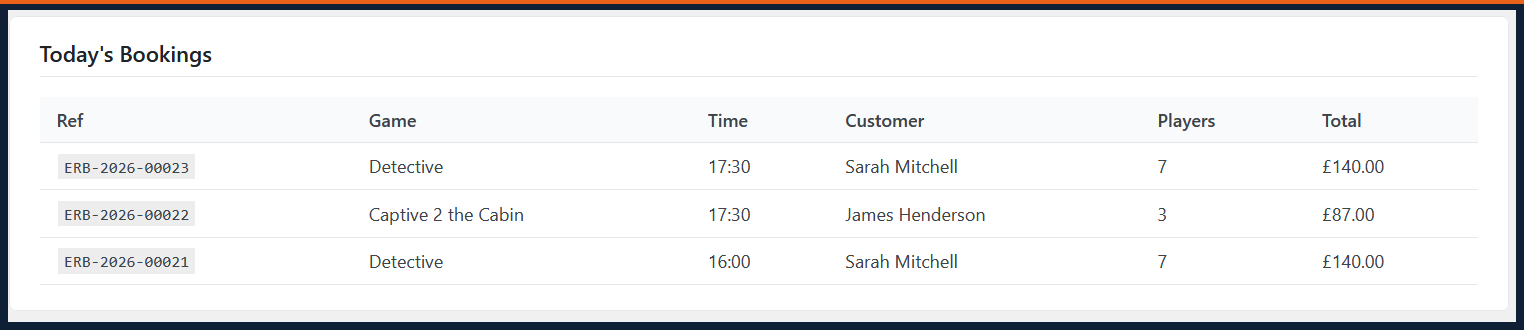
Admin bookings dashboard
Promo codes management
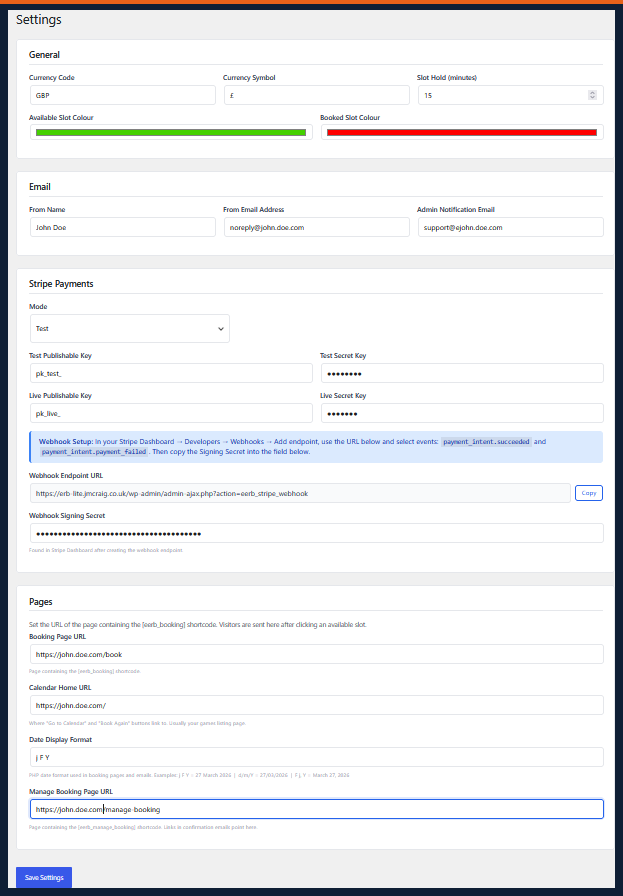
Settings page

Faq
No. The booking flow is entirely guest-based. Customers receive a secure manage link in their confirmation email that lets them view, modify or cancel their booking without any account. The Pro customer account page allows returning customers to log in and see all their bookings, but it is not required.
Stripe only, via direct Stripe Elements integration. This gives you full PCI compliance without handling card data on your server.
The free version supports up to 2 games. Pro supports unlimited games, each with its own calendar, pricing and player limits. The Pro shared room feature lets two games share a physical room while preventing double-bookings.
Yes. The booking calendar, customer manage page and gamekeeper portal are all fully responsive. The Pro gamekeeper portal is specifically designed for use on a smartphone without requiring login.
Yes (Pro). Each gamekeeper has a unique secure URL they can bookmark. It shows their upcoming sessions, lets them block or unblock slots, and syncs with their calendar app via iCal — all without a WordPress account.
The free version uses your default WordPress currency. Pro supports any currency supported by Stripe, configured in the plugin settings.
The plugin is designed with GDPR in mind. Customer data is stored on your own server (no third-party booking platform), you control data retention, and the manage booking flow uses secure tokens rather than storing personal data in URLs.
Reviews
Changelog
1.4.0
- Customer account page —
[eerb_account]shortcode; customers log in to view all bookings, manage each one and update their password - Password reset flow — secure token-based reset without requiring WordPress user accounts
- Booking reference now displays immediately on the payment success screen with a direct link to the manage booking page
- Improved shared room overlap detection using range-based comparison, preventing edge-case double-bookings across games with different slot schedules
1.3.2
- Fixed player count buttons — now respects each game’s configured minimum and maximum players
- Fixed admin pricing modal player range display
- Added Playwright end-to-end test suite covering all major booking flows
1.3.0
- Gamekeeper iCal feeds — per-gamekeeper and admin-wide feeds for Google Calendar, Outlook and Apple Calendar
- Block and unblock individual time slots from the gamekeeper portal without logging into WordPress
- Week navigation in the gamekeeper view
- Manage My Booking page — customers can change player count or cancel via a secure link
- Promo codes and discount codes with percentage and fixed-amount support
1.2.0
- Shared room double-booking prevention
- Colour-coded calendar slots (red/green)
- Multi-currency support
- Flexible admin booking reports
1.1.0
- Gamekeeper management — add, edit, activate and deactivate staff
- Smartphone-friendly gamekeeper portal with secure token access
1.0.0
- Initial release — booking calendar, Stripe payments, confirmation emails, admin dashboard