Evendeals
Evendeals
Description
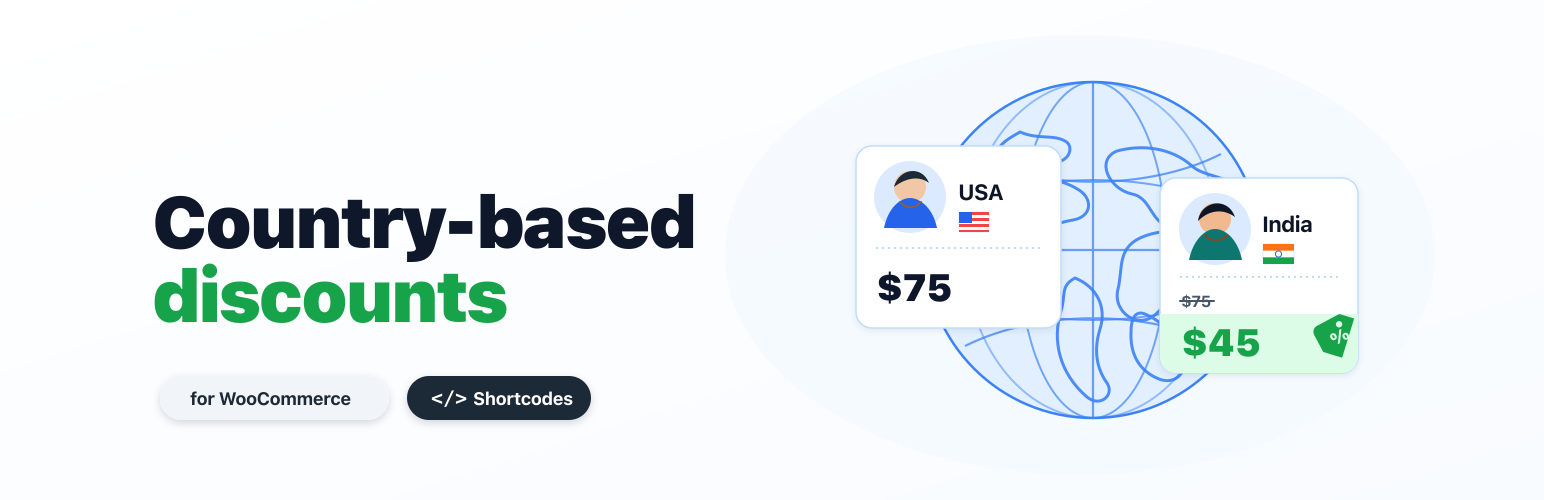
Evendeals automatically detects your visitors’ country and shows them a fair, purchasing-power-parity discount — increasing international conversions without manual coupon management.
Features:
- One-click setup — no code editing required
- WooCommerce integration — auto-create and rotate coupon codes in your store
- Shortcode for custom placement —
[evendeals]or[evendeals type="coupon"] - Lightweight — single external script, deferred loading
How it works:
- The plugin loads a small script (
banner.js) from Evendeals. - The script detects the visitor’s country and checks your Evendeals dashboard rules.
- If a discount applies, a banner, popup, or inline element displays the offer.
All configuration (discounts, coupons, page targeting, display settings) is managed on your Evendeals dashboard.
Evendeals is a hosted service. When enabled, this plugin loads banner.js from Evendeals and checks https://www.evendeals.com/api/discount using the current page URL. The script may use browser local storage or session storage for timers and popup dismissal state. See the Evendeals privacy policy and terms.
Installation
- Upload the
evendealsfolder to/wp-content/plugins/. - Activate the plugin through the Plugins menu.
- Go to Settings Evendeals and check Show discounts to visitors.
- Set up your discounts on evendeals.com/dashboard.
Faq
Yes. Create a free account at evendeals.com and configure your discount rules there. The plugin connects your WordPress site to your Evendeals dashboard.
[evendeals] renders placeholder elements that banner.js fills with country name, discount amount, coupon code, and country flag. Use [evendeals type="coupon"] to render only the coupon code, for example.
Valid types: country, discount, coupon, flag.
No. The script is loaded with defer and is served from a CDN.
Yes. If WooCommerce is active, the plugin shows setup instructions on the settings page. Connect your store via the Evendeals Integrations page using your WooCommerce REST API keys. Evendeals will automatically create, rotate, and track coupon codes in your store.
Yes. Configure page targeting in your Evendeals dashboard using the “Where to display” section.
Reviews
Changelog
1.1.4
- Confirm compatibility with WordPress 7.1.
1.1.3
- Use a plugin-specific Plugin URI.
1.1.2
- Update WordPress.org submission metadata.
- Add hosted service disclosure.
1.1.1
- Add WooCommerce setup guidance.
- Add shortcode placeholders for custom placement.
- Improve script loading.
1.0.0
- Initial release.