Events Calendar Plus

Events Calendar Plus
Description
Create and manage a stunning event calendar on your WordPress site with Calendar+. Customize colors, text, views (month/day/week/list/agenda), and date formats—all fully optimized for mobile.
Calendar+ is brought to you by the makers of Event Espresso and Event Smart. To enter event details like venues, categories, and featured images, you’ll need Event Espresso Decaf.
Calendar+ with Event Espresso Decaf offers powerful features that other plugins charge for, making it an ideal solution for event organizers—whether you need a simple event calendar or a growing event schedule.
See the calendar in action.
Looking for additional features like recurring events, electronic tickets, ticket scanning, mobile apps, custom registration forms, conditional registration forms, custom questions per ticket, and more? Check out Event Espresso for powerful event calendar, event registration and event ticket sales features.
Whether your event calendar is new and growing or your events calendar is big and full, Calendar+ can make any organization look good; small businesses, musicians, venues, restaurants, non-profits, schools, associations, clubs, fundraisers, agencies, etc. all look better and can reach their audience better with Calendar+
⭐️ Features
✔️ Quickly create events (Title, start/end date/time, description, featured image)
✔️ Enable or disable views with tooltips (month, week, day views, each mobile optimized)
✔️ Filters (keyword, venue, category, tag, location)
✔️ Edit text strings for easy translation
✔️ Enable/Disable display view settings
✔️ Set Default view
✔️ Keep/hide filters on mobile devices
✔️ Enable/Disable thumbnails on the calendar
✔️ Enable/Disable Tooltip/Popover
✔️ Edit text labels (easy translation)
✔️ Choose from multiple date/time formats
✔️ Easily personalize your calendar with over 20 customizable color settings using the built-in color picker
✔️ and more!
☕️ Event Espresso Decaf Includes:
✔️ Saved venues
✔️ Widget: Upcoming events list
✔️ Event Taxonomies (Categories & Tags)
✔️ Google Calendar and iCal exporting
✔️ WP REST API endpoints
✔️ Tested on the latest versions of WordPress and major theme frameworks such as Avada, Divi, Enfold, Genesis, and many more.
✔️ Extensive template tags for customization
✔️ Hooks & filters galore
✔️ Debug mode for developers
✔️ Dozens of add-on plugin extensions
☕️☕️ Event Espresso Premium Includes:
✔️ Collect attendee information for each event ticket or registration sold
✔️ Sell tickets and registrations to groups
✔️ Create multiple dates for the same event
✔️ Create custom registration forms
✔️ Create conditional registration form questions
✔️ Ask specific questions in the registration form depending on the attendees choose
✔️ Distribute digital tickets
✔️ Scan QR code tickets and validate them at the door by using our mobile apps
✔️ Accept payments with Square, Stripe, and more payment options
✔️ Automate and customize confirmation emails to staff and attendees
✔️ Google Maps
✔️ and much more.
🛟 Documentation
All of our documentation can be found in our Knowledgebase.
Help
If you need help, post your questions in the WordPress.org forum. We check for new posts weekly. Please search existing threads before starting a new one.
Our Free Plugins:
Our Premium Plugins and Services:
☕️ Events Espresso
🎓 Event Smart (service)
External Services
This plugin connects to the Google Maps API and sends details about your events if users choose to view directions to an event. The Google Maps API Terms of Service can be found here.
Installation
From WordPress Dashboard:
* Go to Plugins > Add New, search for Calendar+, and click Install
* Activate the plugin
Manual Installation:
* Download the plugin ZIP file
* Go to Plugins > Add New > Upload Plugin, select the ZIP file, and click Install Now
* Activate the plugin
That’s it! Just configure your settings as you see fit, and you’re on your way to creating events in style.
Display the Calendar+ Calendar:
To display a calendar, add the [EVENTS_CALENDAR_PLUS] shortcode on any WordPress page or post.
Screenshots
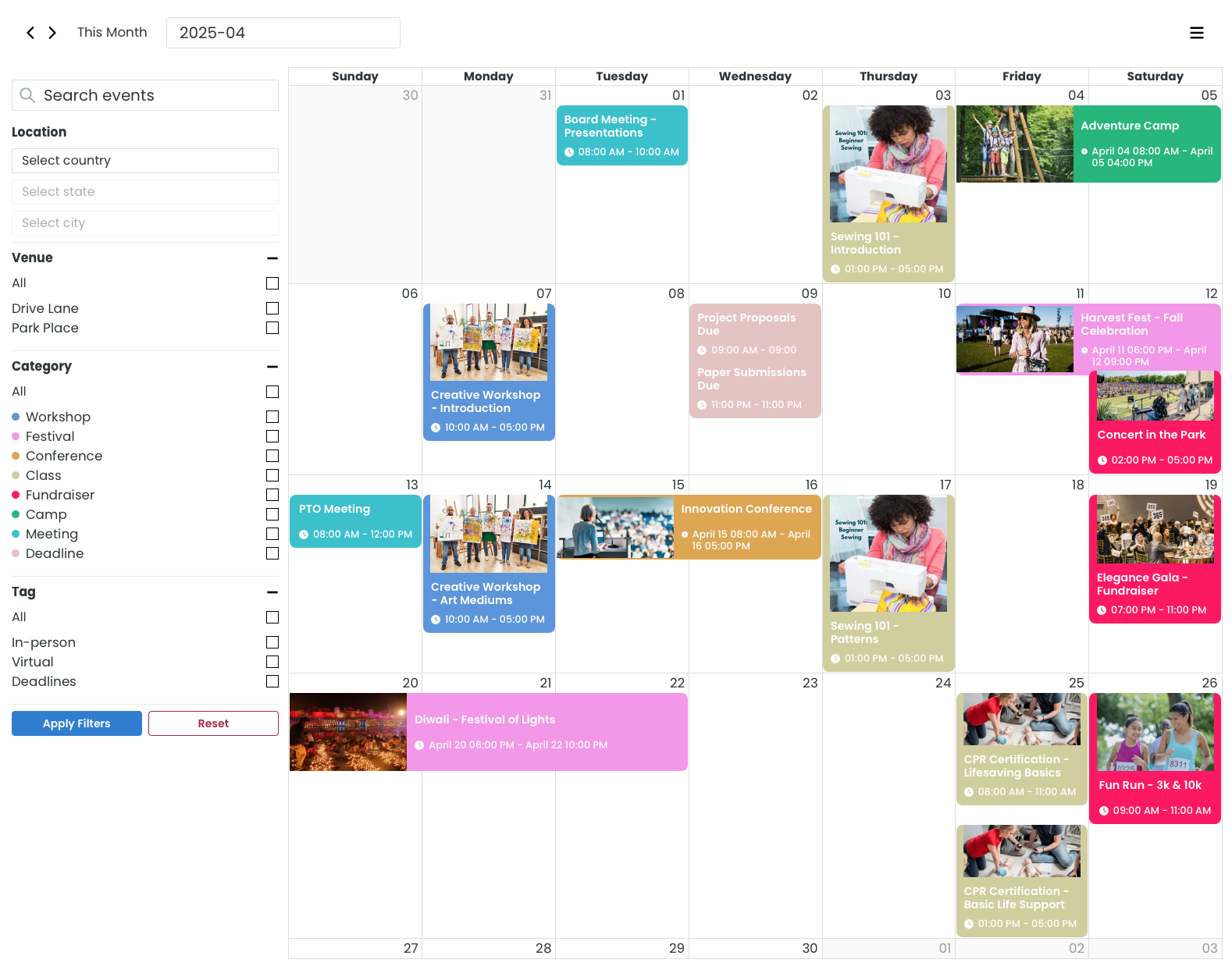
Month View
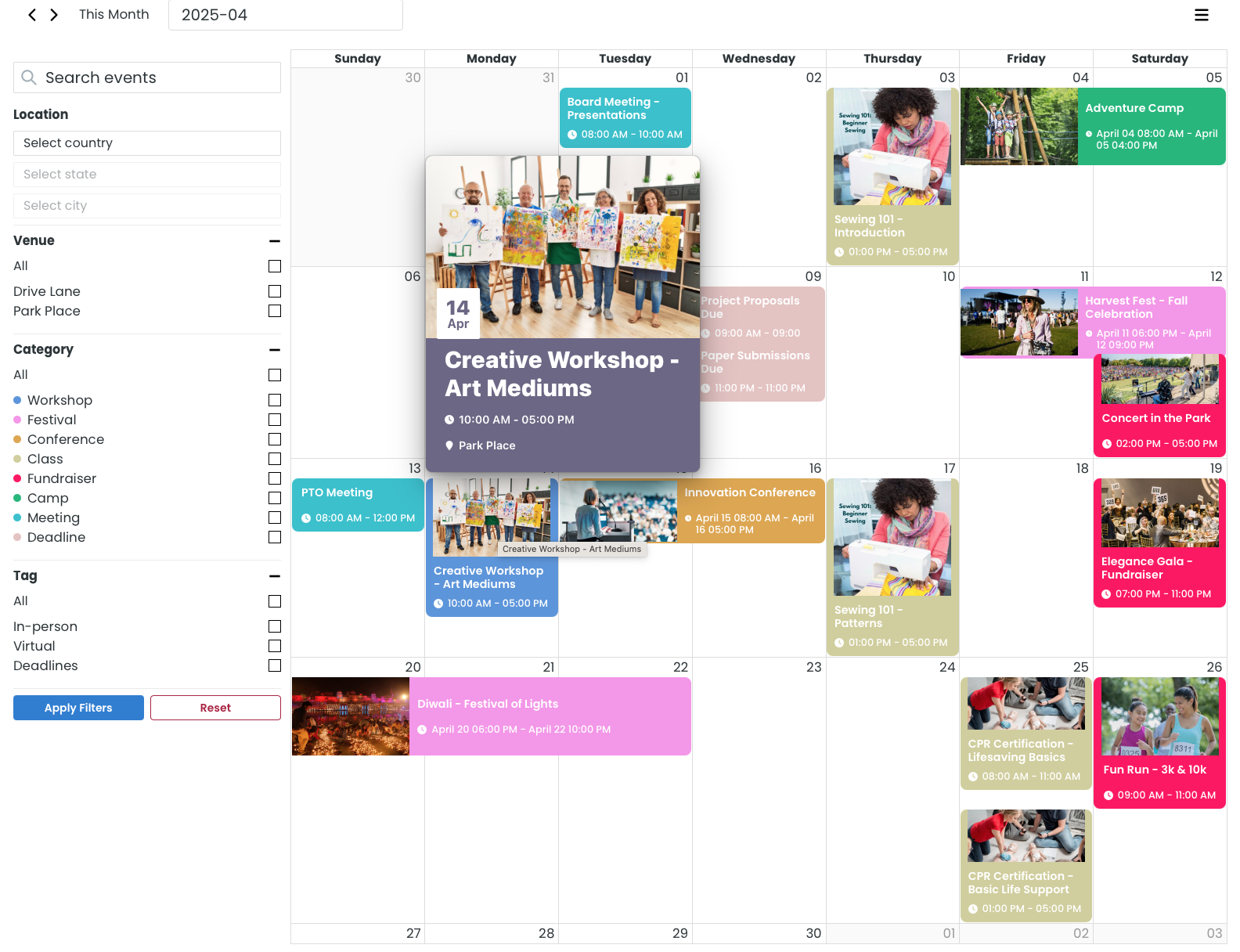
Month View with hover
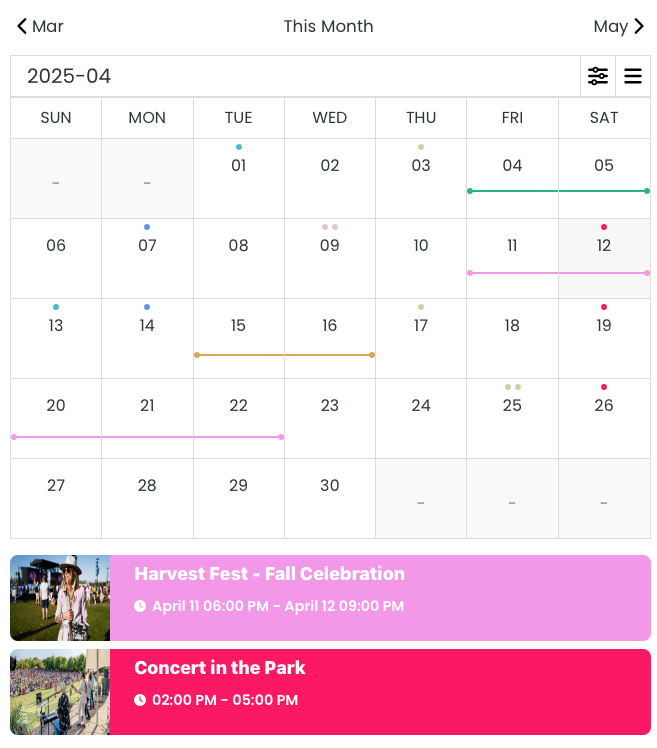
Mobile View
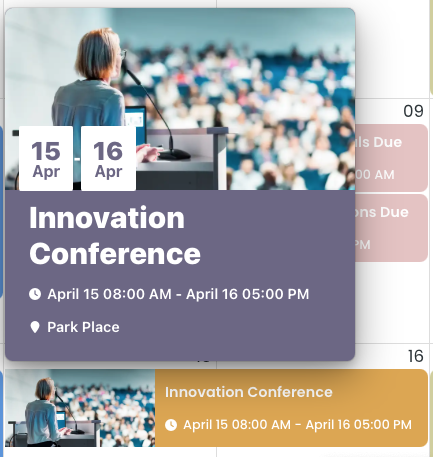
Event Hover
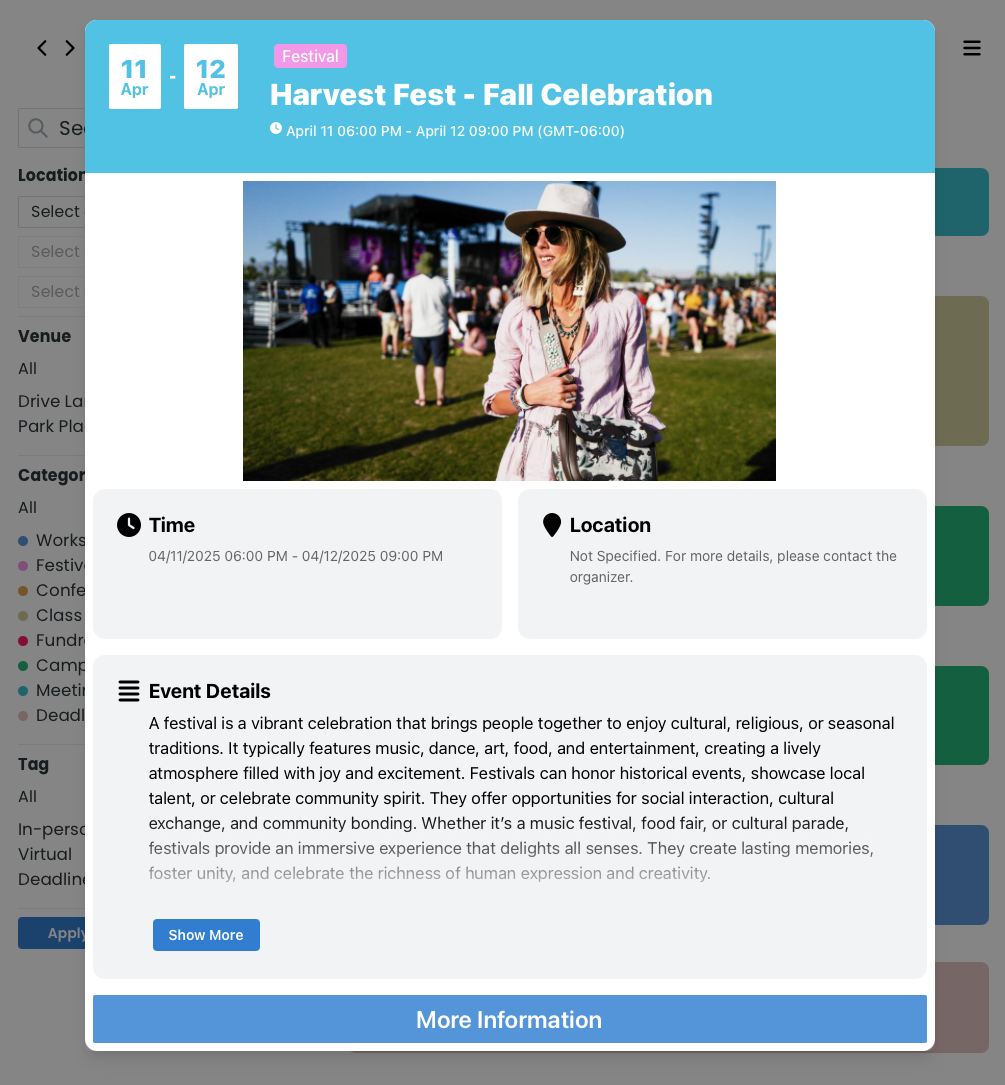
Event Modal
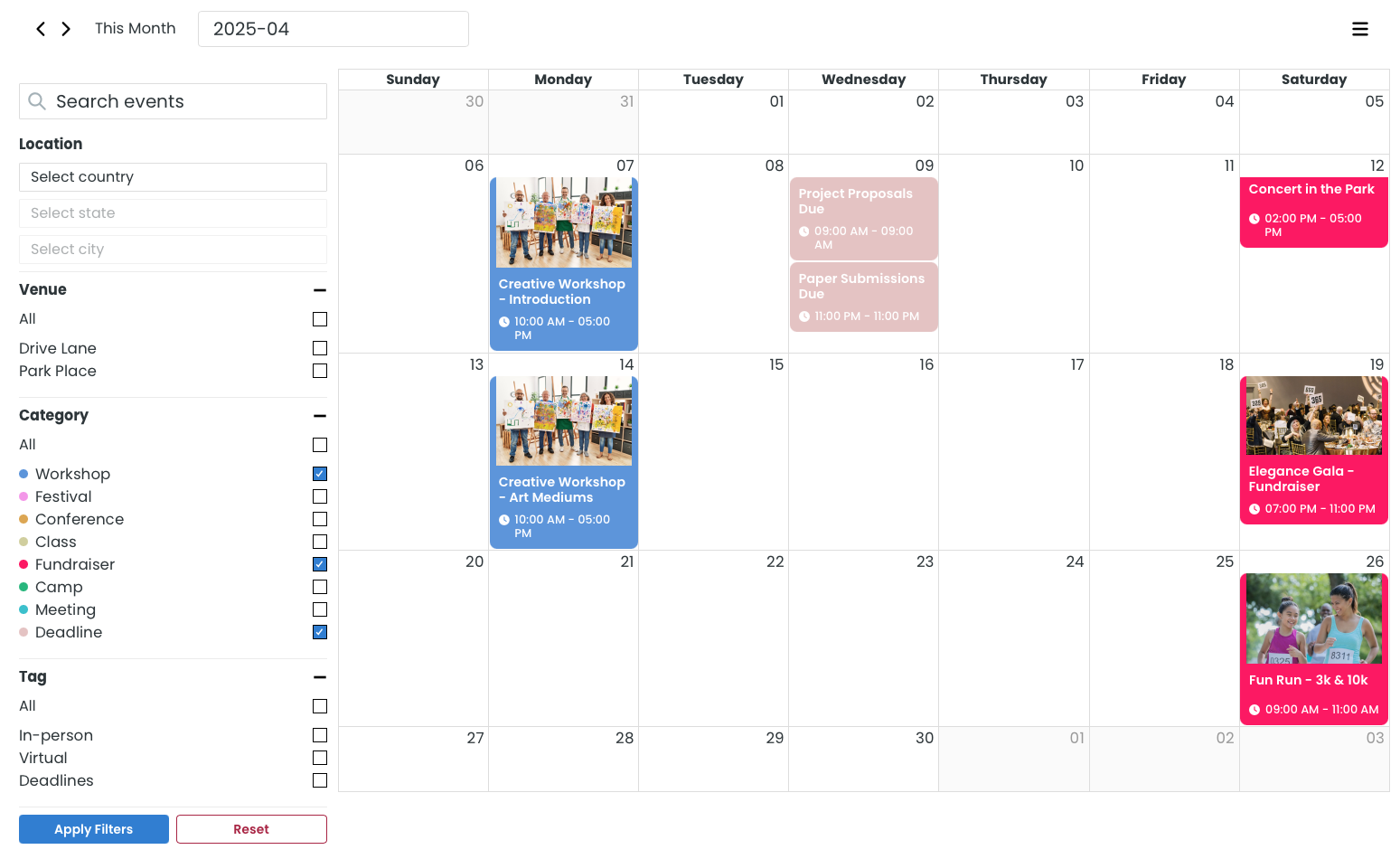
Month Filters
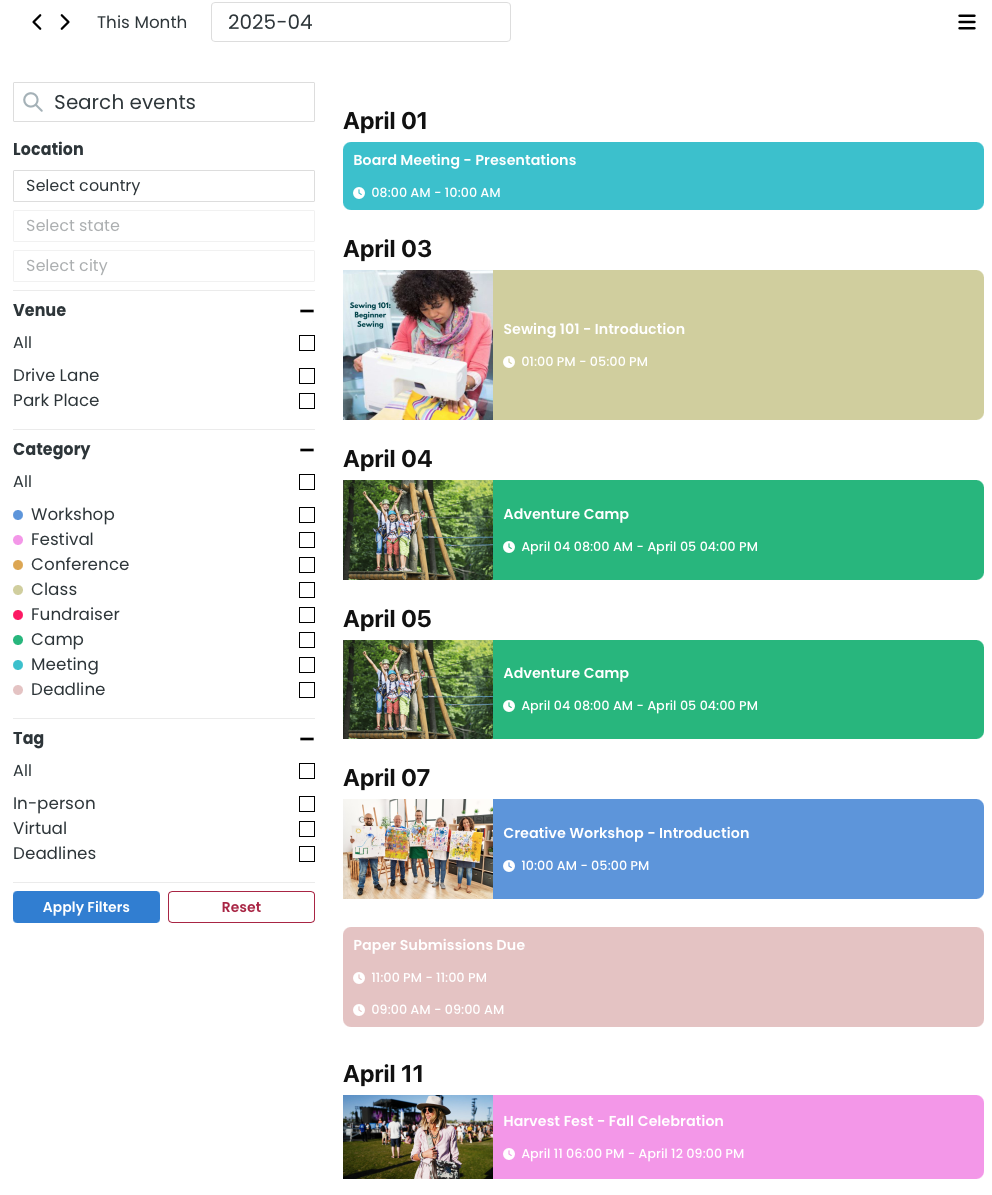
Agenda List View
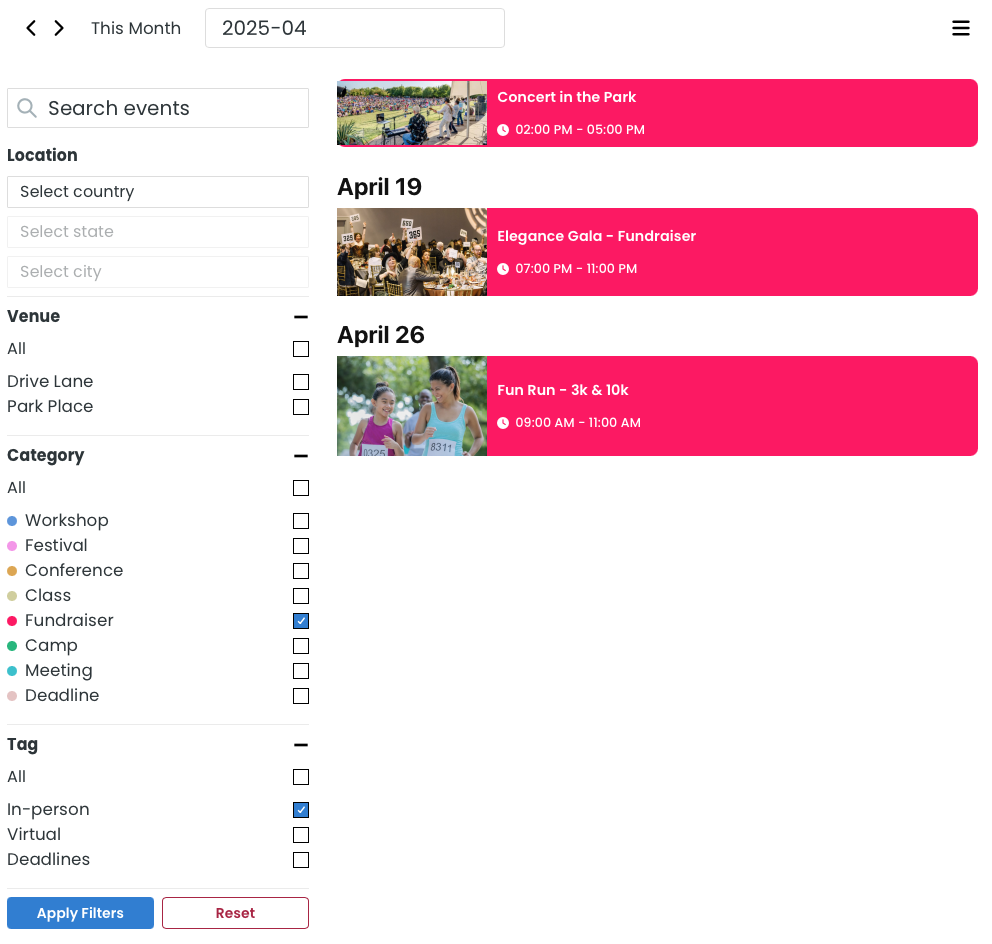
Agenda Filters
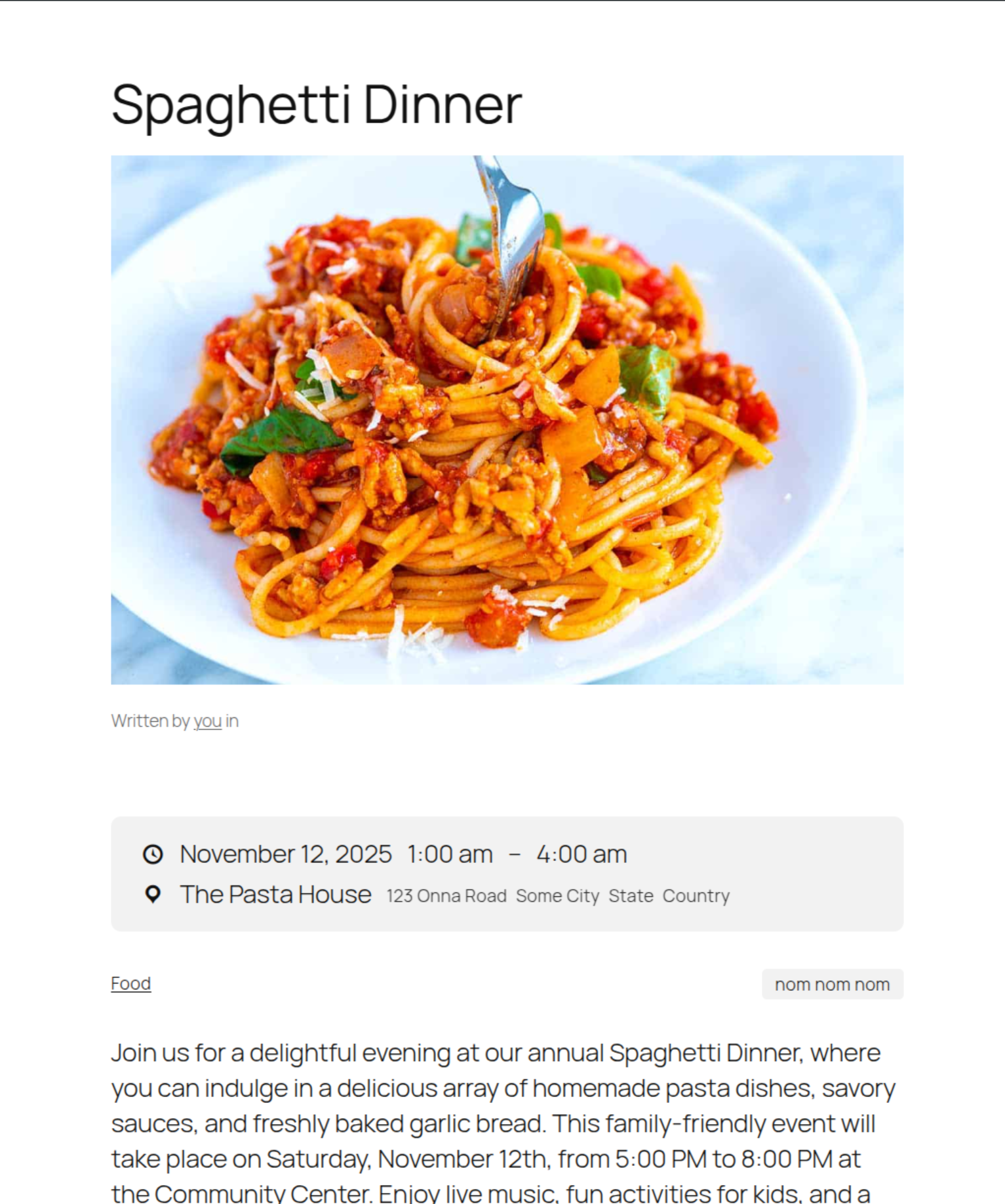
Calendar Event Custom Post Type Single Post (Twenty Twenty-Five Theme)
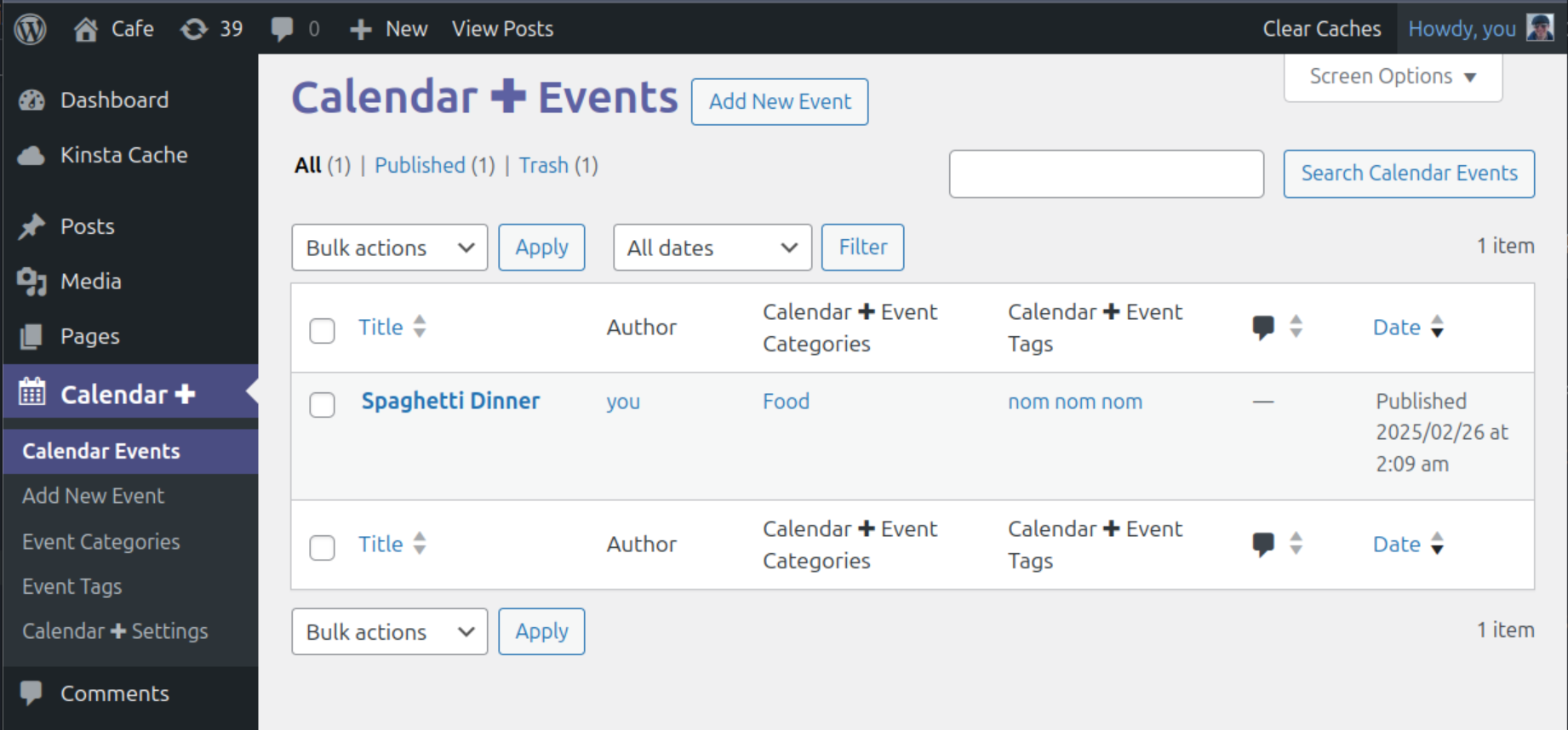
Calendar Event Custom Post Type List Table Admin Page
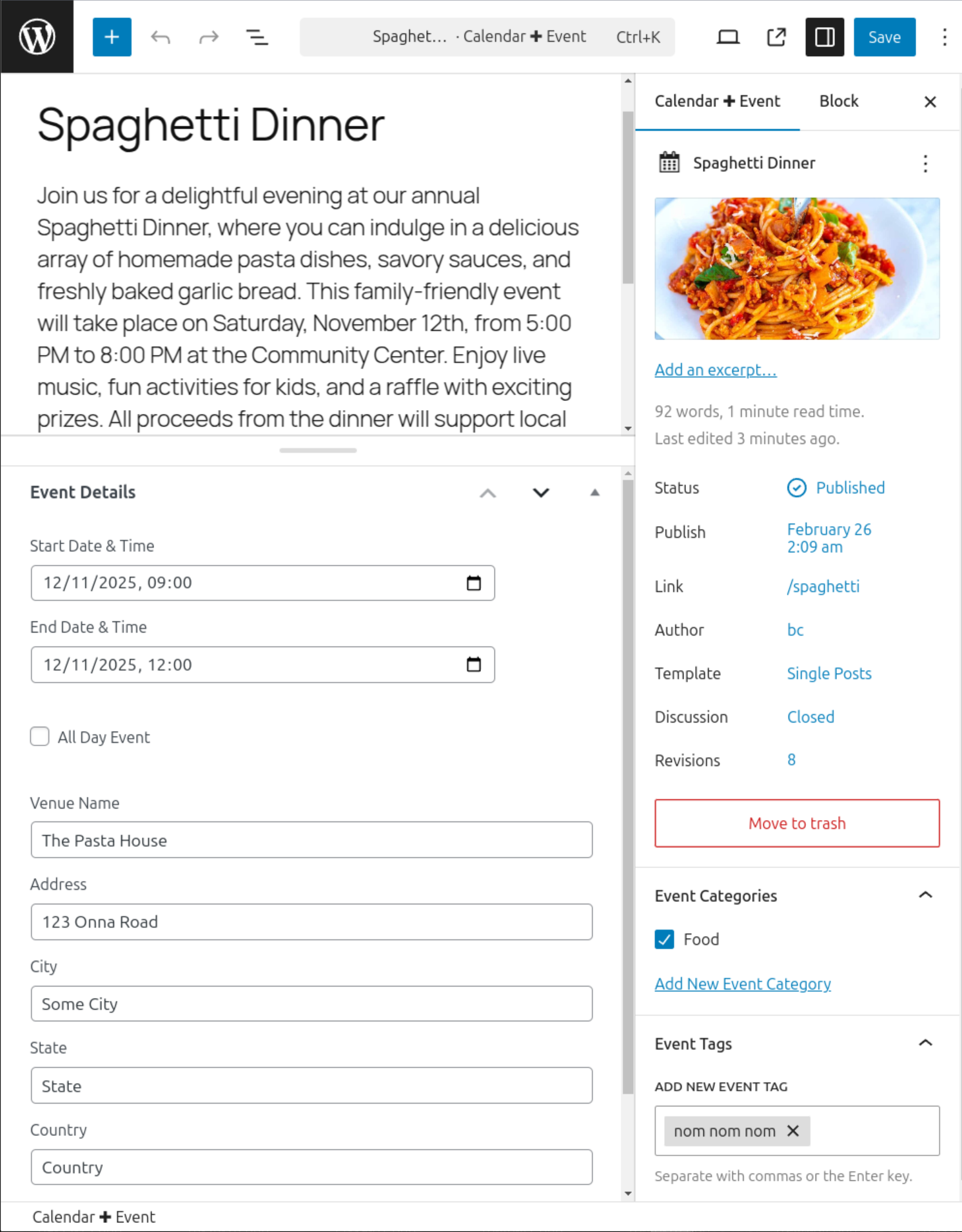
Calendar Event Custom Post Type Post Editor
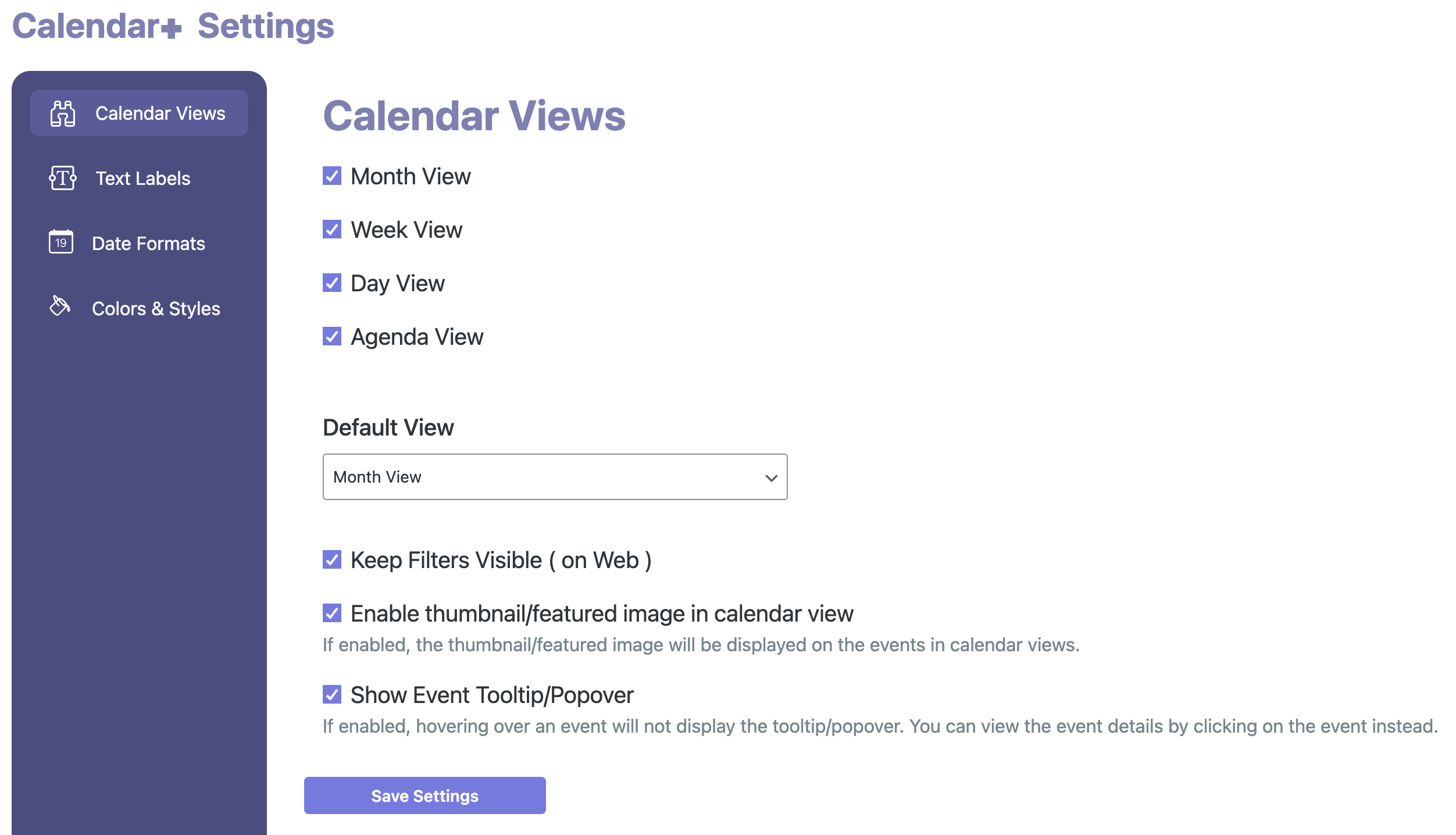
Calendar Views Settings Admin Page
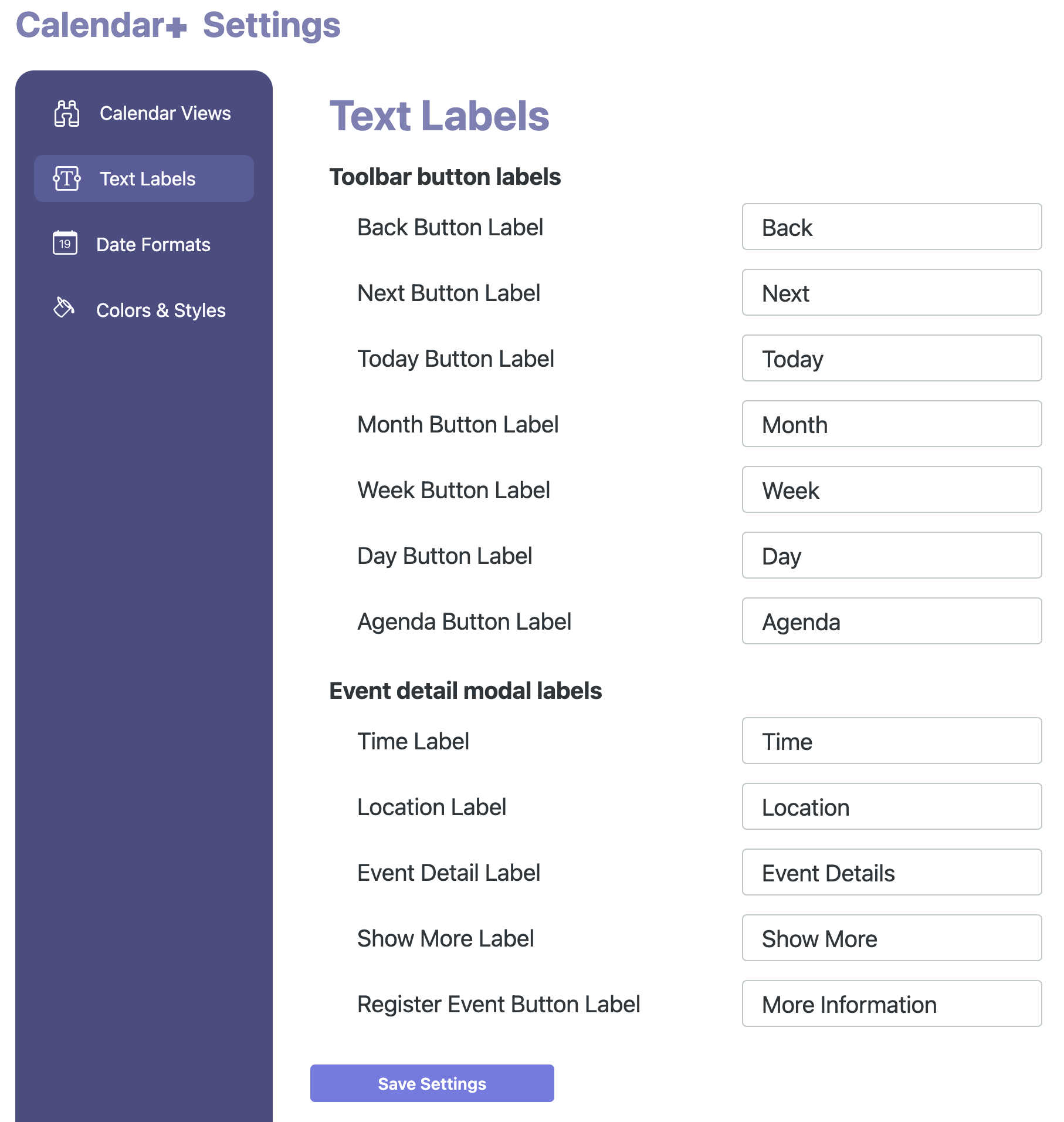
Text Labels Settings Admin Page
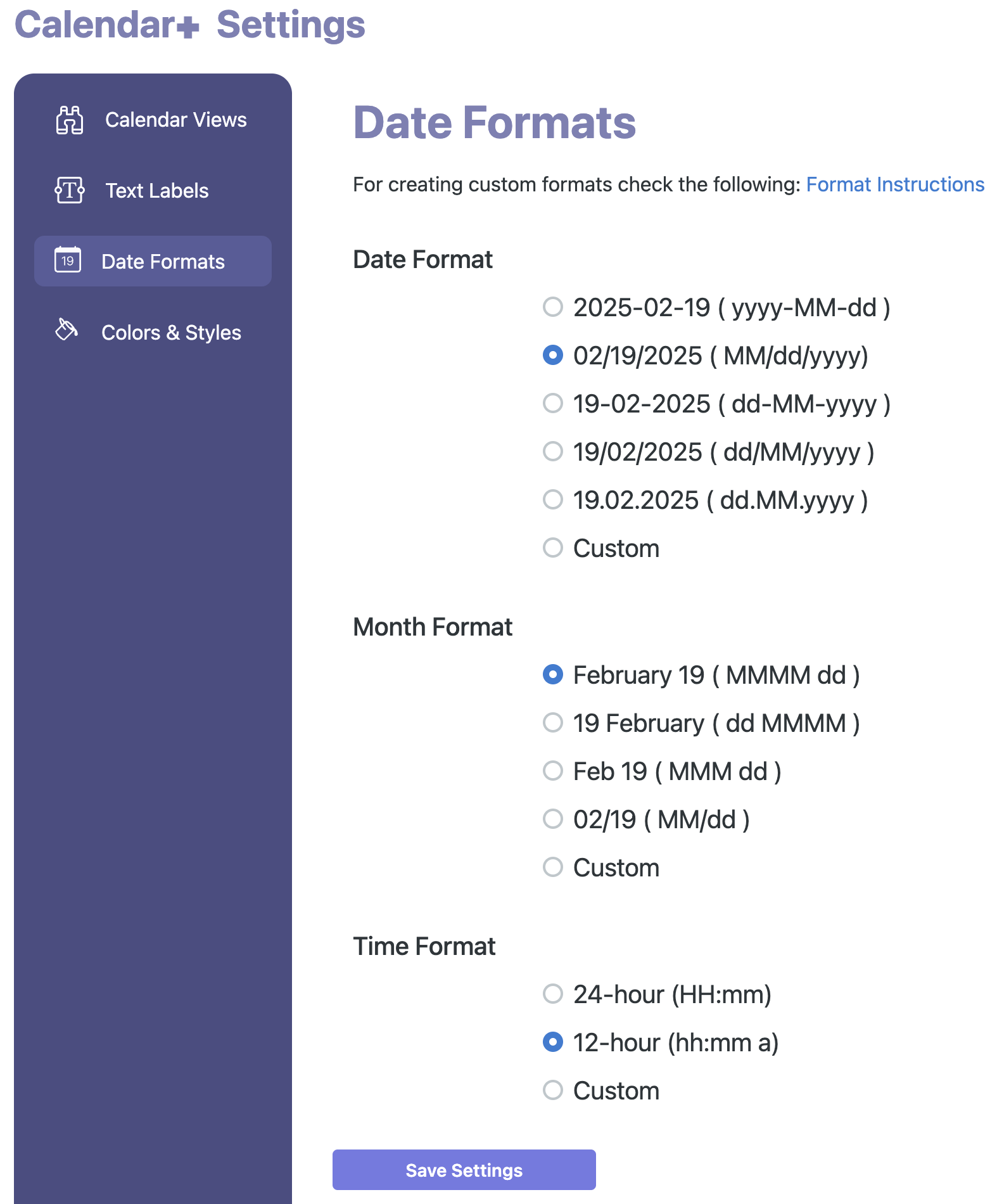
Date Formats Settings Admin Page
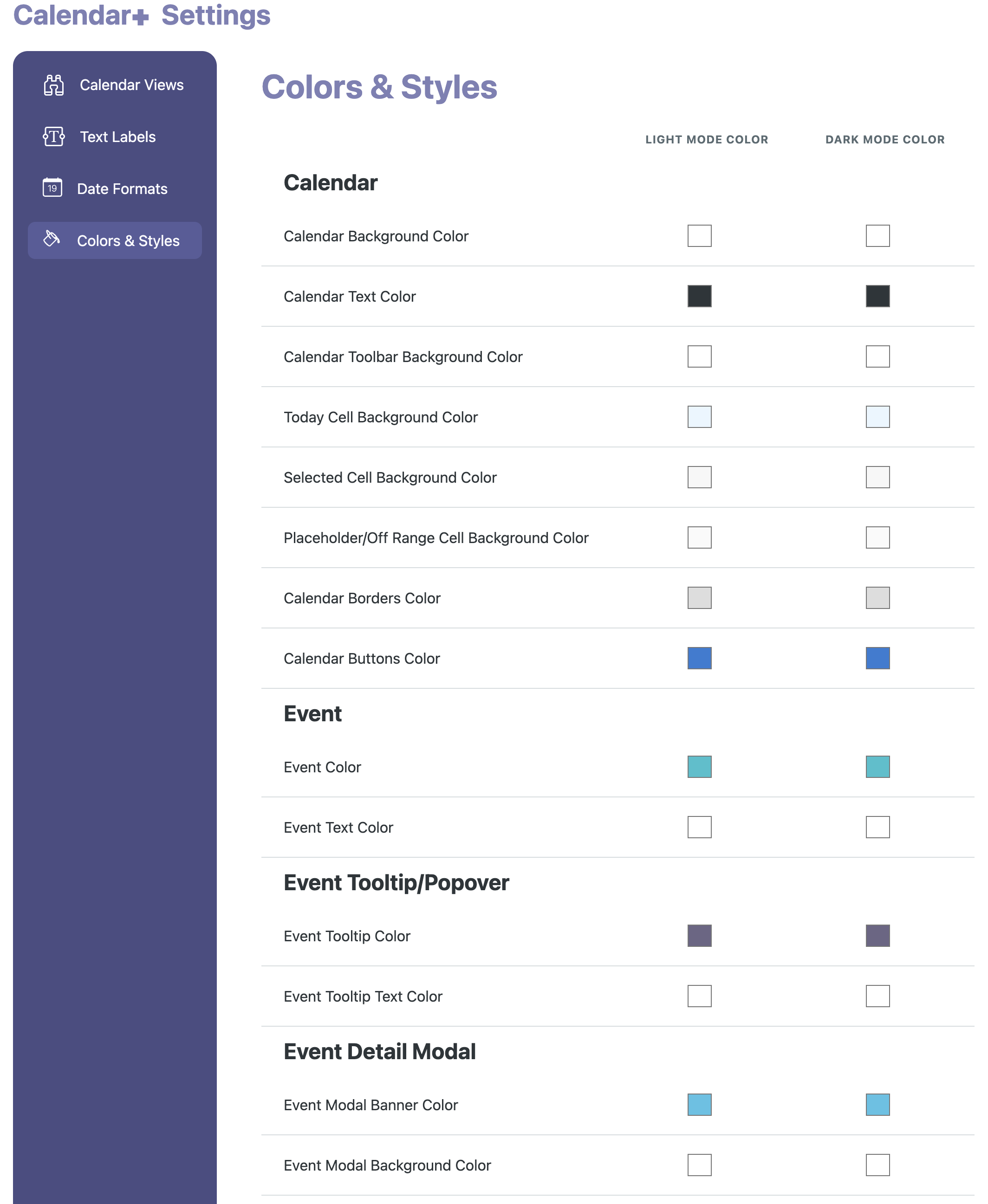
Colors & Styles Settings Admin Page
Faq
First, make sure that you’re running the latest version of Calendar+.
The most common issues we see are either plugin or theme conflicts. You can test if a plugin or theme is conflicting by manually deactivating other plugins until just Calendar+ is running on your site. If the issue persists from there, revert to the default Twenty Twenty theme. If the issue is resolved after deactivating a specific plugin or your theme, you’ll know that is the source of the conflict.
While we can’t guarantee 100% compatibility with every plugin or theme, we’ll do our best to help and collaborate with developers if needed.
Users of Calendar+ should post their questions in the plugin’s WordPress.org forum, which we visit about once a week.
Event Espresso is a comprehensive event management, registration, and ticketing plugin for WordPress. Calendar+ is a free WordPress plugin that integrates with Event Espresso and other event data sources, allowing you to display events in a visually appealing and accessible format.
You’ll want to use Event Espresso plugin (free or premium) for selling tickets and registrations. This free plugin works alongside Event Espresso and lets you create RSVPs, registrations and tickets for events. Event Espresso integrates with PayPal, Stripe, Square, etc. so you can collect payments for tickets.
Yes. You can use event categories or tags to create calendar views that only display certain events. For example, you could create a direct link to a calendar view that only shows events categorized as Fitness, Fundraisers, etc.
Reviews
Changelog
[1.0.15] 2026-09-15
Fixed
* Fix calendar assets not loading when another plugin registers scripts before Calendar Plus
[1.0.14] 2026-09-11
Added
* Load polyfills on WordPress versions below 6.8
Fixed
* Include events whose start falls within the queried date range
* Fix Calendar Plus API pagination dropping the last page
* Fix disabling datetime and ticket deletion when they are a linked item and the last one
* Fix Calendar+ event timezone conversions
Changed
* Debounce applying filters while the user is typing
* Add category text color support
[1.0.13] 2026-01-20
- Maintenance release
For all versions, please see the full changelog in our documentation