eWay-CRM Extension for Contact Form 7

eWay-CRM Extension for Contact Form 7
Description
Plugin provides ability to create Deals or Contacts in eWay-CRM from Contact Form 7 forms.
By default Deals are created with Name, Email and Message that is in the Contact Form, but you can customize this in the
Mapping administration section.
Installation
- Copy this plugin to wordpress plugin directory.
- Activate the plugin.
- In the plugin’s settings page fill in your eWay-CRM WebService URL and Username of the user that will be used to create Deals in your eWay-CRM. Ask our
support for ClientID and ClientSecret. Read our documentation
for more details. - Map custom fields or change target Folder in “Mapping” section if you wish so.
Screenshots

Login
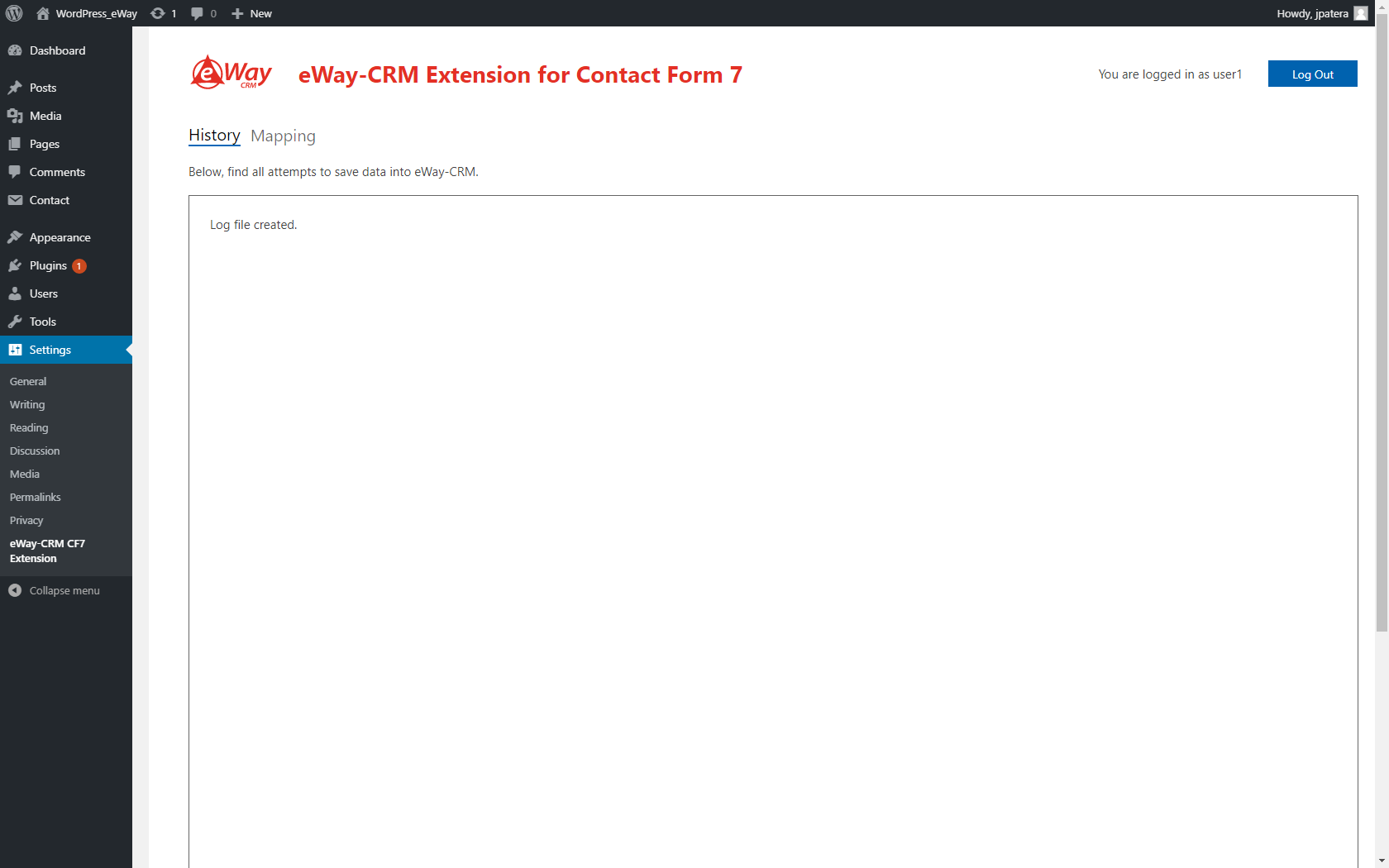
History

Mapping