Excerpt Check

Excerpt Check
Description
Excerpt Check prompts authors to add an excerpt before publishing or scheduling a post. When no excerpt is present, a modal appears giving the author the choice to add one or proceed without it. This works seamlessly in both the Classic Editor and the Block Editor (Gutenberg).
Features:
- Intercepts publish and schedule actions when no excerpt is present
- Full support for the Classic Editor and the Block Editor (Gutenberg)
- Modal prompt that surfaces before the post is saved
- Two configurable modes: Remind (allow publishing anyway) or Require (must add an excerpt)
- Settings integrated into the existing Settings > Writing page
- Works with any post type that has excerpt support enabled
- Lightweight with zero impact on front-end performance
Why use excerpts?
WordPress can auto-generate excerpts by truncating post content, but the results are often incomplete sentences, leftover shortcodes, or broken HTML. Custom excerpts give you full control over how your posts appear in archive pages, search results, RSS feeds, and SEO meta descriptions.
Use Cases:
- Content teams that enforce editorial standards requiring excerpts on all posts
- SEO-focused publishers who rely on custom excerpts for meta descriptions
- Multi-author blogs where editors want to ensure consistent content quality
- Any site where auto-generated excerpts are not desirable
Installation
- Upload the
excerpt-checkfolder to/wp-content/plugins/ - Activate the plugin through the ‘Plugins’ menu in WordPress
- Configure the behavior under Settings > Writing > Excerpt Check
Screenshots
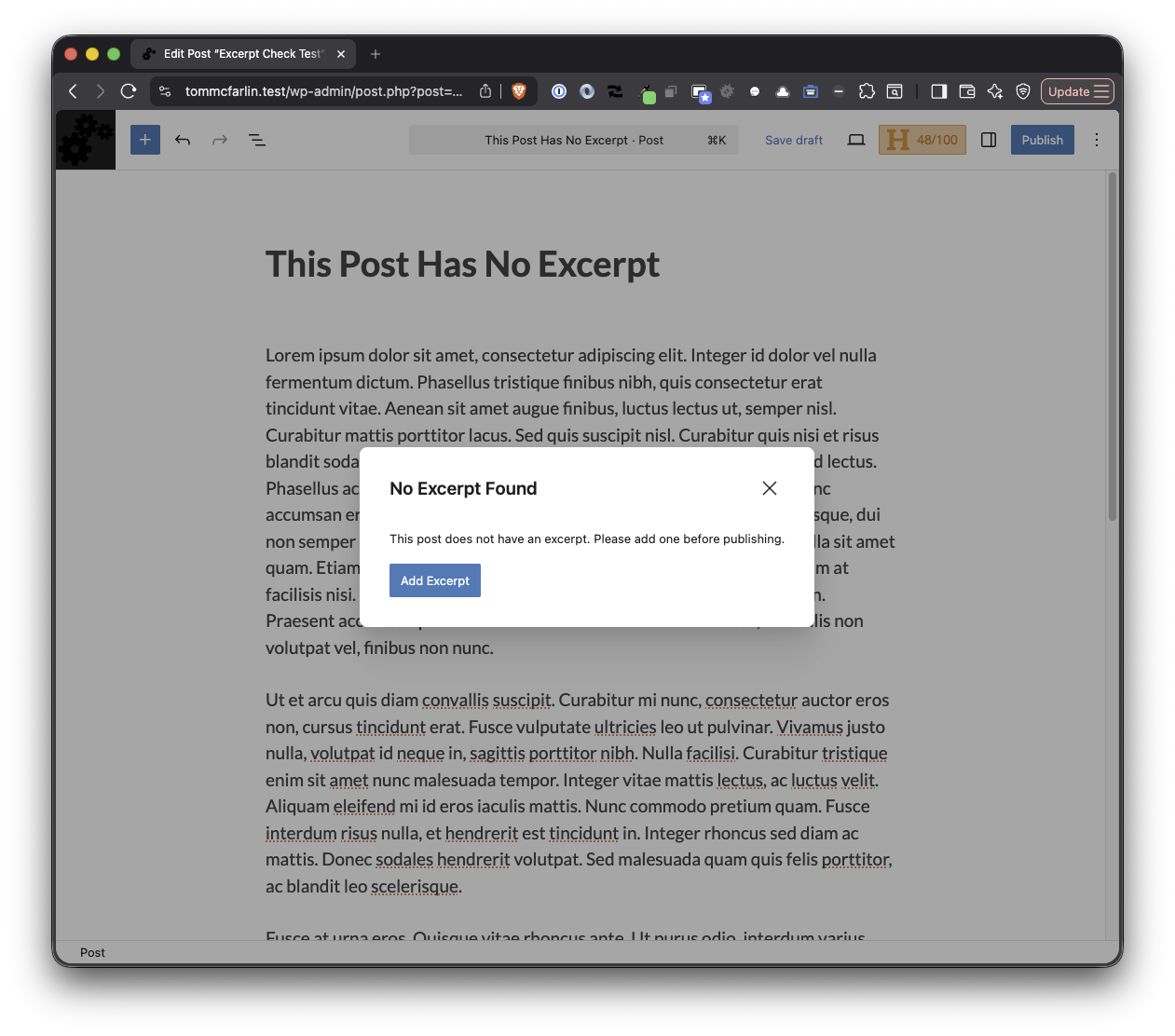
Modal prompt in the Block Editor when publishing without an excerpt
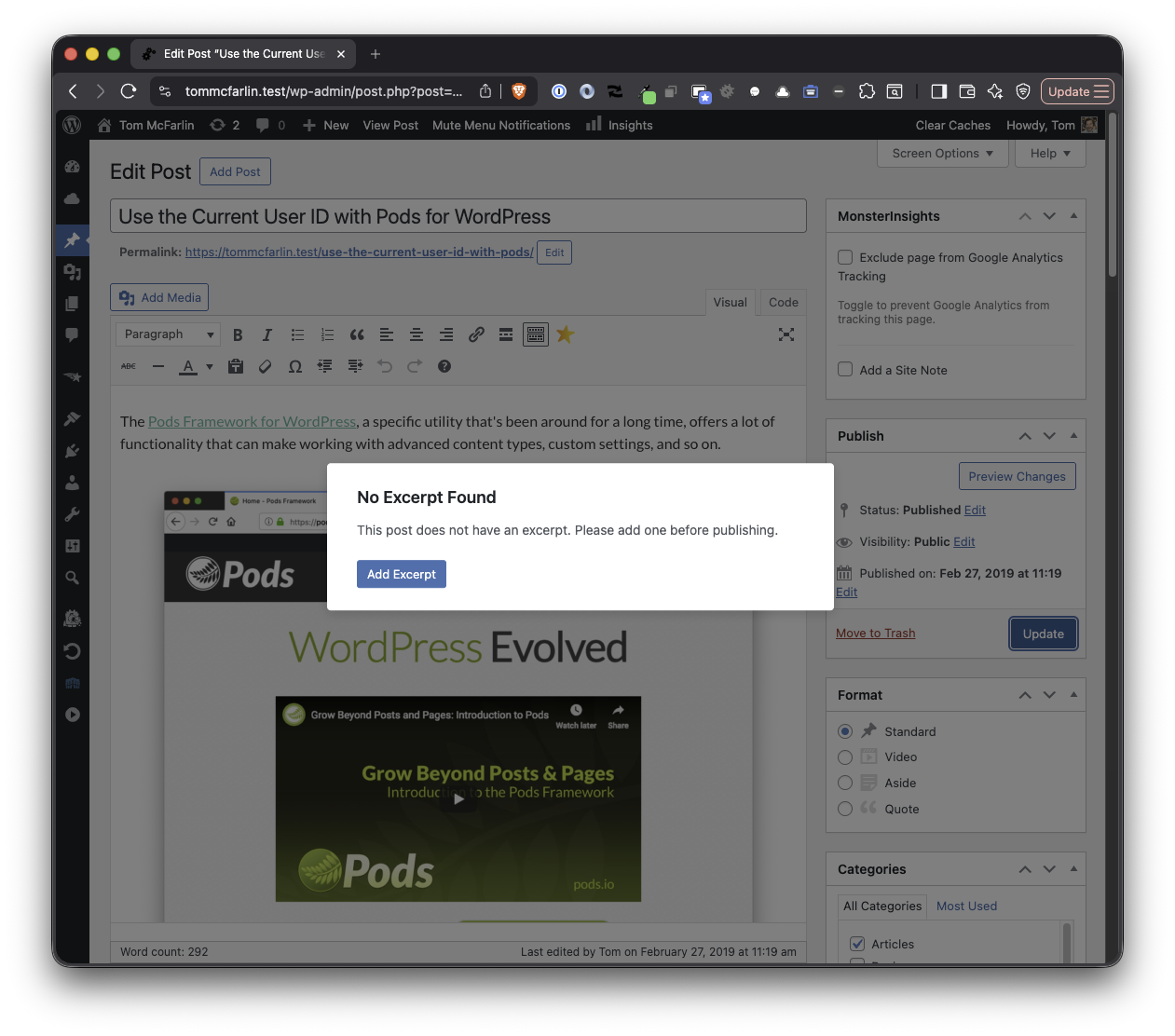
Modal prompt in the Classic Editor when publishing without an excerpt
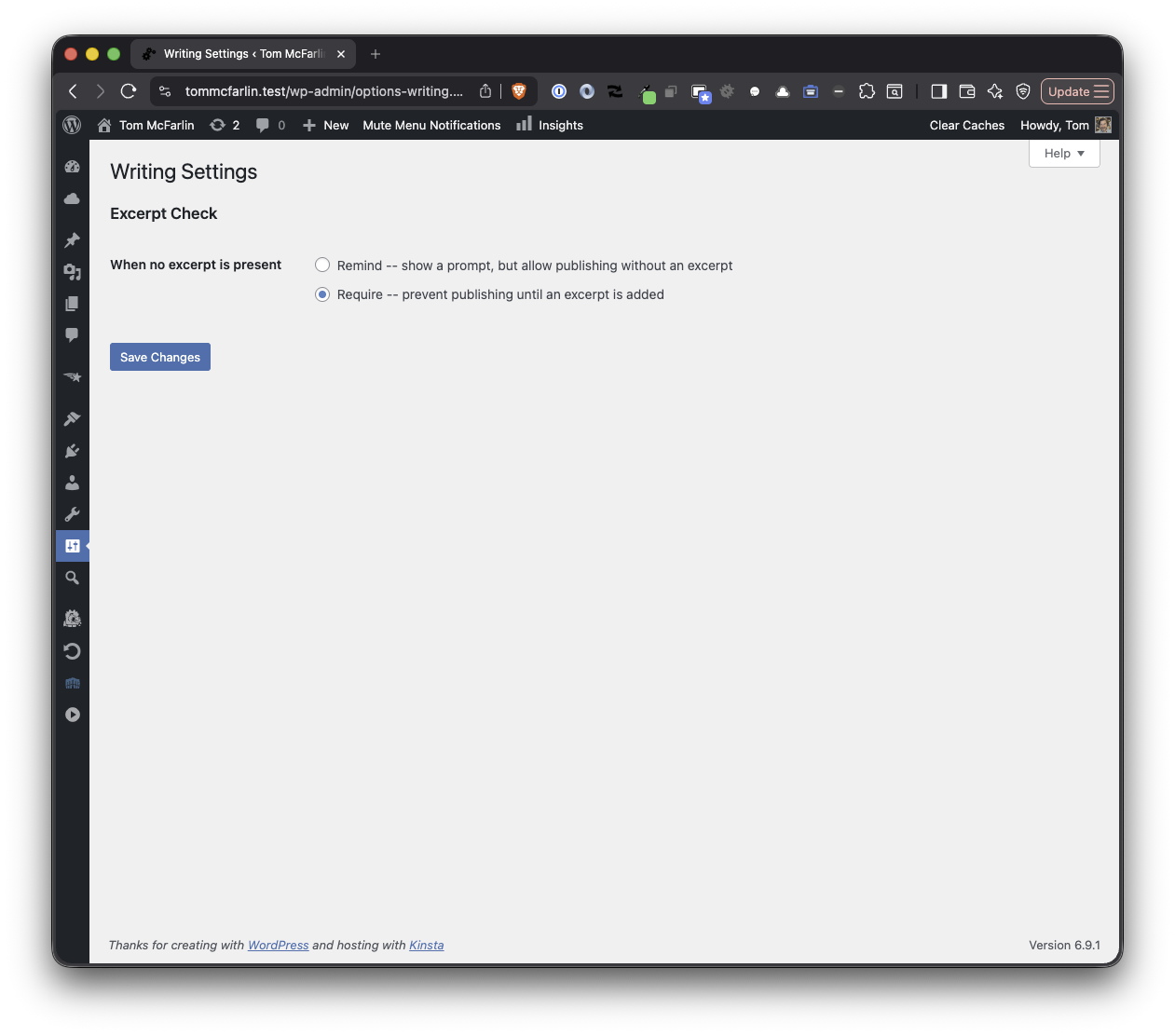
Excerpt Check settings on the Settings > Writing page
Faq
Yes. Excerpt Check fully supports both the Classic Editor and the Block Editor. It intercepts the publish action in both environments and displays a modal prompt.
It depends on the mode you choose. In Remind mode (the default), a prompt appears but you can dismiss it and publish without an excerpt. In Require mode, the prompt has no bypass option — you must add an excerpt before publishing.
Go to Settings > Writing in your WordPress admin. The Excerpt Check options appear at the bottom of the page.
No. Excerpt Check only activates when you publish or schedule a post. It does not retroactively flag posts that were already published without excerpts.
Excerpt Check works with any post type that has excerpt support enabled. If your custom post type supports excerpts, the plugin will work with it automatically.
Reviews
Changelog
1.1.1
- Fixed i18n bypass button label to use sprintf pattern for correct word order in all languages
1.1.0
- Modal bypass button now mirrors the editor’s own button label (e.g. “Save Anyway” instead of “Publish Anyway” when editing a published post)
1.0.0
- Initial release
- Excerpt detection for Classic Editor and Block Editor
- Modal prompt when publishing or scheduling without an excerpt
- Remind mode with option to publish anyway
- Require mode with no bypass option
- Settings on the Settings > Writing page
- Support for any post type with excerpt support enabled