Exit Links Manager

Exit Links Manager
Description
Easily manage links to external websites. This lightweight plugin create an intent page that notifies users when they try to visit a link to an external website. With a user-friendly interface, it is perfect for blogs, news sites etc that often reference other sources. Simple to set up and fully responsive, visitors have a choice to continue to the next page or stay on the same website.
Github Repo
[https://github.com/chrisjrocen/exit-links-manager]
Installation
- Upload the plugin files to the
/wp-content/plugins/exit-links-managerdirectory, or install the plugin through the WordPress plugins screen directly. - Activate the plugin through the ‘Plugins’ screen in WordPress
- Done. Now all external links redirect to a page slug, ‘leaving’.
Screenshots
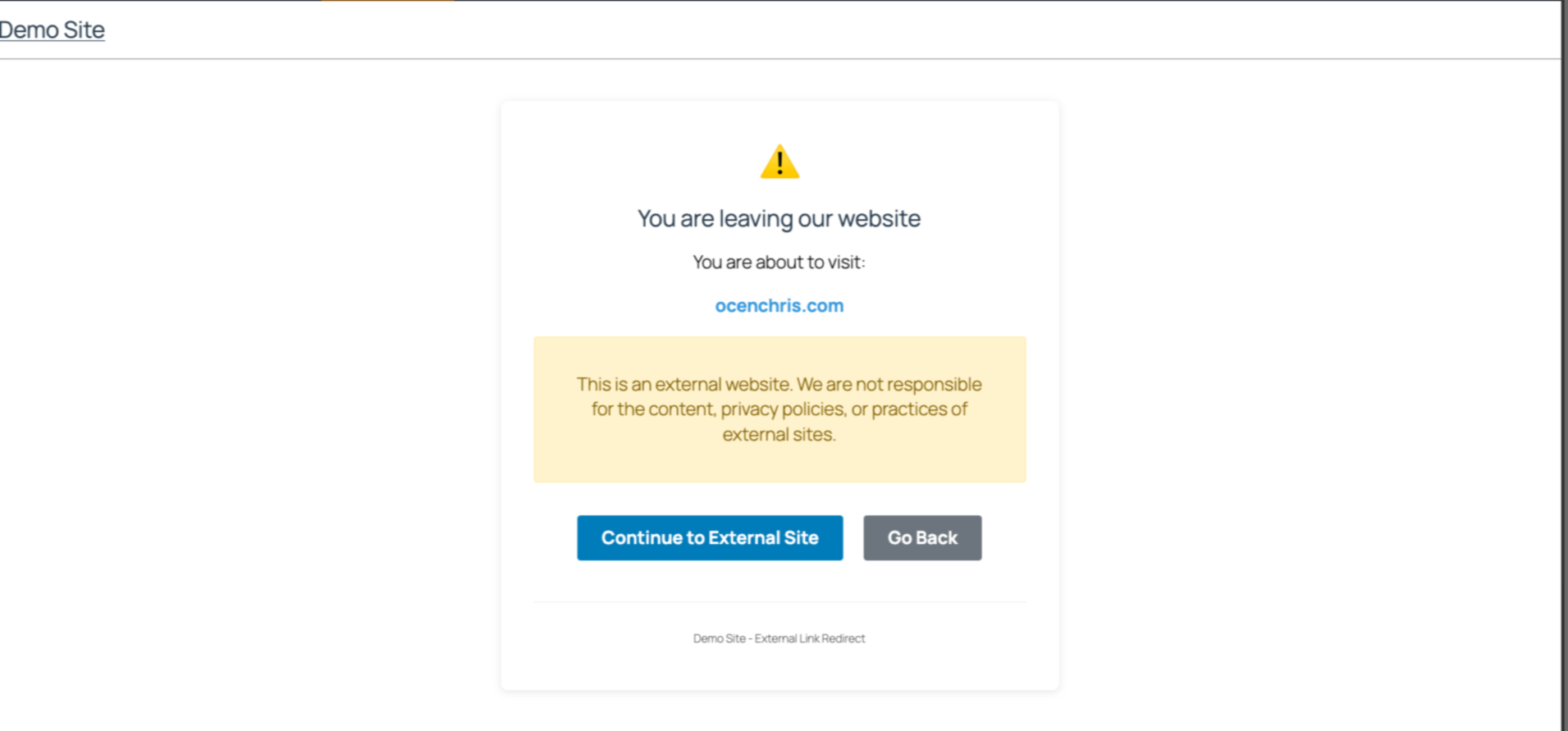
The intent page that is displayed before a user goes to another website.
Faq
The functionality is enabled as soon as you activate the plugin.
Reviews
Changelog
1.0.0: Initial release