Export Without Shortcodes: convert to pure HTML the exported content
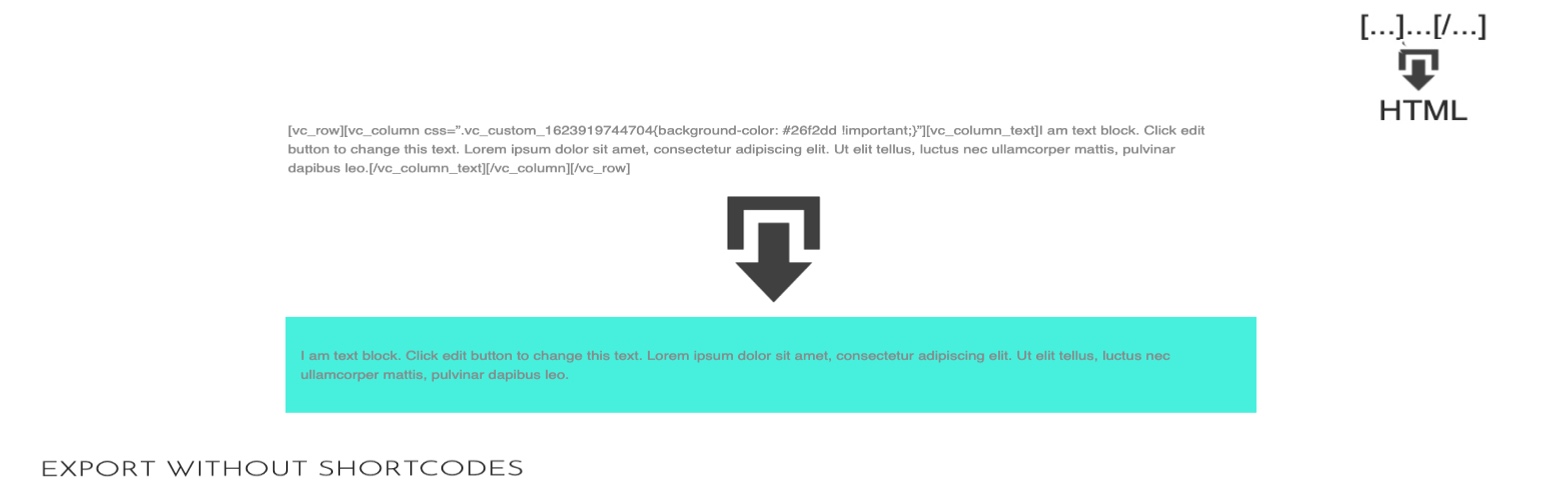
Export Without Shortcodes: convert to pure HTML the exported content
Description
After activation when you export your content, it runs all the shortcodes during the exporting process.
The exported file will not have any more something that looks like [vc_row]…[/vc_row], but the related HTML output.
It’s useful if you want to export the blog posts that were edited with a page builder, but you don’t want anymore the same page builder on the new website.
You can even use it on the same website if you want to convert the content of a page builder to pure HTML.
If a plugin introduces a specific shortcode, and you want to convert that shortcode to pure HTML, then that plugin has to be active during the exporting process.
Export Without Shortcodes works when you export the content from Tools => Export.
In Tools => Export you will also find a field where you can list the shortcodes that you want to keep.
Reviews
Thanks. Great plugin. Worked perfectly.
By 
Thanks!!
Excellent!
By 
Great plugin, does what's expected!
Amazing plugin
By 
Amazing plugin. Like usual from this developer. This plugin will save me a bunch of money. Jose, you need to put some buy me a coffe button on the website. Would love to give some ... at least symbolically. 😀
Great work
Worked perfectly!
By 
PERFECT
By 
Changelog
0.0.3
- Fixed: PHP warning
0.0.2
- Added: settings in Tools => Export to decide which shortcodes should be kept
0.0.1
- First release