EyeDrop AI Alt Text
EyeDrop AI Alt Text
Description
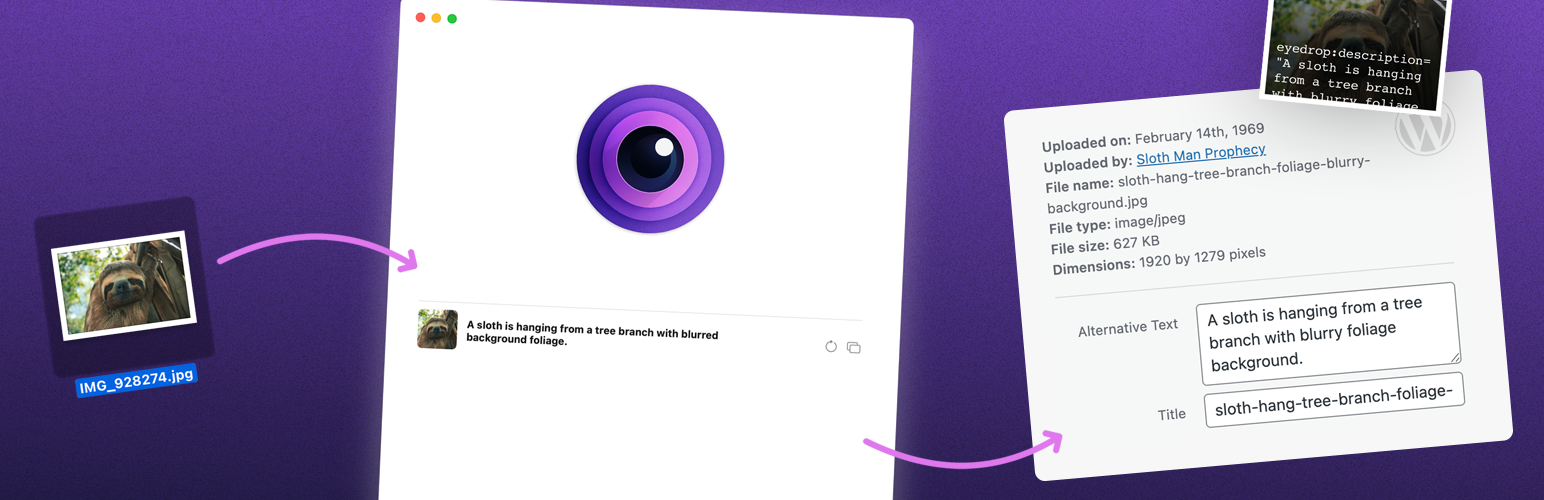
This is the official WordPress companion plugin for EyeDrop for Mac. When you upload an image that has been processed with EyeDrop’s Imprint feature, the plugin automatically reads the embedded AI-generated alt text and sets it as the image’s alt text, caption, or both on upload — no copying or pasting required.
To use this plugin, you’ll need EyeDrop for Mac. Learn more or download a free trial at https://eyedrop.ai.
Installation
- Install the plugin via the WordPress Plugins screen, or upload it manually to your site.
- Activate the plugin.
- Upload an image processed with EyeDrop’s Imprint feature — the embedded alt text will be applied automatically.
Screenshots
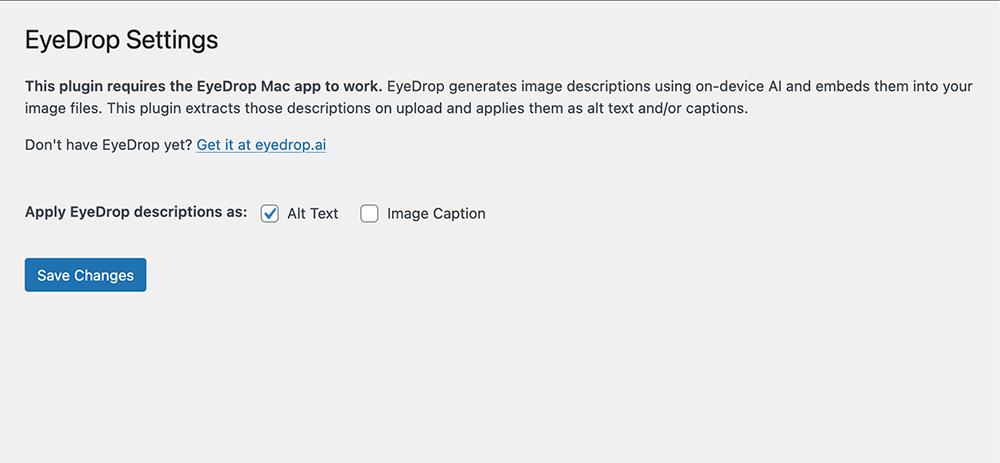
The EyeDrop settings page where you choose to apply AI-generated descriptions as alt text, caption, or both.
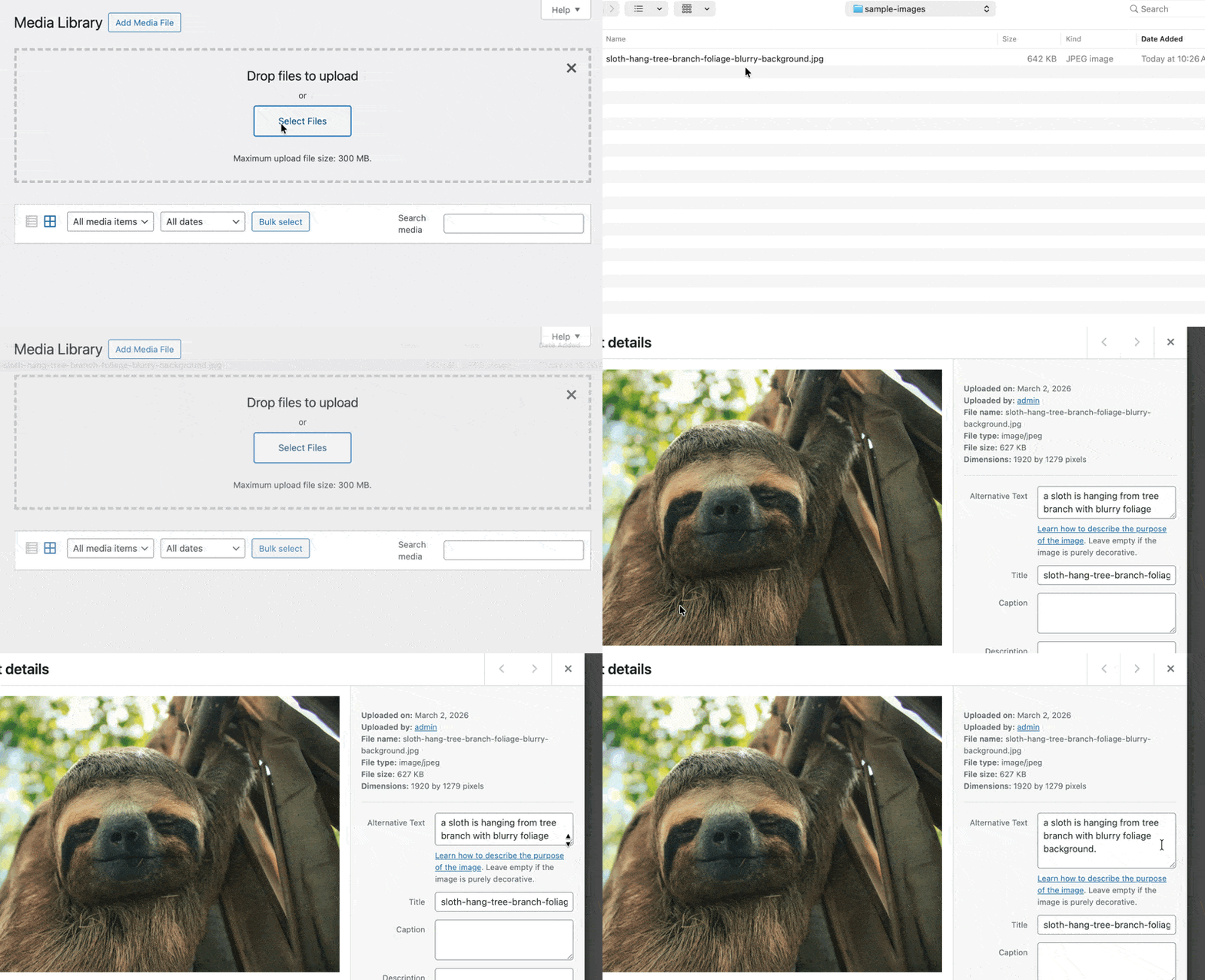
An uploaded image showing the automatically applied alt text in the WordPress Media Library.
Faq
Yes. This plugin reads alt text embedded into images using EyeDrop’s Imprint feature. You can learn more and download a free trial at https://eyedrop.ai.
It currently supports JPEG, PNG, and WebP images that have had alt text embedded using EyeDrop’s Imprint feature. Support for additional formats is coming soon. Images without embedded alt text are not affected.
This plugin is free. EyeDrop for Mac is a one-time purchase with no subscription required.
Reviews
Changelog
1.0.0
- Initial release