Eyeta Biztool
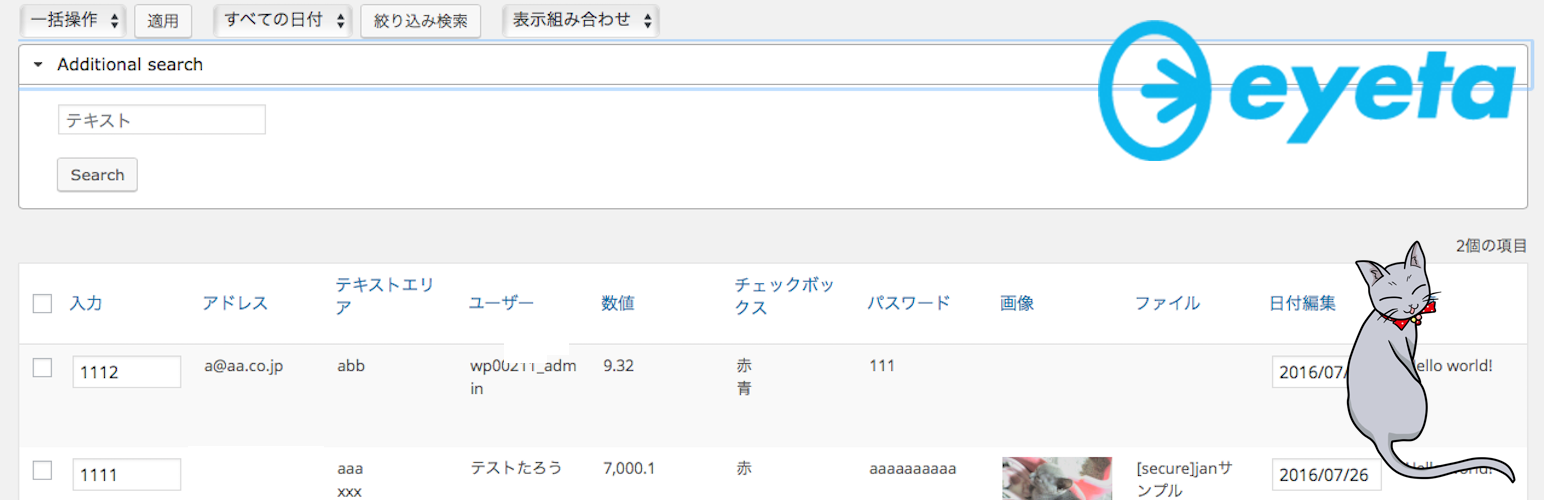
Eyeta Biztool
Description
- You can add an easy-to-use custom field .
- You can display a custom field to the list screen .
- You can edit the custom field on the list screen .
- You can search using a custom field .
Useage
- Open “Biztool Setting”
- Input “Posttype name”
- Click “Add Posttype”
- “Add Posttype , Do you really want ?” say Yes ** You can see posttype setting page
- Select tab “Field Setting”.
- You can add any type fields.
- Select tab “Listview Setting”.
- You can add any listviews
- Select tab “Access right Setting”
- You can Give the authority to the role
Installation
- If you have not yet, Install Eyeta Biztool Plugin
- Upload the entire
eyeta-biztoolfolder to the/wp-content/plugins/directory. - Activate the plugin through the ‘Plugins’ menu in WordPress.
For basic usage, you can also have a look at the plugin homepage.
Screenshots

Open "Biztool Setting"

Input "Posttype name" And Add

Added New Posttype

You can see posttype setting page

Select tab "Field Setting".

You can add any type fields.

Created New Custom Field.

Select tab "Listview Setting".

You can add any listviews

Added Listview

Select tab "Access right Setting"

Listview Sample
Faq
A question that someone might have
An answer to that question.